Do You Have Secondary Gadgets in Quick Match Audio Setups?
Discover why you need backup audio gear. We explore if you have secondary gadgets in quick match setups for seamless Bluetooth multipoint.
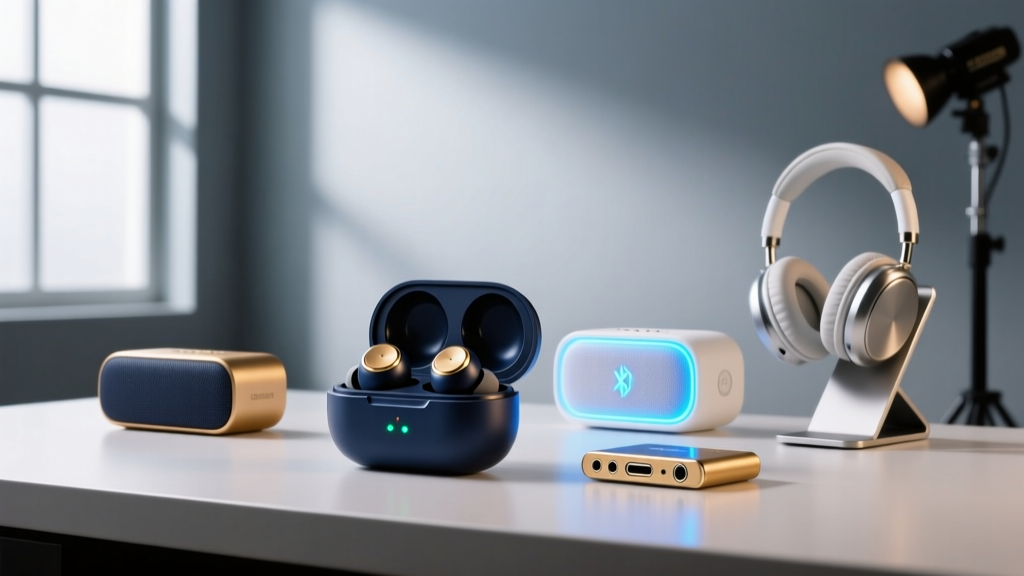
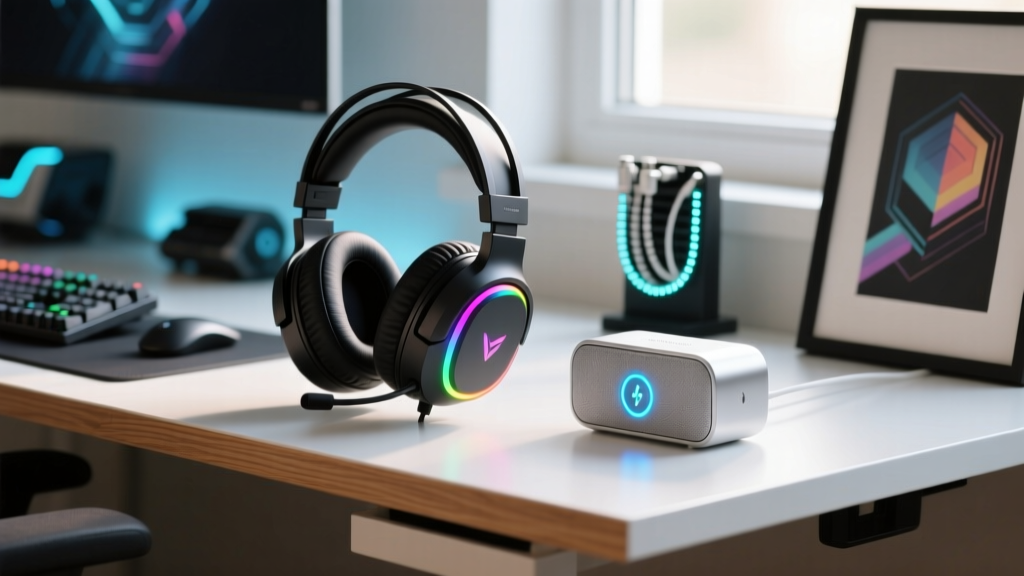
The Multipoint Bottleneck: Why Primary Audio Fails
In the modern tech ecosystem, we place an enormous amount of trust in our primary audio devices. Whether it is a $429 pair of Bose QuietComfort Ultra headphones for your daily commute or a high-end Sonos Roam for weekend travel, the assumption is that this single device will handle every scenario. But what happens when the battery degrades, the Bluetooth LE Audio handshake fails, or the active noise cancellation (ANC) creates dangerous situational blindness?
Audio dropouts are not just an inconvenience; they are a critical failure point for mobile gamers, remote workers, and travelers. According to Bluetooth SIG's latest LE Audio specifications, multipoint connectivity has vastly improved in 2026, yet hardware-level interference in crowded RF environments (like airports or transit hubs) still causes micro-stutters and complete disconnects. This brings us to a vital operational question for any serious tech enthusiast: do you have secondary gadgets in quick match mode ready to deploy when your primary gear fails?
Defining 'Quick Match' in Modern Audio Routing
In gaming, 'Quick Match' refers to jumping instantly into a lobby. In the context of portable audio and smart tech, a 'Quick Match' setup refers to a pre-configured, low-latency secondary device that utilizes Bluetooth 5.4 Multipoint or Auracast broadcast protocols to instantly bridge an audio gap without requiring manual re-pairing or app-based EQ resets.
The Golden Rule of Audio Redundancy: Your secondary gadget should not be a cheaper clone of your primary. It must solve the exact physical or environmental limitations of your main device. If your primary is an over-ear ANC headset, your secondary must be open-ear or bone-conduction. If your primary is a Wi-Fi-dependent smart speaker, your secondary must be a rugged, offline-capable Bluetooth brute.
Practical Picks: Secondary Audio Gear That Actually Works
Building a bulletproof audio ecosystem requires strategic redundancy. Here are the best secondary gadgets to keep in your Quick Match rotation for 2026.
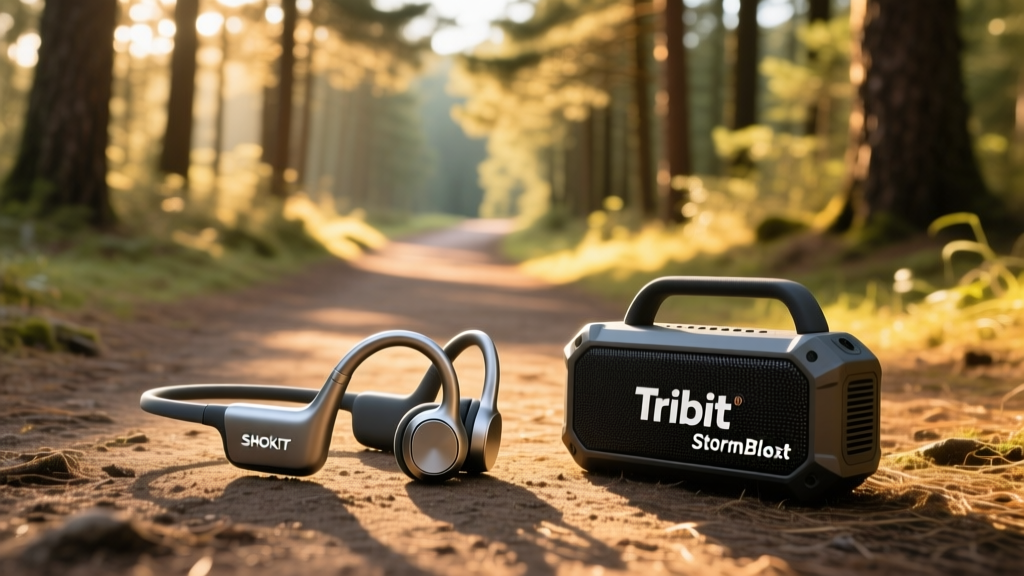
1. The Latency-Free Backup: Shokz OpenRun Pro 2 ($179)
The Problem it Solves: Primary ANC headphones cause ear fatigue and block out critical environmental cues (like transit announcements or approaching vehicles).
The Specs: Featuring 9th-generation bone conduction technology, the OpenRun Pro 2 delivers a frequency response that finally pushes into genuine bass territory (down to 20Hz via their new dual-unit drivers). It boasts an IP55 rating and a 12-hour battery life.
Real-World Insight: While your primary Sony WH-1000XM5 might offer superior isolation, the Shokz is your Quick Match savior for outdoor runs or cycling where ANC is a liability. Furthermore, as SoundGuys notes in their acoustic breakdown, the physical button layout on the Shokz prevents the phantom touch-control misfires that plague TWS earbuds in sub-zero or rainy weather.
2. The Pocket-Sized Redundancy: Anker Soundcore Space A40 ($99)
The Problem it Solves: Over-ear headphones are too bulky for quick transit switches, and primary TWS earbuds often suffer from severe latency spikes when switching between a laptop and a smartphone.
The Specs: These earbuds support LDAC hi-res audio, feature 10 hours of onboard playback (50 hours total with the case), and utilize a highly aggressive multipoint connection algorithm.
Real-World Insight: Testing by Rtings confirms the Space A40's latency drops to under 60ms when using the proprietary gaming dongle or optimized LE Audio codecs. Keep these in your jacket pocket. When your primary headset dies mid-flight, the Space A40's rapid-charge case delivers 4 hours of playback from just a 5-minute USB-C top-up.
3. The Party Failsafe: Tribit StormBox Blast ($179)
The Problem it Solves: Premium smart speakers (like the Sonos Move 2) often throttle volume or drop offline when taken out of Wi-Fi range or pushed to max volume for extended periods, triggering thermal protection limits.
The Specs: The StormBox Blast is a 24-hour battery behemoth featuring dual 30W woofers and dual 15W tweeters. It is IPX7 waterproof and includes the XBass DSP toggle.
Real-World Insight: This is the ultimate analog-style backup. It doesn't rely on complex app handshakes. You hit the physical Bluetooth button, and it connects in under 1.2 seconds. If your primary portable speaker runs out of juice at a campsite, the Blast's massive 10,000mAh internal battery can even double as a power bank to revive your phone via its USB-A out port.
Spec Matrix: Primary vs. Secondary Audio Redundancy
Use this decision matrix to ensure your secondary gadgets actually complement your primary gear rather than duplicating its flaws.
| Device Role | Model Example | Battery Life | IP Rating | Best Quick Match Scenario | Avg. Price |
|---|---|---|---|---|---|
| Primary (Isolation) | Bose QC Ultra | 24 Hours | None | Flights, Office, Commute | $429 |
| Secondary (Awareness) | Shokz OpenRun Pro 2 | 12 Hours | IP55 | Running, Cycling, Transit | $179 |
| Primary (Smart Speaker) | Sonos Move 2 | 24 Hours | IP56 | Patio, Home, Wi-Fi Zones | $499 |
| Secondary (Brute Force) | Tribit StormBox Blast | 24 Hours | IPX7 | Beach, Camping, Pool | $179 |
| Primary (TWS) | Apple AirPods Pro 3 | 6 Hours | IP54 | Gym, Calls, Ecosystem | $249 |
| Secondary (Endurance) | Soundcore Space A40 | 10 Hours | IPX4 | Long Haul, Android Multipoint | $99 |
Step-by-Step: Configuring Seamless Multipoint Handoffs
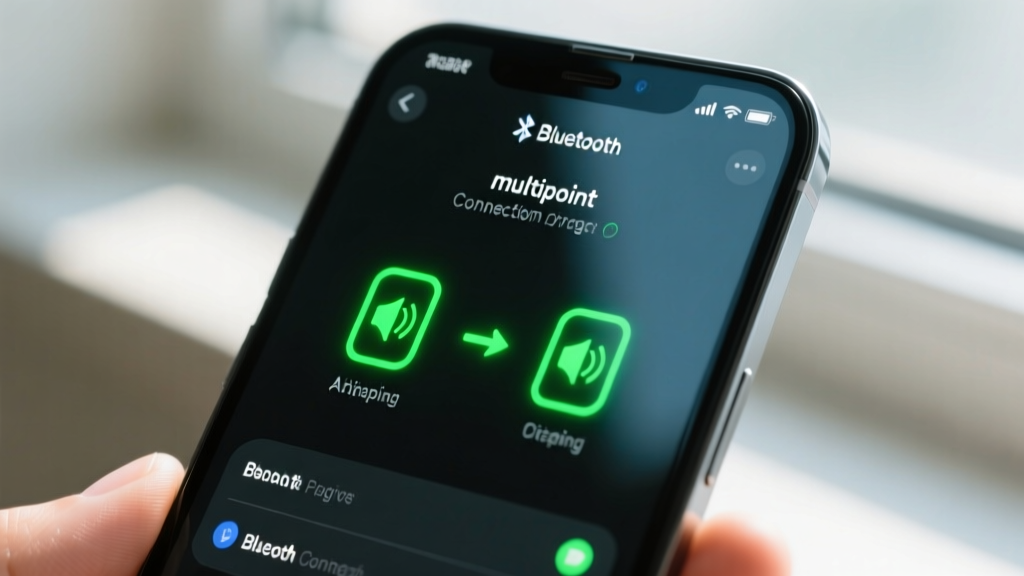
To ensure your secondary gadgets truly operate in 'Quick Match' mode, you must configure your OS-level audio routing to prioritize seamless handoffs. Here is how to set this up on a modern Windows 11 / iOS 19 environment:
- Enable LE Audio: Ensure both your primary and secondary devices support Bluetooth 5.3 or higher. In Windows 11, navigate to Settings > Bluetooth & devices > Audio and toggle on 'LE Audio Broadcast'.
- Set Connection Priorities: Most multipoint connections default to the last active device. Force your secondary device to 'Standby Priority' in its companion app so it doesn't aggressively hijack the audio stream when your primary device is simply paused.
- Map Hardware Shortcuts: Use tools like AutoHotkey (Windows) or Shortcuts (iOS) to map a physical keyboard key or phone widget to 'Disconnect Primary / Connect Secondary'. This reduces the swap time from 15 seconds of menu digging to under 2 seconds.
Final Verdict: Building a Bulletproof Audio Ecosystem
Relying on a single piece of audio hardware is a gamble against battery chemistry, RF interference, and physical wear. By asking yourself, 'do you have secondary gadgets in quick match readiness?', you shift from a passive consumer to an active ecosystem architect. Invest in secondary devices that cover the blind spots of your primary gear—whether that means swapping ANC for bone conduction, or Wi-Fi reliance for rugged Bluetooth endurance. In 2026, true tech mastery isn't just about buying the best primary device; it's about engineering a flawless fallback.
Written by
Priya SharmaPriya Sharma holds a Ph.D. in Acoustical Engineering from the University of Southampton and a B.Tech in Electronics from IIT Delhi. She has spent 9 years as a consumer electronics journalist, with deep specialization in audio equipment, camera systems, and assistive technology. Priya is an active member of the Audio Engineering Society (AES) and has co-authored papers on spatial audio perception published in the Journal of the Acoustical Society of America. Her reviews of headphones, portable DACs, and studio monitors include objective measurements using Audio Precision analyzers alongside subjective listening tests. She also serves on the advisory board of the Global Accessibility Reporting Initiative (GARI), evaluating mobile devices for users with visual and hearing impairments.