Setting Up Cool Tech Gadgets for Men: A Complete EDC Guide
Master your everyday carry with our step-by-step setup guide for cool tech gadgets for men, covering power matrices, smart trackers, and off-grid comms.

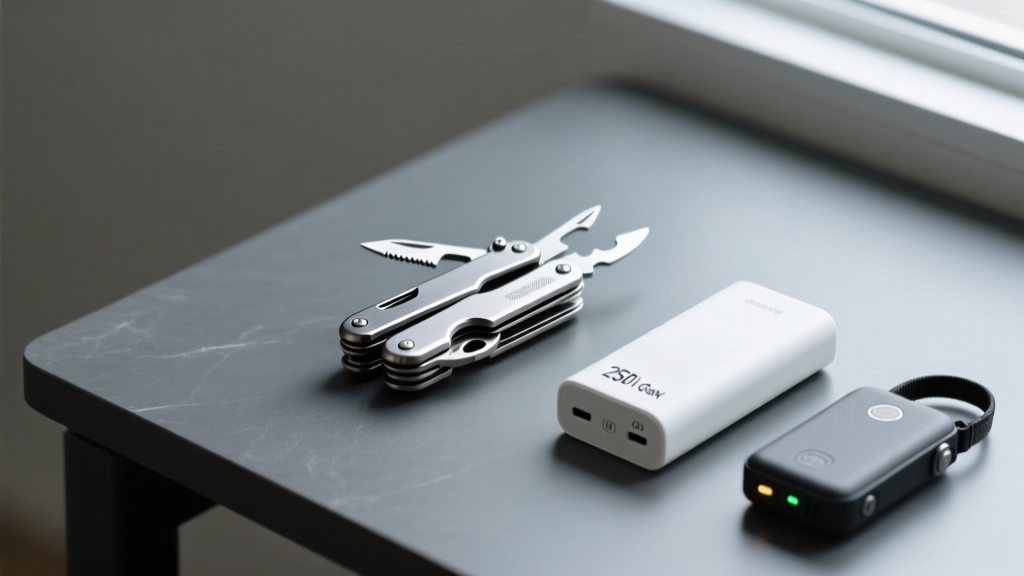
Building a modern Everyday Carry (EDC) is no longer about simply stuffing a multi-tool and a flashlight into your pockets. In 2026, the most effective setups function as an integrated ecosystem. When selecting cool tech gadgets for men, the goal is seamless synergy: your power matrix should communicate with your devices, your asset trackers should leverage ultra-wideband (UWB) precision, and your off-grid communicators should operate on automated macro routines.
This guide bypasses the generic gear lists and provides a technical, step-by-step framework for configuring, calibrating, and maintaining a high-performance tech EDC.
The Core Power Matrix: GaN Charging and Battery Preservation
The foundation of any tech-heavy EDC is reliable, high-wattage portable power. The current gold standard is the Anker Prime 27,650mAh Power Bank (250W), retailing around $179. However, simply plugging it in is a mistake that degrades lithium-ion cells prematurely.
Step-by-Step Power Calibration
- Firmware Flash: Out of the box, connect the Prime to your smartphone via Bluetooth and open the Anker app. Update the internal BMS (Battery Management System) firmware immediately to patch early 2025 voltage regulation bugs.
- Set the 80% Cap: Navigate to the 'Smart Battery Protect' settings. Cap the maximum charge limit at 80%. According to battery university research, storing and cycling lithium-ion cells between 20% and 80% triples the total cycle life from roughly 500 to over 1,500 cycles.
- Thermal Throttling Configuration: Set the thermal threshold to 40°C (104°F). GaN (Gallium Nitride) chargers run hot; preventing the internal temperature from exceeding 40°C preserves the integrity of the internal solder joints during sustained 140W laptop charging.
Smart Tracking: UWB Networks and Asset Recovery
Losing high-value gear like a $3,000 mirrorless camera or a custom mechanical keyboard is a preventable failure. Modern trackers use UWB (Ultra-Wideband) to provide directional precision down to the centimeter. According to Apple's official AirTag specifications, the U1/U2 chip uses precisely timed radio waves to calculate distance and direction.
Tracker Ecosystem Decision Matrix
| Feature | Apple AirTag (2nd Gen) | Chipolo ONE Point | Tile Pro (2025 Refresh) |
|---|---|---|---|
| Network | Apple Find My (1B+ devices) | Google Find My Device | Tile Network (Limited) |
| Precision Finding | Yes (UWB) | No (Bluetooth RSSI only) | No (Bluetooth RSSI only) |
| Battery | User-replaceable CR2032 | User-replaceable CR2032 | Non-replaceable (1-yr life) |
| Anti-Stalking | Audible alert + NFC tap | Android OS-level alerts | App-dependent alerts |
| Best For | iOS Users / High-value bags | Android Users / Keys | Cross-platform legacy setups |
Setting Up a 'Ghost' Tracker for High-Value Gear
If you are tracking a camera bag or a drone case, do not just drop an AirTag inside. Thieves routinely use RF detectors to find and disable them.
- The Decoy Method: Place a loud, easily accessible Tile on the outside zipper pull. Hide the Apple AirTag inside a sewn-in Faraday sleeve within the bag's lining. The Faraday mesh blocks the Bluetooth 'ping' until the bag is opened or the sleeve is removed, preventing RF sweepers from locating it.
- Speaker Disablement: While Apple has made it harder to disable the AirTag speaker without triggering a 'tampered' alert on the Find My network, you can muffle the sound by wrapping the tracker in high-density acoustic foam before placing it deep inside a padded camera insert.
Off-Grid Connectivity: Satellite Messenger Configuration
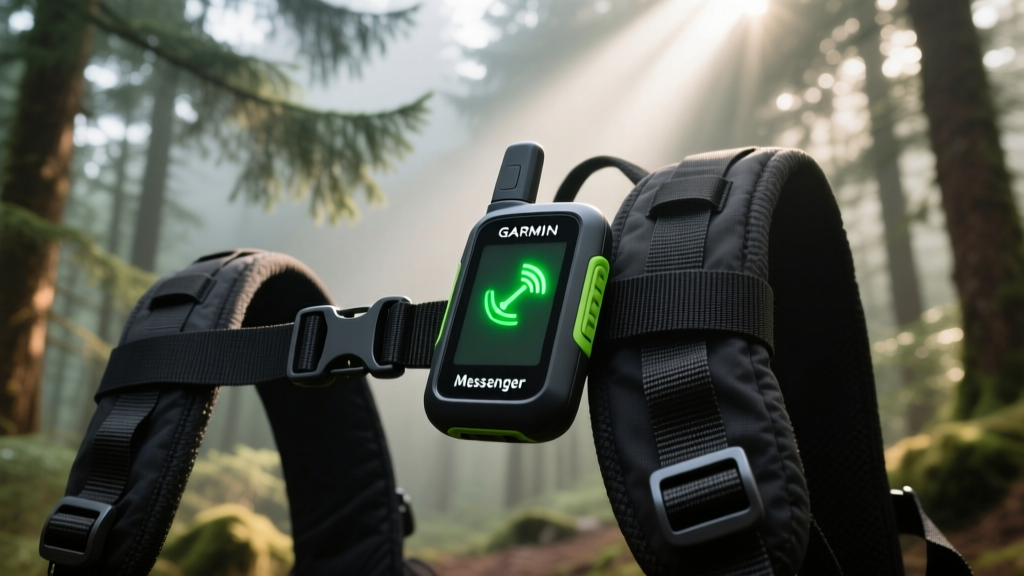
When your EDC takes you outside cellular range, a satellite messenger is non-negotiable. The Garmin inReach Messenger (approx. $299) is currently the most compact bidirectional satellite communicator on the market. As noted in Garmin's technical documentation, it utilizes the Iridium satellite network, which offers true pole-to-pole global coverage, unlike geostationary networks that struggle at high latitudes.
Automating Your SOS and Check-In Macros
Do not rely on typing out messages via the Garmin Messenger app while stressed or injured. Pre-configure your macros before you leave the house.
- Activate the Iridium Subscription: Choose the 'Recreation' plan ($15/month) if you only need it for weekend trips, or the 'Expedition' plan ($65/month) for unlimited tracking and texting.
- Configure the 'Check-In' Button: In the Garmin Explore web portal, set the physical Check-In button on the device to send a pre-written macro: 'All good. Current location attached. Will check in again in 12 hours.' Map this to send simultaneously to your primary emergency contact and a secondary contact via SMS and email.
- SOS Routing Test: Once a month, use the 'Test SOS' feature in the app settings. This pings the GEOS International Emergency Response Coordination Center without dispatching rescue services, verifying your registration and routing data are active.
Physical-Digital Tool Integration
The physical tools in your EDC must complement your digital ones. The Leatherman Arc ($229) features MagnaCut blade steel, which holds an edge significantly longer than traditional 420HC steel, but it lacks digital precision.
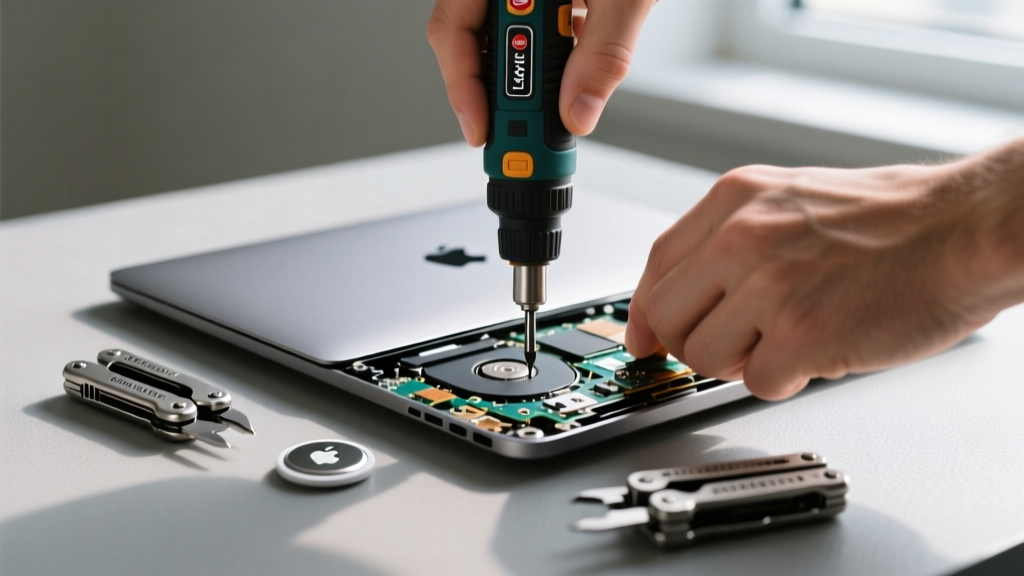
Pair it with the HOTO Electric Precision Screwdriver Kit ($40). When repairing a drone or swapping a laptop SSD in the field, the HOTO's magnetic bit holder and adjustable torque settings (0.2 to 0.5 N·m) prevent you from stripping microscopic P2 pentalobe screws—a common failure point when using manual multi-tool drivers on modern consumer electronics.
Troubleshooting Common EDC Tech Failures
Decision Tree: Device Not Charging
- Symptom: Power bank shows 100%, but laptop won't charge.
- Cause 1: Cable lacks an E-Marker chip. Standard USB-C cables cap at 60W (3A). You need a 100W/240W (5A) E-Marker cable to trigger the 140W PD 3.1 handshake.
- Cause 2: Port debris. Use a wooden toothpick (never metal) to scrape compacted pocket lint out of the laptop's USB-C port.
- Symptom: AirTag shows 'Last Seen 4 Hours Ago'.
- Cause 1: CR2032 battery depletion. UWB drains batteries 30% faster than standard Bluetooth pinging. Swap the battery.
- Cause 2: Firmware hang. Remove the battery, press the metal contact plate for 10 seconds to drain residual capacitor charge, and reinsert.
Maintenance and Firmware Schedule
To ensure your cool tech gadgets for men remain operational when you need them most, adhere to this strict quarterly maintenance schedule:
| Interval | Task | Tools Required |
|---|---|---|
| Weekly | Wipe down multi-tool pivot points; check satellite messenger battery level. | Microfiber cloth, Tether Tools wipe. |
| Monthly | Run 'Test SOS' on Garmin inReach; cycle power bank from 20% to 80%. | Garmin Explore App, Anker App. |
| Quarterly | Replace AirTag CR2032 batteries; apply nano-oil to Leatherman Arc pivots. | CR2032 batteries, Nano-Oil 10W. |
| Annually | Sharpen MagnaCut blade; update all hub and tracker firmware. | Lansky diamond sharpener, Wi-Fi connection. |
By treating your EDC as a calibrated system rather than a random collection of objects, you ensure that every piece of gear performs exactly as engineered. The intersection of physical durability and digital intelligence is where the modern carry truly excels.
Written by
David OkaforDavid Okafor is an ASE (Automotive Service Excellence) Master Certified Technician with 15 years of professional experience in vehicle diagnostics, aftermarket electronics installation, and fleet management. He holds an Associate Degree in Automotive Technology from Universal Technical Institute and certifications in mobile electronics (MECP Certified Installer). David has installed and reviewed over 800 car tech products — from OBD2 scanners and dash cams to full infotainment system retrofits — in vehicles ranging from economy compacts to luxury SUVs. His popular YouTube channel "AutoTech David" has over 150,000 subscribers and features detailed installation tutorials and product teardowns. He is a regular contributor to the SEMA Show's aftermarket technology showcase and advises two automotive tech startups on product development.