Top Smart Home Cleaning Gadgets for Home Offices 2026
Discover the best smart home cleaning gadgets for your workspace. Solve desk dust, cable grime, and under-desk crumbs with these practical 2026 picks.
The Home Office Cleaning Dilemma: Why Standard Tools Fail
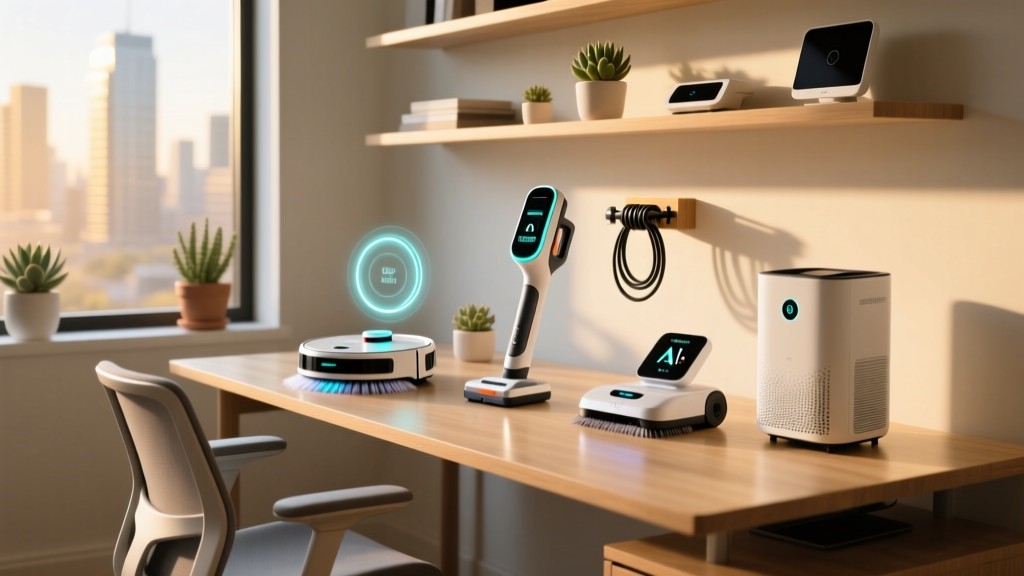
When we think of household cleaning, we picture kitchens and living rooms. But the home office is a unique micro-environment that breeds a very specific type of grime. Between the static charge from monitors attracting micro-dust, the skin cells shedding onto mechanical keyboards, and the tangled 'cable spaghetti' under the desk trapping every stray crumb, standard cleaning tools simply fall short. A traditional feather duster just redistributes toner particles into the air you breathe, while a standard upright vacuum will inevitably choke on an errant Ethernet cable.
As remote and hybrid work models solidify in 2026, maintaining a pristine, allergen-free workspace is no longer just about aesthetics; it is directly tied to cognitive function and hardware longevity. Dust buildup in PC towers and monitor vents leads to thermal throttling, while poor indoor air quality causes the infamous '2 PM brain fog.' To solve these issues, you need targeted, intelligent tools. Below, we break down the most effective smart home cleaning gadgets designed specifically to tackle the unique pain points of the modern home office.
Problem 1: Micro-Dust on Monitors and Keyboards
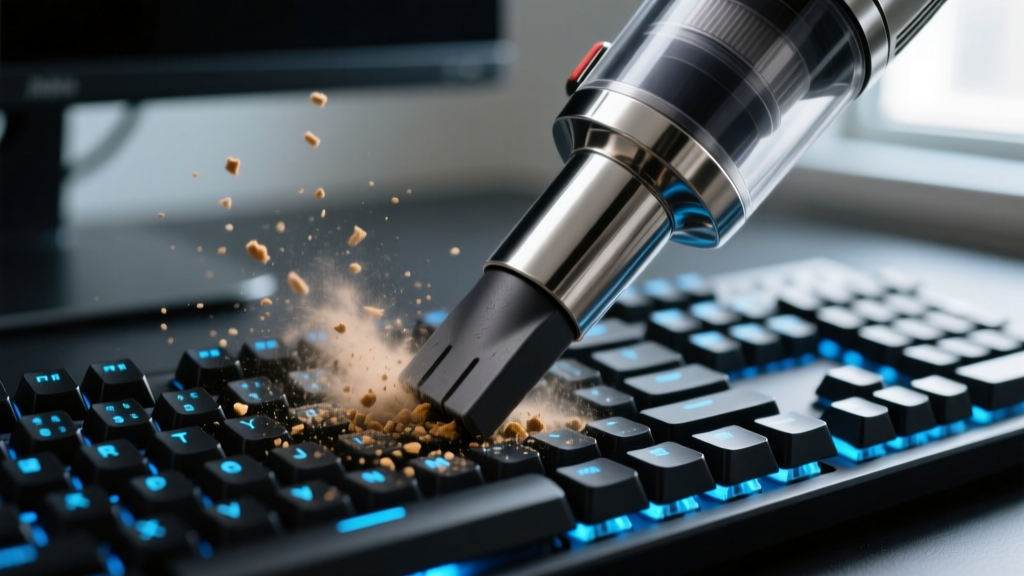
Your desk is the epicenter of dust accumulation. Every time you type, you launch microscopic skin cells and food particles into the crevices of your keyboard. Standard compressed air cans are not only wasteful and freezing-cold, but they also just blow the dust deeper into your switch housings or onto the floor, where it gets kicked back up later.
Practical Pick: Baseus A3 Pro Desktop Vacuum
For targeted desk cleaning, the Baseus A3 Pro (priced around $45 to $55) is a revelation. Unlike the cheap, novelty desktop vacuums of the past decade that offered a pathetic 2,000 Pa of suction, the A3 Pro utilizes a brushless motor delivering an impressive 15,000 Pa. It easily extracts debris from the tight gaps of a Keychron Q1 or the delicate scissor switches of a Magic Keyboard.
- The Good: The built-in HEPA filter captures 99.9% of fine particulate matter, ensuring you are not just blowing dust back into your face. The metallic build prevents static buildup.
- The Failure Mode: The impeller is not designed for heavy office staples or large paperclips. If you suck up a staple, it can jam the motor. Always do a visual sweep of your desk before turning it on.
- Pro Tip: The HEPA filter clogs with skin oils and fine toner dust after about three weeks of heavy use, dropping suction by up to 40%. Tap the filter out over a trash can weekly, and rinse it (letting it dry for 24 hours) once a month.
Problem 2: The Under-Desk Crumb and Cable Grime Trap
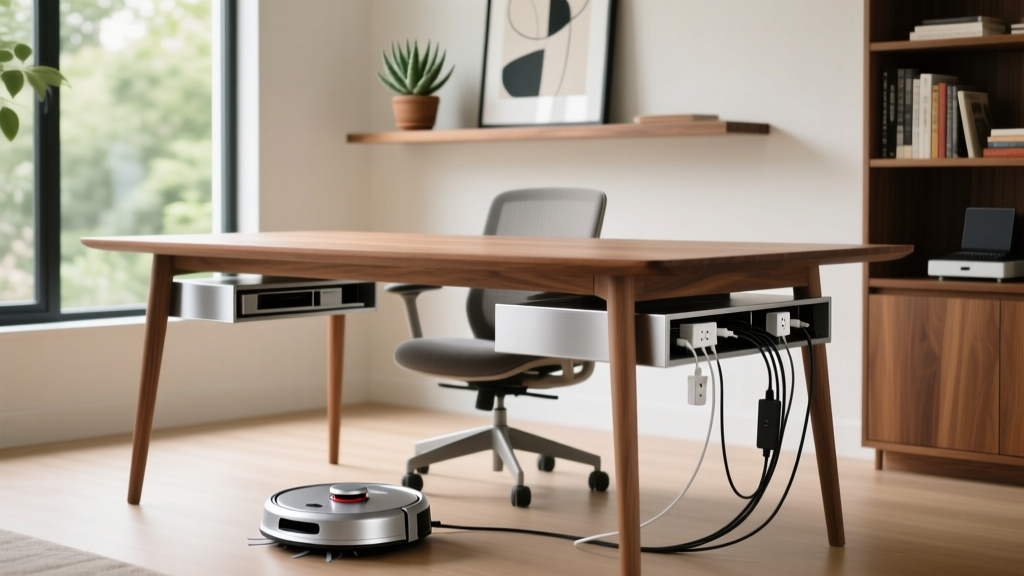
The floor beneath your desk is a nightmare for traditional vacuums. You likely have a power strip, a monitor arm mount, and various charging cables snaking across the floor. Sending a standard robot vacuum under your desk usually results in a tangled mess, requiring you to physically rescue the robot and untangle your CAT6 cables.
Practical Pick: iRobot Roomba Combo j9+
To solve the under-desk trap, you need advanced AI obstacle avoidance. The iRobot Roomba Combo j9+ (retailing between $799 and $999) is currently the gold standard for chaotic home office floors. According to extensive testing by RTINGS in their iRobot Roomba Combo j9+ Review, the PrecisionVision Navigation system specifically recognizes and avoids common hazards like power cords, headphones, and even pet waste.
- The Good: It maps your office and allows you to set specific 'keep out' zones. You can draw a virtual box around your rolling chair mat so the vacuum cleans right up to the edge without getting stuck on the lip.
- The Failure Mode: Optical sensors can be blinded by direct sunlight. If your desk is positioned directly in front of a south-facing window, the afternoon glare might cause the vacuum to misidentify a black cable as a shadow and run over it.
- Pro Tip: Wipe the cliff sensors and the front camera lens with a microfiber cloth and a drop of isopropyl alcohol every two weeks. Dust smudges on the lens degrade the AI's ability to recognize thin cables.
Problem 3: Stale Air and Allergen Buildup in Small Offices
Home offices are often small, enclosed spaces (frequently converted spare bedrooms or 10x10 dens). When you shut the door for deep work, CO2 levels spike, and volatile organic compounds (VOCs) off-gas from your electronics, furniture, and 3D printers. The EPA notes that indoor VOC levels can be up to 10 times higher than outdoors, leading to headaches and fatigue.
Practical Pick: Coway Airmega 150
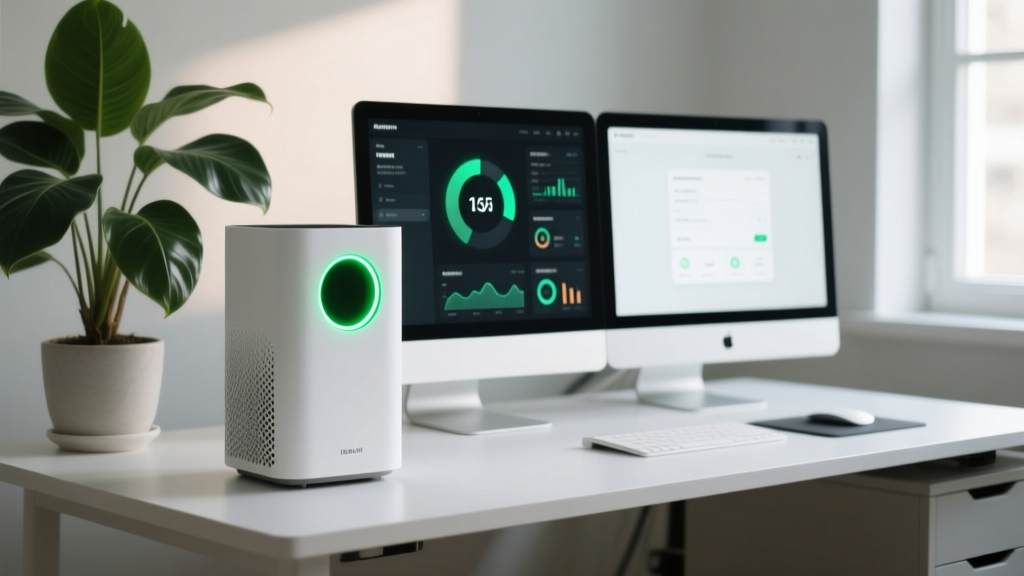
You do not need a massive, $800 tower for a 120-square-foot office. The Coway Airmega 150 (approximately $129 to $149) is a compact, smart air purifier that punches well above its weight class. Recognized in Wirecutter's Best Air Purifier Guide for its efficiency, it features a True HEPA filter and a deodorization carbon filter.
- The Good: With a CADR (Clean Air Delivery Rate) of 138 CFM, it can cycle the air in a standard 10x12 home office roughly four times an hour. The eco-mode uses the smart particulate sensor to power down when the room is clean, saving energy and keeping noise below a whisper-quiet 22 dBA.
- The Failure Mode: The intake vents are located on the front and sides. Many users push the unit flush against a wall or hide it behind a filing cabinet, which chokes the airflow and renders the smart sensor useless.
- Pro Tip: Maintain a strict 15-inch clearance on all sides of the unit. If you use a laser printer in your office, the heavy toner dust will clog the pre-filter rapidly; vacuum the outer mesh of the Airmega 150 monthly.
Comparison Matrix: Smart Cleaning Gadgets for the Workspace
Use this quick-reference table to match your specific home office pain point with the right hardware.
| Gadget | Target Problem | Key Specs / Output | Price Range (2026) | Known Weak Point |
|---|---|---|---|---|
| Baseus A3 Pro | Keyboard Micro-Dust | 15,000 Pa Suction | $45 - $55 | Impeller jams on staples |
| iRobot Roomba Combo j9+ | Under-Desk Cables | AI Obstacle Avoidance | $799 - $999 | Sensors blinded by window glare |
| Coway Airmega 150 | Stale Air / VOCs | 138 CFM CADR | $129 - $149 | Intake blocked by walls/desks |
| Elegram Blower Mini | PC Tower / Vent Dust | 110,000 RPM Motor | $60 - $80 | Battery drains fast on max speed |
Maintenance Framework: Keeping Your Smart Cleaners Running
Smart gadgets require smart maintenance. A neglected robot vacuum or clogged desktop HEPA filter will do more harm than good, often just recirculating the very dust you are trying to eliminate. Implement this 5-minute monthly maintenance routine:
- Sensor Calibration: Use a dry, lint-free microfiber cloth to wipe the LiDAR turrets, cliff sensors, and charging contacts on your robot vacuum. Never use glass cleaner, as the ammonia can cloud the plastic sensor covers.
- Brush Roll Extraction: Hair and carpet fibers wrap tightly around the rubber extractors. Use the built-in hook tool (or a pair of flush-cut snips) to slice and pull the debris. Ignoring this strains the brush motor, leading to premature failure.
- Filter Tapping: For desktop vacuums and air purifiers, remove the HEPA filter and gently tap it against the inside of a garbage can. Do not use compressed air to clean a HEPA filter, as the high pressure will tear the microscopic glass fibers, ruining the filtration integrity.
Frequently Asked Questions
Can I use a robot vacuum on high-pile rugs in my home office?
Yes, but with caveats. High-pile rugs create significant rolling resistance, which drains the robot's battery much faster and can cause the brush roll to stall. If your office features a thick rug, ensure your robot vacuum has a 'carpet boost' feature (like the Roomba j9+), which automatically increases suction and adjusts the brush height when it detects carpet fibers.
How often should I replace the HEPA filter in my desktop vacuum?
While manufacturers often claim a 6-month lifespan, real-world home office usage tells a different story. If you eat at your desk or use a laser printer nearby, expect to replace the desktop vacuum's HEPA filter every 8 to 12 weeks. A good indicator that it is time for a replacement is when the exhaust air begins to smell slightly stale or musty.
Are smart air purifiers worth the premium over manual ones?
For a home office, absolutely. A smart purifier with an integrated particulate sensor (like the Coway Airmega 150) will automatically ramp up its fan speed when it detects a spike in dust—such as when you are aggressively cleaning your desk or shaking out a blanket. This reactive cleaning ensures your air quality remains optimal without you having to manually adjust the settings while you are in the middle of a deep-work session.
Written by
Marcus WebbMarcus Webb served as a U.S. Army logistics officer for 8 years, where he managed field equipment procurement and tactical gear evaluation across three combat deployments. After honorable discharge, he earned a certification from the Professional Knife Makers Association and became a certified Wilderness First Responder (WFR). Marcus has tested over 500 EDC products in extreme environments — from -40°F in Alaska to 120°F in the Mojave Desert — using military-spec testing protocols. His reviews of multi-tools, tactical flashlights, and survival gear are known for their rigorous methodology: controlled drop tests from 6 feet, 120-minute water submersion at 2 meters, and lateral torque testing at 45 Nm. He is a member of the Blade Show judging panel and contributes to OutdoorGearLab.