How to Build a Smart Command Desk Using Top Gadgets for Guys
Build a smart command desk with this setup guide. We integrate top gadgets for guys, focusing on high-wattage power delivery, smart lighting, and macros.
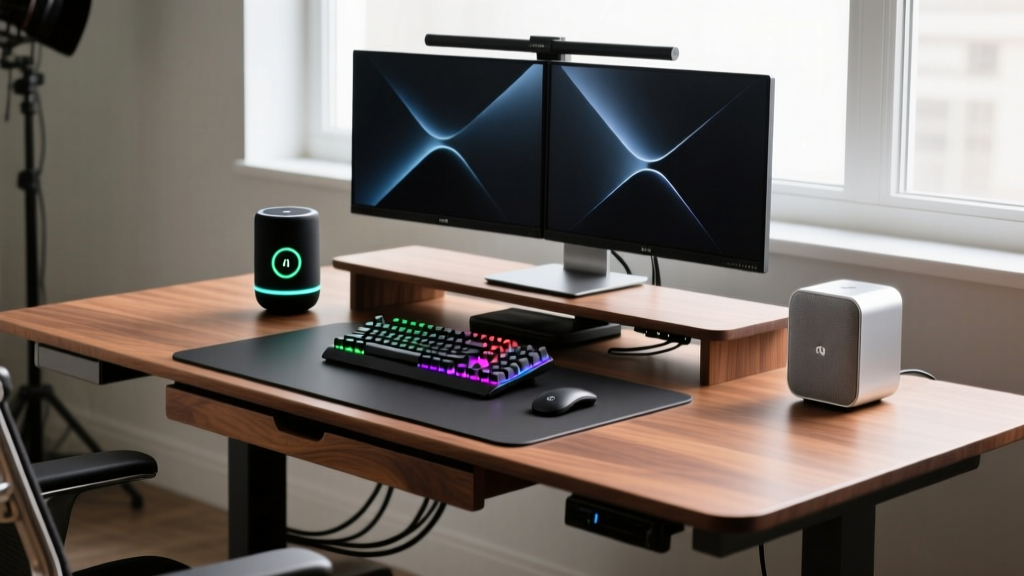
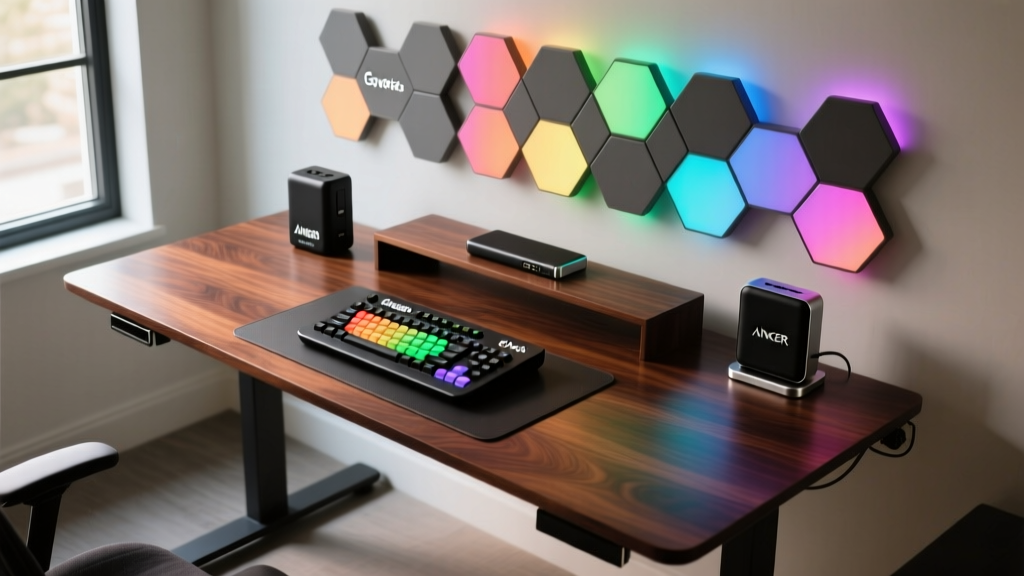
The Anatomy of a Modern Command Center
Transitioning from a standard workspace to a fully integrated smart command desk requires more than just buying expensive tech; it demands a deliberate approach to power routing, environmental control, and macro automation. As of 2026, the market for premium desktop integration has matured, meaning off-the-shelf solutions now offer enterprise-grade reliability for home setups. This guide details the exact hardware, wiring topology, and software configuration required to build a high-performance command center using the most effective gadgets for guys who demand both utility and aesthetic precision.
Hardware & Power Delivery Matrix
Before mounting a single component, map your power draw. Overloading a single USB-C hub leads to voltage drops and peripheral disconnects. Use this matrix to allocate your high-wattage desktop power station.
| Device | Max Wattage Draw | Recommended Port | Cable Specification |
|---|---|---|---|
| Primary Laptop (e.g., MacBook Pro M4 Max) | 140W | USB-C 1 (PD 3.1) | 240W E-Marked USB4 |
| Smartphone (Fast Charge) | 45W - 65W | USB-C 2 (PD 3.0) | 100W USB-C 3.2 |
| Elgato Stream Deck + | 15W | USB-A 3.0 | Standard USB-A to C |
| Wireless Mouse/KB Dongle | 5W | Powered Hub / USB-A | Standard USB-A |
Phase 1: Establishing the High-Wattage Power Backbone
The core of any modern desk setup is a reliable, high-capacity power delivery system. The Anker Prime 27,650mAh Power Bank (Model A1289) is currently the benchmark for desktop power routing, offering a massive 250W total output. Priced around $129.99, it functions not just as a mobile battery, but as a desktop UPS (Uninterruptible Power Supply) when left plugged into its dedicated 100W wall charger.
According to The Verge's hardware analysis, the A1289's standout feature is its single-port 140W PD 3.1 output. To utilize this, you must plug your primary laptop into Port 1. If you attempt to charge a 140W laptop and a 65W phone simultaneously, the power bank's internal BMS (Battery Management System) will throttle Port 1 to 100W to prevent overheating, which will slow your laptop's charge rate under heavy load.
Phase 2: Calibrating Ambient and Task Lighting
Task lighting reduces eye strain, while ambient bias lighting improves perceived contrast on your monitors. The Govee Glide Hexa Pro ($149.99) offers superior color accuracy (CRI > 90) compared to cheaper alternatives, making it ideal for both video calls and focused work sessions.
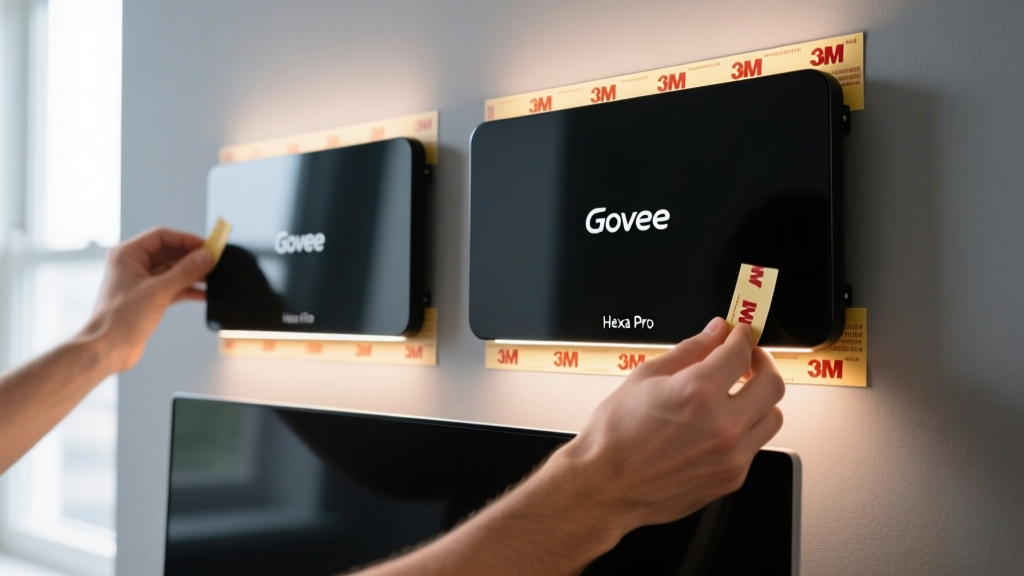
The most common failure point when installing modular wall lights is adhesive failure, resulting in panels crashing onto your desk. The Hexa Pro uses 3M VHB (Very High Bond) tape, which requires a specific chemical curing process to achieve maximum hold.
- Surface Prep: Wipe the mounting area on your wall with 70% isopropyl alcohol. Do not use household glass cleaners, as they leave a slippery residue that prevents the VHB acrylic from bonding to the drywall paint.
- Mount Application: Press the plastic mounting plates firmly against the wall for 30 seconds each.
- The 24-Hour Cure: This is the step most users skip. You must wait a full 24 hours before snapping the actual light panels onto the mounts. The VHB adhesive is viscoelastic; it needs time to flow into the microscopic pores of your wall's paint. Attaching the heavy panels immediately will cause them to peel off within a week.
- Angle Calibration: Mount the primary cluster exactly 24 inches above your monitor's top bezel, tilted downward at a 15-degree angle. This prevents direct glare from hitting your retinas while casting an even gradient against the wall.
Phase 3: Programming Environmental Macros
A true command desk anticipates your needs. The Elgato Stream Deck + (Model 104GBA01), retailing at $199.99, is the premier macro controller for this setup. Unlike the standard model, the '+' version includes four tactile rotary dials and eight LCD keys. As noted in PCMag's comprehensive review, the dials are what elevate this device from a simple streamer tool to a comprehensive desk command module.
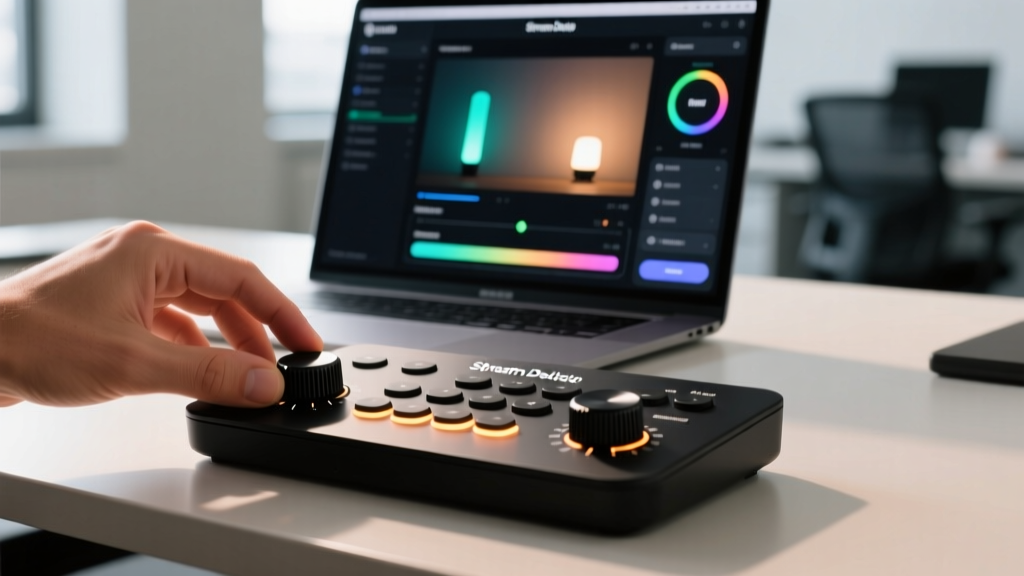
To maximize the Stream Deck +, you must configure the dials for relative, rather than absolute, environmental control. Here is the exact configuration for the ultimate 'Focus Mode' macro:
- Dial 1 (Master Volume): Map to Windows/Mac system volume. Set the adjustment step to 5% per click to avoid blowing out your eardrums with accidental spins.
- Dial 2 (Govee Hexa Brightness): Map to the Govee Developer API or IFTTT. Set to relative dimming.
- Dial 3 (Monitor Brightness): Use the 'Monitor Brightness' plugin to control external displays via DDC/CI protocols.
- Dial 4 (Desk Fan / Climate): Map to a smart plug controlling a localized desk fan or space heater.
Routine Maintenance & Firmware Schedules
High-end gadgets require specific maintenance to prevent battery degradation and software bloat. Implement this quarterly schedule to maintain peak performance:
- Anker Prime Battery Calibration: Lithium-ion cells suffer from voltage curve drift if kept at 100% constantly via pass-through charging. Every 90 days, unplug the power bank from the wall, drain it down to 10% by charging your laptop and phone, and then charge it back to 100% uninterrupted. This recalibrates the BMS fuel gauge.
- Stream Deck Firmware: Elgato frequently updates the Stream Deck software to patch memory leaks that occur when running complex multi-action plugins. Check for updates via the desktop app on the first Monday of every month.
- Govee Wi-Fi Reconnection: Smart home lighting panels occasionally drop off the 2.4GHz network due to router channel congestion. Assign a static IP address to the Hexa Pro's MAC address in your router's DHCP settings to prevent IP conflicts and ensure your macros trigger instantly.
Frequently Asked Questions
A: No. Desktop PCs require ATX power supplies that draw from 120V/240V AC wall outlets. The Anker Prime outputs DC power via USB-C. While 250W is enough to run a mini-PC (like an Intel NUC or Mac Mini), it cannot natively power a standard tower desktop without a specialized DC-to-AC pure sine wave inverter, which introduces massive efficiency losses.
A: Yes, 3M VHB tape is semi-permanent and will likely peel standard flat latex paint off drywall. To remove them safely, use a hairdryer on high heat to warm the adhesive for 60 seconds, then use dental floss to saw through the foam tape layer. Clean the residual adhesive with a citrus-based solvent like Goo Gone.
A: Strictly for environmental control, yes. The standard model relies on tapping LCD buttons to adjust volume or brightness, which requires you to look at the screen and tap repeatedly. The tactile dials on the '+' model allow for muscle-memory adjustments without breaking your visual focus on your primary work, making it vastly superior for productivity setups.
Written by
Nina PetrovaNina Petrova holds a Master's degree in Child Development from the Erikson Institute and a B.S. in Nursing from the University of Illinois at Chicago. She worked as a pediatric nurse for 6 years before transitioning to family technology consulting, bringing clinical rigor to her evaluations of kid-friendly gadgets, educational toys, and parental control software. Nina has reviewed over 400 children's tech products, testing each for safety compliance (CPSC and ASTM standards), developmental appropriateness across age groups, screen-time impact, and data privacy practices. She serves on the Children's Technology Review advisory board and has testified before the FTC on children's data protection in connected toys. Her reviews are trusted by parents and educators alike for their evidence-based approach to balancing technology benefits with child safety.