Smart Home Gadgets for Ladies: Aesthetic Setup Guide
Discover the best smart home gadgets for ladies. Learn how to set up aesthetic, secure, and privacy-focused automation routines with our step-by-step guide.
The Intersection of Interior Design and Invisible Tech
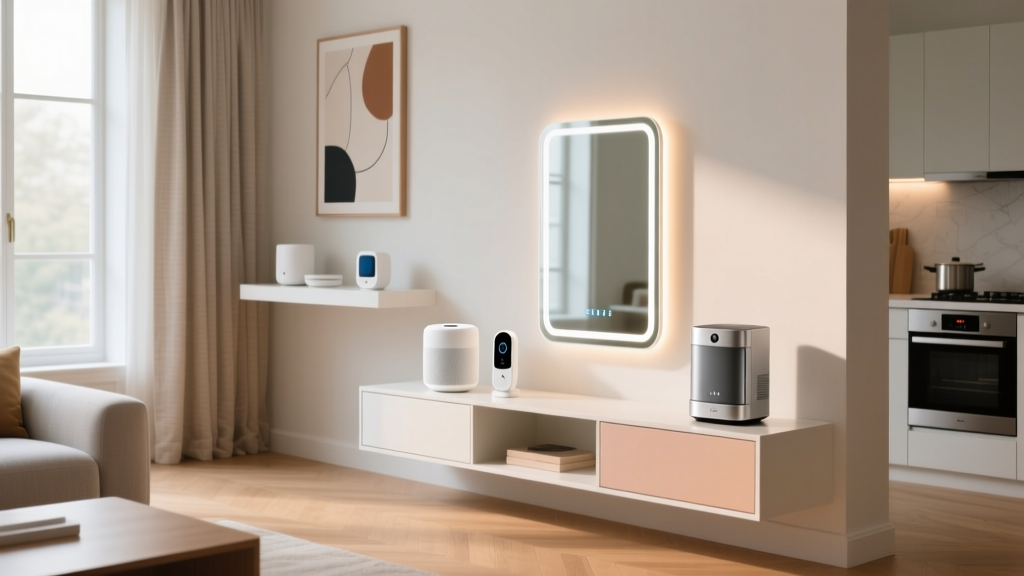
When curating smart home gadgets for ladies who prioritize both interior aesthetics and robust personal security, the standard approach of plastering walls with bulky plastic cameras and blinking routers falls short. A truly sophisticated smart home relies on invisible technology: devices that blend seamlessly into modern decor, respect strict privacy boundaries, and automate daily routines without requiring constant manual input. This setup tutorial focuses on building a Matter-compatible, design-forward ecosystem that enhances wellness, secures the perimeter, and maintains a minimalist visual footprint.
Step 1: Selecting a Design-Forward Smart Hub
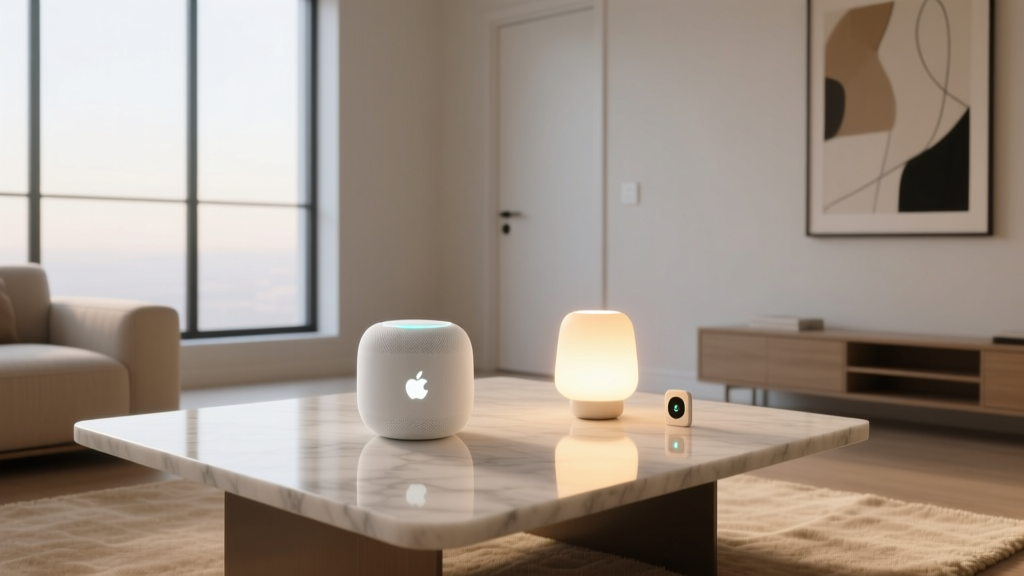
The hub is the brain of your automation. For a setup that balances aesthetic appeal with local processing reliability, you must choose hardware that supports the Matter protocol while offering a physical design worthy of a living room side table.
| Device | Protocol Support | Avg. Price | Design Profile | Best Use Case |
|---|---|---|---|---|
| Apple HomePod mini | Thread, Matter, Wi-Fi | $99 | Spherical, fabric-wrapped, acoustic mesh | Apple ecosystem users prioritizing privacy and audio |
| Amazon Echo Show 8 (3rd Gen) | Zigbee, Matter, Wi-Fi | $149 | Angled fabric display, spatial audio | Visual dashboards and video doorbell integration |
| Hubitat Elevation C-8 | Zigbee, Z-Wave, Thread | $149 | Utilitarian black box (hide in media console) | Complex local automations, zero cloud dependency |
Step 2: Deploying Invisible Security and Wellness Sensors
Traditional Passive Infrared (PIR) motion sensors have a critical flaw: they turn off the lights if you sit still while reading or doing yoga. Furthermore, relying on indoor cameras for security compromises privacy. The solution is millimeter-wave (mmWave) radar and environmental monitoring.
Installing the Aqara Presence Sensor FP2
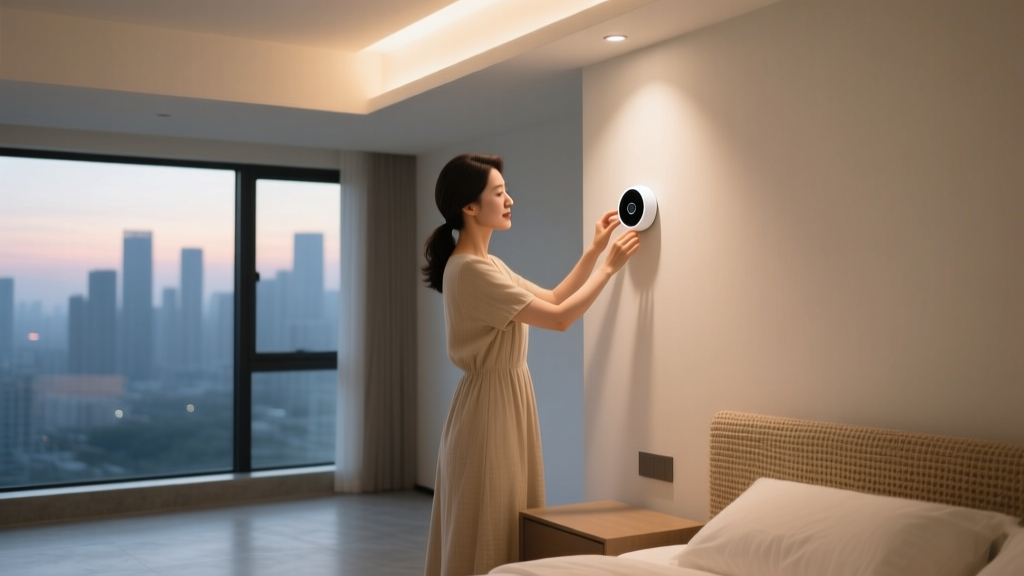
The Aqara FP2 ($69) uses mmWave radar to detect micro-movements, including breathing. It maps a room into 30x30 grids, allowing you to create distinct zones.
- Mounting Height: Install the FP2 on the ceiling or high on a wall (6.5 to 9 feet high), angled downward. Avoid placing it near HVAC vents, as moving air can trigger false positives.
- Zone Mapping: In the Aqara app, draw a 'Bed Zone' and a 'Desk Zone'. This allows a single sensor to trigger a 'Focus' lighting scene when you sit at your desk, and a 'Wind Down' scene when you enter the bed zone.
- Fall Detection: Enable the fall detection feature in the app's safety settings, which can automatically send an alert to your emergency contacts if a sudden drop is detected.
Monitoring Air Quality with Eve Room
Indoor air quality directly impacts sleep quality and cognitive function. According to the Environmental Protection Agency (EPA), indoor pollutant levels can be two to five times higher than outdoor levels. The Eve Room ($99) monitors VOCs (Volatile Organic Compounds), temperature, and humidity. Place it on your nightstand. If VOC levels spike (often caused by off-gassing from new furniture or cleaning products), set an automation to trigger your smart air purifier on high speed.
Step 3: Smart Plugs and Circadian Lighting Routines
Smart plugs are the most cost-effective way to integrate legacy devices into your ecosystem. However, cheap plugs congest your Wi-Fi network. Opt for the Meross Matter Smart Plug Mini ($12 for a 4-pack). These connect via Thread or Wi-Fi and support energy monitoring.
For lighting, avoid stark white LEDs. Invest in Philips Hue White Ambiance ($49 per bulb) to enable circadian rhythm synchronization. These bulbs shift from cool, blue-enriched light (5000K) in the morning to warm, amber light (2200K) in the evening, supporting natural melatonin production.
Step 4: Programming High-Value Automation Scenarios
The true value of smart home gadgets for ladies lies in automations that provide peace of mind and seamless transitions. Here are three advanced routines to configure in your hub:
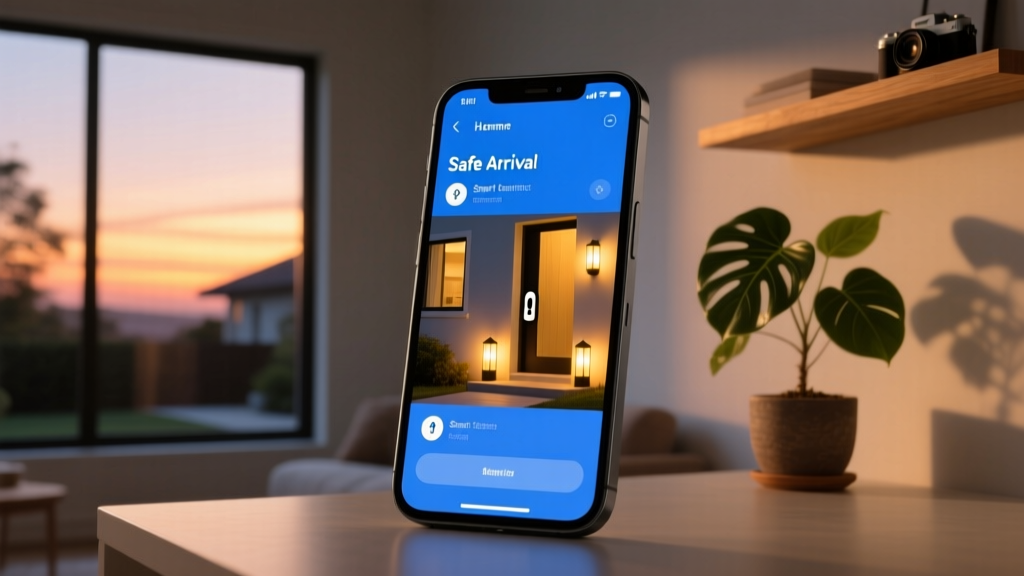
1. The 'Safe Arrival' Protocol
Designed for solo travel or late-night commutes, this routine ensures your home is ready the moment you pull into the driveway.
- Trigger: Geofence radius crossed (entering 200 meters from home) AND time is after sunset.
- Actions:
- Exterior porch and pathway lights fade to 80% brightness.
- Smart lock (e.g., Yale Assure Lock 2) automatically unlocks via Bluetooth proximity.
- Hallway lights turn on to 30% warm amber.
- HVAC adjusts to the 'Home' temperature profile.
2. The 'Privacy & Security' Lockdown
For times when you are home alone and want maximum perimeter security without relying on indoor cameras.
- Trigger: Voice command ('Goodnight') or manual button press on bedside smart switch.
- Actions:
- All smart blinds lower completely.
- Exterior cameras switch from 'Home' mode to 'Away' mode (enabling person detection alerts).
- All interior cameras and smart displays with microphones are physically powered off via a dedicated smart plug circuit.
- Contact sensors on ground-floor windows are armed to trigger a 90dB siren if breached.
Troubleshooting Network Dropouts and Edge Cases
Even the best-planned setups encounter friction. The Cybersecurity and Infrastructure Security Agency (CISA) recommends regular firmware updates to patch vulnerabilities, but updates can sometimes disrupt mesh networks.
Fixing Zigbee Mesh Routing Issues
If your battery-powered sensors (like the Eve Door & Window) frequently show as 'No Response', the issue is likely mesh routing. Battery devices cannot route signals; they rely on mains-powered devices to act as repeaters.
- The Fix: Ensure you have at least one mains-powered Zigbee device (like a smart plug or a wired light switch) in every room where battery sensors are deployed. Avoid using smart bulbs as primary routers, as they lose routing capability when turned off at the physical wall switch.
Handling Geofence Failures
If your 'Safe Arrival' routine fails to trigger when you pull into the driveway, it is usually due to the phone's OS aggressively killing background location services to save battery. Navigate to your phone's Settings > Location Services > Smart Home App, and ensure 'Precise Location' and 'Always Allow Background Location' are enabled.
Frequently Asked Questions
Do I need an internet connection for these automations to work?
If you use a local-processing hub like the Hubitat Elevation or an Apple TV 4K acting as a HomeKit hub, your automations (lights, locks, sensors) will continue to function perfectly during an internet outage. Only cloud-dependent features, like remote access via smartphone or third-party weather API triggers, will fail.
How do I prevent smart home devices from being hacked?
Change default passwords immediately, enable Two-Factor Authentication (2FA) on all smart home accounts, and isolate your IoT devices on a separate guest network or VLAN. Never expose your smart hub's local IP address to the public internet via port forwarding.
Are smart home gadgets worth the investment for renters?
Absolutely. Focus on non-destructive installations: smart plugs, battery-powered contact sensors using 3M Command strips, and smart bulbs. These devices can be packed up and moved to a new apartment without losing your security deposit or leaving permanent marks on the walls.
Written by
Priya SharmaPriya Sharma holds a Ph.D. in Acoustical Engineering from the University of Southampton and a B.Tech in Electronics from IIT Delhi. She has spent 9 years as a consumer electronics journalist, with deep specialization in audio equipment, camera systems, and assistive technology. Priya is an active member of the Audio Engineering Society (AES) and has co-authored papers on spatial audio perception published in the Journal of the Acoustical Society of America. Her reviews of headphones, portable DACs, and studio monitors include objective measurements using Audio Precision analyzers alongside subjective listening tests. She also serves on the advisory board of the Global Accessibility Reporting Initiative (GARI), evaluating mobile devices for users with visual and hearing impairments.