Top Space-Saving Gadget Xmas Ideas for Tiny Desks (2026)
Discover the best space-saving gadget xmas ideas for 2026. Upgrade tiny home offices with compact tech, foldable stands, and hidden storage solutions.
The 2026 Guide to Maximizing Micro-Workspaces
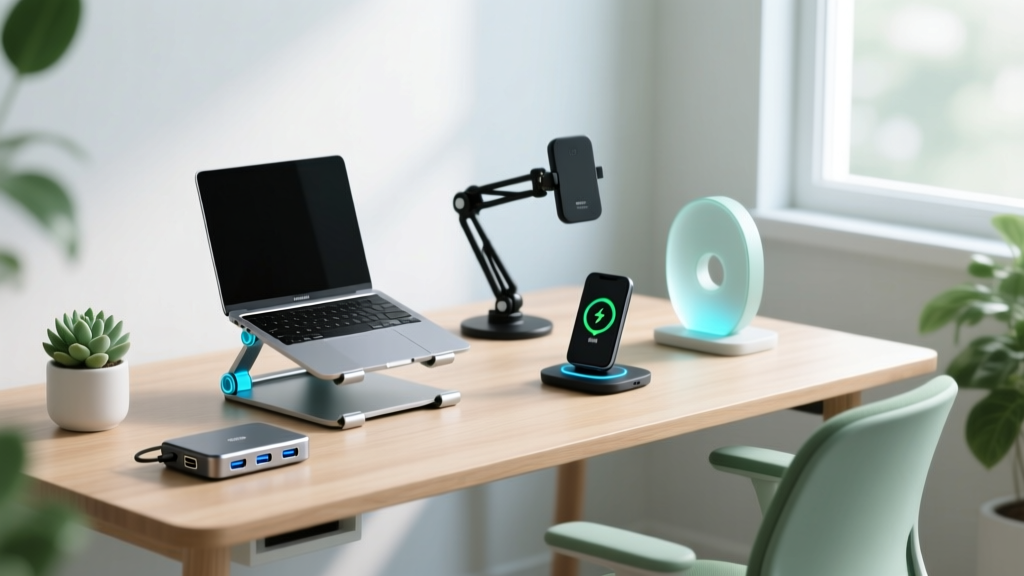
As urban living spaces shrink and hybrid work models solidify in 2026, the average home office desk has contracted. Many remote workers are now operating on 48-inch or even 36-inch wide surfaces. When brainstorming gadget xmas ideas for the remote worker, student, or digital nomad in your life, buying bulky, single-purpose tech is a cardinal sin. The most appreciated gifts for small-space dwellers prioritize verticality, modularity, and multi-functionality.
This guide breaks down the most impactful, space-saving home office gadgets available this holiday season. We have evaluated these products based on their exact physical footprint, functional versatility, and real-world ergonomics, ensuring your gift will upgrade their workspace without causing clutter.
Top Compact Gadget Xmas Ideas for Small Desks
1. Twelve South Compass Pro Foldable Stand ($79.99)
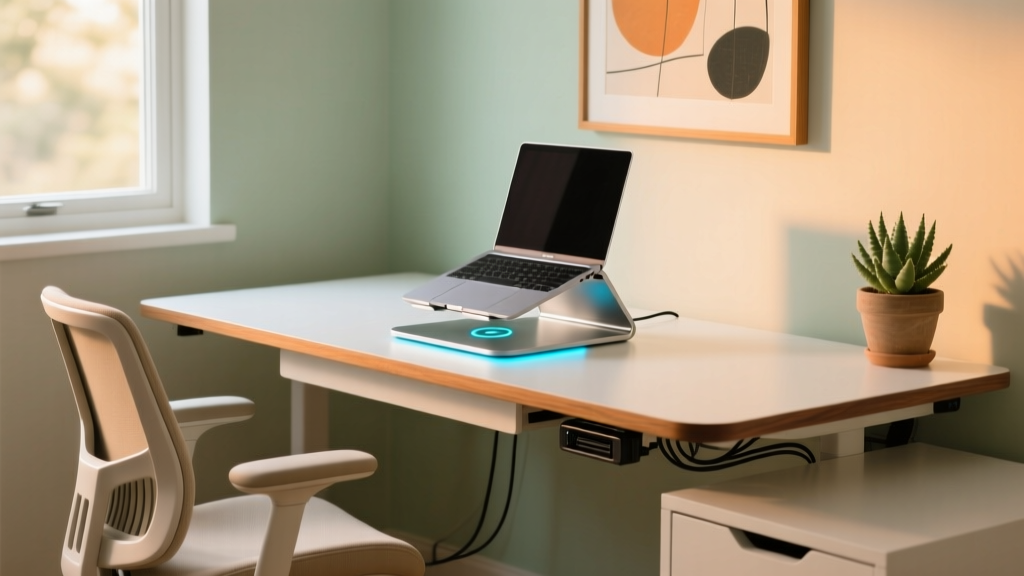
Laptop stands are essential for ergonomics, but traditional aluminum risers permanently consume 80 to 100 square inches of desk real estate. The Twelve South Compass Pro solves this with a heavy-duty, foldable design. Machined from premium aluminum, it supports laptops up to 15 pounds and 17 inches in size.
- Deployed Footprint: 6.1 x 6.3 inches (elevates screen 5.5 inches)
- Folded Footprint: 6.1 x 1.5 inches (easily slips into a drawer or backpack)
- Weight: 1.2 lbs
By gifting the Compass Pro, you are giving the recipient the ability to reclaim nearly 70 square inches of desk space at the end of the workday. According to Wirecutter's laptop stand guide, adjustable and collapsible stands are the top recommendation for multi-use dining tables that double as desks.
2. Anker 3-in-1 Cube with MagSafe ($129.99)
Charging clutter is the enemy of a compact desk. A typical multi-device user has three separate power bricks and a tangle of cables eating up valuable surface area. The Anker 3-in-1 Cube consolidates smartphone, smartwatch, and earbud charging into a single, elegant 2.36-inch cubed footprint.
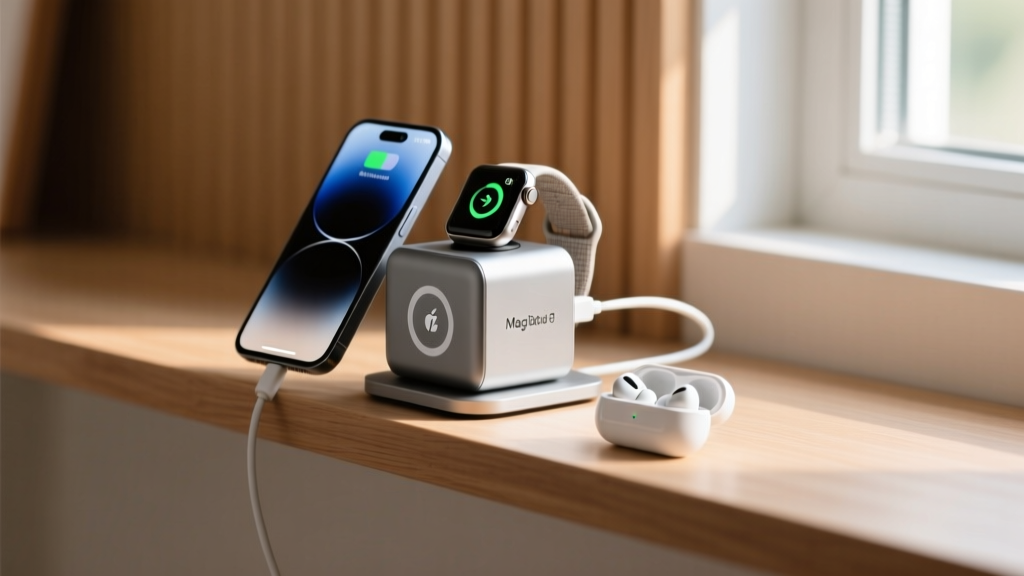
The MagSafe-compatible top pad delivers 15W fast charging, while the hidden Apple Watch fast charger pops up from the rear. The base features a USB-C port for AirPods. Replacing three separate chargers with this single unit saves an average of 45 square inches of desk space and eliminates the need for a dedicated power strip on the desktop.
3. BenQ ScreenBar Halo Monitor Light Bar ($239.00)
Desk lamps require a heavy base and an articulated arm that intrudes on monitor clearance. The BenQ ScreenBar Halo utilizes an asymmetric optical design and a weighted, gravity-pivot clamp that attaches directly to the top bezel of a monitor. It occupies exactly zero square inches of desk depth.
The 2026 Halo edition includes a wireless desktop puck controller, eliminating the need to reach behind the screen to adjust brightness or color temperature (ranging from 2700K to 6500K). It also features a back-light ambient glow that reduces eye strain by balancing the contrast between the bright screen and the dark wall behind it. For detailed ergonomic lighting setups, BenQ's official research on screen glare highlights how monitor-mounted asymmetrical lighting drastically reduces desktop shadows and eye fatigue.
4. Keychron K3 Pro Ultra-Slim Wireless Keyboard ($94.99)
Mechanical keyboards are notoriously thick, often requiring a separate wrist rest to prevent carpal tunnel strain. The Keychron K3 Pro Ultra-Slim features a 75% layout (retaining arrow keys and function row while chopping off the number pad) and measures just 0.7 inches thick at the front edge. Its low-profile Gateron switches provide the tactile feedback of a mechanical board without the 1.5-inch elevation of traditional models, negating the need for a bulky wrist rest.
Footprint Comparison Matrix: Space Saved vs. Traditional Gear
To understand the true value of these space-saving gadget xmas ideas, we must look at the hard data. The table below illustrates the physical space reclaimed when swapping traditional desktop gear for their compact 2026 equivalents.
| Item Category | Traditional Footprint | Compact Alternative | Space Reclaimed |
|---|---|---|---|
| Laptop Stand | 10 x 8 inches (80 sq in) | Twelve South Compass Pro (Folded) | 71 sq in |
| Device Charging | 3 separate bricks (approx. 60 sq in) | Anker 3-in-1 Cube (5.5 sq in) | 54.5 sq in |
| Task Lighting | Standard LED Desk Lamp (36 sq in) | BenQ ScreenBar Halo (0 sq in) | 36 sq in |
| Keyboard & Rest | Full-size + Wrist Rest (135 sq in) | Keychron K3 Pro 75% (82 sq in) | 53 sq in |
Total potential space reclaimed on a standard desk: Over 214 square inches (roughly 1.5 square feet of usable workspace).
Hidden Storage & Cable Management Hacks
Gifting compact gadgets is only half the battle; managing the cables they require is the other. If you want to create a comprehensive gift bundle, pair the gadgets above with these under-desk space savers.
Under-Desk Magnetic Cable Trays
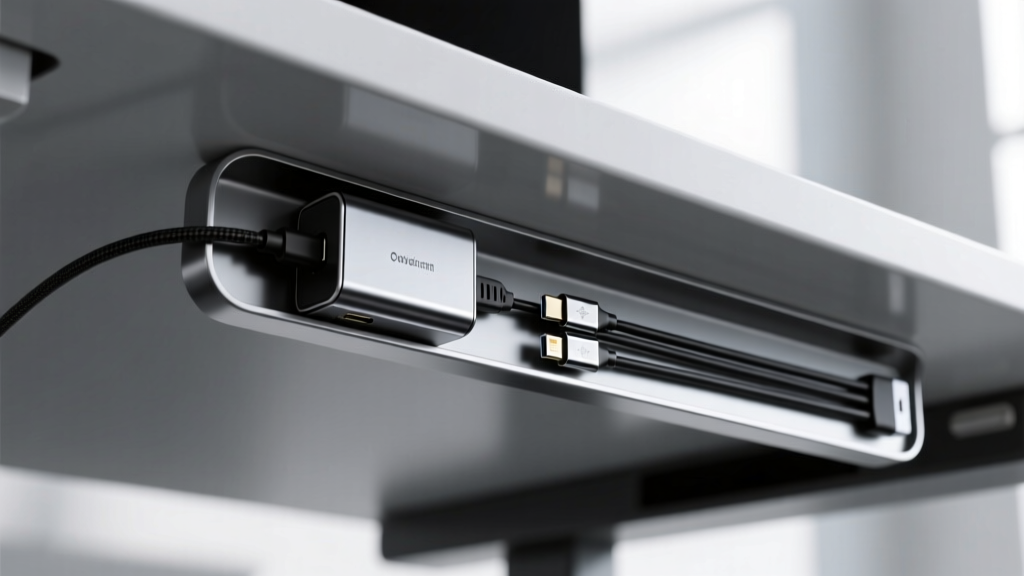
Forget drilling holes into rented apartment desks. Magnetic under-desk trays (like the JOTO Magnetic Cable Management Tray, $24.99) snap directly onto the metal frame of standing desks like the Uplift V2 or Autonomous SmartDesk. They hold power bricks and routing cables entirely out of sight.
Adhesive Desktop Cable Drops
For a minimalist look, silicone cable drops adhere to the back edge of the desk. They hold USB-C and Lightning cables in place so they don't slide off the desk when unplugged, eliminating the need for bulky weighted cable organizers.
Pro-Tip: When gifting compact tech, always include a complementary cable-management solution like an under-desk net or magnetic tray. A space-saving gadget loses its benefit if its power cable creates a new mess on the desktop.
Decision Framework: How to Choose Space-Saving Gifts
Not all small gadgets are created equal. Use this 3-rule framework to evaluate any tech gift for a small-space dweller:
- The Rule of Verticality: Does the gadget use Z-axis (upward) space rather than X/Y-axis (desktop) space? Monitor light bars, vertical mouse designs, and under-monitor risers with hidden storage excel here.
- The Rule of Collapsibility: If the gadget is only used for 8 hours a day, can it fold away for the remaining 16 hours? Foldable laptop stands and roll-up silicone desk mats are prime examples.
- The Rule of Consolidation: Does it replace at least two other items? A wireless charging mousepad replaces both a mousepad and a phone charger. A docking station with built-in ambient lighting replaces a hub and a desk lamp.
Frequently Asked Questions (FAQ)
Are foldable laptop stands stable enough for heavy typing?
Yes, but with caveats. High-quality aluminum stands like the Twelve South Compass Pro feature high-tension hinges that prevent screen wobble during standard typing. However, if the recipient is an aggressive typist or uses a heavy 16-inch MacBook Pro, they may notice slight screen bounce. For aggressive typists, a collapsible but rigid Z-axis stand (like the Roost) is a better, albeit slightly bulkier, alternative.
Do ultra-slim keyboards compromise on typing quality?
Modern low-profile mechanical switches have largely closed the gap with traditional switches. The Keychron K3 Pro uses Gateron low-profile brown or red switches, offering a distinct tactile bump or smooth linear feel with a 2.5mm actuation point (compared to the standard 4mm). While they lack the deep acoustic "thock" of a full-height custom board, they provide vastly superior feedback and ergonomics compared to flat membrane laptop keyboards.
Will monitor light bars fit curved or ultra-wide monitors?
Most premium light bars, including the BenQ ScreenBar series, come with adjustable counterweight clamps designed to accommodate curvatures up to 1800R. However, for ultra-wide monitors (34 inches and above) with aggressive 1000R curves, you may need to purchase a specialized curved-monitor adapter bracket from the manufacturer to ensure the light bar sits flush and doesn't cast a shadow on the screen edges.
Final Thoughts on Gifting for Small Spaces
The best home office gifts respect the user's physical environment. By focusing on space-saving gadget xmas ideas that prioritize folding mechanisms, multi-device consolidation, and vertical mounting, you are giving the gift of a clearer mind and a cleaner desk. Whether you opt for the $79 Twelve South stand or the premium $239 BenQ Halo light bar, these compact solutions will transform a cramped corner into a highly functional 2026 command center.
Written by
Jake MorrisonJake Morrison holds a B.S. in Electrical Engineering from UC Berkeley and an MBA from Stanford Graduate School of Business. With over 12 years of hands-on experience in consumer electronics, he previously served as a senior product engineer at a Silicon Valley startup before transitioning to tech journalism. Jake has personally tested and benchmarked over 3,000 gadgets across categories including smartphones, wearables, smart home devices, and audio equipment. His durability testing methodology — involving controlled drop tests, thermal cycling, and water submersion — is widely cited by major tech publications. He is a certified CompTIA A+ technician and a contributing editor to the IEEE Consumer Electronics Magazine.