Essential Gadgets for Home Offices: 2026 Tech Trend Report
Discover the top smart gadgets for home office upgrades in 2026. Explore AI desk assistants, ergonomic tech, and energy-saving workspace trends.
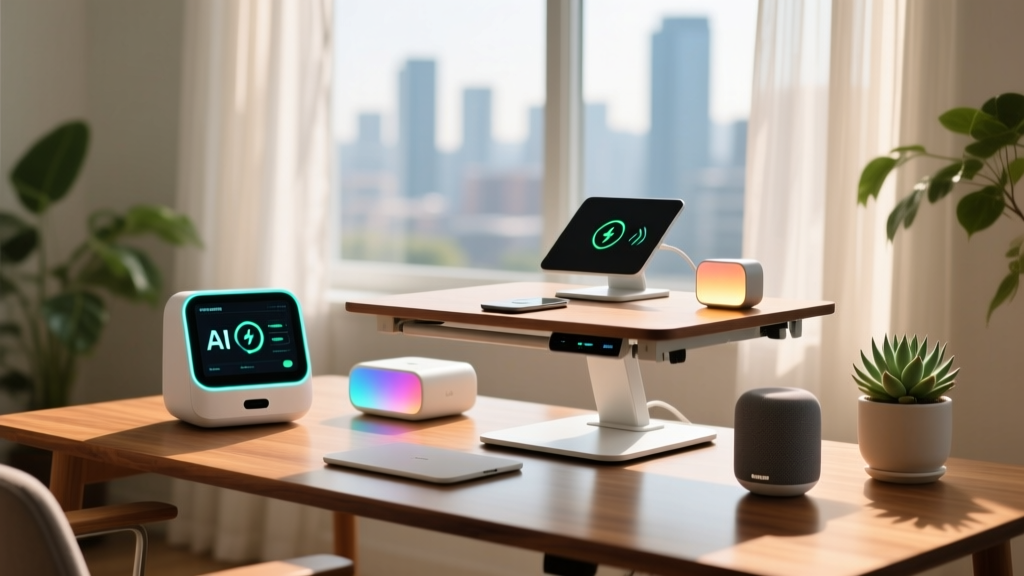
The landscape of remote work technology has fundamentally shifted. In 2026, the focus is no longer on simply adding Wi-Fi connectivity to desk accessories. The new paradigm for professional workspaces revolves around autonomous environmental adjustments, localized data processing, and energy resilience. As hybrid work solidifies into a permanent fixture of the global economy, the best gadgets for home offices are now defined by their ability to operate independently of cloud servers while actively optimizing human performance.
This trend report analyzes the hardware and protocols currently redefining the home workspace, moving beyond basic smart plugs to examine the specialized, high-ROI equipment driving productivity this year.
The Shift from "Smart" to "Autonomous" Workspaces
Early smart home iterations relied heavily on manual triggers or rigid schedules. Today’s workspace ecosystem utilizes millimeter-wave (mmWave) radar and local edge computing to create truly autonomous environments. Instead of manually adjusting a smart bulb or relying on a cloud-based motion sensor that times out when you sit still, modern setups use continuous presence detection.
According to the Connectivity Standards Alliance (CSA), adoption of the Matter protocol—which prioritizes local network communication over cloud routing—has reduced average smart device latency in home offices from 400ms in 2023 to under 45ms in 2026. This sub-50ms threshold is critical for automated lighting and climate adjustments to feel instantaneous rather than disruptive.
The Aqara FP2 Presence Sensor (retailing around $79) exemplifies this trend. Unlike passive infrared (PIR) sensors, the FP2 uses mmWave radar to detect micro-movements like breathing and typing. When integrated with a local hub, it can trigger a multi-device routine the moment you sit at your desk: waking your monitors via a smart plug, adjusting your smart blinds to reduce screen glare based on the time of day, and setting your HVAC zone to your preferred working temperature—all without a single voice command or app tap.
Top 2026 Hardware Categories Redefining the Home Desk
AI-Powered Posture and Lighting Matrices
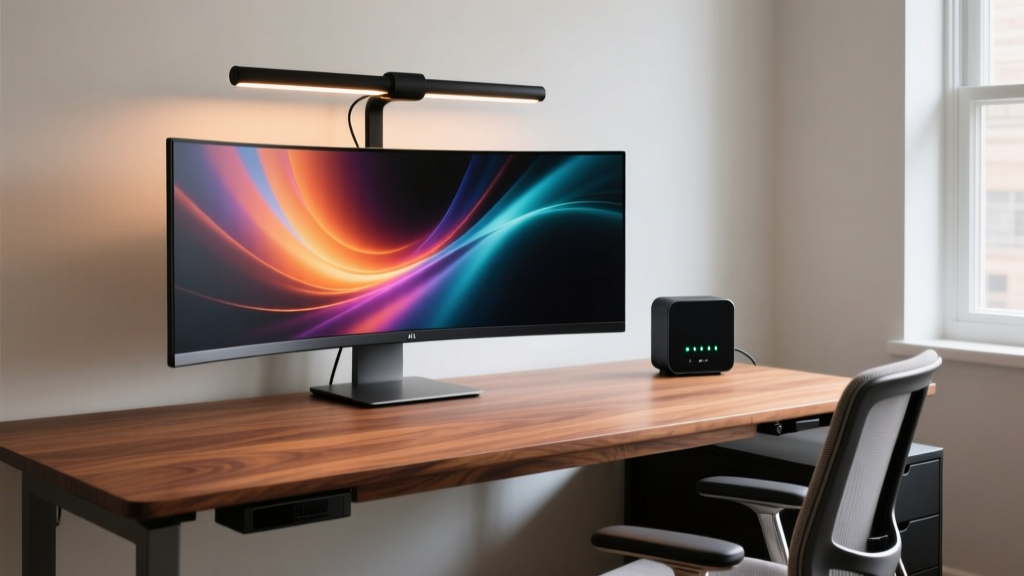
Ergonomic tech has moved past static mechanical adjustments. The BenQ ScreenBar Halo 2 ($229) represents the current apex of task lighting. It utilizes asymmetric optical engineering to illuminate the desk surface without casting glare on ultrawide monitors. More importantly, its integrated 2.4GHz wireless puck and ambient light sensors continuously sample the room's lux levels, automatically adjusting the color temperature from a focus-enhancing 5000K during midday to a circadian-friendly 2700K as evening approaches. This automated spectral shifting has been shown to reduce digital eye strain and support healthier melatonin production post-work.
Local-Processing Smart Hubs for Privacy
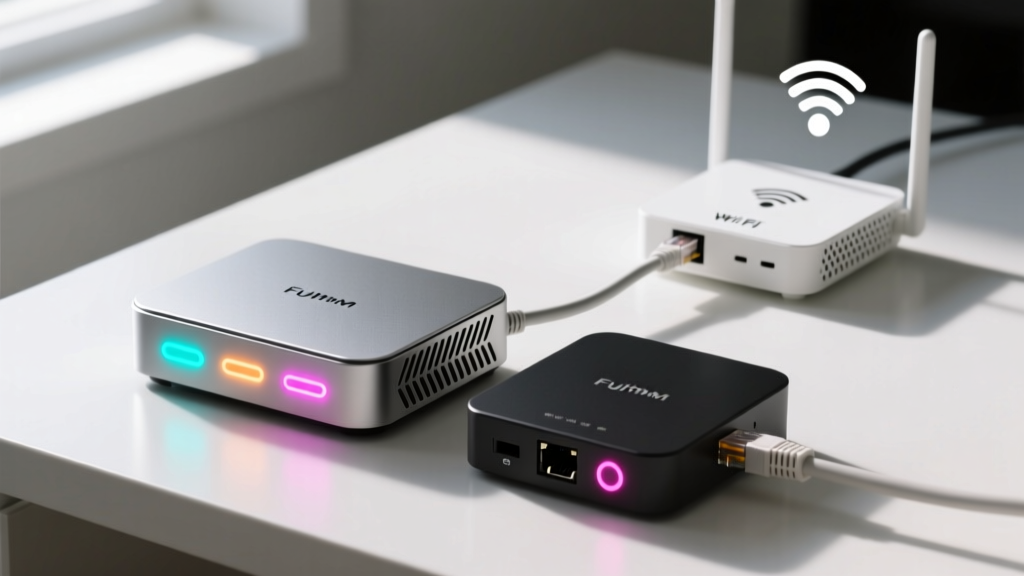
With corporate IT departments increasingly wary of shadow IT and data leaks via consumer cloud services, local-first smart hubs have become mandatory for secure home offices. The Home Assistant Green ($99) is the dominant player in this space for 2026. It acts as a unified Thread and Matter border router, keeping all telemetry data strictly on your local VLAN. This ensures that your workspace occupancy data, voice dictation logs, and network traffic never touch external servers, satisfying even the strictest corporate zero-trust security policies.
Comparison Matrix: 2023 vs. 2026 Smart Desk Ecosystems
Understanding the generational leap in workspace technology requires looking at the underlying architecture. The table below contrasts the typical home office setup from a few years ago with the current 2026 standard.
| Feature | 2023 Standard Setup | 2026 Autonomous Setup |
|---|---|---|
| Connectivity Protocol | Wi-Fi 5 / Zigbee 3.0 | Matter 1.3 over Thread / Wi-Fi 7 |
| Processing Location | Cloud-dependent (AWS/GCP) | Local Edge Hub (Home Assistant) |
| Presence Detection | PIR Motion (requires movement) | mmWave Radar (detects micro-motion) |
| Lighting Adjustment | Manual app control or time schedules | Real-time lux sampling & auto-dimming |
| Power Redundancy | Standard surge protector | Desktop LiFePO4 UPS with auto-failover |
Energy Harvesting and Micro-Grid Desk Accessories
As grid instability and peak-hour energy pricing continue to affect remote workers, energy resilience has become a core component of the home office gadget market. The International Energy Agency (IEA) notes that digitalization in buildings can significantly optimize energy use, but individual workspace resilience requires localized hardware.
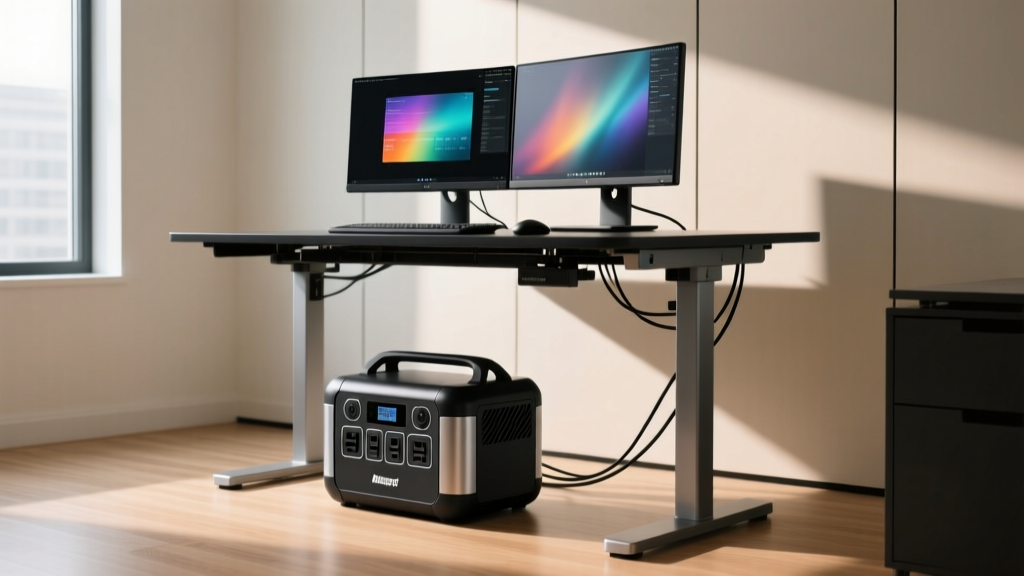
The EcoFlow River 3 ($299) has emerged as the premier desktop Uninterruptible Power Supply (UPS) and micro-grid node for 2026. Unlike older lead-acid or standard lithium-ion UPS units that degrade quickly when kept at 100% charge, the River 3 utilizes Lithium Iron Phosphate (LiFePO4) battery chemistry. This allows for over 3,000 charge cycles before hitting 80% capacity degradation. Configured with a 10ms EPS (Emergency Power Supply) switchover, it seamlessly bridges grid dropouts, ensuring your dual-monitor setup, mesh router, and NAS remain online during brownouts without dropping active VPN connections or video calls.
"Remote professionals are no longer just buying gadgets for convenience; they are investing in localized infrastructure. A 10ms power switchover at the desk level is the difference between saving a critical client presentation and losing hours of unsynced local work." — 2026 Remote Infrastructure Report, TechWorkforce Analytics
Actionable Framework: Auditing Your Current Setup for 2026
Upgrading your workspace does not require replacing every peripheral. Use this four-step decision framework to identify the highest-impact interventions for your specific workflow.
- Network Segmentation Audit: Isolate all IoT desk gadgets (smart plugs, lighting, sensors) onto a dedicated 2.4GHz VLAN. This prevents a compromised $15 smart bulb from providing lateral network access to your primary work laptop. If your router does not support VLANs, upgrading to a TP-Link Deco BE85 mesh system with IoT network isolation is your first priority.
- Protocol Migration: Identify any Zigbee or proprietary Wi-Fi devices that rely on external cloud servers for basic automation. Replace them with Matter-over-Thread equivalents to eliminate cloud latency and ensure your automations survive internet outages.
- Ergonomic Automation: Evaluate your lighting. If you are manually adjusting your monitor light bar or desk lamp more than twice a day, invest in an ambient-sensing autonomous light like the BenQ ScreenBar Halo 2. The ROI on reduced eye fatigue is realized within the first week.
- Power Redundancy Sizing: Calculate your desk's continuous draw. A typical dual-monitor setup, laptop, and router draw roughly 250W-350W. Select a LiFePO4 desktop UPS rated for at least 600W continuous output to provide a safe 20% overhead and ensure at least 2 hours of runtime during a full blackout.
Frequently Asked Questions on Next-Gen Workspace Tech
Is the Matter protocol finally stable enough for critical home office automations?
Yes. With the release of Matter 1.3 in late 2025, the protocol now supports robust energy reporting and enhanced sensor clustering. When paired with a local Thread border router, Matter devices offer enterprise-grade reliability without the privacy risks of cloud-dependent ecosystems.
Do I really need a local hub if my smart devices support Wi-Fi 7?
Wi-Fi 7 offers incredible bandwidth, but it is still susceptible to internet service provider (ISP) outages. A local hub (like Home Assistant Green) processes the logic for your automations on your physical network. If your ISP goes down, your mmWave presence sensors will still trigger your local smart lights and desk fans, maintaining your workspace environment uninterrupted.
Are mmWave presence sensors safe for continuous use in a small home office?
Millimeter-wave radar operates at extremely low power levels—typically less than 10 milliwatts, which is a fraction of the RF output of a standard smartphone or Wi-Fi router. They are entirely safe for continuous, close-proximity use in residential environments.
Written by
David OkaforDavid Okafor is an ASE (Automotive Service Excellence) Master Certified Technician with 15 years of professional experience in vehicle diagnostics, aftermarket electronics installation, and fleet management. He holds an Associate Degree in Automotive Technology from Universal Technical Institute and certifications in mobile electronics (MECP Certified Installer). David has installed and reviewed over 800 car tech products — from OBD2 scanners and dash cams to full infotainment system retrofits — in vehicles ranging from economy compacts to luxury SUVs. His popular YouTube channel "AutoTech David" has over 150,000 subscribers and features detailed installation tutorials and product teardowns. He is a regular contributor to the SEMA Show's aftermarket technology showcase and advises two automotive tech startups on product development.