Healthy Gadgets for Startups: Beginner vs Expert Desk Setups
Compare beginner and expert healthy gadgets for startups. Discover how focus timers and standing desk accessories boost productivity and ergonomics.
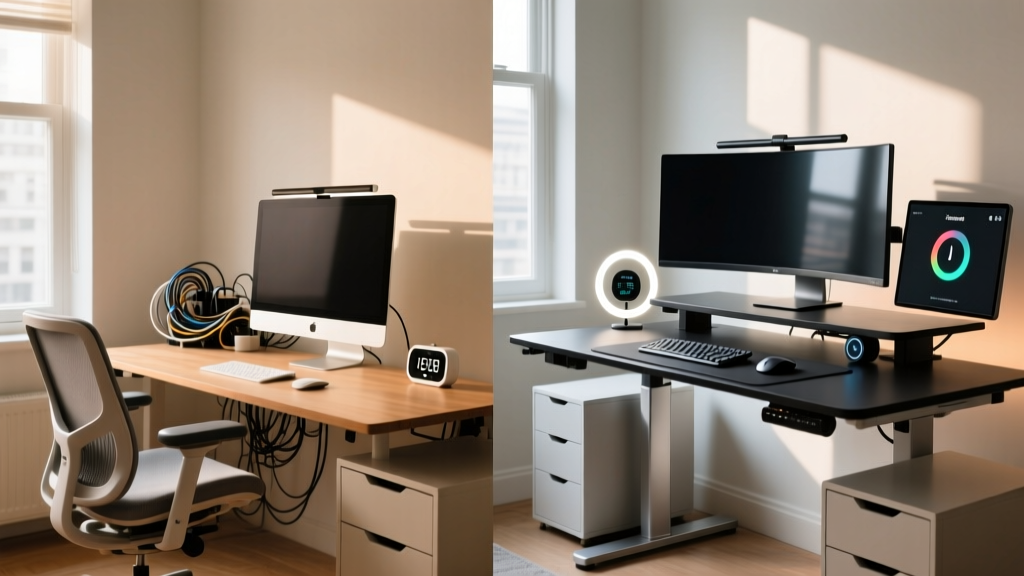
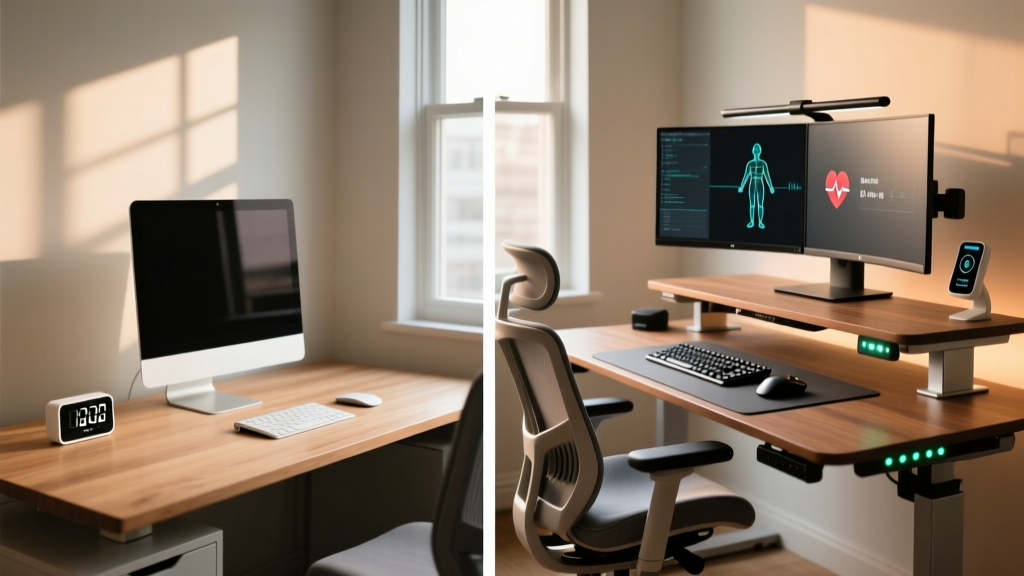
The "Healthy Gadgets" Divide in Startup Culture
In the high-stakes environment of 2026 startup culture, the line between relentless hustle and sustainable productivity is drawn by your physical workspace. Burnout is no longer just a psychological hurdle; it is a biomechanical one. As founders and engineers spend upwards of 10 hours a day at their desks, integrating healthy gadgets into the daily workflow has transitioned from a niche wellness trend to a critical infrastructure investment. However, not all ergonomic investments yield the same return on investment (ROI).
The market is flooded with entry-level wellness accessories that offer marginal benefits, while expert-tier devices leverage biomechanics, API integrations, and material science to fundamentally alter how you work. According to the CDC's latest guidelines on sedentary behavior, prolonged static sitting increases cardiovascular risk by up to 147%, making dynamic workspaces non-negotiable. This guide breaks down the beginner versus expert approaches to startup productivity gadgets—specifically focus timers and standing desk accessories—to help you build a workspace that protects your health without sacrificing output.
Focus Timers: Gamified Cubes vs. Data-Driven Tracking
The Pomodoro technique remains a staple for deep work, but the hardware used to execute it separates novices from productivity experts. A beginner relies on tactile novelty, while an expert demands seamless data integration.
Beginner Pick: TickTime Cube ($34.99)
The TickTime Cube is a popular entry-level healthy gadget designed to pull your focus away from smartphone screens. It features a 6-sided gravity sensor with preset intervals (1, 5, 15, 25, 30, and 60 minutes). You simply flip the cube to start a countdown. While the tactile feedback is satisfying and the $35 price point is friendly for early-stage bootstrappers, it lacks analytical depth. It is a closed-loop system; once the timer beeps, the data vanishes.
Expert Pick: Timeular Pro ($119.00)
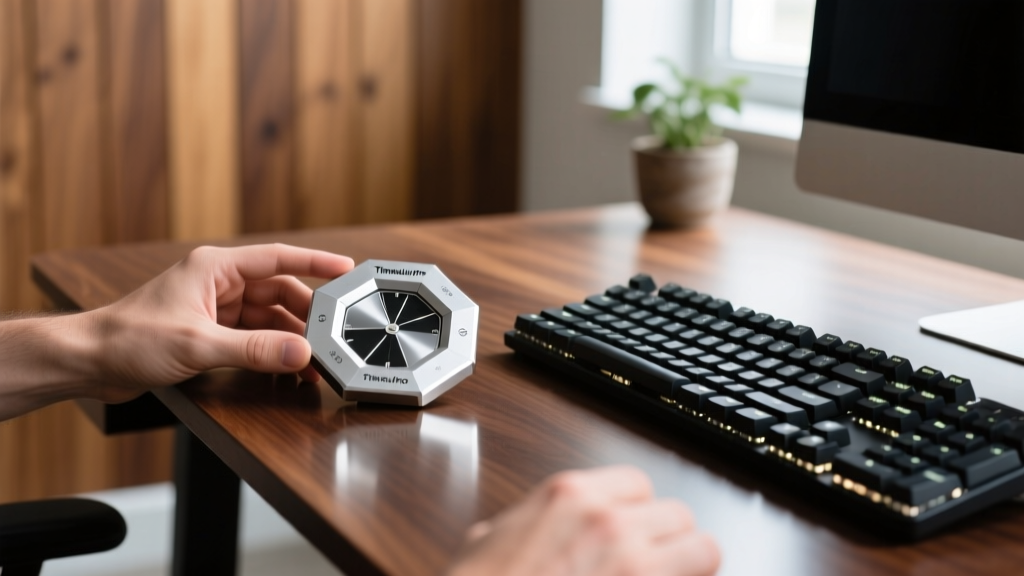
Expert founders treat time as a quantifiable metric. The Timeular Pro is an 8-sided Bluetooth LE physical tracker that pairs with a robust desktop and mobile application. By assigning specific tasks (e.g., "Deep Coding," "Investor Emails," "Slack Triage") to each side, flipping the device automatically logs your time into a centralized dashboard. It integrates via API with Notion, Zapier, and calendar blockers. According to Timeular's productivity data, users who track physical time blocks reclaim an average of 2.3 hours per week in lost transition time.
Feature Comparison Matrix
| Feature | TickTime Cube (Beginner) | Timeular Pro (Expert) |
|---|---|---|
| Price | $34.99 | $119.00 |
| Tracking Method | Standalone Presets | Customizable 8-Sided + NFC Tags |
| Software Integration | None | API, Zapier, Calendar Sync |
| Data Export | N/A | CSV, PDF, JSON |
| Battery Life | ~30 days (USB-C) | ~30 days (USB-C) |
Standing Desk Accessories: Passive Mats vs. Active Biomechanics
Transitioning to a standing desk is only step one. Standing statically on a hard floor for four hours causes venous pooling in the lower extremities, leading to fatigue and varicose veins. The solution lies in what Cornell University Ergonomics identifies as "micro-movements"—subtle, continuous shifts in posture that keep blood pumping without breaking cognitive focus.
Beginner Pick: Ergodriven Topo Mat ($119.00)
The Ergodriven Topo is the gold standard for entry-level standing desk accessories. Measuring 26.5 x 29 inches, it is constructed from high-density polyurethane foam with topographical terrain edges. The raised perimeter encourages users to stretch their calves and shift their weight laterally. It is a passive healthy gadget; it provides a comfortable, shock-absorbing surface that makes standing for 2-hour intervals highly manageable. However, it does not actively force core engagement.
Expert Pick: FluidStance Level Balance Board ($289.00)
For the veteran startup operator who spends 6+ hours standing, the FluidStance Level introduces active biomechanics. Crafted with a die-cast aluminum base and a sustainable bamboo top, it features a precise 2.5-degree incline and supports up to 350 lbs. Unlike wobble boards that distract you with extreme lateral shifts, the Level provides a subtle, continuous micro-movement that engages the deep core stabilizers and ankle proprioceptors. It transforms your standing desk from a static platform into an active recovery station, effectively blurring the line between working and physical therapy.
Expert Insight: Do not use balance boards during high-cognitive-load tasks like debugging complex code or writing financial models. Reserve the FluidStance Level for routine tasks like inbox clearing, Zoom stand-ups, or code reviews, and switch back to a flat anti-fatigue mat for deep work.
Ergonomic Peripherals: Static Arms vs. Dynamic Tension
Monitor placement dictates cervical spine health. "Tech neck"—the forward head posture caused by looking down at poorly positioned screens—exerts up to 60 lbs of force on the cervical vertebrae.
Beginner Pick: Amazon Basics Premium Monitor Arm ($110.00)
A rebranded Ergotron LX, this arm uses a standard gas-spring mechanism. It is highly capable of holding monitors up to 32 inches and 25 lbs. The drawback? Gas springs degrade over time, and adjusting the height requires two hands and a moderate amount of physical force once the tension screw is set. It is a "set it and forget it" healthy gadget, which defeats the purpose of dynamic postural shifts throughout the day.
Expert Pick: Humanscale M8.1 with Link System ($385.00)
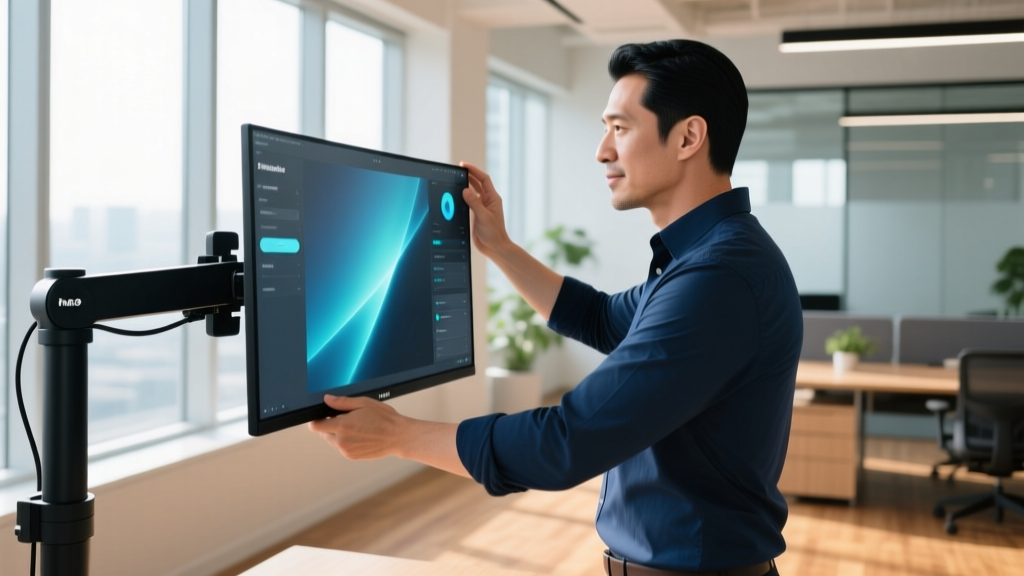
The Humanscale M8.1 abandons gas cylinders in favor of a patented weight-compensating mechanical spring. This allows for true one-finger adjustability, even when supporting massive 34-inch ultrawide displays weighing up to 40 lbs. Furthermore, the M8.1 is designed with a built-in cable management system that hides the clutter, and its mechanical spring does not suffer from the pressure-loss degradation inherent in gas-powered arms. For experts who practice the 20-20-20 rule and frequently alternate between sitting and standing, the ability to effortlessly glide the monitor to exact eye-level in a fraction of a second is a game-changer.
The ROI of Expert Healthy Gadgets: A Cost-Benefit Analysis
Startup founders often balk at the $500+ price tag of expert-tier desk accessories. However, when amortized over a 5-year lifespan and measured against the cost of physical therapy or lost productivity due to fatigue, the math heavily favors premium gear.
| Gadget Category | Beginner Setup Cost | Expert Setup Cost | Est. Lifespan | Daily Ergonomic Value |
|---|---|---|---|---|
| Focus Tracking | $35.00 | $119.00 | 3-5 Years | High (API automation saves 20 mins/day) |
| Standing Surface | $119.00 | $289.00 | 5-10 Years | Critical (Prevents venous pooling) |
| Monitor Articulation | $110.00 | $385.00 | 10+ Years | High (Eliminates cervical strain) |
| Total Investment | $264.00 | $793.00 | — | — |
Decision Framework: When to Upgrade Your Startup Setup
Should you buy the beginner or expert healthy gadgets? Use this decision matrix to determine your next purchase:
- Stick to Beginner Gear If: You are pre-seed funding, you stand for less than 2 hours a day, or you are still experimenting with whether a standing desk workflow suits your neurotype.
- Upgrade to Expert Gear If: You are experiencing lower back or neck pain, you track your billable hours and need API integrations, or you spend more than 4 hours a day in a standing position.
Frequently Asked Questions (FAQ)
Can healthy gadgets actually improve coding speed or output?
Indirectly, yes. Healthy gadgets do not write code for you, but they eliminate the physiological friction that interrupts flow states. By preventing the 3 PM energy crash associated with sedentary posture and automating time-tracking, you preserve cognitive bandwidth for complex problem-solving.
Are smart posture correctors like the Upright Go worth it for startups?
Wearable posture correctors are generally considered a beginner "band-aid" solution. They rely on negative reinforcement (vibrating when you slouch). Expert ergonomics dictates that you should fix the environment, not the human. A properly calibrated Humanscale monitor arm and a FluidStance board naturally enforce good posture without requiring conscious effort or wearable batteries.
How do I clean and maintain a FluidStance bamboo deck?
To maintain the bamboo top, avoid harsh chemical cleaners which can strip the natural finish. Use a damp microfiber cloth with a mild, pH-neutral soap once a week. The aluminum base requires zero maintenance, though you should occasionally check the central pivot joint for dust accumulation to ensure the micro-movements remain frictionless.
Written by
Marcus WebbMarcus Webb served as a U.S. Army logistics officer for 8 years, where he managed field equipment procurement and tactical gear evaluation across three combat deployments. After honorable discharge, he earned a certification from the Professional Knife Makers Association and became a certified Wilderness First Responder (WFR). Marcus has tested over 500 EDC products in extreme environments — from -40°F in Alaska to 120°F in the Mojave Desert — using military-spec testing protocols. His reviews of multi-tools, tactical flashlights, and survival gear are known for their rigorous methodology: controlled drop tests from 6 feet, 120-minute water submersion at 2 meters, and lateral torque testing at 45 Nm. He is a member of the Blade Show judging panel and contributes to OutdoorGearLab.