Mastering Gizmo Gadget Watch Band Replacement: A DIY Guide
Learn how to perform a gizmo gadget watch band replacement at home. Step-by-step tutorial for swapping Verizon GizmoWatch and standard smartwatch straps.
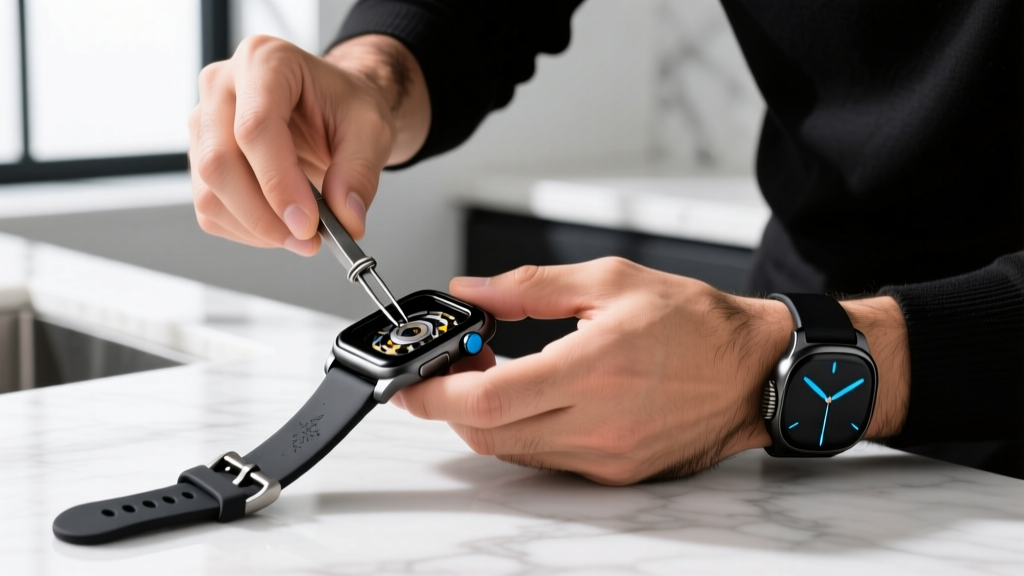

Why Upgrade Your Wearable Strap?
Whether you are managing your child's daily tech or tweaking your own everyday carry (EDC) setup, wearables are subjected to immense physical stress. As we navigate through 2026, the market for smart wearables has expanded massively, but the weak point remains the same: the strap. OEM (Original Equipment Manufacturer) bands are often made from standard TPU (Thermoplastic Polyurethane), which is prone to hydrolysis, sweat buildup, and eventual snapping at the lug holes.
When it comes to family tech management, performing a gizmo gadget watch band replacement is a fundamental skill for any dad or tech-savvy user. Upgrading to a third-party strap not only extends the lifespan of the device but drastically improves comfort and hygiene. In this comprehensive guide, we will walk through the exact steps to swap bands on the popular Verizon GizmoWatch series, as well as traditional spring-bar smartwatches, ensuring your gear stays secure and stylish.
The Essential Toolkit for the Swap
Before you begin prying at delicate metal lugs, you need the right equipment. While some modern bands require zero tools, having a dedicated kit prevents scratched casings and lost pins.
- Spring Bar Tool (1.5mm Fork): A must-have for traditional lugs. The Bergeon 6767-F is the horological gold standard (approx. $35), but a standard $8 generic tool from Amazon works fine for quick jobs.
- Precision Tweezers: ESD-safe, non-magnetic tweezers (like the Hakko CHP 18062) for retrieving dropped quick-release pins.
- Isopropyl Alcohol (99%) & Microfiber Cloth: For degreasing the lug holes and casing before installing the new band.
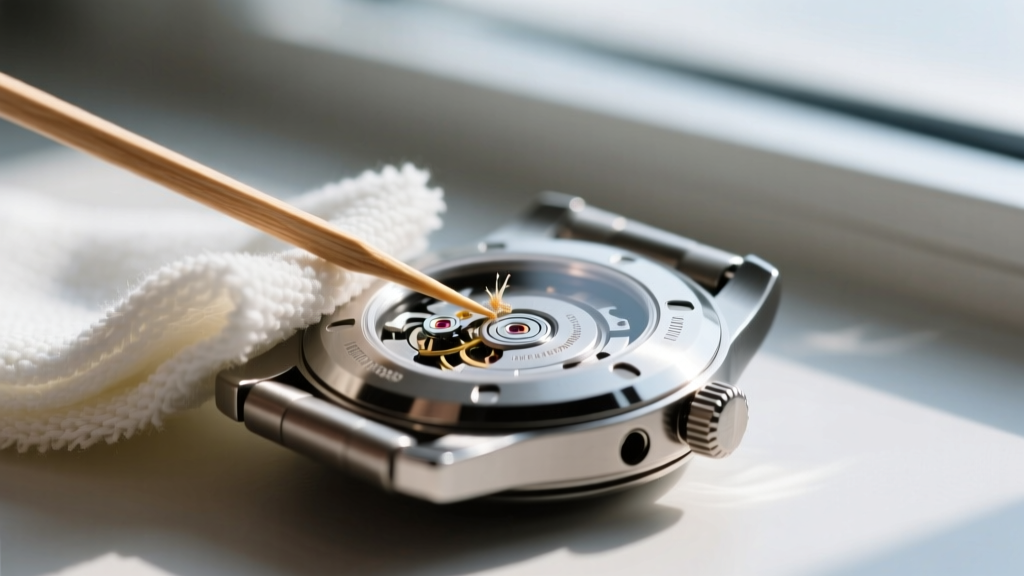
- Wooden Toothpicks: Ideal for clearing compacted lint and dead skin from the lug cavities without scratching the metal or titanium finish.
Step-by-Step: Verizon Gizmo Gadget Watch Band Replacement
The Verizon GizmoWatch 3 (and the newer Gen 4 iterations rolling out in 2026) utilizes a standard 20mm width with a quick-release pin mechanism. This makes the gizmo gadget watch band replacement process incredibly user-friendly, requiring no metal tools.
Step 1: Prepping the Quick-Release Pins
Place the watch face-down on a clean microfiber cloth to protect the sapphire or hardened glass display. Locate the small metal lever on the underside of the band where it meets the watch lug. Using your thumbnail or the edge of a plastic spudger, push the lever inward (toward the center of the band) to compress the internal spring. While holding the lever compressed, gently pull the band downward and away from the lug. Repeat for the top strap.
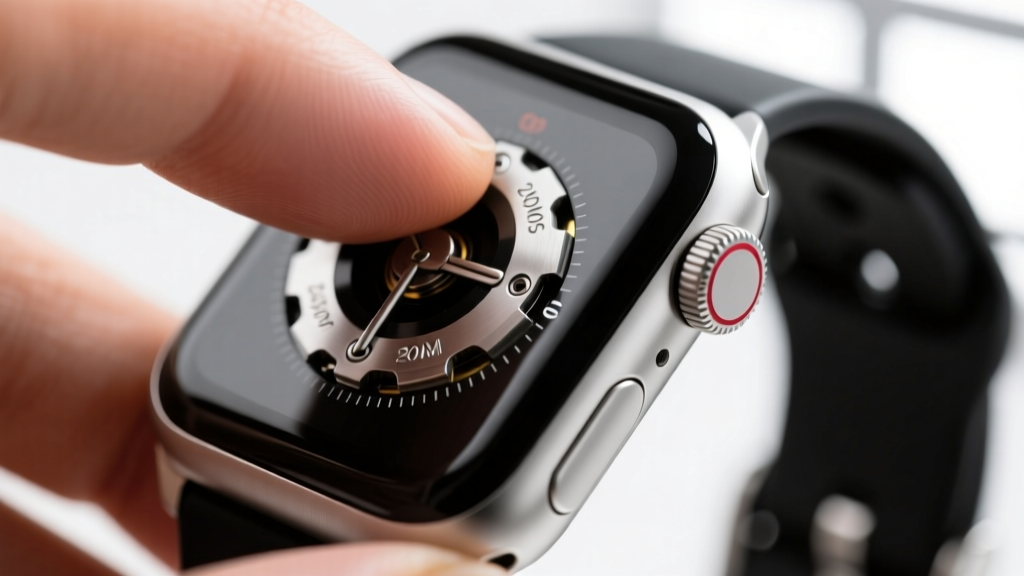
Step 2: Aligning the New Silicone or Nylon Band
Take your replacement 20mm band. Ensure the quick-release pins are fully depressed. Slide the top edge of the band into the lug channel. Once seated, slide your finger across the pin lever to allow the spring to expand into the lug holes. You should hear and feel a distinct click. Give the band a firm tug to ensure it is locked in place. If you are upgrading to a ballistic nylon loop, ensure the metal keeper is oriented correctly for your wrist dominance.
Pro-Tip: If the pin doesn't catch the hole on the first try, do not force it. Use a wooden toothpick to probe the lug hole; it is likely clogged with dried sweat or pocket lint, preventing the pin from seating fully.
Material Science: Choosing the Right Replacement
Not all straps are created equal. When shopping for your gizmo gadget watch band replacement, pay close attention to the material composition. Here is a breakdown of the top materials available in 2026:
| Material | Durability | Comfort | Best Use Case | Price Range |
|---|---|---|---|---|
| FKM (Fluoroelastomer) | High | Excellent | Daily wear, swimming, gym | $18 - $35 |
| Ballistic Nylon | Very High | Good (stiff at first) | Outdoor play, hiking, EDC | $15 - $28 |
| Standard TPU (OEM) | Medium | Fair (traps sweat) | Short-term, budget replacements | $10 - $20 |
| Titanium Link | Extreme | Heavy | Formal events, adult EDC | $45 - $90 |
Standard Smartwatch Lug Replacements (For Other Gizmos)
If your definition of a "gizmo" extends to rugged adult smartwatches like the Garmin Fenix 7 or Suunto Vertical, you will likely encounter traditional spring bars rather than quick-release levers. These require your 1.5mm fork tool.
The Fork-and-Pull Technique
- Insert the forked end of the spring bar tool between the band and the lug.
- Catch the ridge of the spring bar cap with the fork.
- Apply inward pressure to compress the spring, simultaneously pulling the band away from the case.
- Warning: Keep a thumb over the lug area while compressing. Spring bars are notorious for launching across the room at high velocities when they slip off the tool.
Comparing Attachment Types Across Popular Wearables
Understanding the attachment mechanism of your specific device is crucial before ordering a replacement. Below is a matrix of common smartwatch attachment styles found in the current market.
| Attachment Type | Lug Width | Tool Required | Difficulty | Common Devices |
|---|---|---|---|---|
| Quick-Release Pin | 20mm, 22mm | Fingers / Tweezers | Easy | GizmoWatch 3, Samsung Galaxy Watch 6 |
| Traditional Spring Bar | 18mm - 26mm | 1.5mm Fork Tool | Medium | Garmin Fenix 7, G-Shock G-Squad |
| Proprietary Slider | N/A | Release Button | Easy | Apple Watch Series 9 / Ultra 2 |
| Screw-in Lug | 22mm, 26mm | 1.2mm Hex Driver | Hard | High-end Dive Smartwatches |
Troubleshooting Common Snags
Even with the right tools, you might run into issues during your gizmo gadget watch band replacement. Here is how to handle the most common edge cases:
- The Stripped Lug Hole: If the watch has been dropped repeatedly, the soft aluminum or plastic lug hole may become oval-shaped, causing the band to wobble. Fix: Apply a microscopic drop of blue Loctite (threadlocker) to the spring bar pin before seating it, or upgrade to a watch case with steel-insert lugs.
- The Stuck Quick-Release Lever: Dried sweat can cement the lever in place. Fix: Apply a single drop of 99% isopropyl alcohol to the lever joint, wait 60 seconds for it to break down the salts, and try again.
- Band Width Mismatch: Never force a 22mm band into a 20mm lug channel. You will warp the internal steel insert of the strap, leading to premature tearing.
Frequently Asked Questions
Can I use an adult watch band on a kid's GizmoWatch?
Yes, as long as the lug width matches. The Verizon GizmoWatch 3 uses a standard 20mm width. You can easily swap the bulky OEM kids' strap for a sleek 20mm adult nylon loop or FKM rubber strap, provided the watch casing itself isn't too large for the child's wrist.
How often should I clean the lug connections?
For active users and kids, you should remove the band and clean the lug holes with isopropyl alcohol every 3 to 4 months. This prevents galvanic corrosion between the sweat salts and the metal spring bars.
Where can I find reliable replacement parts?
While OEM parts are available directly from the manufacturer, third-party horology sites offer superior materials. For more in-depth teardowns and repair logic, consult the iFixit Smartwatch Repair Guides. For official pairing and warranty details regarding Verizon devices, always check the Verizon Kids Watches Support Page.
Mastering the art of strap replacement not only saves you money on premature device replacements but ensures your wearable tech remains comfortable, hygienic, and ready for whatever the day throws at it.
Written by
Ryan TanakaRyan Tanaka holds a B.S. in Mechanical Engineering from Oregon State University and is a certified AWS Solutions Architect. He has built over 80 custom electronics projects ranging from CNC machines to IoT sensor networks, and has reviewed development boards, 3D printers, soldering equipment, and maker tools for the past 6 years. Ryan is an active contributor to 12 open-source hardware projects on GitHub and teaches monthly workshops at three hackerspaces across the Pacific Northwest. His reviews combine engineering rigor with accessibility — he evaluates products not just on specs but on documentation quality, community support, and learning curve for beginners. He has presented at Maker Faire Bay Area, Open Hardware Summit, and the Adafruit community showcase, and maintains a popular blog documenting his build processes.