How to Set Up the Best Health Gadgets for Women's Daily Wellness
Learn to set up and integrate the best health gadgets for women, including Oura Ring 4, Tempdrop 2, and Elvie, for optimal cycle and wellness tracking.
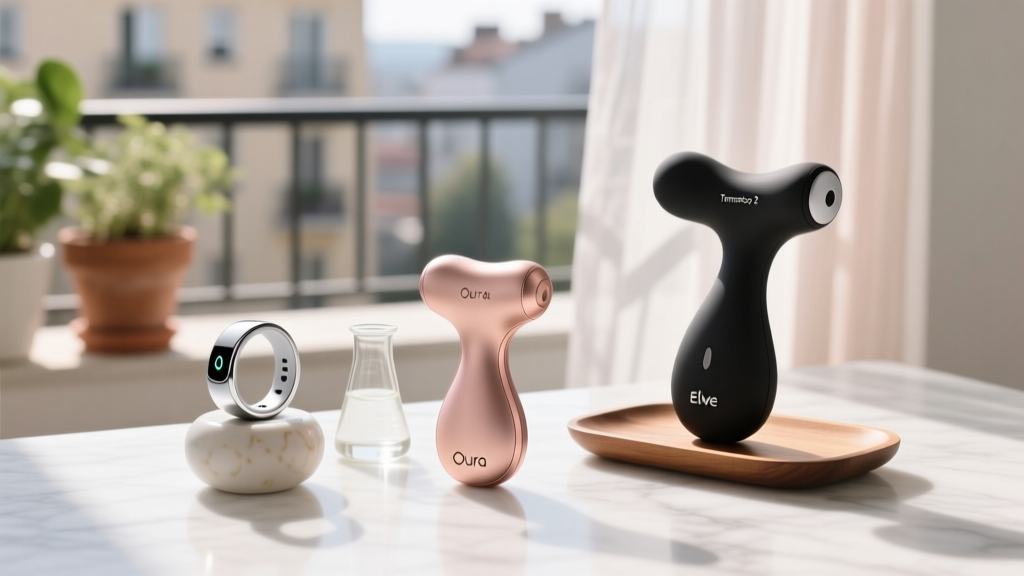

The Femtech Setup Philosophy: Beyond Unboxing
While purchasing the best health gadgets is a powerful investment in your well-being, improper calibration can render their advanced sensors useless. The women's health technology (femtech) market has evolved significantly, moving beyond simple step counting to intricate hormonal, thermal, and neuromuscular tracking. However, the efficacy of devices like the Oura Ring 4, Tempdrop 2, and Elvie Trainer relies entirely on precise physical placement, algorithmic calibration periods, and data unification.
This comprehensive setup guide will walk you through the exact configuration steps, physical placement metrics, and app-level integrations required to turn raw biometric data into actionable insights for your menstrual cycle, sleep architecture, and pelvic floor health.
Oura Ring 4: Configuring for Hormonal & Sleep Tracking
The Oura Ring 4 (retailing at $349) utilizes a multi-path optical heart rate (PPG) sensor array and highly sensitive skin temperature thermistors. To leverage its menstrual cycle tracking and ovulation estimation features, the physical setup and app configuration must be flawless.
Step 1: Physical Placement and Sizing
Do not rely on standard jewelry ring sizes. You must use the Oura sizing kit. For the most accurate continuous temperature and heart rate variability (HRV) readings, Oura's biometric engineers recommend wearing the ring on your index, middle, or ring finger. The index finger often provides the strongest arterial pulse signal, which is critical for the nighttime HRV calculations that inform your cycle phase predictions.
Step 2: The 7-Day Calibration Lock
Upon unboxing, the ring's algorithms require a baseline. You must wear the ring 24/7 (including during showers, as the Gen 4 is water-resistant up to 100 meters) for at least 7 consecutive days. During this window, navigate to Settings > Tags > Menstrual Cycle in the Oura app and enable the period tracking module. The algorithm cross-references your baseline skin temperature deviations (typically a 0.5°F to 1.0°F rise post-ovulation) with your HRV drops to estimate your luteal phase onset.
Expert Insight: "Skin temperature trends are only useful if the ambient environment is controlled. If you sleep with an electric blanket or heavy heating pad, the Oura's thermistors will register external heat rather than your basal shifts, corrupting your cycle predictions."
Tempdrop 2: Mastering Basal Body Temperature (BBT)
For women actively trying to conceive (TTC) or managing conditions like PCOS, the Mayo Clinic's BBT Guidelines emphasize the need for precise thermal tracking. The Tempdrop 2 ($199) solves the issue of traditional oral thermometers by using a proprietary armband and an algorithm that filters out sleep disturbances.
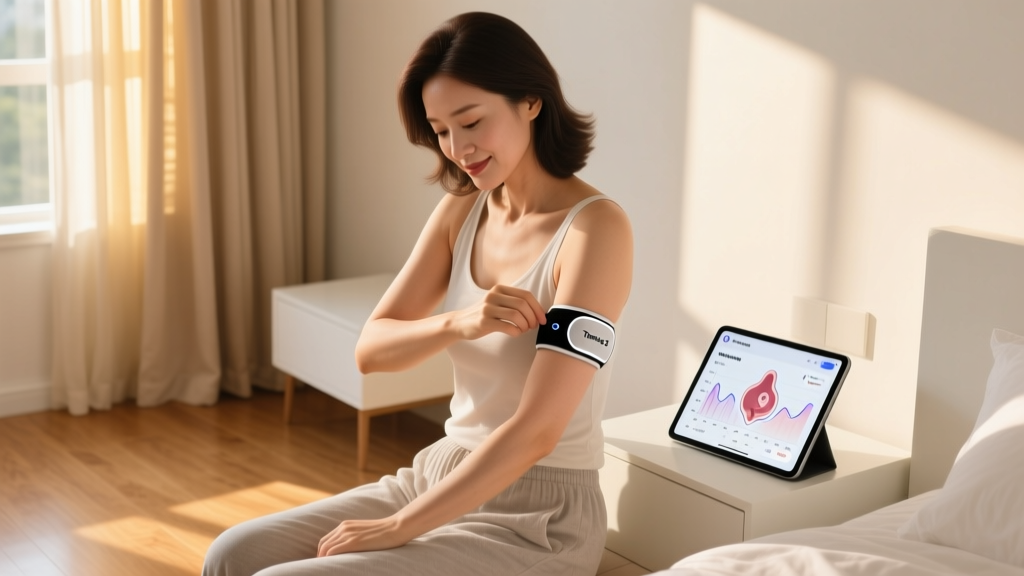
Armband Placement Protocol
The Tempdrop sensor must be placed on the underside of your upper arm (bicep/tricep area), snug against the skin, approximately two inches above the elbow crease. This area provides a stable axillary-adjacent thermal pocket that remains insulated even if you kick off the covers at night.
Setup Metrics & Troubleshooting Matrix
| Setup Variable | Optimal Configuration | Common Failure Mode | Solution |
|---|---|---|---|
| Wear Duration | Minimum 4 hours of sleep | Algorithm rejects data | Ensure armband is snug; put it on right before sleep |
| Skin Contact | Direct, no lotions/oils | Erratic thermal spikes | Wipe sensor and skin with alcohol pad before bed |
| App Syncing | Bluetooth on, app open | Missed morning sync | Force-close and reopen app; check phone permissions |
| Travel/Timezones | Manual timezone update | Skewed circadian data | Update timezone in app settings before boarding |
Elvie Trainer: Calibrating Pelvic Floor Biofeedback
Pelvic floor health is a critical, often overlooked aspect of women's wellness, especially postpartum or during perimenopause. According to the ACOG's Pelvic Floor Disorders FAQ, targeted biofeedback is a first-line conservative treatment for incontinence and pelvic organ prolapse. The Elvie Trainer ($199) provides real-time gamified biofeedback, but its internal sensors require specific setup to avoid false readings.
Pairing and Zeroing the Sensor
- Hygiene & Prep: Wash the Elvie Trainer with warm water and a dedicated, fragrance-free sex toy cleaner. Do not use harsh soaps that degrade the medical-grade silicone.
- App Zeroing: Open the Elvie app and connect via Bluetooth before insertion. The app must calibrate the "resting state" pressure sensors while the device is outside the body to establish a baseline zero-point.
- Insertion & Alignment: Insert the device using a water-based lubricant. Ensure the Elvie logo is facing upward (toward your abdomen) and the tail is pointing downward. Misalignment by just 15 degrees can cause the biofeedback app to register gluteal squeezes instead of isolated pelvic floor contractions.
- The 5-Minute Rule: Set up a daily calendar reminder for a 5-minute session. Consistency yields neuromuscular adaptation much faster than sporadic 20-minute sessions.
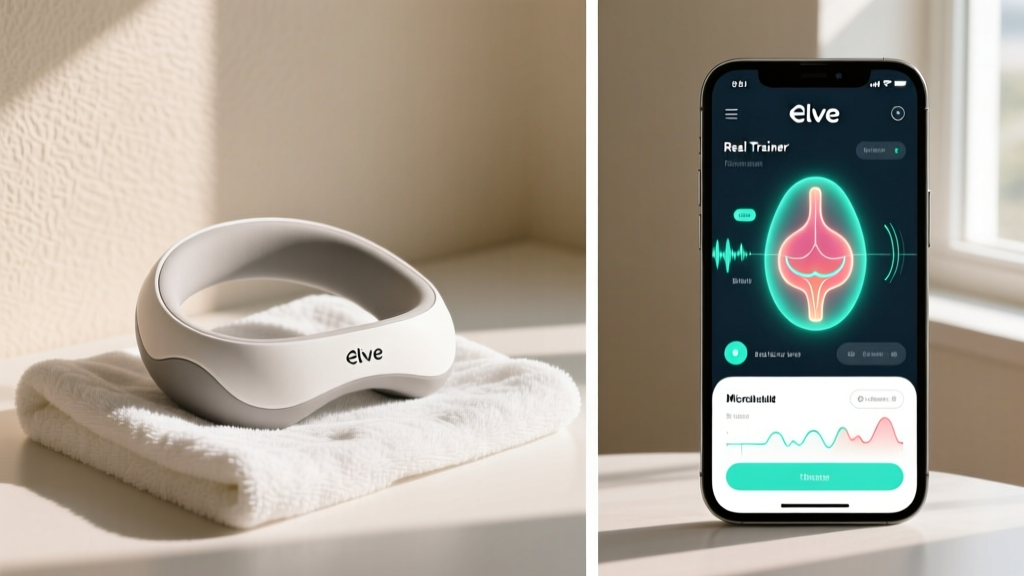
Unifying Your Data: The Control Center Strategy
Owning the best health gadgets is futile if their data lives in isolated silos. To create a holistic view of your women's health metrics, you must configure a unified dashboard using Apple Health or a third-party aggregator like Garmin Connect.
Configuring Apple Health Permissions
Navigate to the Privacy settings within Apple Health. Grant "Write" permissions to Oura for Body Temperature, Heart Rate, HRV, and Sleep Analysis. Grant Tempdrop "Write" access specifically for Basal Body Temperature and Ovulation Test Results. By layering Tempdrop's highly localized BBT data over Oura's continuous skin temperature trends, you can manually verify ovulation shifts with clinical-grade confidence.
Setting Up Smart Automations
Use Apple Shortcuts or IFTTT to automate your environment based on your biometrics. For example, set a trigger: "When Oura Sleep Score is below 70 AND Body Temperature is elevated (luteal phase), automatically adjust the smart thermostat to 66°F (18.8°C) at bedtime." This leverages your cycle data to proactively combat luteal-phase insomnia.
Frequently Asked Questions (FAQ)
Can I wear the Oura Ring and Tempdrop simultaneously?
Yes, and it is highly recommended for TTC (trying to conceive) users. The Oura Ring provides continuous nocturnal HRV and resting heart rate data, which often drop during the follicular phase and rise in the luteal phase. Combining this with Tempdrop's precise BBT spike provides a dual-confirmation of ovulation that neither device can achieve alone.
How often should I recalibrate the Elvie Trainer?
You should perform the "zeroing" calibration in the app every single time before insertion. Additionally, if you experience significant weight changes, postpartum recovery milestones, or changes in pelvic floor tone, the physical fit of the silicone may change. If the device feels loose, contact Elvie support for their interchangeable silicone cover sizes to ensure the pressure sensors maintain flush contact with the vaginal walls.
Do these gadgets require a subscription?
As of 2026, the Elvie Trainer app is entirely free with no subscription required for core biofeedback exercises. However, the Oura Ring requires an Oura Membership ($5.99/month) to unlock the detailed menstrual cycle insights, skin temperature trends, and advanced sleep staging algorithms. Tempdrop also requires a premium app subscription (approx. $4.99/month) to access their advanced fertility charting and algorithmic filtering features.
By meticulously following these setup protocols, you transform consumer electronics into a deeply integrated, personalized women's health monitoring system. For more in-depth reviews on the Oura's Menstrual Cycle Tracking Guide and other femtech innovations, continue exploring our comprehensive wellness library.
Written by
Nina PetrovaNina Petrova holds a Master's degree in Child Development from the Erikson Institute and a B.S. in Nursing from the University of Illinois at Chicago. She worked as a pediatric nurse for 6 years before transitioning to family technology consulting, bringing clinical rigor to her evaluations of kid-friendly gadgets, educational toys, and parental control software. Nina has reviewed over 400 children's tech products, testing each for safety compliance (CPSC and ASTM standards), developmental appropriateness across age groups, screen-time impact, and data privacy practices. She serves on the Children's Technology Review advisory board and has testified before the FTC on children's data protection in connected toys. Her reviews are trusted by parents and educators alike for their evidence-based approach to balancing technology benefits with child safety.