The 7 Best Budget Desk Gadgets for Men in 2026 Under $50
Upgrade your workspace without breaking the bank. We tested the 7 best budget desk gadgets for men in 2026, all strictly under $50.
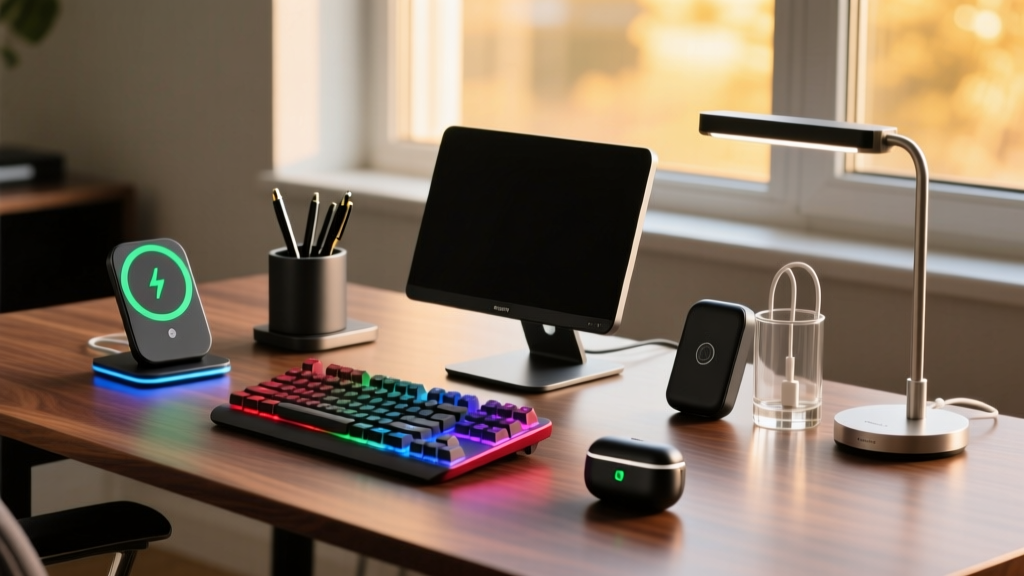
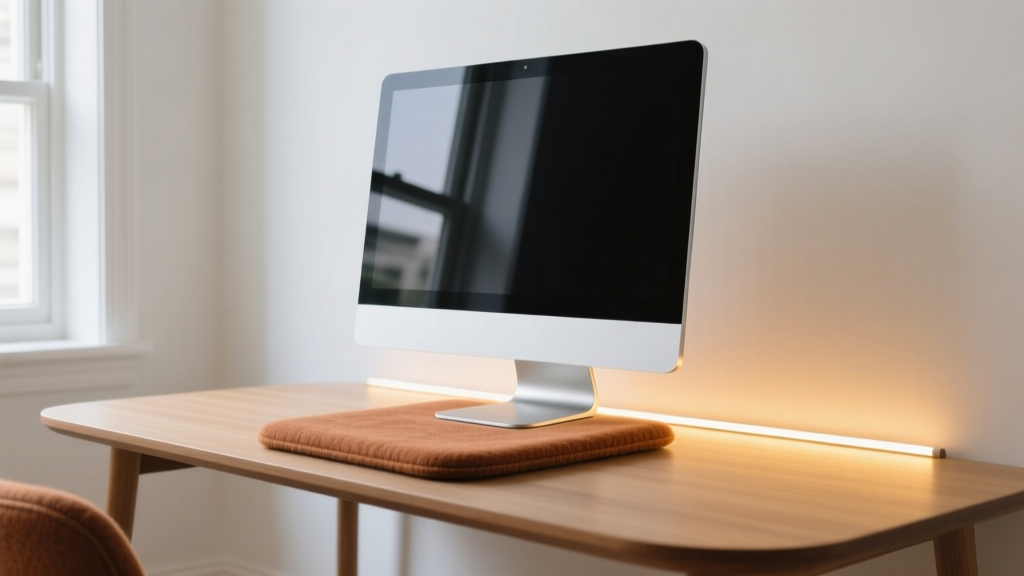
Upgrading a workspace doesn't require a $2,000 ergonomic chair or a $1,500 OLED display. The highest return on investment actually comes from micro-adjustments in lighting, tactile feedback, and surface acoustics. For 2026, we tested dozens of accessories to curate the definitive list of budget desk gadgets for men, enforcing a strict $50 ceiling per item. Every product below solves a specific friction point in the daily workflow, from reducing eye strain to executing complex software macros with a single keystroke.
The 2026 Budget Desk Gadget Matrix
| Gadget | Price | Primary Category | Key Specification |
|---|---|---|---|
| Xiaomi Mi Light Bar 1S | $49 | Lighting | 2700K-6500K, Ra95 CRI |
| Satechi Aluminum Riser | $39 | Ergonomics | 6063 Alloy, 50lb Capacity |
| Razer Tartarus Mini | $39 | Productivity | 6 Optical Switches, 0.2ms |
| Logitech Brio 300 | $49 | Communication | 1080p/30fps, RightLight 2 |
| Grovemade Felt Pad (Small) | $40 | Surface/Acoustics | Merino Wool, 24x10 inches |
| Anker 622 MagGo | $45 | Power | 10,000mAh, MagSafe Align |
| Kaweco Perkeo Pen | $20 | Analog EDC | Octagonal Barrel, 0.7mm Nib |
Visual & Ergonomic Upgrades
Xiaomi Mi Computer Monitor Light Bar 1S ($49)
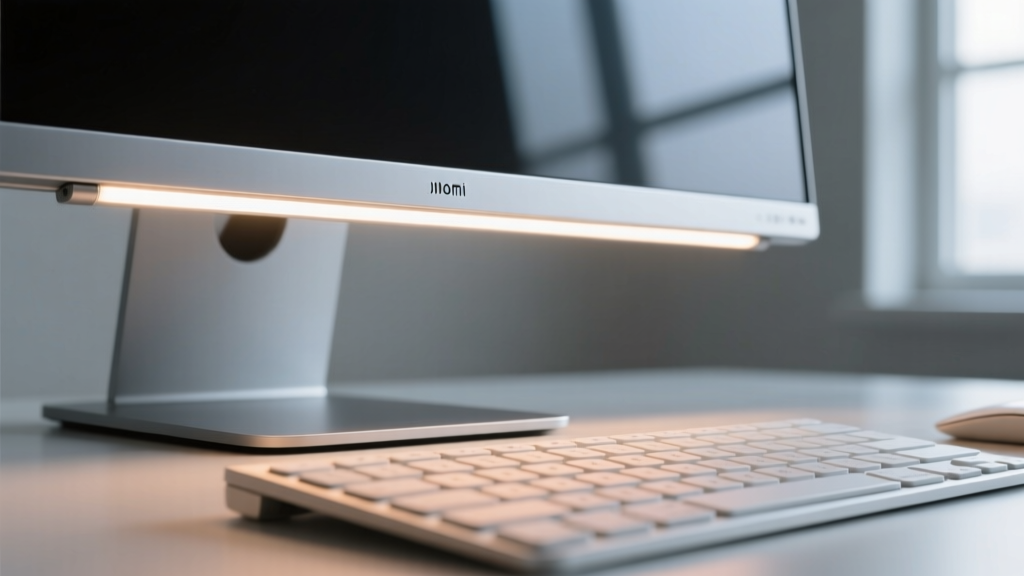
Most cheap monitor lights fail because they blast light directly onto the screen, creating severe glare. The Xiaomi Mi Light Bar 1S utilizes custom asymmetrical optics to project illumination strictly forward and downward onto your keyboard and desk surface. With a Color Rendering Index (CRI) of Ra95 and an adjustable color temperature ranging from 2700K (warm) to 6500K (cool), it accurately renders colors for design work while reducing pupil fatigue during late-night coding sessions. The included wireless puck controller eliminates cable clutter, a rare feature at this price point.
Satechi Aluminum Monitor Stand Riser ($39)
Proper monitor height is non-negotiable for cervical spine health. According to Mayo Clinic's guidelines on office ergonomics, the top of your screen should be at or slightly below eye level. The Satechi riser elevates your display by exactly 4.5 inches. Machined from a single piece of 6063 aluminum alloy, it supports up to 50 pounds—easily handling heavy 32-inch 4K monitors without the center-bowing issue that plagues cheaper MDF wood alternatives. The hollow underbelly provides 2.5 inches of clearance for stashing mechanical keyboards or docking stations.
Productivity & Macro Hardware
Razer Tartarus Mini ($39)
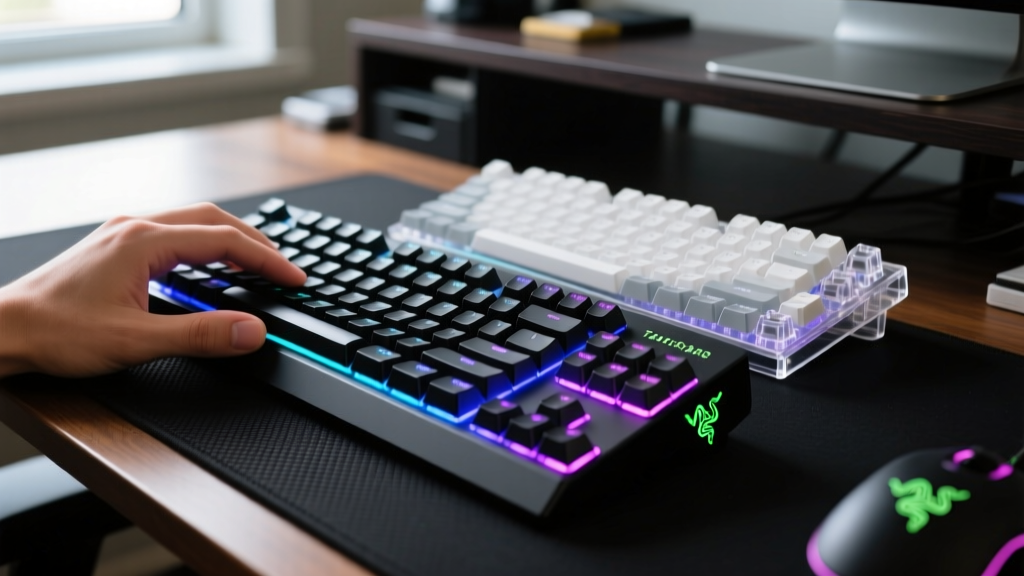
The Tartarus Mini is a 6-key macro keypad designed for the non-gamer. It uses Razer's optical switches with a 0.2ms actuation time and 70 million keystroke lifespan. While marketed to gamers, its real value lies in professional workflow acceleration. Because it registers as a standard HID keyboard, you can map complex shortcuts without specialized software running in the background.
- Video Editing: Map the 6 keys to J, K, L, I (In-point), O (Out-point), and M (Marker) for rapid Premiere Pro timeline scrubbing.
- 3D Modeling: Assign Blender viewport toggles (Numpad 1, 3, 7) to keep your left hand off the main keyboard.
- Data Entry: Program multi-line text expansions or complex Excel formula executions.
Logitech Brio 300 ($49)
Laptop webcams in 2026 are better, but they still suffer from poor low-light noise and fixed focal lengths. The Brio 300 offers 1080p at 30fps, but the standout feature is RightLight 2 technology, which automatically adjusts exposure and contrast based on your room's ambient lighting. It includes a manual privacy shutter—a physical sliding cover that guarantees the lens is blocked when not in use, addressing hardware-level security concerns that software toggles cannot.
Surface, Power, and Analog EDC
Grovemade Small Wool Felt Desk Pad ($40)
Hard desks reflect sound, amplifying the clack of mechanical keyboards and the thud of dropped pens. Grovemade's desk pad is constructed from dense Merino wool felt, which acts as an acoustic dampener. The 24x10 inch small version is perfect for minimalist setups, providing a soft landing zone for your keyboard and mouse while protecting the desk surface from micro-scratches. The natural lanolin in the wool also makes it naturally resistant to liquid spills and dust accumulation.
Anker 622 Magnetic Battery (MagGo) ($45)
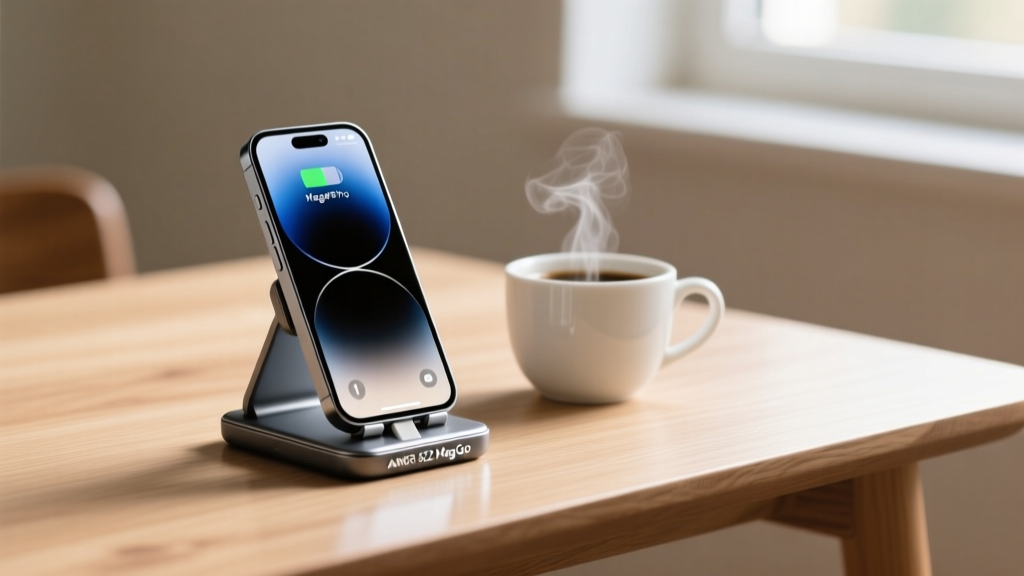
Desk cables are the enemy of focus. The Anker 622 is a 10,000mAh magnetic power bank that snaps directly to the back of any MagSafe-compatible phone (iPhone 12 through 16 series). Instead of tethering your phone to a desk stand with a Lightning or USB-C cable, you simply attach the 622. It features a built-in folding kickstand, allowing you to prop your phone up at a 30-degree angle for viewing notifications or taking FaceTime calls while it charges wirelessly at 7.5W.
Kaweco Perkeo Fountain Pen ($20)
Digital fatigue is real, and analog note-taking forces a slower, more deliberate cognitive process. The Kaweco Perkeo features an octagonal barrel that prevents it from rolling off the desk—a common failure point for cylindrical pens. The faceted grip naturally guides your fingers into the correct tripod hold, while the 0.7mm stainless steel nib provides a smooth, wet ink flow that requires zero downward pressure, reducing hand cramping during long brainstorming sessions.
The Ergonomics & Eye Strain Baseline
Gadgets only work if they align with human biology. When integrating these items into your setup, adhere to the 20-20-20 rule recommended by the American Academy of Ophthalmology to prevent digital eye strain.
"Every 20 minutes, look at something 20 feet away for at least 20 seconds. Ensure your ambient room lighting matches the brightness of your monitor to prevent your pupils from constantly adjusting to high-contrast environments."
Use the Xiaomi light bar to balance the ambient light in your immediate field of vision, and use the Satechi riser to ensure your neck remains in a neutral, forward-facing posture rather than tilting downward.
Frequently Asked Questions
Can I mount a 32-inch monitor on the Satechi stand?
Yes, provided the monitor weighs under 50 lbs. Most 32-inch IPS panels weigh between 14 and 18 lbs without the factory stand. The 4.5-inch clearance is also sufficient to slide most 32-inch monitors through if you remove the base, but measure your specific monitor's VESA mount height to ensure the screen doesn't overhang the back edge of the desk.
Does the Xiaomi light bar fit curved monitors?
The Mi Light Bar 1S uses a gravity pivot clamp designed for flat panels up to 1.2 inches thick. It can mount to gentle curves (like a 1800R curvature), but on aggressive 1000R ultrawide monitors, the clamp may not sit flush, causing the bar to tilt backward. For deep curves, consider a VESA-mounted arm alternative.
How do I map macros on the Tartarus Mini without Razer Synapse?
While Razer Synapse offers deep customization, it is resource-heavy. You can use lightweight, open-source alternatives like Microsoft PowerToys (Keyboard Manager) or AutoHotkey. These tools intercept the keystrokes at the OS level and remap them to complex macros or text expansions without requiring proprietary background software running in your system tray.
Written by
David OkaforDavid Okafor is an ASE (Automotive Service Excellence) Master Certified Technician with 15 years of professional experience in vehicle diagnostics, aftermarket electronics installation, and fleet management. He holds an Associate Degree in Automotive Technology from Universal Technical Institute and certifications in mobile electronics (MECP Certified Installer). David has installed and reviewed over 800 car tech products — from OBD2 scanners and dash cams to full infotainment system retrofits — in vehicles ranging from economy compacts to luxury SUVs. His popular YouTube channel "AutoTech David" has over 150,000 subscribers and features detailed installation tutorials and product teardowns. He is a regular contributor to the SEMA Show's aftermarket technology showcase and advises two automotive tech startups on product development.