Setup Guide: Niche Gadgets for the Man That Has Everything
Master the art of sourcing ultra-niche tech. This setup guide details bespoke gadgets for the man that has everything, covering calibration and integration.
The Problem with Mainstream Tech Gifting
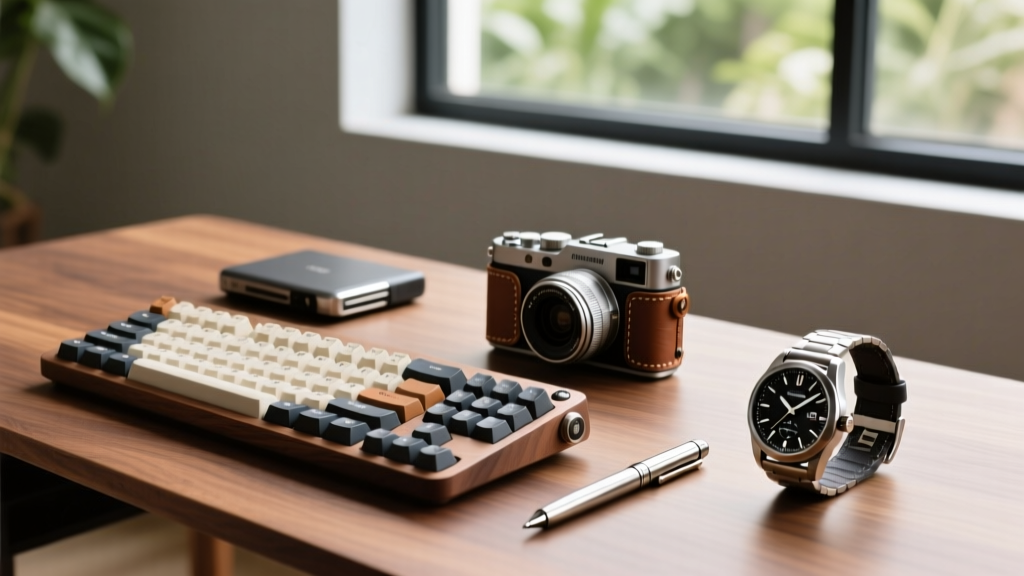
Buying a gift for a man who already owns the Apple Watch Ultra, a Sony A7IV mirrorless camera, and a Herman Miller Aeron chair requires abandoning the mainstream tech cycle. When someone has unlimited access to mass-market flagship devices, the novelty of a new smartphone or smart speaker evaporates. The solution lies in hyper-niche, analog-digital hybrid hardware. However, sourcing these bespoke gadgets for the man that has everything is only half the battle. These devices require meticulous white-glove setup, environmental calibration, and ecosystem integration to function as intended.
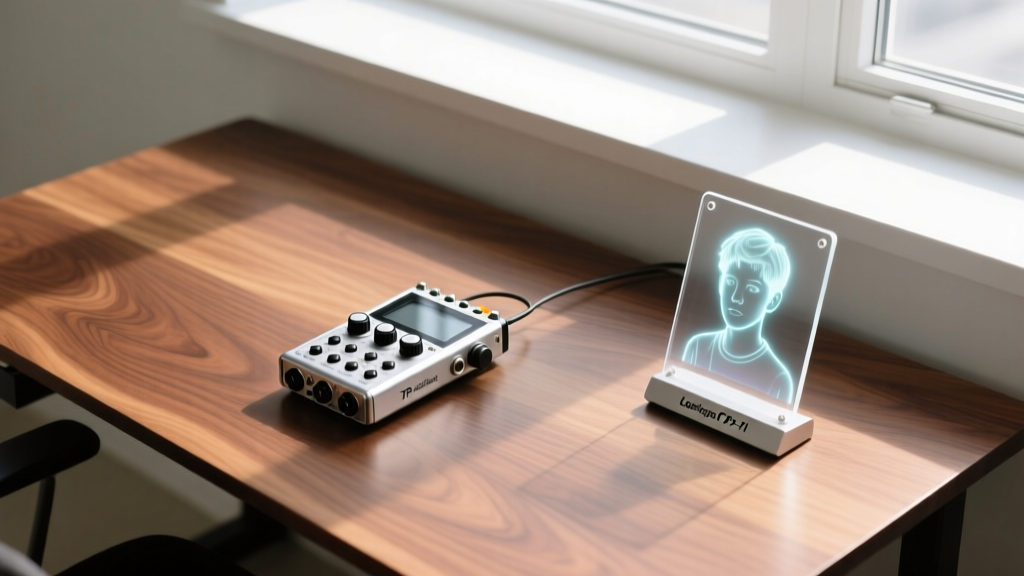
This tutorial provides a comprehensive framework for auditing his workflow, sourcing un-Googleable hardware, and executing a flawless technical setup for two of the most complex niche gadgets currently on the market: the Looking Glass Portrait holographic display and the Teenage Engineering TP-7 motorized field recorder.
Phase 1: The Micro-Friction Audit
Before purchasing niche hardware, you must identify the micro-frictions in his daily routine. Men who have everything often suffer from digital fatigue or a lack of tactile feedback in their workflows. Conduct a silent audit of his desk and daily habits using these criteria:
- Tactile Deficit: Does he use a high-end mechanical keyboard but rely on a sterile glass trackpad? Does he produce digital audio or video but miss physical media interaction?
- Visual Flatness: Is his workspace dominated by standard 2D IPS panels? Does he consume 3D rendering, architecture, or spatial photography?
- Ecosystem Redundancy: Avoid buying into ecosystems he already maxed out. If he has a full Sonos setup, do not buy him another smart speaker. Look for gaps in his physical-digital bridge.
Phase 2: Sourcing the Un-Googleable
Mainstream retailers do not stock the gadgets that truly surprise seasoned tech enthusiasts. You must pivot to specialized sourcing platforms that focus on limited-run, bespoke, or imported hardware. Below is a comparison of the most reliable platforms for acquiring niche tech in 2026.
| Sourcing Platform | Best For | Price Range | Lead Time |
|---|---|---|---|
| Drop (formerly Massdrop) | Audiophile & EDC community collaborations | $150 - $1,500 | 3-6 months |
| Etsy (Custom Tech Enclosures) | Bespoke wood/acrylic stands and housings | $200 - $800 | 2-4 weeks |
| Direct Import (via Buyee/ZenMarket) | Niche Japanese audio and Sony legacy gear | $300 - $2,000 | 1-3 weeks |
| Manufacturer Direct (Waitlists) | Teenage Engineering, Teenage Engineering, Nothing | $500 - $2,000 | 1-4 months |
Phase 3: White-Glove Setup & Calibration
Handing over an unboxed, uncalibrated niche gadget is a disservice to the hardware. The true value of gifting high-end tech lies in the setup. Below are the exact configuration protocols for two standout devices.
Case Study A: Configuring the Looking Glass Portrait ($999)
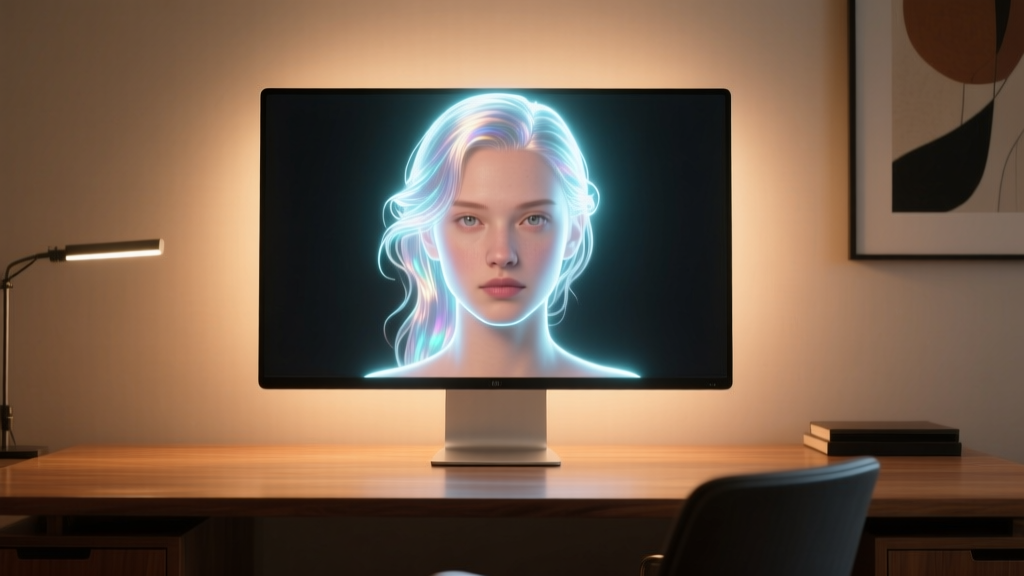
The Looking Glass Portrait is an 8.9-inch lenticular holographic display. It is not a standard monitor; it requires specific environmental and software calibration to prevent ghosting and maximize depth perception.
- Environmental Lighting Control: The lenticular lens is highly susceptible to ambient light wash. Use a lux meter app on your smartphone to measure the light hitting the screen. The ideal ambient light level is between 150 and 300 lux. Position the device away from direct window sunlight.
- Bias Lighting Installation: Mount a 3000K warm-white LED bias light strip to the rear of the display. This increases perceived contrast without reflecting off the front lenticular lens.
- Bandwidth Verification: The display requires a USB-C connection capable of 10Gbps data transfer and DisplayPort Alt Mode. Do not use the charging cable that came with his MacBook; use a certified 40Gbps Thunderbolt 4 cable to prevent refresh rate drops.
- Software Pipeline Setup: Install Looking Glass Studio. Navigate to the Quilt settings and force the resolution to 4096x4096 (8x8 grid). If he uses a Mac, ensure the software is granted Screen Recording permissions in macOS System Settings to allow real-time spatial capture.
Case Study B: Integrating the Teenage Engineering TP-7 ($799)
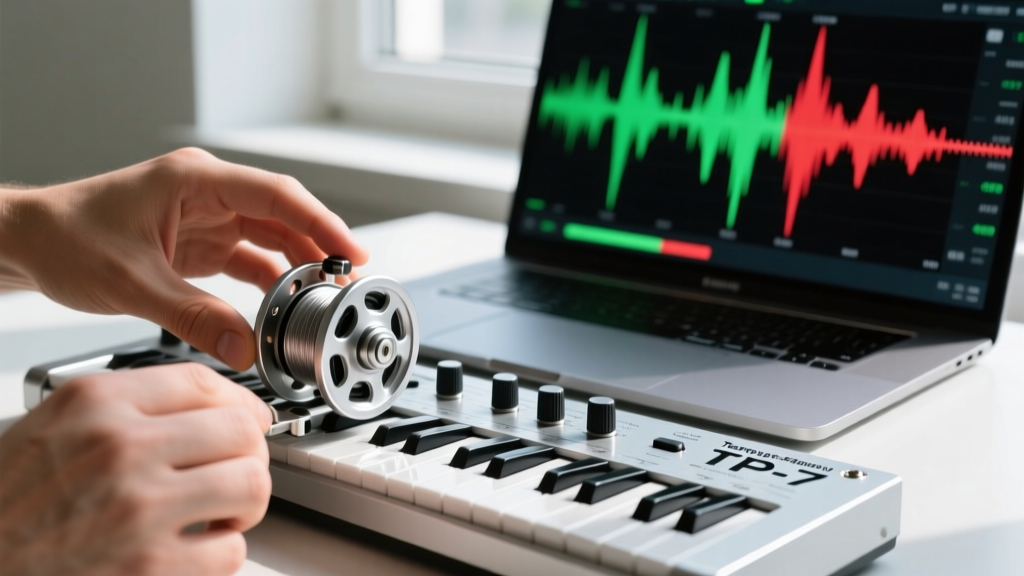
The Teenage Engineering TP-7 is a motorized reel-to-reel tape recorder with a built-in 128GB flash drive. It bridges analog aesthetics with digital I/O. Setting it up as a seamless macOS audio interface requires precise routing.
- Power Delivery Calibration: The TP-7 motor requires consistent voltage to maintain tape speed accuracy. Connect it to a 20W or higher GaN USB-C charger. Underpowered hubs will cause the motor to stall during playback.
- macOS Audio MIDI Configuration: Connect the TP-7 via USB-C. Open the native macOS Audio MIDI Setup utility (found in Utilities). Locate the TP-7 in the left sidebar.
- Sample Rate Locking: Force the format to 48.0 kHz and 24-bit. The TP-7 hardware is optimized for 48kHz; allowing macOS to dynamically switch sample rates will result in digital clipping and motor desync.
- DAW Routing: In his preferred DAW (Logic Pro or Ableton), set the TP-7 as the primary output device. Route the master bus to Outputs 1/2, and set up a hardware return on Inputs 1/2 to allow him to record his digital mixes back onto the TP-7 internal flash memory for analog-style saturation.
Phase 4: The Presentation and Handoff
For the man who has everything, the unboxing experience must match the premium nature of the hardware. Do not simply hand him a retail box. Execute a 'white-glove' handoff:
- Pre-configure all firmware updates. Niche gadgets often ship with year-old firmware that requires lengthy manual updates.
- Remove all plastic films and zip ties, but retain the premium outer packaging for his storage.
- Provide a single-page, custom-printed 'Cheat Sheet' detailing the specific hotkeys, sample rates, or lighting conditions you calibrated during Phase 3.
Troubleshooting Common Niche Gadget Failures
Even high-end boutique tech has edge cases. Use this decision matrix to troubleshoot issues post-setup without needing to contact boutique support teams, which often have multi-week response times.
| Symptom | Root Cause | Calibration Fix |
|---|---|---|
| Hologram ghosting or double-vision on Looking Glass | Ambient light exceeding 500 lux or incorrect viewing angle. | Reposition away from windows; ensure user is seated exactly 18-24 inches from the screen at eye level. |
| TP-7 motor stalls or pitch drops during playback | USB-C power delivery falling below 15W under load. | Switch to a dedicated 20W+ wall charger; bypass unpowered desktop USB hubs entirely. |
| macOS drops TP-7 audio connection randomly | Sample rate mismatch causing USB buffer overflow. | Lock Audio MIDI Setup to 48kHz; disable 'Aggregate Device' configurations in macOS Sequoia. |
| Looking Glass Studio crashes on export | Insufficient VRAM for 8K quilt rendering. | Reduce quilt grid to 5x5 in settings; close background browser tabs consuming unified memory on Apple Silicon. |
By shifting your focus from mainstream specs to tactile, highly specialized hardware, you bypass the redundancy of his existing collection. The key to successfully gifting niche gadgets for the man that has everything is not just the purchase, but the meticulous, expert-level configuration that transforms a piece of hardware into an integrated, frictionless part of his daily life.
Written by
David OkaforDavid Okafor is an ASE (Automotive Service Excellence) Master Certified Technician with 15 years of professional experience in vehicle diagnostics, aftermarket electronics installation, and fleet management. He holds an Associate Degree in Automotive Technology from Universal Technical Institute and certifications in mobile electronics (MECP Certified Installer). David has installed and reviewed over 800 car tech products — from OBD2 scanners and dash cams to full infotainment system retrofits — in vehicles ranging from economy compacts to luxury SUVs. His popular YouTube channel "AutoTech David" has over 150,000 subscribers and features detailed installation tutorials and product teardowns. He is a regular contributor to the SEMA Show's aftermarket technology showcase and advises two automotive tech startups on product development.