7 Cool Home Office Gadgets for Small Desks in 2026
Maximize your micro-workspace with these cool home office gadgets. Discover compact keyboards, under-desk tools, and space-saving docks for 2026.
The Physics of a Micro-Workspace
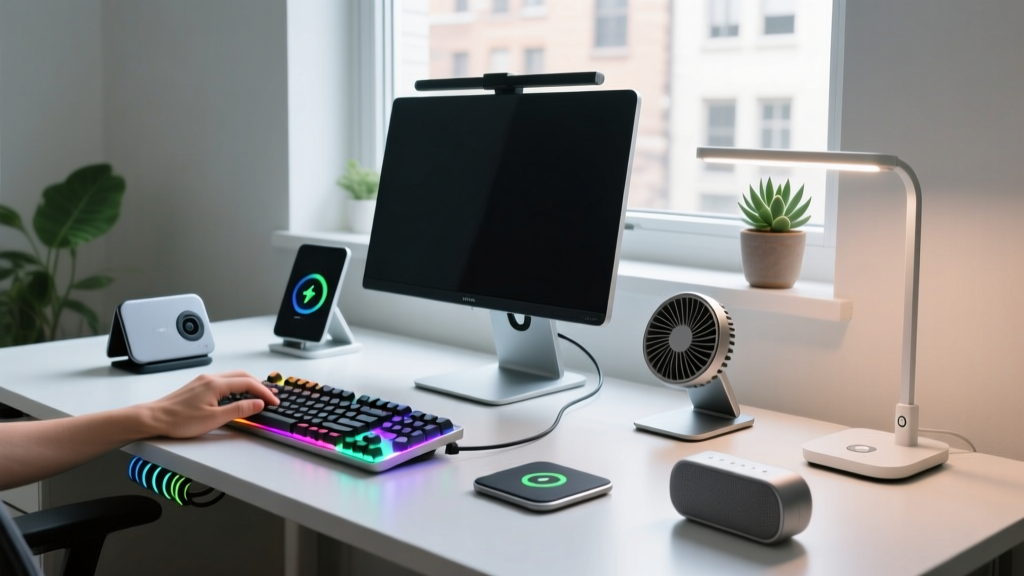
The average urban apartment allocates less than 20 square feet for a dedicated home office, often forcing remote workers onto 40-inch to 48-inch wide desks. According to recent data from the U.S. Bureau of Labor Statistics, hybrid and remote work models remain deeply entrenched in the modern economy, making volumetric efficiency—the ratio of usable workspace to gadget footprint—a critical metric for productivity. If you are hunting for cool home office gadgets that actually reclaim physical space rather than just adding RGB clutter to your setup, you need to think in three dimensions: verticality, under-desk real estate, and device consolidation.
Standard peripherals are designed for 60-inch executive desks, not the compact console tables and floating shelves that define modern urban workspaces. A traditional 100% mechanical keyboard, a sprawling desk mat, and a standalone docking station can easily consume 70% of a 40-inch desk's surface area before you even place your laptop down. The solution is not simply buying smaller items, but investing in gear that serves multiple functions or relocates to dead zones (like the space beneath your monitor or the underside of your desk).
The 2026 Compact Gadget Matrix
Before diving into the technical specifications, here is a high-level breakdown of the space-saving ROI (Return on Investment) for the top compact gadgets currently dominating the market. This matrix evaluates each device based on the exact square inches of desk real estate it reclaims compared to its traditional counterpart.
| Gadget Category | Specific Model | Footprint Saved | Avg. Price (2026) | Best For |
|---|---|---|---|---|
| Ultra-Slim Keyboard | Keychron K3 Pro | ~24 sq inches | $84 - $94 | Typists needing tactile feedback without the bulk |
| Padless Mouse | Logitech MX Anywhere 3S | ~99 sq inches | $79 | Multi-surface tracking on glass or bare wood |
| Monitor Light Bar | BenQ ScreenBar Halo | ~24 sq inches | $199 | Eliminating traditional desk lamp bases |
| Macro Controller | Elgato Stream Deck Pedal | ~28 sq inches | $149 | Streamers and power users needing hidden shortcuts |
| Consolidated Dock | Anker 675 USB-C Docking Stand | ~45 sq inches | $229 | Combining monitor riser and 12-in-1 hub |
Tier 1: Shrinking the Input Footprint
Keychron K3 Pro (Ultra-Slim 75% Layout)
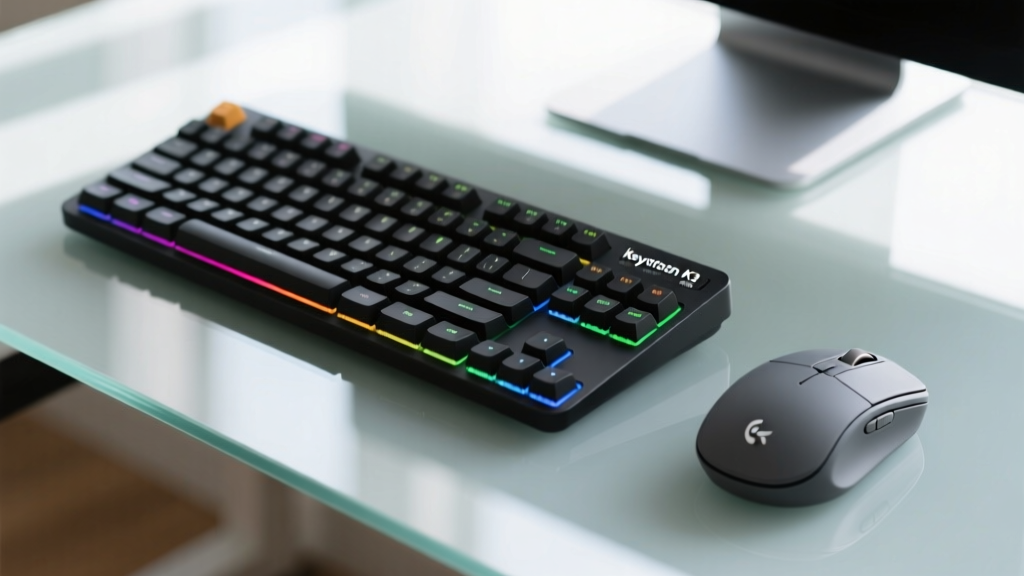
The transition from a full-sized 104-key keyboard to a 75% layout is the single most effective lateral space-saving move you can make. The Keychron K3 Pro measures exactly 12.8 x 4.3 inches and sits at a mere 22mm thin at its lowest point. By eliminating the numeric keypad and compressing the function row, it reclaims roughly 4.5 inches of horizontal desk space compared to a standard board. More importantly, its low-profile Gateron mechanical switches provide the tactile bump required for heavy typists without the 40mm height of traditional Cherry MX boards, allowing you to type comfortably without a bulky wrist rest.
Logitech MX Anywhere 3S (The Mousepad Eliminator)
Most professionals overlook the footprint of their mousepad. A standard premium desk mat or mousepad consumes roughly 99 square inches (e.g., 11 x 9 inches) of prime real estate. The Logitech MX Anywhere 3S utilizes the Darkfield 8K DPI sensor, which tracks flawlessly on bare wood, laminate, and even 4mm thick glass. By ditching the mousepad entirely, you instantly free up a massive rectangle of your desk for notebooks, coffee, or simply breathing room. The MagSpeed electromagnetic scroll wheel also allows you to ratchet through 1,000 lines of code or spreadsheets per second without the mechanical bulk of traditional scroll mechanisms.
Tier 2: Exploiting Vertical and Under-Desk Zones
BenQ ScreenBar Halo (Zero-Base Illumination)
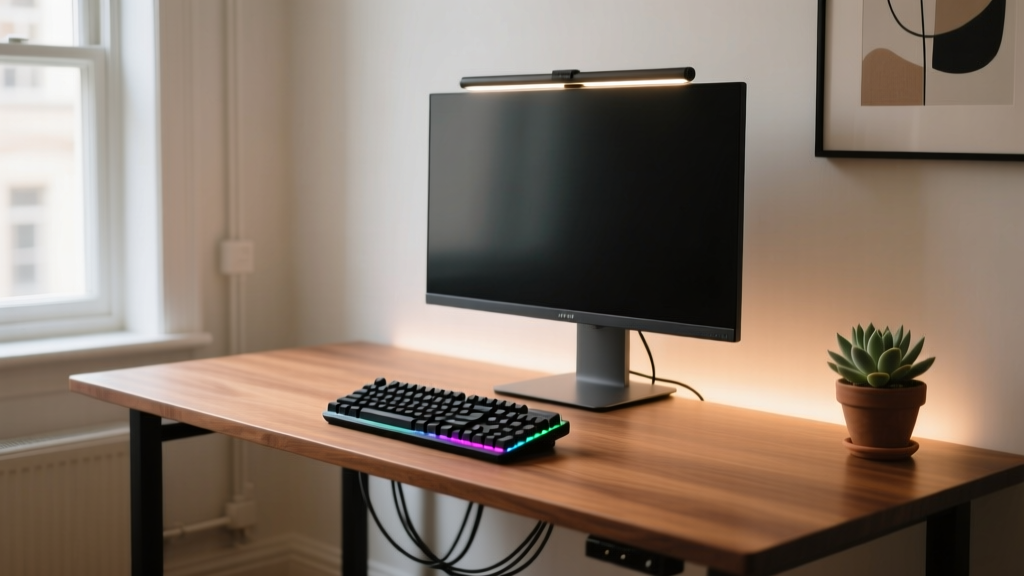
Task lighting is non-negotiable for reducing eye strain, but traditional LED desk lamps require a heavy, weighted base to prevent tipping, usually eating up a 6x4 inch corner of your desk. The BenQ ScreenBar Halo solves this with a gravity pivot clamp that anchors directly to the top bezel of your monitor. It takes up exactly zero square inches of desk surface. The 2026 iteration of the Halo includes an upgraded wireless dial controller (which can be mounted to the side of your monitor or desk edge via adhesive) and an asymmetric optical design that illuminates your keyboard without casting glare on your screen.
Elgato Stream Deck Pedal (Sub-Surface Macros)
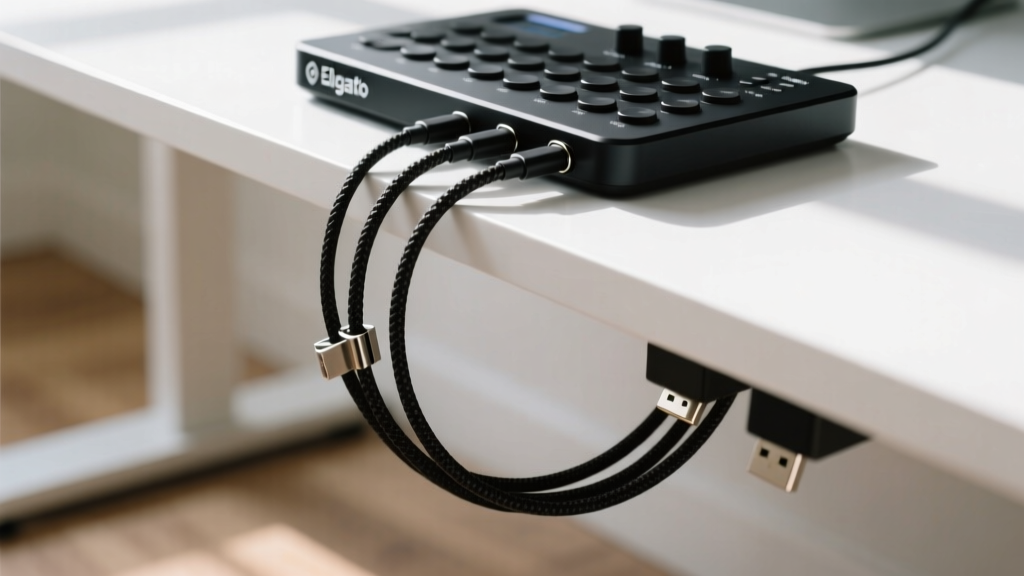
For video editors, programmers, and streamers, macro pads are essential but notoriously cluttered. The Elgato Stream Deck Pedal moves up to three customizable, multi-step macro triggers completely out of sight. Mounting directly to the underside edge of your desk, the heavy-duty steel chassis stays planted without needing to be screwed into the wood. This frees up the 7x4 inch footprint a standard Stream Deck Mini would occupy on your desktop, keeping your primary workplane strictly for your mouse and keyboard.
Tier 3: Power and Docking Consolidation
Anker 675 USB-C Docking Station (Monitor Stand Hybrid)
Standalone Thunderbolt or USB-C docks are typically brick-shaped, slide around the desk, and require their own power bricks. The Anker 675 USB-C Docking Station completely reimagines this form factor by integrating a 12-in-1 dock into a structural monitor riser. Measuring 10.2 x 5.5 inches, it elevates your monitor by 3.7 inches to an ergonomic eye level while housing 2x USB-A, 2x USB-C (including a 100W Power Delivery port for laptop charging), SD/microSD slots, Gigabit Ethernet, and a 4K@60Hz HDMI port. By merging the monitor stand and the docking station into a single footprint, you eliminate the need for a separate riser and a standalone hub, saving roughly 45 square inches of cluttered desk space.
The Ergonomic Trade-off of Micro-Desks
While maximizing space is crucial, it must not come at the expense of your physical health. Research from Steelcase on hybrid workspaces emphasizes the importance of the 'neutral reach zone'—an arc extending roughly 15 to 17 inches from your elbows where your most frequently used tools should reside. When adopting compact gadgets, ensure that your space-saving measures do not force you into awkward postures.
- Monitor Height: If you use a compact dock like the Anker 675, verify that the 3.7-inch lift actually aligns the top third of your screen with your eye level. If your desk is particularly low (under 28 inches), you may still need a secondary VESA monitor arm to achieve proper cervical alignment.
- Keyboard Tilt: Ultra-slim keyboards like the Keychron K3 Pro often have a slight forward tilt. Ensure your chair's armrests are adjusted so your forearms are parallel to the floor, preventing undue strain on your carpal tunnels despite the low profile of the board.
- Under-Desk Clearance: Before purchasing under-desk pedals or mounts, measure the clearance between your thighs and the desk underside. You need a minimum of 6 inches of vertical clearance to operate foot pedals without hunching your shoulders to compensate for a cramped seated position.
Final Space-Saving Verdict
Curating a list of cool home office gadgets for small spaces requires looking past marketing hype and focusing on volumetric efficiency. By shifting to padless tracking with the MX Anywhere 3S, adopting low-profile 75% layouts like the Keychron K3 Pro, and leveraging dead zones with the BenQ ScreenBar Halo and Elgato Pedal, you can transform a cramped 40-inch apartment desk into a highly functional, ergonomic command center. The goal is not just to fit more gear into a small space, but to remove the physical barriers between you and your deep work.
Written by
David OkaforDavid Okafor is an ASE (Automotive Service Excellence) Master Certified Technician with 15 years of professional experience in vehicle diagnostics, aftermarket electronics installation, and fleet management. He holds an Associate Degree in Automotive Technology from Universal Technical Institute and certifications in mobile electronics (MECP Certified Installer). David has installed and reviewed over 800 car tech products — from OBD2 scanners and dash cams to full infotainment system retrofits — in vehicles ranging from economy compacts to luxury SUVs. His popular YouTube channel "AutoTech David" has over 150,000 subscribers and features detailed installation tutorials and product teardowns. He is a regular contributor to the SEMA Show's aftermarket technology showcase and advises two automotive tech startups on product development.