Cool Gadget Presents That Solve Real Desk Problems (2026)
Discover cool gadget presents that actually solve home office pain points. Our 2026 guide picks practical desk upgrades over novelty junk.
Why Practicality Beats Novelty in 2026
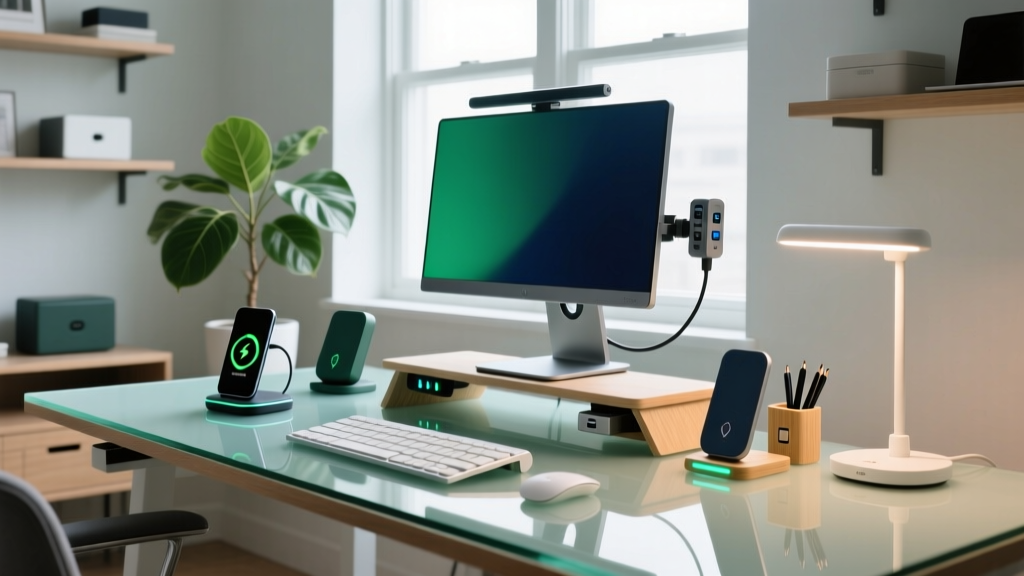
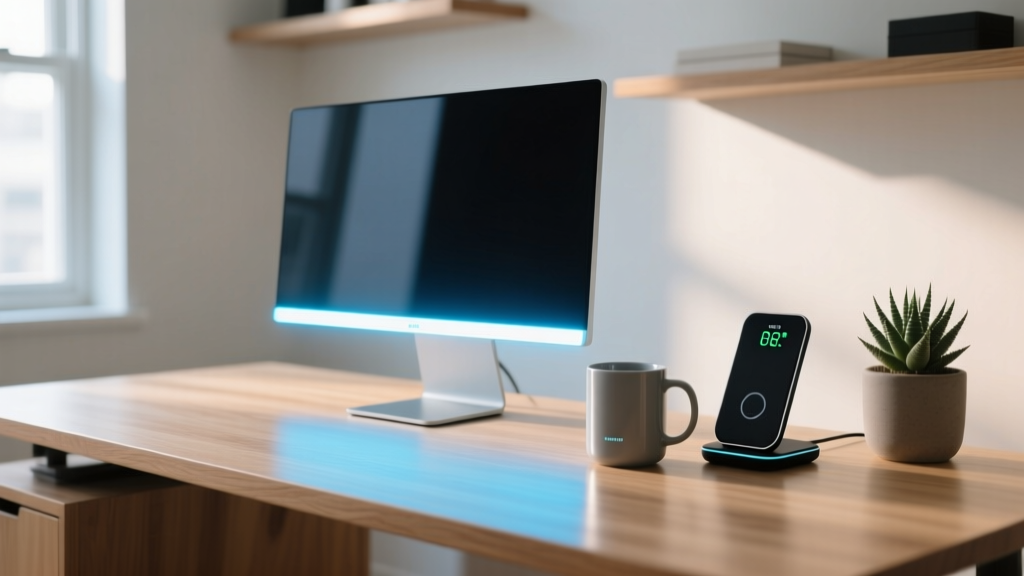
Most desk accessories gifted to remote workers end up in a drawer by February. The novelty of a levitating Bluetooth speaker or a USB-powered mini fridge wears off the moment the recipient realizes it creates more clutter than it solves. When hunting for cool gadget presents for the home office, the highest-impact strategy is targeting micro-frictions: the dead phone battery at 2 PM, the eye strain from overhead glare, or the lukewarm coffee that gets abandoned during back-to-back calls.
This guide bypasses gimmickry. We have selected four problem-solving gadgets that address specific ergonomic and workflow failures, complete with exact specifications, current pricing, and the technical reasons why they outperform cheaper alternatives.
Problem 1: Cable Clutter and Qi Charging Failures
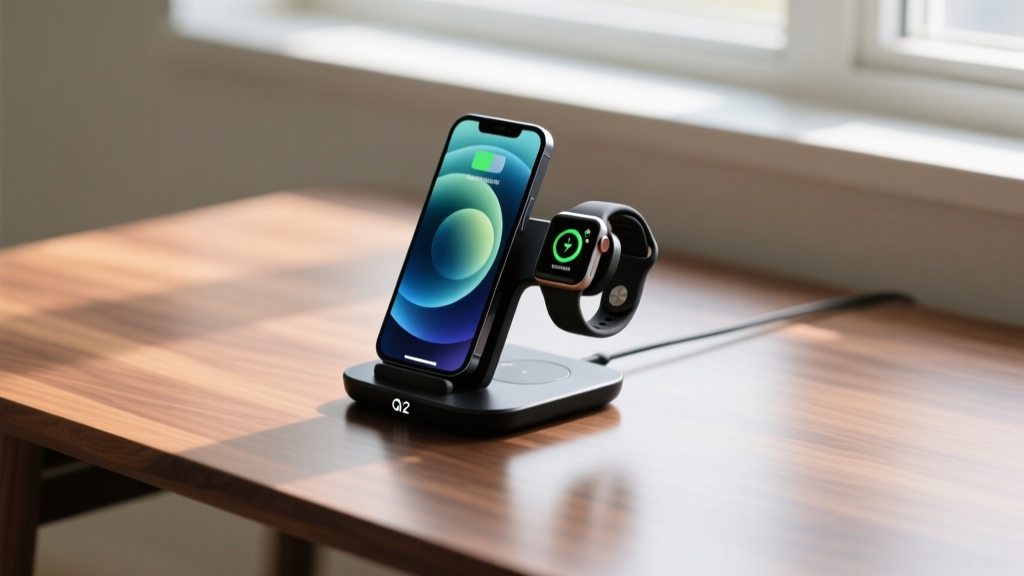
The most common desk complaint is cable spaghetti, exacerbated by the failure of cheap wireless chargers to maintain a connection if a phone is bumped. The Belkin BoostCharge Pro 3-in-1 MagSafe Qi2 ($129.99) solves both issues by leveraging the Qi2 standard.
Unlike older Qi chargers that maxed out at 7.5W for non-Apple devices and suffered from coil misalignment, Qi2 utilizes a Magnetic Power Profile. According to the Wireless Power Consortium, this ensures precise coil alignment, delivering a stable 15W charge while generating significantly less heat. Heat is the primary enemy of long-term lithium-ion battery health.
- Footprint: 4.3 x 3.1 inches (frees up an average of 12 square inches of desk space compared to cable hubs)
- Output: 15W (Phone), 5W (Earbuds), 2.5W (Watch)
- Failure Mode to Avoid: Do not pair with cases thicker than 3mm or cases containing metal rings, which will trigger foreign object detection (FOD) and halt charging.
Problem 2: Asymmetric Glare and 3 PM Eye Fatigue
Overhead room lighting creates screen glare, while standard desk lamps illuminate the keyboard but cast shadows on documents. The BenQ ScreenBar Halo ($119.00) utilizes an asymmetric optical design that projects light strictly downward onto the desk surface, ensuring zero light hits the monitor itself.
Research from Cornell University Ergonomics highlights that improper task lighting forces the pupils to constantly dilate and constrict as the eyes move between a bright screen and dark desk, leading to severe visual fatigue. The ScreenBar Halo outputs a Color Rendering Index (CRI) of >95, meaning colors on physical documents appear exactly as they would in natural daylight. The included wireless puck controller features a built-in ambient light sensor that automatically adjusts the color temperature from 2700K (warm) to 6500K (cool) based on the time of day.
Pro-Tip for Gifting: The ScreenBar requires a monitor thickness between 0.12 and 1.2 inches to mount securely. If your recipient uses an ultra-thin display (like the Apple Studio Display) or a curved monitor, you must include the $20 BenQ curved monitor adapter in the gift box.
Decision Matrix: Match the Pain Point to the Present
Use this framework to select the exact gadget based on the recipient's most vocal home office complaint.
| The Complaint | The Gadget Fix | Key Technical Advantage | Est. Price |
|---|---|---|---|
| "My phone always dies on calls." | Belkin Qi2 3-in-1 | Magnetic coil alignment prevents charging drops. | $129.99 |
| "My eyes hurt by late afternoon." | BenQ ScreenBar Halo | Asymmetric light path eliminates screen glare. | $119.00 |
| "My coffee is always cold." | Ember Mug 2 (Matte) | Phase-change material maintains exact temp. | $149.95 |
| "My mic picks up keyboard clicks." | Elgato Wave:3 | Clipguard prevents audio peaking at 120dB. | $149.99 |
Problem 3: The Lukewarm Beverage Tragedy
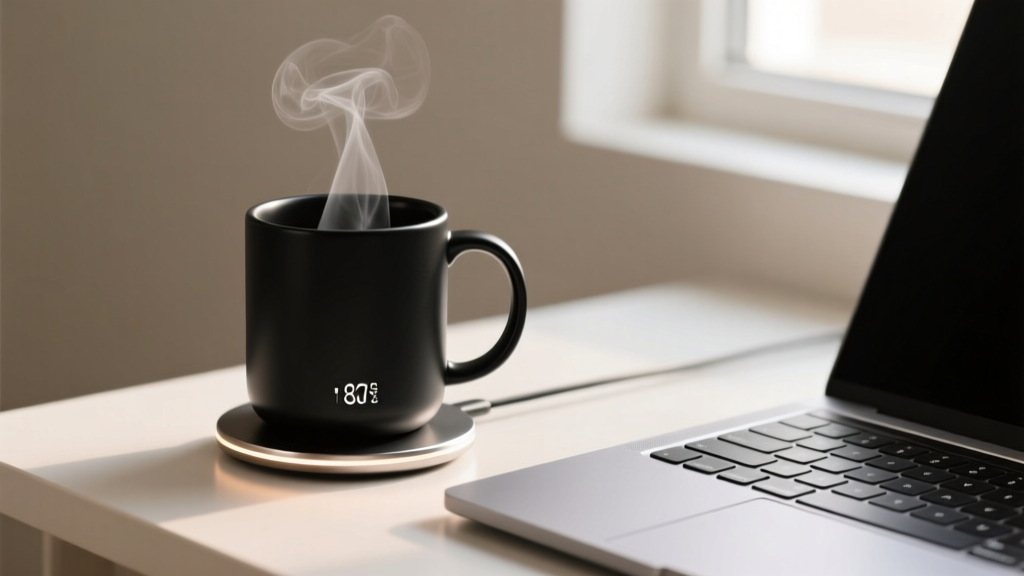
Remote workers pour a hot drink, get distracted by a Slack thread, and return to a cold mug. The Ember Mug 2 (10oz Matte Edition) ($149.95) uses a microprocessor-controlled heating element and phase-change material to maintain a precise liquid temperature between 120°F and 145°F.
While previous smart mugs relied solely on active heating (which drains the battery in 30 minutes), the Ember Mug 2 utilizes the phase-change layer to absorb excess heat when the coffee is poured at 180°F, storing that thermal energy and releasing it back into the liquid as it cools. This extends the off-coaster battery life to 80 minutes.
Problem 4: Echoey Audio and Keyboard Clack
Home offices are rarely acoustically treated, resulting in Zoom calls that sound like they are happening in a bathroom. Furthermore, mechanical keyboard switches easily overload standard USB microphones. The Elgato Wave:3 ($149.99) solves this with proprietary Clipguard technology.
Clipguard automatically routes audio through a secondary, lower-gain circuit the millisecond it detects a volume spike (like a loud laugh or a heavy keystroke), preventing the digital distortion that plagues standard condenser mics. It records at 24-bit/96kHz resolution, but the real value for a home office worker is the capacitive mute button on top, which provides instant, tactile silencing without fumbling for software toggles.
Gifting Framework: The 'Unboxing to Desk' Protocol
A practical gadget loses its impact if the recipient has to spend an hour figuring out how to integrate it. Elevate your cool gadget presents by pre-solving the setup friction:
- Ditch the Blister Packs: Remove the retail packaging and place the gadget in a high-quality, reusable tech pouch (like the Bellroy Tech Pouch). This reduces immediate desk clutter and recycling guilt.
- Include the Missing Link: If gifting the Elgato Wave:3, include a $15 USB-C to USB-C cable rated for 10Gbps data transfer. Many users accidentally use charge-only cables, resulting in the microphone not being recognized by the PC.
- Pre-Load the QR Codes: Print a small card with the direct QR codes to the necessary companion apps (Ember app, Elgato Wave Link) so they don't have to search through app store clones and malware risks.
Frequently Asked Questions
Do these gadgets require specific operating systems?
The Belkin charger and BenQ light bar are entirely hardware-driven and OS-agnostic. The Ember Mug and Elgato Wave:3 have optional companion apps for iOS/Android and Windows/macOS respectively, but both function perfectly via physical controls without ever installing the software.
What is the best warranty coverage among these picks?
>Elgato offers a robust 2-year warranty on the Wave:3, while Ember provides a 1-year limited warranty. Always include the digital gift receipt, as smart mugs have a slightly higher DOA (Dead on Arrival) rate due to shipping impacts affecting the internal heating coils.
Written by
Marcus WebbMarcus Webb served as a U.S. Army logistics officer for 8 years, where he managed field equipment procurement and tactical gear evaluation across three combat deployments. After honorable discharge, he earned a certification from the Professional Knife Makers Association and became a certified Wilderness First Responder (WFR). Marcus has tested over 500 EDC products in extreme environments — from -40°F in Alaska to 120°F in the Mojave Desert — using military-spec testing protocols. His reviews of multi-tools, tactical flashlights, and survival gear are known for their rigorous methodology: controlled drop tests from 6 feet, 120-minute water submersion at 2 meters, and lateral torque testing at 45 Nm. He is a member of the Blade Show judging panel and contributes to OutdoorGearLab.