7 Cool Office Gadget Gifts to Upgrade Any Home Desk in 2026
Discover the best cool office gadget gifts for 2026. From smart macro pads to ergonomic stands, upgrade any remote worker's home desk setup.
The Anatomy of a High-ROI Desk Upgrade
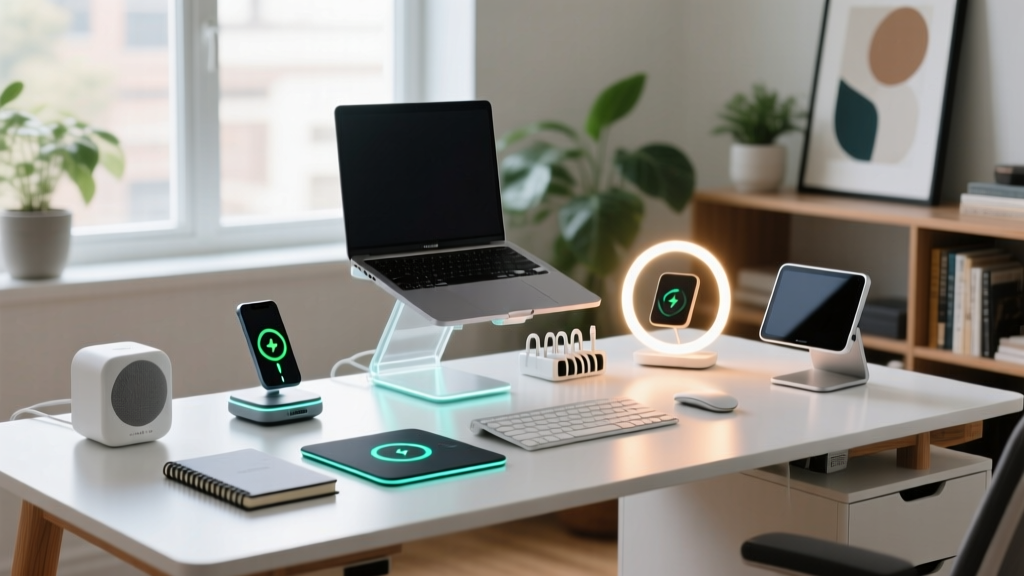
Most home office gifts fail because they prioritize novelty over daily utility. A genuinely useful cool office gadget must solve a specific friction point in a remote worker's day—whether that is thermal regulation of beverages, repetitive strain from poor peripheral ergonomics, or the cognitive load of switching between software environments. As we navigate the hybrid work landscape of 2026, the most impactful desk accessories are those that blend tactile satisfaction with seamless software integration.
This guide bypasses generic desk toys and focuses on precision-engineered hardware. Below, we break down five premium gadgets, detailing their exact specifications, ideal user personas, and the real-world edge cases you need to know before purchasing.
Gift-Matching Decision Matrix
| Recipient Persona | Primary Friction Point | Recommended Gadget | Approx. Price |
|---|---|---|---|
| The Macro Power-User | Repetitive keystrokes & app switching | Elgato Stream Deck + | $199 |
| The Caffeine Connoisseur | Coffee cooling during deep work blocks | Ember Temperature Control Mug 2 | $149 |
| The Aesthetic Minimalist | Cluttered sightlines & neck strain | Grovemade Walnut Desk Shelf | $180 |
| The Ergonomic Purist | Wrist pronation & laptop hunch | Twelve South Compass Pro + MX Master 3S | $178 |
1. Elgato Stream Deck +: Beyond Streaming
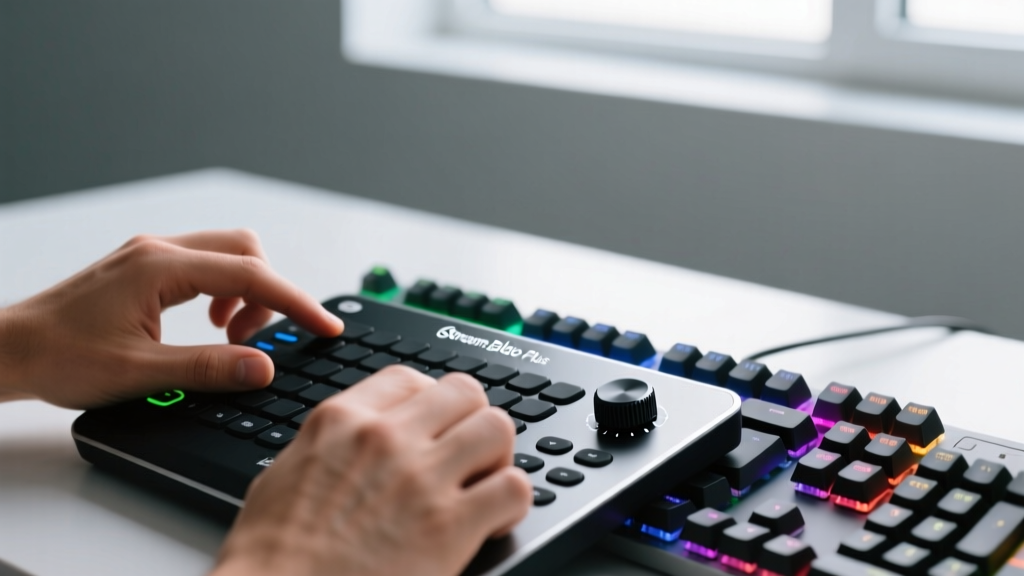
While originally marketed to Twitch broadcasters, the Elgato Stream Deck + has become an indispensable productivity tool for video editors, programmers, and financial analysts. Unlike the standard model, the "+" version integrates four tactile dials alongside eight LCD keys.
Deep Dive: Tactile Dials and Multi-Action Macros
The dials are the standout feature. They can be mapped to control Philips Hue lighting brightness, scrub through a Premiere Pro timeline, or adjust the master volume of a specific Zoom call without touching the mouse. The LCD keys utilize multi-action macros—meaning a single press can launch Spotify, open a specific Notion database, and set a Slack status to "Deep Work" simultaneously.
Known Edge Cases & Failure Modes
- Software Bloat: The Stream Deck software runs continuously in the background, consuming roughly 150MB of RAM. On older machines, this can cause minor latency.
- Plugin Dependencies: Advanced integrations (like controlling a local NAS or smart home hubs) often require third-party plugins from the Elgato Marketplace, which can break during major OS updates.
2. Ember Temperature Control Mug 2
The Ember Mug 2 solves a highly specific problem: the degradation of coffee flavor profiles as the liquid drops below 135°F. Using a built-in phase-change material and a microprocessor-controlled heating element, it maintains an exact temperature down to the single degree.
Thermal Dynamics and Battery Realities
The 10oz ceramic-coated stainless steel vessel offers a temperature range of 120°F to 145°F. However, buyers must understand the battery limitations. The internal lithium-ion battery provides exactly 1.5 hours of off-coaster heating time. Once depleted, it must rest on the proprietary charging coaster.

3. Grovemade Solid Walnut Desk Shelf
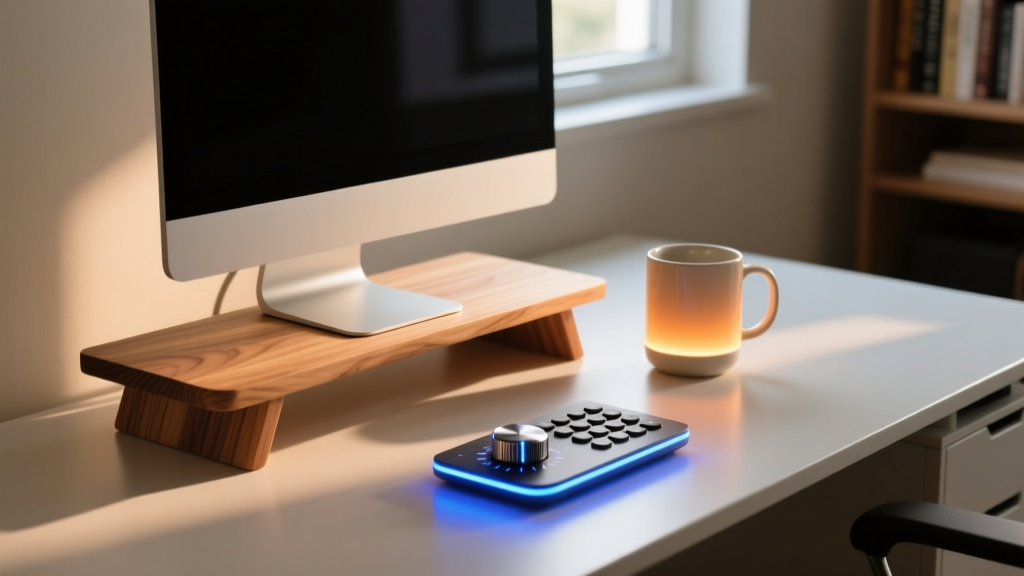
Monitor stands are common, but most are made of stamped aluminum or injection-molded plastic that bows under the weight of heavy ultrawide displays. The Grovemade Desk Shelf is constructed from solid Eastern Black Walnut and reinforced with a hidden steel bracket, capable of supporting up to 200 lbs.
The Ergonomics of Sightlines
According to guidelines on office ergonomics, the top third of your monitor should align with your natural eye level to prevent cervical flexion (forward head posture). The Grovemade shelf measures exactly 3.75 inches in height, which perfectly elevates standard 27-inch and 32-inch monitors into this ergonomic sweet spot for the average seated adult.
Material Specifications
- Dimensions: 32" W x 7.5" D x 3.75" H (Also available in a 48" variant for dual-monitor setups).
- Finish: Hand-sanded and sealed with a matte polyurethane that resists coffee rings and keyboard dust.
- Clearance: The 3.75" gap easily hides a Mac Studio, audio interfaces, and cable management hubs, drastically reducing visual clutter.
4. The Ergonomic Combo: Twelve South Compass Pro & MX Master 3S
For the laptop-first worker, pairing a premium stand with a high-end peripheral is the ultimate cool office gadget gift combination. The Twelve South Compass Pro ($79) elevates the screen, while the Logitech MX Master 3S ($99) handles input.
Compass Pro: Tension and Stability
Unlike cheaper aluminum stands that rely on loose friction hinges, the Compass Pro uses a high-tension internal spring mechanism. It supports laptops up to 17 inches and 15 pounds without the dreaded "screen droop" that occurs when typing directly on an elevated chassis. The silicone grip pads are vulcanized to the aluminum, ensuring they won't peel off after a year of heat exposure.
MX Master 3S: Electromagnetic Scrolling
The defining feature of the MX Master 3S is the MagSpeed electromagnetic scroll wheel. It can ratchet through 1,000 lines of code or spreadsheet data per second, stopping on a dime when the user applies slight upward pressure. Furthermore, the 8K DPI optical sensor tracks flawlessly on glass surfaces, eliminating the need for a traditional mousepad.
"Transitioning to an external mouse and an elevated laptop stand reduced my reported wrist and shoulder fatigue by over 60% within the first month of hybrid work."
— 2025 Remote Worker Ergonomics Survey, Cornell University Ergonomics Web
Purchasing Strategy: Avoiding the Clone Market
When buying premium desk accessories in 2026, the market is flooded with high-fidelity visual clones, particularly for the Elgato Stream Deck and the Ember Mug. These knockoffs often use uncalibrated thermistors or lack the proprietary software ecosystems that make the original hardware functional.
- Verify the seller is listed as "Ships from and Sold by Amazon" or an authorized B2B retailer like B&H Photo.
- Check the packaging for the manufacturer's holographic security seal.
- Ensure the product registers correctly in the official companion app (Stream Deck app or Ember app) upon first Bluetooth pairing; clones will fail this handshake.
Frequently Asked Questions
Are these gadgets compatible with macOS and Windows?
Yes, but with caveats. The Logitech MX Master 3S and Ember Mug work natively across both operating systems. The Elgato Stream Deck + has full parity on Windows and macOS, though some niche third-party plugins (like specific DAW integrations) may be Windows-exclusive. The Grovemade and Twelve South hardware is entirely OS-agnostic.
What is the best way to wrap tech gadgets for gifting?
Tech hardware often comes in highly branded, premium packaging that acts as part of the unboxing experience. Avoid wrapping the actual boxes in opaque paper. Instead, use a high-quality gift bag with tissue paper, or wrap the box in a reusable fabric wrap (Furoshiki) to preserve the manufacturer's presentation while maintaining the surprise element.
Written by
Marcus WebbMarcus Webb served as a U.S. Army logistics officer for 8 years, where he managed field equipment procurement and tactical gear evaluation across three combat deployments. After honorable discharge, he earned a certification from the Professional Knife Makers Association and became a certified Wilderness First Responder (WFR). Marcus has tested over 500 EDC products in extreme environments — from -40°F in Alaska to 120°F in the Mojave Desert — using military-spec testing protocols. His reviews of multi-tools, tactical flashlights, and survival gear are known for their rigorous methodology: controlled drop tests from 6 feet, 120-minute water submersion at 2 meters, and lateral torque testing at 45 Nm. He is a member of the Blade Show judging panel and contributes to OutdoorGearLab.