Best Motorhome Gadgets for Mobile Offices in 2026
Discover the best motorhome gadgets for remote workers in 2026. Solve power, Wi-Fi, and ergonomic problems in your RV office with our practical picks.
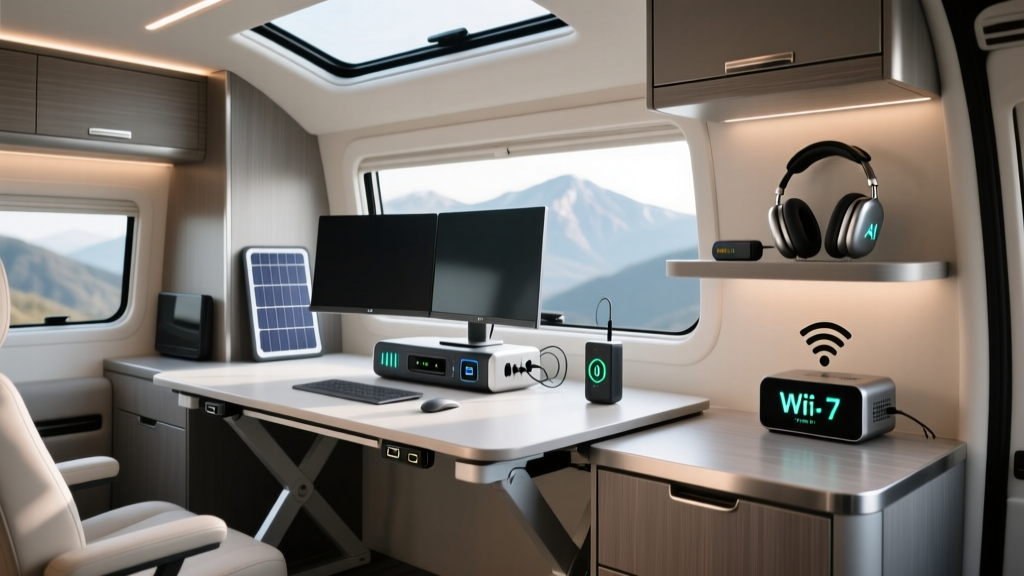
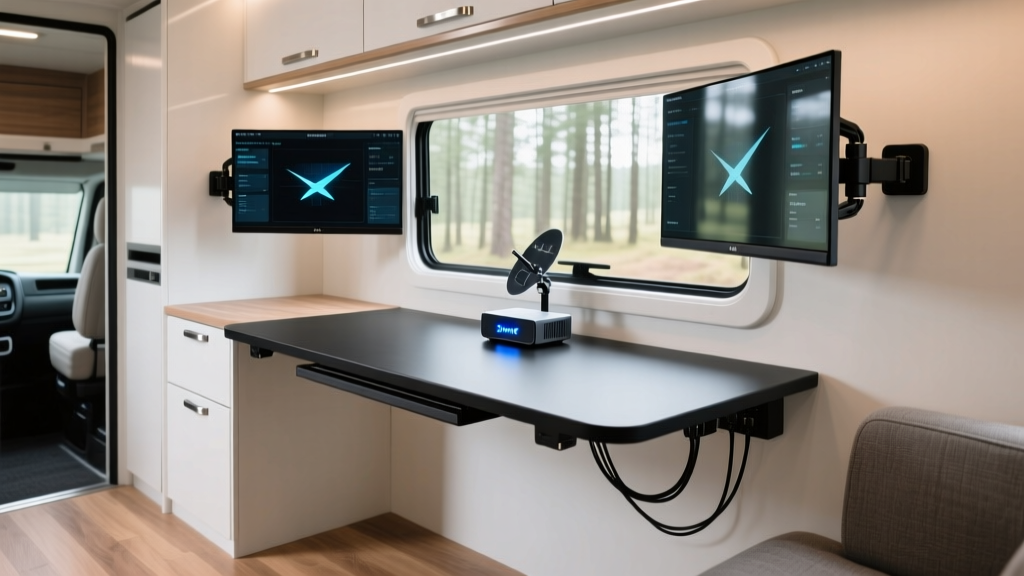
Working from a motorhome is the ultimate remote work dream, but the reality often involves spotty Wi-Fi, back pain from cramped dinettes, and the anxiety of draining your house batteries. As the mobile workforce continues to expand in 2026, the market for RV-specific tech has matured significantly. You no longer have to rely on jury-rigged solutions to maintain a professional home office on wheels.
If you are transitioning to full-time van life or taking extended workations, you need gear that solves specific environmental problems. Below, we break down the best motorhome gadgets that tackle the core challenges of connectivity, power management, and space-constrained ergonomics.
The Unique Challenges of a Motorhome Office
Before buying gear, it is crucial to understand the three primary adversaries of the mobile office:
- Connectivity Dead Zones: Cellular signals fluctuate wildly across national parks and rural highways.
- Power Inefficiency: Inverting 12V DC power to 110V AC drains batteries rapidly due to conversion loss.
- Ergonomic Degradation: Standard RV dinette benches lack lumbar support, and tables are often too low for proper typing posture.
Solving these requires targeted, practical gadgets rather than generic smart home tech.
Power and Connectivity: The Backbone of Mobile Work
You cannot be productive if you cannot log in. According to industry experts at RV Travel, relying on a single cellular carrier is a recipe for missed Zoom calls. The modern mobile office requires a bonded, multi-WAN approach.
Solving the Wi-Fi Dead Zone
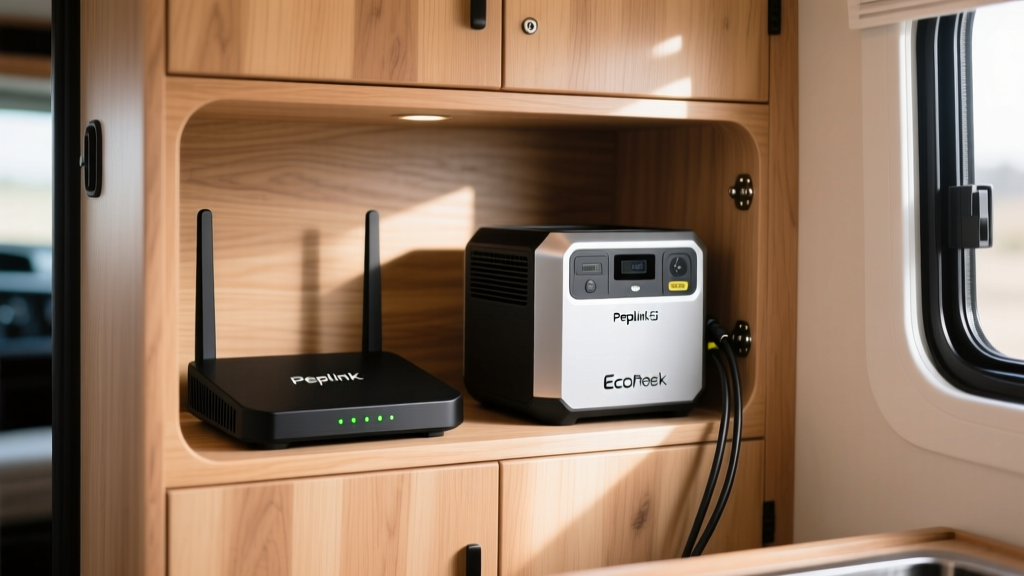
The gold standard for 2026 is combining a 5G cellular router with a satellite fallback. The Peplink MAX BR1 Pro 5G (approx. $1,099) is a ruggedized router that supports dual SIMs. By pairing it with the Starlink Mini ($599 for hardware, $50/month roaming), you create an unbreakable tether.
Pro Tip: The Starlink Mini draws only 25W to 40W. Instead of using an AC adapter, you can purchase a 12V DC-to-DC barrel jack cable to power the dish directly from your RV's cigarette lighter port, bypassing the inverter's phantom draw and saving roughly 15% in battery loss.
Managing Off-Grid Power Draws
When boondocking, your factory-installed lead-acid batteries will not sustain a home office. The EcoFlow Delta 3 Plus ($1,099) is a 1024Wh LiFePO4 portable power station that acts as a dedicated UPS (Uninterruptible Power Supply) for your tech stack.
The Math: A 65W laptop and a 15W router draw 80W total. While 1024Wh divided by 80W equals 12.8 hours, AC inverters incur a 10-15% conversion loss. Your real-world usable capacity is roughly 900Wh, yielding about 11 hours of continuous work. Pair it with a 160W portable solar panel on your RV ladder, and you can work indefinitely off-grid.
Ergonomics and Space Optimization
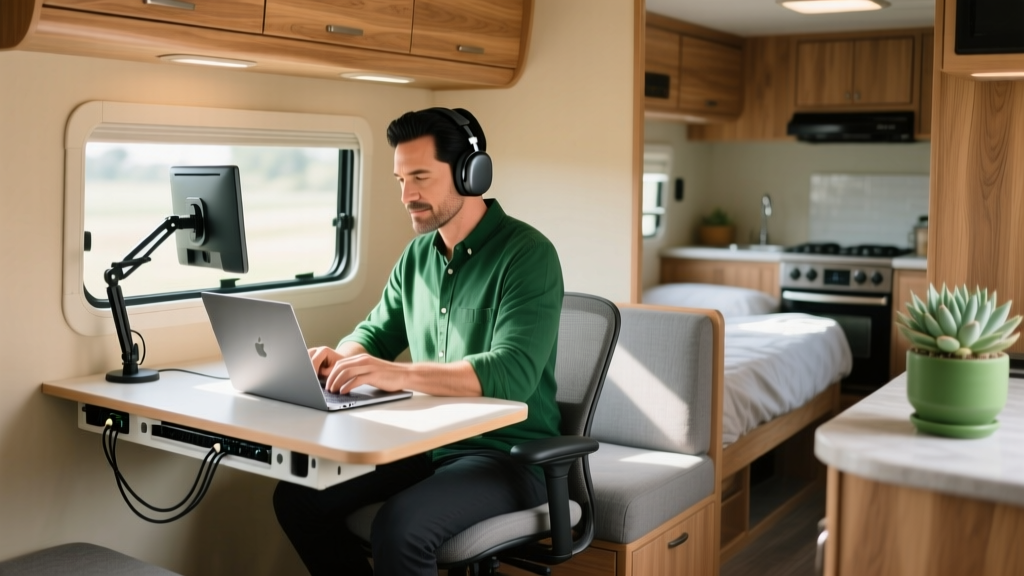
Most motorhomes are designed for weekend camping, not 40-hour work weeks. Hunching over a 28-inch-high dinette table will destroy your cervical spine over time.
The RV Wall-Mounting Reality Check
When installing monitor arms or folding desks, you must account for RV construction. RV walls are typically 1/4-inch luan or vinyl-over-styrofoam. Standard drywall anchors will rip out under the dynamic vibration of highway driving.
The Fix: Use a strong neodymium magnet to locate the underlying aluminum extrusions or wood studs. If you must mount in a hollow cavity, use #10-24 toggle bolts backed by a 2-inch steel fender washer behind the wall to distribute the load across a wider surface area.
Space-Saving Desk Solutions
The Mount-It! MI-10408 Folding Wall Desk ($89) is a practical pick. It folds flat to just 3 inches against the wall when not in use but deploys into a sturdy 23.6 x 15.7-inch workspace capable of holding a laptop and a notebook. For dual-monitor setups, look into gas-spring arms like the ErGear EG122, bolted directly to your RV's aluminum framing.
Climate and Noise Control for Deep Focus
Generators and highway noise can ruin focus, and RV air conditioning units are notoriously loud and power-hungry.
- Noise Cancellation: The Sony WH-1000XM5 headphones ($348) remain the top pick for drowning out the low-frequency rumble of a diesel pusher engine or a neighbor's Honda generator.
- Targeted Cooling: Running a 15,000 BTU roof AC requires a massive generator or 50-amp shore power. The Zero Breeze Mark 2 ($1,399) is a portable, battery-powered AC unit that outputs 2,300 BTU. It is perfect for cooling just the 30-square-foot footprint of your office nook without draining the entire house battery bank.
Quick Pick Matrix: Problem vs. Gadget Solution
| Mobile Office Problem | Recommended Gadget (2026) | Approx. Cost | Key Benefit |
|---|---|---|---|
| Spotty rural internet | Peplink MAX BR1 Pro 5G | $1,099 | Bonds multiple SIMs for failover |
| AC inverter battery drain | Starlink Mini (12V mod) | $599 | Runs natively on 12V DC systems |
| Laptop power outages | EcoFlow Delta 3 Plus | $1,099 | LiFePO4 UPS with 11hr runtime |
| Back pain from dinettes | Mount-It! MI-10408 Desk | $89 | Folds flat, mounts to studs |
| Generator noise distraction | Sony WH-1000XM5 | $348 | Industry-leading ANC for engines |
Frequently Asked Questions
Can I use a standard smart plug in my motorhome?
Yes, but with a caveat. Standard Wi-Fi smart plugs require a 2.4GHz network. If your RV's mobile router drops offline, you lose control. We recommend Zigbee or Z-Wave smart plugs paired with a local hub (like a Hubitat) so your automated lighting and coffee maker schedules survive internet outages.
How do I ground my electronics in a fiberglass RV?
Fiberglass and aluminum RVs can suffer from static buildup, especially in dry desert climates. Ensure your portable power station and surge protectors are connected to the RV's main chassis ground bus bar. Using a Progressive Industries EMS-HW30C hardwired surge protector ensures your expensive office tech is shielded from faulty campground shore power pedestals.
Is the Starlink Mini good enough for video calls?
According to Starlink, the Mini is optimized for mobility and lower power draw. While its peak speeds are lower than the Standard Actuated dish, it consistently delivers 50-100 Mbps down and 10-15 Mbps up, which is more than sufficient for 1080p Zoom calls and cloud-based workflow management.
Building a functional home office inside a motorhome requires respecting the physical and electrical limits of the vehicle. By investing in DC-native tech, ruggedized networking, and space-aware ergonomics, you can turn any campground into a highly productive, professional workspace.
Written by
Jake MorrisonJake Morrison holds a B.S. in Electrical Engineering from UC Berkeley and an MBA from Stanford Graduate School of Business. With over 12 years of hands-on experience in consumer electronics, he previously served as a senior product engineer at a Silicon Valley startup before transitioning to tech journalism. Jake has personally tested and benchmarked over 3,000 gadgets across categories including smartphones, wearables, smart home devices, and audio equipment. His durability testing methodology — involving controlled drop tests, thermal cycling, and water submersion — is widely cited by major tech publications. He is a certified CompTIA A+ technician and a contributing editor to the IEEE Consumer Electronics Magazine.