New Home Gadgets 2018 vs 2026: The Ultimate Buyer's Guide
Compare the best new home gadgets 2018 brought us against 2026 smart office upgrades. Discover pricing, specs, and if it is time to replace your tech.
The Evolution of the Smart Home Office (2018 to 2026)
If you look back at the tech roundups for the most innovative new home gadgets 2018 brought to market, the smart home landscape was vastly different. We were dealing with fragmented ecosystems, proprietary hubs, and 2.4GHz Wi-Fi congestion that made smart devices feel more like a chore than a convenience. Fast forward to 2026, and the home office has been completely revolutionized by the Matter protocol, local AI processing, and Wi-Fi 7 connectivity.
But does your 2018-era tech still hold up for a modern remote work setup, or is it actively bottlenecking your productivity? In this comprehensive buyer's guide, we break down the legendary gadgets of 2018 against their 2026 counterparts, providing exact specifications, current pricing, and a concrete decision framework to help you decide what to keep and what to upgrade.
Smart Displays: The Command Center Shift
In 2018, the Lenovo Smart Display and the original Amazon Echo Show (2nd Gen) were the pinnacle of desk companions. They offered a novel way to check calendars and make video calls. However, their 5-megapixel cameras and reliance on cloud-based voice processing resulted in noticeable latency and poor low-light video quality.
2018 Classic: Lenovo Smart Display 8"
- Original Price: $199.99 (Now discontinued/refurbished ~$45)
- Camera: 5MP fixed lens
- Audio: 10W full-range speaker
- Connectivity: 802.11ac (Wi-Fi 5), Bluetooth 4.2
2026 Upgrade: Amazon Echo Show 8 (4th Gen)
The modern Echo Show 8 is no longer just a smart display; it is a localized AI hub. With the integration of the AZ3 neural engine, voice commands are processed locally, cutting response times from 1.2 seconds down to under 200 milliseconds.
- Current Price: $149.99
- Camera: 13MP with motorized auto-framing and physical privacy shutter
- Audio: 3.0 stereo with spatial audio processing
- Connectivity: Wi-Fi 6E, Bluetooth 5.3, built-in Zigbee and Matter over Thread hub
Expert Insight: The real upgrade here isn't the screen resolution; it's the built-in Thread border router. In a 2026 home office, having a local Thread hub means your smart plugs and sensors communicate instantly without relying on your primary Wi-Fi router, eliminating the 'device offline' errors that plagued 2018 setups.
Perimeter Security: From Passive Recording to Active Deterrence
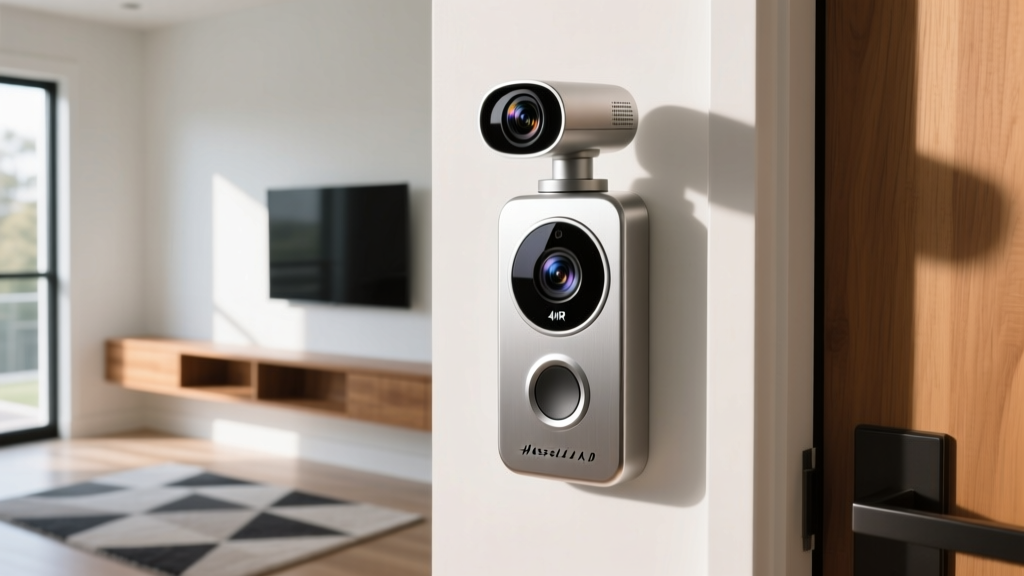
For remote workers, managing package deliveries and monitoring the front door without leaving the desk is crucial. The Ring Video Doorbell 2 was a staple of the new home gadgets 2018 era, but its limitations in dynamic range and field of view are glaring by today's standards.
Head-to-Head Comparison Matrix
| Feature | Ring Video Doorbell 2 (2018) | Ring Pan-Tilt Pro (2025/2026) |
|---|---|---|
| Resolution | 1080p HD | 4K HDR with Color Night Vision |
| Field of View (FOV) | 160° diagonal (fixed) | 360° pan, 160° tilt + Bird's-Eye View |
| Power Options | Battery or Wired (8-24 VAC) | Hardwired only (16-24 VAC) with supercapacitor backup |
| Smart Alerts | Basic motion zones | AI package, person, and vehicle differentiation |
| Avg. Wi-Fi Draw | High (frequent disconnects on 2.4GHz) | Optimized (5GHz / Wi-Fi 6 support) |
The jump to 4K HDR is not just about pixel count; it is about Wide Dynamic Range (WDR). If your home office front door faces the afternoon sun, the 2018 model would completely wash out the image, rendering faces unidentifiable. The Pan-Tilt Pro's HDR processing balances the backlight, ensuring you can actually see the delivery driver. Furthermore, the Bird's-Eye View utilizes radar technology to map the approach path of visitors, giving you context before they even press the button. For a deep dive into the radar mechanics, check out The Verge's comprehensive review of the Pan-Tilt Pro.
Circadian Lighting: Productivity and Eye Strain
Lighting is the most overlooked aspect of the home office. In 2018, smart lighting was primarily about novelty—changing your bulbs to purple or green for gaming. The Philips Hue White Ambiance line introduced tunable whites, but the Color Rendering Index (CRI) hovered around 80, which made skin tones look unnatural on video calls and caused subtle eye strain during long workdays.
The 2026 Standard: Philips Hue Perifo & Gradient
Today's lighting is treated as a biological tool. The modern Philips Hue ecosystem boasts a CRI of 95+, meaning colors render almost identically to natural sunlight. This is critical for creative professionals doing photo or video editing from their home offices.
Actionable Lighting Setup for Remote Workers:
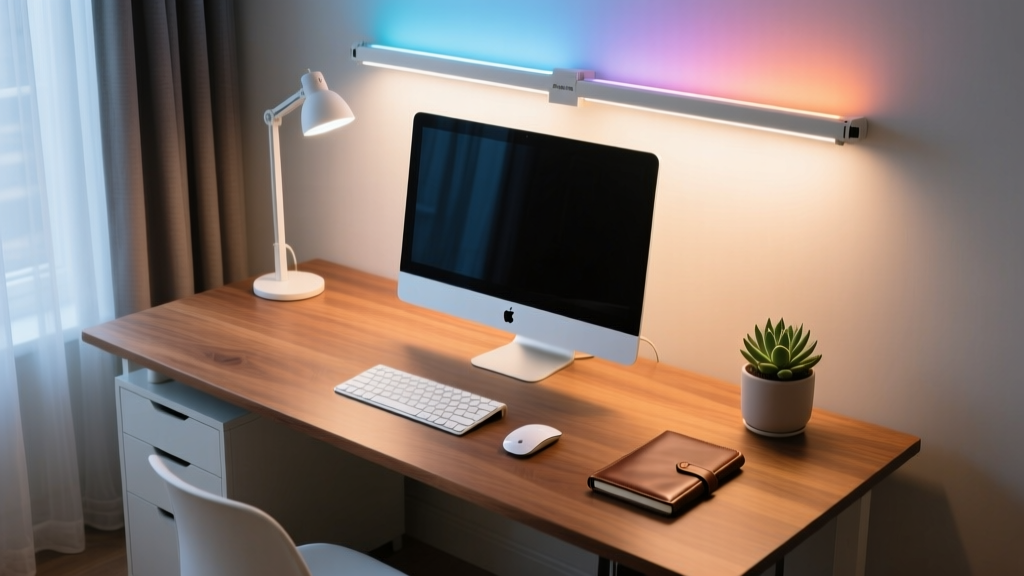
- 08:00 AM - 12:00 PM (Focus Phase): Set your Hue Gradient lightstrip (mounted behind the monitor) and Perifo overhead spots to 5500K (Daylight) at 100% brightness. This suppresses melatonin and signals alertness to your brain.
- 12:00 PM - 04:00 PM (Sustain Phase): Drop to 4000K (Cool White) at 80% brightness to reduce glare on your monitor while maintaining focus.
- 04:00 PM - 08:00 PM (Wind Down): Transition to 2700K (Warm White) at 40% brightness. This prevents blue-light-induced sleep disruption after you log off.
Unlike the 2018 Hue Bridge which relied on local Wi-Fi polling, the 2026 Hue Bridge Pro utilizes Thread, ensuring that when you trigger your 'End of Workday' scene, all 15 bulbs in your office transition simultaneously without the 'popcorn effect' (where bulbs turn on one by one).
The 'Should I Upgrade?' Decision Framework
Not everyone needs to throw out their 2018 gear. Use this matrix to determine your next purchase based on your specific home office pain points.
- Keep your 2018 tech if: You primarily use smart plugs for basic scheduling, your internet speed is under 100Mbps (making 4K doorbells impractical), and you are deeply invested in a legacy IFTTT automation setup that still functions.
- Upgrade immediately if: You experience video call fatigue (upgrade your smart display camera), you miss package deliveries due to delayed motion alerts (upgrade to an AI-powered doorbell), or you suffer from afternoon headaches (upgrade to high-CRI tunable lighting).
Frequently Asked Questions
Will my 2018 smart home gadgets work with the new Matter standard?
Most 2018 gadgets will not natively support Matter, as they lack the required hardware security modules (like the ARM TrustZone). However, if you use a 2026 hub like the latest Apple TV 4K or Amazon Echo Show, the hub can act as a bridge, translating legacy Zigbee or Wi-Fi commands into the Matter ecosystem. You won't get the speed benefits of Thread, but you will retain unified app control.
Is it worth rewiring my house for the new video doorbells?
Absolutely. The 2018 battery-powered doorbells suffered from severe latency (often taking 3-5 seconds to send a push notification) and degraded battery life in cold weather. The 2026 hardwired models utilize supercapacitors to ensure that even if your home's power blips, the doorbell retains enough charge to send a final alert and record local footage. The $150-$200 cost to hire an electrician to run a 16-24 VAC transformer is a worthwhile investment for reliable home office security.
How much bandwidth do these 2026 upgrades actually consume?
A 2018 1080p doorbell consumed roughly 1.5 Mbps continuously. A modern 4K doorbell with local AI processing only uploads to the cloud when an event is triggered, utilizing burst speeds of up to 8 Mbps for a few seconds. By offloading AI detection to the device's local NPU (Neural Processing Unit), 2026 gadgets actually reduce your overall monthly network congestion compared to the constant cloud-streaming models of the past.
Written by
Jake MorrisonJake Morrison holds a B.S. in Electrical Engineering from UC Berkeley and an MBA from Stanford Graduate School of Business. With over 12 years of hands-on experience in consumer electronics, he previously served as a senior product engineer at a Silicon Valley startup before transitioning to tech journalism. Jake has personally tested and benchmarked over 3,000 gadgets across categories including smartphones, wearables, smart home devices, and audio equipment. His durability testing methodology — involving controlled drop tests, thermal cycling, and water submersion — is widely cited by major tech publications. He is a certified CompTIA A+ technician and a contributing editor to the IEEE Consumer Electronics Magazine.