Best Art Gadgets for Digital Creators: 2026 Holiday Gift Guide
Discover the best art gadgets for 2026. Our holiday gift guide features top drawing tablets, lighting gear, and creative tools for digital photographers.
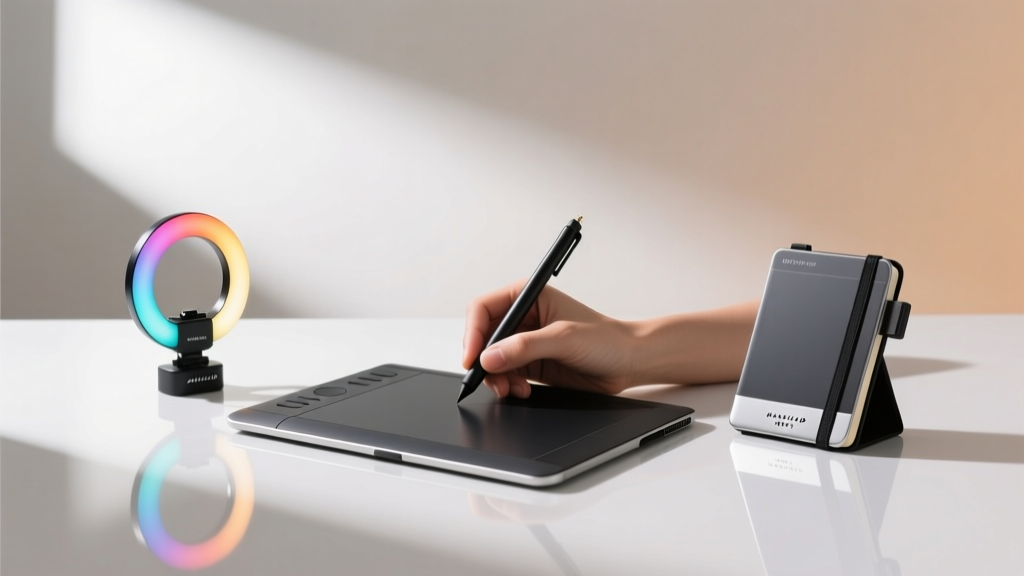
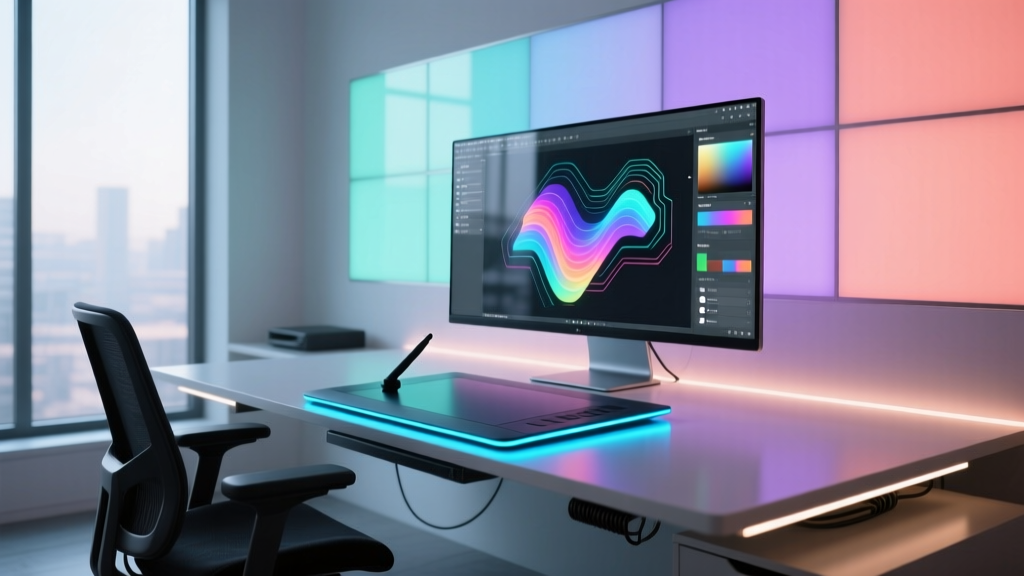
The Convergence of Photography and Digital Art
The line between traditional photography and digital illustration has completely dissolved in 2026. Today's hybrid creators don't just capture light; they paint with it, composite multiple exposures, and build entire virtual environments around their subjects. Whether you are shopping for a seasoned retoucher, a mixed-media fine art photographer, or a digital illustrator who relies on photographic textures, finding the right art gadgets requires looking beyond standard camera gear. This holiday gift guide focuses on high-impact, professional-grade tools that bridge the gap between the lens and the digital canvas.
When selecting the perfect gift, you must consider the creator's specific workflow. Are they tethered to a desk doing heavy pixel-level compositing, or are they a location-based shooter needing portable lighting and tactile control? Below, we break down the most valuable art gadgets available this year, categorized by workflow tier, complete with real-world pricing, exact model numbers, and decision frameworks.
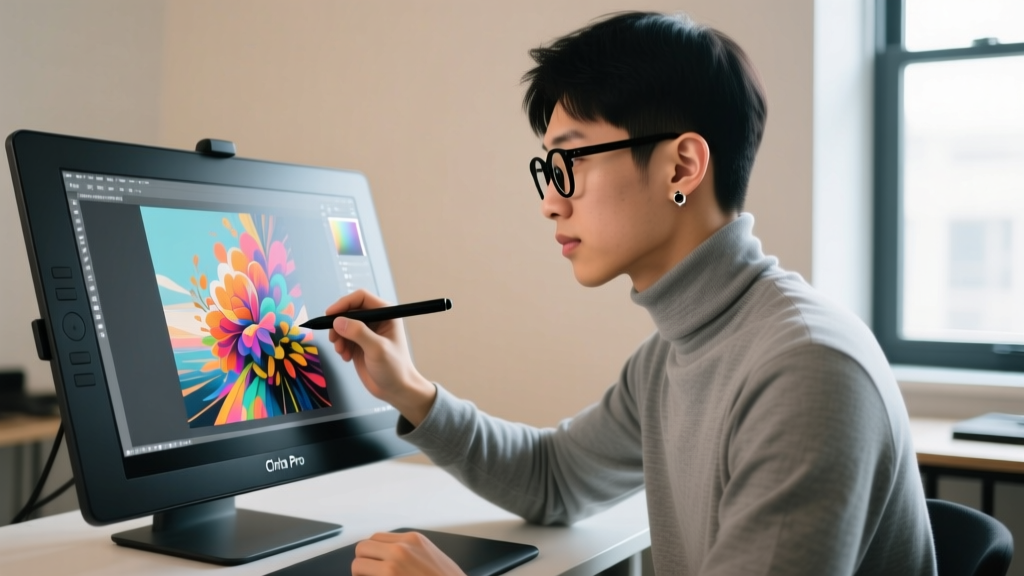
Tier 1: Premium Pen Displays for High-End Retouching
For the digital artist who spends hours dodging, burning, and masking in Adobe Photoshop or Capture One, a standard mouse is a bottleneck. Pen displays offer pressure-sensitive precision that is non-negotiable for professional compositing.
Wacom Cintiq Pro 16 (Model: DTH-1621)
The Wacom Cintiq Pro 16 remains the industry benchmark for portable, high-fidelity pen displays. The latest iteration features a 4K UHD resolution with 99% Adobe RGB and 98% DCI-P3 color coverage, ensuring that the deep shadows and subtle color gradients in fine art photography are represented accurately. According to Wacom's official specifications, the included Pro Pen 3 offers 8,192 levels of pressure sensitivity and customizable grip weights, allowing artists to tailor the physical feel of the stylus to their hand.
- Price: ~$1,599
- Best For: Professional retouchers, digital matte painters, and studio-based hybrid artists.
- Pros: Unmatched color accuracy out of the box, ultra-low parallax, premium build quality.
- Cons: Requires an external power brick and USB-C/Thunderbolt connection; no built-in stand (sold separately).
Xencelabs Pen Display 24
For creators who need a larger canvas without the massive footprint of a 32-inch monitor, the Xencelabs Pen Display 24 is a formidable alternative. It features an etched anti-glare glass surface that mimics the tooth of real paper, a favorite among illustrators who incorporate photographic textures into their work. The 3-button stylus is a standout feature, allowing users to map shortcuts like 'cycle brush size' or 'toggle layer visibility' directly to the pen.
- Price: ~$919
- Best For: Illustrators, concept artists, and photographers who prefer a larger drawing area.
- Pros: Excellent value for a 24-inch 4K display, innovative 3-button stylus, includes a heavy-duty ergonomic stand.
- Cons: Slightly lower peak brightness compared to Wacom; on-screen menus can be clunky.
Tier 2: Atmospheric Lighting for Mixed-Media Creators
Lighting isn't just for illuminating a subject; it's a crucial art gadget for creating practical effects, light painting, and building immersive backgrounds for product and portrait photography. In 2026, pixel-mapped RGB tubes are essential for the modern visual artist.
Nanlite PavoTube II 30X
The Nanlite PavoTube II 30X is a 4-foot RGBWW LED tube that offers pixel-level control. This means the tube can be divided into multiple segments, each displaying a different color or running dynamic chase effects. For long-exposure light painters and mixed-media artists, this allows for the creation of complex, multi-colored geometric shapes in a single frame without needing post-production compositing. It boasts a CRI of 98 and TLCI of 99, guaranteeing skin tones and product colors remain accurate.
Aputure MC Pro
For the artist on the move, the Aputure MC Pro is a pocket-sized RGBWW panel with a built-in frosted diffuser and a 1/4-20 thread. It features a unique side-glow design and can be controlled via the Sidus Link app, allowing creators to trigger lighting cues directly from their smartphones while shooting tethered.
Lighting Gear Comparison Matrix
| Feature | Nanlite PavoTube II 30X | Aputure MC Pro |
|---|---|---|
| Form Factor | 4-foot Cylindrical Tube | Pocket Rectangular Panel |
| Color Accuracy | CRI 98 / TLCI 99 | CRI 96 / TLCI 97 |
| Pixel Control | Yes (Up to 16 segments) | No (Uniform output) |
| Max Output (at 1m) | 1,150 Lux (5600K) | 450 Lux (5600K) |
| Retail Price (2026) | $359 | $119 |
Note: Pricing data sourced from major retailers like B&H Photo Video and verified for the current market landscape.
Tier 3: Tactile Workflow Controllers
As AI-assisted masking and generative fill tools dominate software updates in 2026, the manual refinement of these effects requires ergonomic precision. Tactile controllers reduce repetitive strain injury (RSI) and drastically speed up the editing process.
Loupedeck Live
The Loupedeck Live is a compact, modular console featuring 12 haptic dials with integrated OLED screens, 6 tactile buttons, and 8 customizable touchscreens. For a photographer blending digital art techniques in Lightroom Classic, the dials can be mapped to brush flow, opacity, and layer masks, while the touchscreens display real-time histograms or custom macro shortcuts.
- Price: ~$299
- Best For: Colorists, retouchers, and video editors who rely on keyboard shortcuts and slider adjustments.
TourBox Neo
Designed specifically with digital painters and heavy Photoshop users in mind, the TourBox Neo features an asymmetrical layout with a scroll wheel, dial, knob, and directional pad. It is engineered to be used with the non-dominant hand while the dominant hand holds a stylus, creating a seamless two-handed workflow that mimics traditional sculpting or painting.
- Price: ~$169
- Best For: Pen display users, digital illustrators, and 3D texture artists.
Decision Framework: Matching the Gadget to the Artist
Not every artist needs every tool. Use this quick framework to ensure your gift hits the mark:
The Pixel Perfectionist: If they obsess over edge-masking, frequency separation, and color grading, invest in the Wacom Cintiq Pro 16 or the Loupedeck Live. Precision is their currency.
The Location Storyteller: If they shoot environmental portraits or create practical sci-fi effects on location, the Nanlite PavoTube II 30X will fundamentally change how they capture light.
The Tactile Illustrator: If they draw over photographic plates or create digital manga, the TourBox Neo paired with a drawing tablet is the ultimate ergonomic upgrade.
Frequently Asked Questions
Do pen displays work with all photo editing software?
Yes, modern pen displays utilize standard Wintab and Windows Ink drivers, making them fully compatible with Adobe Photoshop, Lightroom, Capture One, Affinity Photo, and Clip Studio Paint. Pressure sensitivity in Photoshop requires enabling the 'Use Graphics Tablet' option in the brush settings.
Are RGB tube lights safe for long-exposure light painting?
Absolutely. Tubes like the Nanlite PavoTube II are designed to run cool even after hours of continuous use. Their pixel-mapping capabilities allow artists to program specific color sequences, meaning you can execute complex light-painting routines without needing to manually swap gels in the dark.
Is a tactile controller worth it if I already have a drawing tablet?
Yes. While a pen tablet handles brush strokes and masking, a tactile controller like the Loupedeck handles interface navigation—zooming, panning, adjusting layer opacity, and toggling panels. Using them together creates a two-handed workflow that can reduce editing time by up to 30%.
Final Thoughts on 2026 Creative Gear
The best art gadgets for digital creators are those that remove friction between the mind's eye and the final export. Whether you are gifting a premium pen display for intricate retouching, a pixel-mapped light tube for practical effects, or a tactile console for ergonomic workflow, these tools represent the pinnacle of hybrid photography and digital art technology in 2026. Choose the gadget that aligns with your recipient's specific creative bottlenecks, and you will be giving them the gift of unbounded artistic freedom.
Written by
Marcus WebbMarcus Webb served as a U.S. Army logistics officer for 8 years, where he managed field equipment procurement and tactical gear evaluation across three combat deployments. After honorable discharge, he earned a certification from the Professional Knife Makers Association and became a certified Wilderness First Responder (WFR). Marcus has tested over 500 EDC products in extreme environments — from -40°F in Alaska to 120°F in the Mojave Desert — using military-spec testing protocols. His reviews of multi-tools, tactical flashlights, and survival gear are known for their rigorous methodology: controlled drop tests from 6 feet, 120-minute water submersion at 2 meters, and lateral torque testing at 45 Nm. He is a member of the Blade Show judging panel and contributes to OutdoorGearLab.