Top Photography Gadgets for iPhone: 2026 Buyer's Guide
Discover the best photography gadgets for iPhone in 2026. Compare external lenses, gimbals, COB lights, and 32-bit audio gear for mobile creators.
The Physics Problem: Why Your iPhone Needs Hardware Help
The iPhone 16 Pro Max and its successors feature remarkable computational photography pipelines, but they remain bound by the laws of optical physics. The primary 48MP sensor measures roughly 1/1.28 inches, and the fixed focal lengths (13mm, 24mm, 120mm) leave a massive gap in the mid-telephoto and true ultra-wide ranges. Furthermore, the small physical aperture restricts natural depth-of-field separation, forcing reliance on software-based Portrait Mode edge detection, which still struggles with complex hair strands and translucent objects.
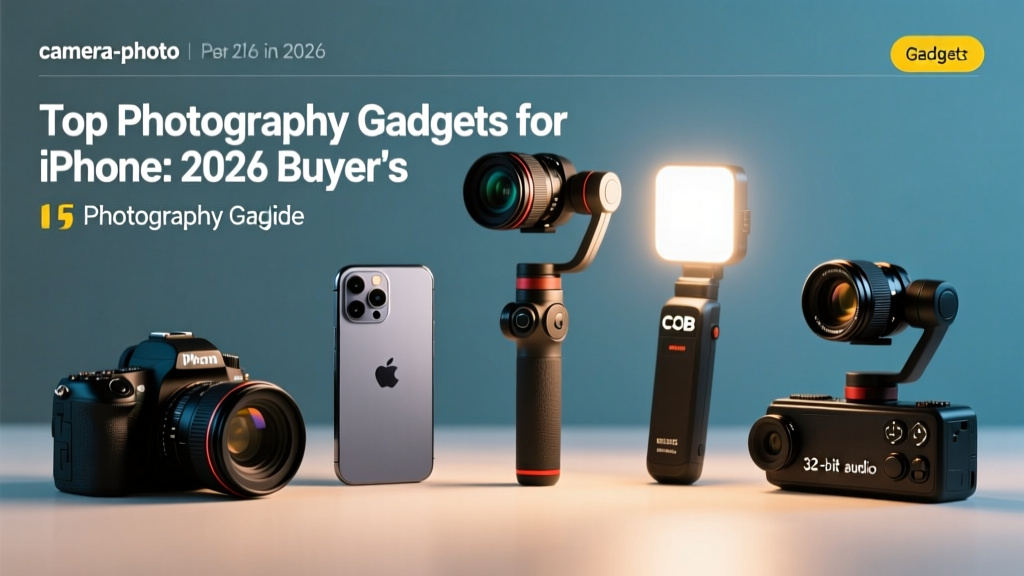
To bridge the gap between smartphone convenience and mirrorless image quality, mobile creators in 2026 are turning to specialized hardware. This guide dissects the exact photography gadgets for iPhone that yield measurable improvements in optical fidelity, kinetic stability, and acoustic dynamic range, bypassing marketing fluff to focus on technical specifications and real-world payloads.
External Lens Systems: Moment T-Series vs. ShiftCam SnapLens
Add-on lenses alter the physical focal length before the light hits the sensor, preserving native resolution and avoiding the digital cropping and artifacting associated with software zoom. According to optical testing by DXOMARK, external optics significantly reduce the chromatic aberration and edge softness inherent in digital zoom cropping.
Mounting Mechanisms: MagSafe vs. Physical Case
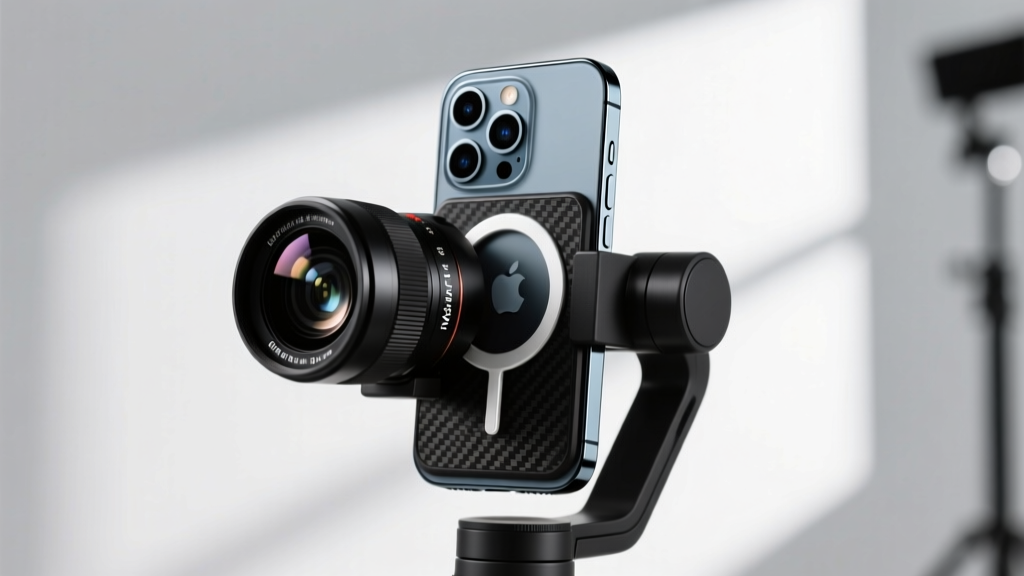
The introduction of MagSafe 3.0 with stronger N52 neodymium magnets has made magnetic lens mounts viable, but they are not universally optimal. A 58mm Telephoto lens weighing 42 grams can experience micro-shifts during high-shutter-speed burst shooting if the MagSafe connection is compromised by dust or moisture.
| Brand / Model | Focal Length | Weight | Optical Elements | Price (2026) |
|---|---|---|---|---|
| Moment T-Series 58mm Tele | 58mm (equiv) | 42g | 6 elements in 4 groups | $149.99 |
| Moment T-Series 18mm Wide | 18mm (equiv) | 38g | 8 elements in 6 groups | $119.99 |
| ShiftCam SnapLens 60mm | 60mm (equiv) | 35g | 5 elements in 4 groups | $89.99 |
| Sandmarc Pro Macro | 10x Magnification | 28g | Multi-element achromatic | $79.99 |
The Verdict: The Moment T-Series 58mm remains the gold standard for portraiture. When paired with the iPhone's native 24mm main sensor, it yields a true 58mm optical equivalent with natural compression and zero digital degradation. ShiftCam offers a budget-friendly alternative, but edge sharpness drops off noticeably past the 70% image circle mark.
Illumination: Pocket-Sized COB and Bi-Color LEDs
The iPhone's computational HDR (Smart HDR 5) can balance extreme dynamic range, but it cannot invent photons in absolute darkness without introducing aggressive noise reduction that smears skin textures. Mobile videographers require high-CRI (Color Rendering Index) continuous lighting.
Key Specs to Demand in 2026
- CRI / TLCI Rating: Minimum 96+ CRI and 97+ TLCI. Anything lower will require extensive secondary color correction in DaVinci Resolve due to missing magenta/green spectrum spikes.
- Output (Lux): Look for at least 3,000 lux at 0.5 meters to effectively overpower harsh midday sun for fill lighting.
- Mounting: Built-in cold shoes and 1/4'-20 threads are mandatory for rig integration.
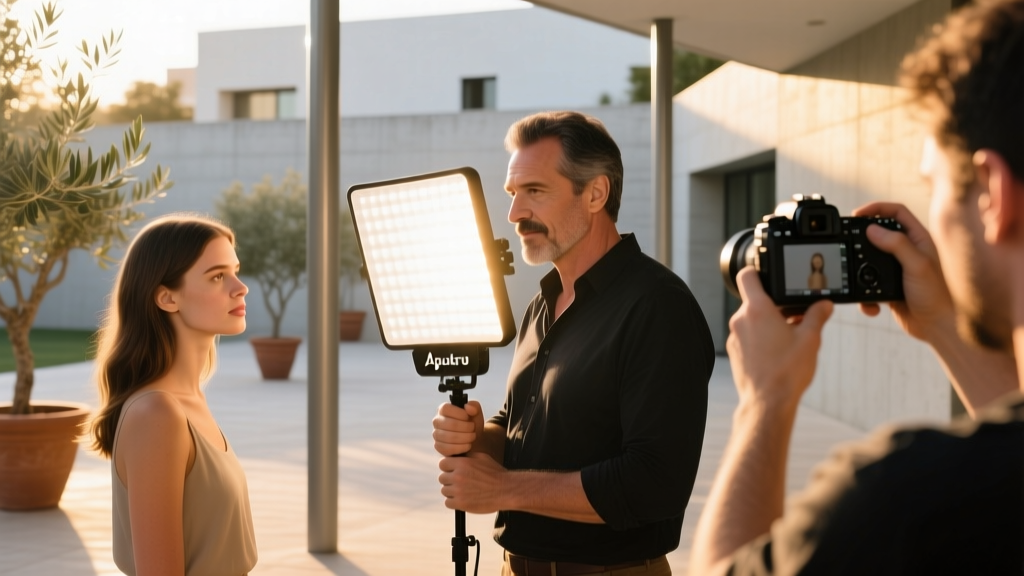
The Aputure MC Pro ($90) delivers a TLCI of 98 and features a built-in frosted diffusion dome that eliminates the need for external softboxes in tight spaces. For run-and-gun vloggers, the Lume Cube Panel Mini 2.0 ($79) offers edge-lit bi-color flexibility, though its maximum output (1,800 lux at 0.5m) restricts it strictly to indoor or overcast fill applications.
Kinetic Stabilization: Gimbal Tracking Algorithms
While the iPhone's internal sensor-shift OIS handles high-frequency micro-jitters, it cannot compensate for low-frequency walking sway or parallax shifts during orbital tracking shots. Motorized gimbals remain essential for cinematic motion.
Payload Limits and the Pro Max Problem
The iPhone 16 Pro Max weighs 227 grams. Add a Moment protective case (38g) and a T-Series lens (42g), and your total payload reaches 307 grams. Many entry-level gimbals max out at 290 grams, leading to motor overheating and battery drain within 20 minutes.
The DJI Osmo Mobile 7 ($149) supports payloads up to 350 grams and utilizes ActiveTrack 6.0, which leverages the iPhone's Neural Engine via the DJI Mimo app to maintain subject lock even when the subject turns 180 degrees away from the camera. The Insta360 Flow 2 ($159) counters with Deep Track 4.0 and a built-in 2,900mAh power bank, making it the superior choice for all-day documentary shooting where charging infrastructure is absent.
Acoustic Fidelity: 32-Bit Float Wireless Audio
Audio quality dictates viewer retention more than resolution. The iPhone's internal microphones suffer from severe wind clipping and omnidirectional room reverb. In 2026, the standard for mobile production has shifted to 32-bit float recording.
As detailed in acoustic engineering breakdowns by SoundGuys, 32-bit float provides an effectively infinite dynamic range. This means you never need to set gain levels on the transmitter; a whisper and a screaming jet engine will both be captured without digital clipping or noise floor hiss.
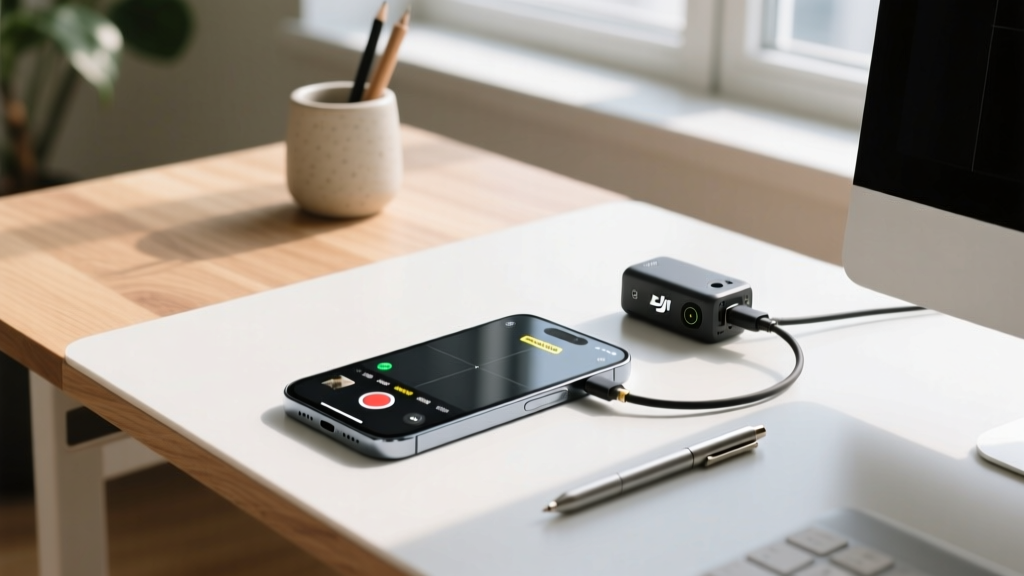
The DJI Mic 3 ($249 for 2-TX kit) records 32-bit float internally while simultaneously transmitting a 24-bit safety track to the iPhone via the USB-C receiver. The Rode Wireless PRO ($399) offers the same 32-bit float architecture but adds timecode generation, which is critical for multi-cam iPhone shoots syncing with mirrorless A-cams in post-production.
The 2026 Gear Decision Matrix
Selecting the right photography gadgets for iPhone depends entirely on your primary output format. Use this matrix to allocate your budget efficiently.
| Creator Profile | Primary Optic | Stabilization | Lighting | Audio | Est. Total Cost |
|---|---|---|---|---|---|
| Narrative Filmmaker | Moment 58mm + Anamorphic | DJI Osmo Mobile 7 | Aputure MC Pro (x2) | DJI Mic 3 (32-bit) | $680 |
| Travel Vlogger | ShiftCam SnapLens 16mm | Insta360 Flow 2 | Lume Cube Panel Mini | Rode Wireless ME | $420 |
| Product/Real Estate | Sandmarc Pro Macro | Peak Design Travel Tripod | Godox M1 RGB Light | Deity W-Lav Pro | $550 |
iOS 19 Camera API & Log Workflows
Hardware is only half the equation. To maximize the data captured by these gadgets, you must bypass the native iOS Camera app, which applies irreversible noise reduction and sharpening. According to Apple Developer Documentation, utilizing third-party applications that leverage the AVFoundation API allows access to raw sensor data streams.
Download the Blackmagic Camera App (Free). Configure it to shoot in Apple ProRes 422 HQ or Apple Log. When using external lenses, disable the iPhone's automatic lens switching, as the software will attempt to digitally crop rather than utilize the physical optical attachment. Set your white balance manually (e.g., 5600K for daylight) and lock it; auto-white balance will shift unpredictably when you introduce bi-color LED gadgets into the frame.
Frequently Asked Questions
Do MagSafe lens adapters degrade image quality?
The adapter itself does not contain glass, so it does not degrade optics. However, if the MagSafe connection is not perfectly flush, the lens element will sit at a slight tilt relative to the iPhone sensor plane. This results in astigmatism, where one side of the image is in focus while the opposite edge is blurry. Always clean the MagSafe ring with isopropyl alcohol before attaching heavy optics.
Can I use a variable ND filter with iPhone lenses?
Yes, but you must purchase lenses with integrated front filter threads (like the Moment T-Series 67mm thread). Using clip-on ND filters over the bare iPhone lens causes severe internal reflections and ghosting when shooting toward practical light sources due to the uncoated sapphire glass on the iPhone's camera bump.
Written by
Ryan TanakaRyan Tanaka holds a B.S. in Mechanical Engineering from Oregon State University and is a certified AWS Solutions Architect. He has built over 80 custom electronics projects ranging from CNC machines to IoT sensor networks, and has reviewed development boards, 3D printers, soldering equipment, and maker tools for the past 6 years. Ryan is an active contributor to 12 open-source hardware projects on GitHub and teaches monthly workshops at three hackerspaces across the Pacific Northwest. His reviews combine engineering rigor with accessibility — he evaluates products not just on specs but on documentation quality, community support, and learning curve for beginners. He has presented at Maker Faire Bay Area, Open Hardware Summit, and the Adafruit community showcase, and maintains a popular blog documenting his build processes.