Budget Gadgets for Teaching: Best Mini PCs & SBCs for 2026
Discover the best budget gadgets for teaching in 2026. We review top mini PCs and single-board computers to upgrade your classroom without breaking the bank.
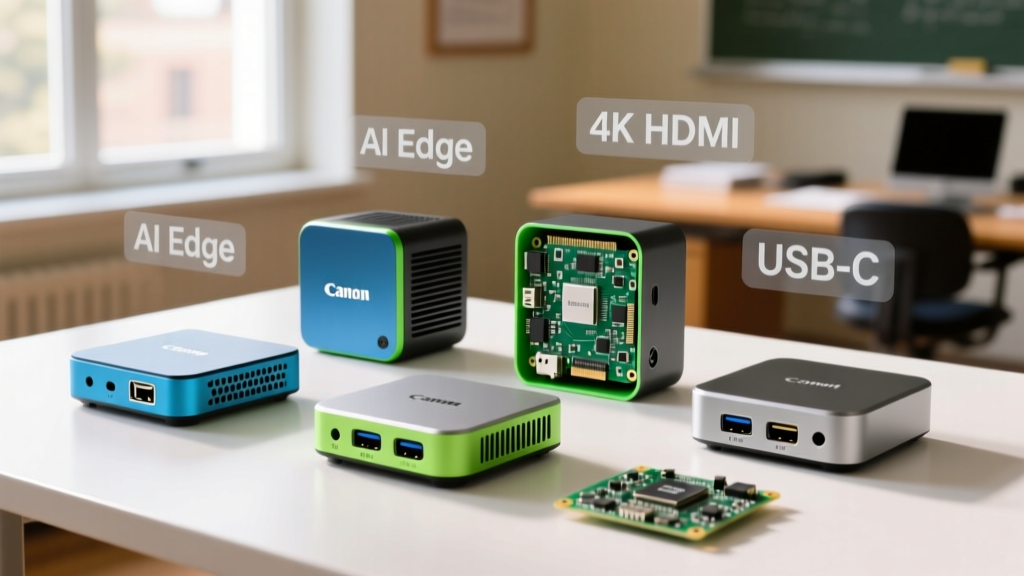
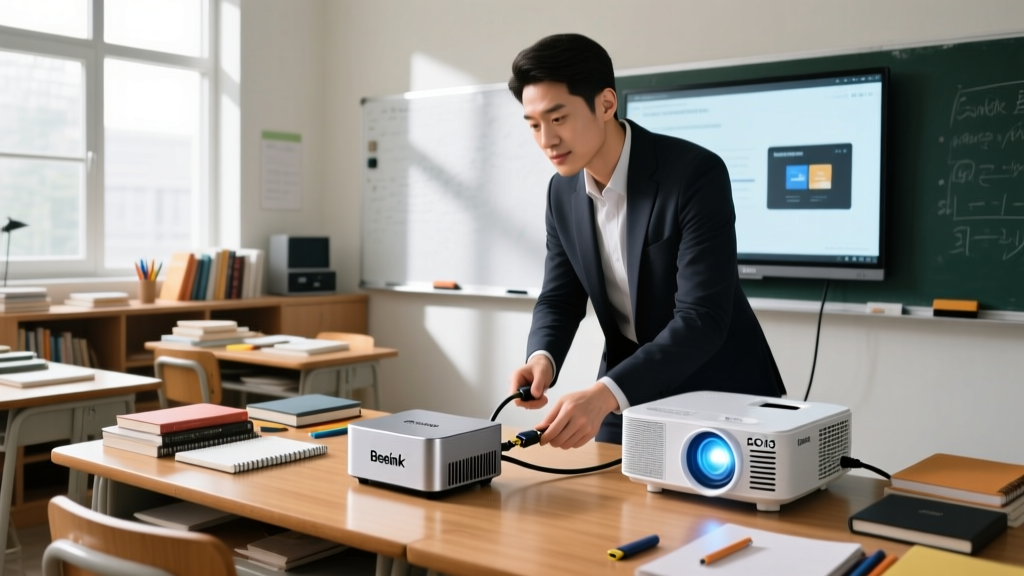
Equipping a classroom, tutoring center, or home-schooling station with reliable hardware usually means battling strict budget caps. Full-sized towers waste physical space and draw upwards of 65W at idle, while locked-down Chromebooks prevent students from accessing local development environments, specialized STEM software, and hardware tinkering interfaces. For educators seeking maximum utility per dollar, compact desktops and single-board computers (SBCs) have become the undisputed standard.
In 2026, the sub-$200 market is dominated by highly efficient Intel N-series silicon and the matured ARM ecosystem of the Raspberry Pi 5. However, the sticker price of these top mini PCs rarely reflects the true deployed cost. This guide breaks down the exact hardware configurations, hidden peripheral costs, and failure modes you need to know before bulk-ordering for your syllabus.
The True Cost Matrix: Sticker Price vs. Deployed Reality
When budgeting for classroom tech, a $75 SBC and a $150 Mini PC often cost the exact same amount once you factor in mandatory power supplies, storage upgrades, and mounting hardware. Below is the realistic financial breakdown for a single-student workstation deployment.
| Device Platform | Base Unit Cost | Required Accessories | True Deployed Cost | Best Educational Use Case |
|---|---|---|---|---|
| GMKtec NucBox G3 (N100) | $139 | None (Includes PSU, 16GB RAM, 500GB NVMe) | $139 | General IT, Web Dev, Office Apps |
| Beelink EQ13 (N100) | $159 | None (Includes PSU, 16GB RAM, 500GB NVMe, Dual LAN) | $159 | Networking, Cybersecurity, pfSense Labs |
| Raspberry Pi 5 (8GB) | $80 | 27W PSU ($12), Active Cooler ($5), Argon Case ($15), 256GB NVMe + HAT ($35) | $147 | Robotics, Python, Linux CLI, GPIO Hardware |
Intel N100 Mini PCs: The Plug-and-Play Workhorses
The Intel N100 processor (Alder Lake-N, 4 E-cores, 6W TDP) has completely disrupted the budget desktop space. For educators, it offers a critical advantage: native x86 architecture running full Windows 11 or standard Linux distributions without the emulation overhead or compatibility headaches associated with ARM-based alternatives.
GMKtec NucBox G3: The Ultra-Budget Standard
Priced aggressively around $139, the NucBox G3 includes 16GB of DDR4 RAM and a 500GB M.2 NVMe SSD. The 16GB RAM ceiling is non-negotiable for modern educational environments; Windows 11 24H2 and a browser with 15+ tabs open for research will quickly choke on 8GB. The NucBox G3 handles 4K60 YouTube playback flawlessly, making it ideal for media-heavy history or language arts stations.
The NucBox G3 uses a small, high-RPM blower fan. If you mount these inside enclosed wooden desk cabinets or stack them in a poorly ventilated server closet, the N100 will hit its 95°C thermal junction limit and throttle down to 1.2GHz. Always use the included VESA mount to attach the PC directly to the back of a monitor, ensuring at least 2 inches of clearance on the exhaust vents.
Beelink EQ13: The Networking Teacher's Dream
For IT instructors teaching subnetting, VLANs, or basic cybersecurity, the Beelink EQ13 is the ultimate budget gadget. It features dual 2.5Gbps Ethernet ports. This allows students to use the machine as a physical router/firewall (running pfSense or OPNsense via a hypervisor) while using the built-in Wi-Fi 6 for their management console, all on a single $159 box.
Raspberry Pi 5 (8GB): The STEM Tinkerer's Standard
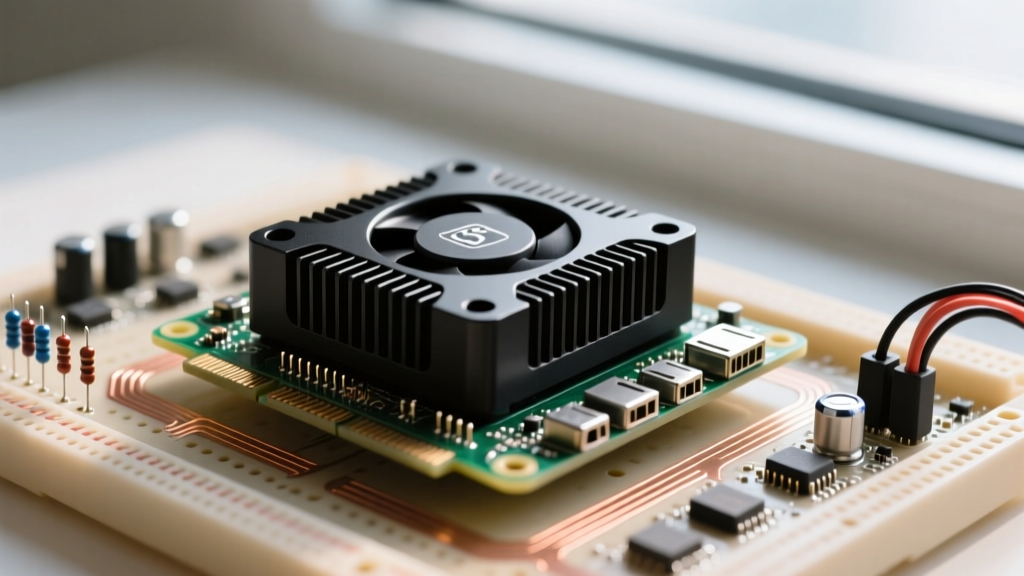
While x86 mini PCs win on out-of-the-box convenience, the Raspberry Pi 5 remains mandatory for hardware-interfacing curricula. The BCM2712 SoC introduces a PCIe 2.0 x1 lane, fundamentally changing how educators should configure storage for classroom durability.
Solving the MicroSD Corruption Epidemic
The most common failure mode in school computer labs is students abruptly yanking the power cord from the wall, which corrupts the MicroSD card's file system and bricks the OS. In 2026, running a Pi 5 off a MicroSD card in a classroom is malpractice.
The Fix: Purchase the official Raspberry Pi M.2 HAT+ and a cheap 256GB NVMe SSD (like a Kingston NV2). Booting from NVMe via the PCIe lane not only prevents corruption (NVMe controllers handle power loss much better than SD controllers) but also increases boot times from 45 seconds to under 12 seconds. This keeps students focused on the lesson rather than waiting for the desktop environment to load.
Power Delivery Realities
The Pi 5 requires a 5V/5A (27W) USB-C PD power supply. If you plug it into a standard 5V/3A phone charger found in most classroom drawers, the firmware will restrict USB port current to 600mA. This means students will not be able to power external peripherals like logic analyzers, Arduino boards, or external webcams via the USB ports. Always budget for the official $12 27W PSU when ordering.
Deployment Logistics: Peripherals and Cable Management
The physical footprint of these gadgets is their greatest asset, but it introduces cable management challenges. A standard mini PC has at least four cables (Power, HDMI, Ethernet, USB hub). In a lab of 30 students, this becomes a tangled fire hazard.
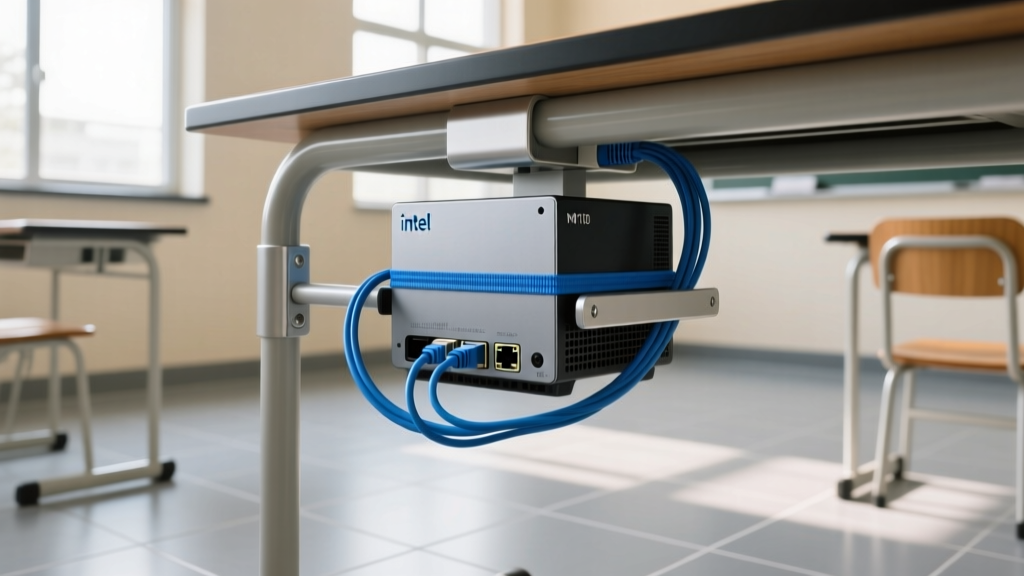
- Right-Angle Adapters: Buy 90-degree HDMI and power adapters. Mini PCs pushed against a wall will bend and snap standard cable heads. Right-angle adapters drop the cables flat against the chassis.
- Wireless Peripheral Lock-in: Avoid Bluetooth keyboards/mice in dense classrooms; the 2.4GHz spectrum interference from 30 devices causes severe input lag. Use 2.4GHz USB dongles (like the Logitech MK270) and physically zip-tie the dongles to the back of the PC to prevent theft or loss.
- Kensington Locks: Neither the Pi 5 nor most budget N100 PCs have native Kensington lock slots. Use heavy-duty 3M VHB adhesive Kensington anchors ($8 each) to secure the devices to the desk or monitor stand.
Troubleshooting Edge Cases in School Environments
When managing a fleet of budget compact PCs, you will encounter specific edge cases that standard IT manuals ignore. Use this decision tree to resolve them quickly:
- Symptom: 4K Monitor Flickering or Dropping to 1080p.
- Cause: The included HDMI cables on sub-$150 mini PCs are often cheap HDMI 1.4, lacking the bandwidth for 4K@60Hz.
- Fix: Replace with certified Ultra High Speed HDMI 2.1 cables. Do not rely on the box contents.
- Symptom: Pi 5 Randomly Rebooting During GPIO Motor Labs.
- Cause: Back-EMF from student-built DC motors is feeding voltage back into the Pi's 5V rail, tripping the internal polyfuse.
- Fix: Mandate the use of optocouplers or motor driver boards (like the L298N) with separate power rails. Never let students wire motors directly to the Pi's GPIO 5V pins.
- Symptom: Windows 11 Setup Demands Wi-Fi, but Lab is Hardwired.
- Cause: Windows 11 OOBE (Out of Box Experience) blocks local account creation without internet.
- Fix: Press
Shift + F10at the network screen, typeOOBE\BYPASSNRO, and restart. This allows offline local account creation, vital for isolated STEM networks.
Final Deployment Verdict: Match Your Syllabus to the Hardware
Choosing the right budget gadgets for teaching comes down to your specific curriculum requirements. If you are running a general computer literacy, web design, or media consumption lab, the GMKtec NucBox G3 offers the lowest friction and lowest true cost at $139 per seat. If your coursework involves networking, virtualization, or cybersecurity, the dual-LAN Beelink EQ13 is worth the $20 premium.
However, if your syllabus involves physical computing, robotics, IoT sensor arrays, or Linux command-line fundamentals, the Raspberry Pi 5 (8GB) remains entirely unmatched. Just remember to budget for the NVMe storage upgrade and the 27W power supply to ensure the hardware survives the reality of a student environment.
Written by
Lena ChenLena Chen earned her M.S. in Human-Computer Interaction from Carnegie Mellon University and a B.S. in Electrical Engineering from the University of Washington. She has spent the past decade specializing in smart home architecture and IoT ecosystems, helping over 200 homeowners design fully connected living spaces. Lena is a certified Matter protocol consultant and has published peer-reviewed research on voice-first interface design in the ACM Digital Library. Her reviews of smart home products combine deep technical analysis with real-world usability testing, evaluating everything from Zigbee mesh stability to Alexa skill responsiveness. She regularly speaks at CEDIA Expo and CES smart home panels.