Budget Smart Home Devices 2026: Gadget Tech Hanover MA Guide
Discover the best budget smart home hubs, sensors, and plugs for 2026. A Hanover, MA gadget tech shares retrofit tips for older homes and drafty windows.
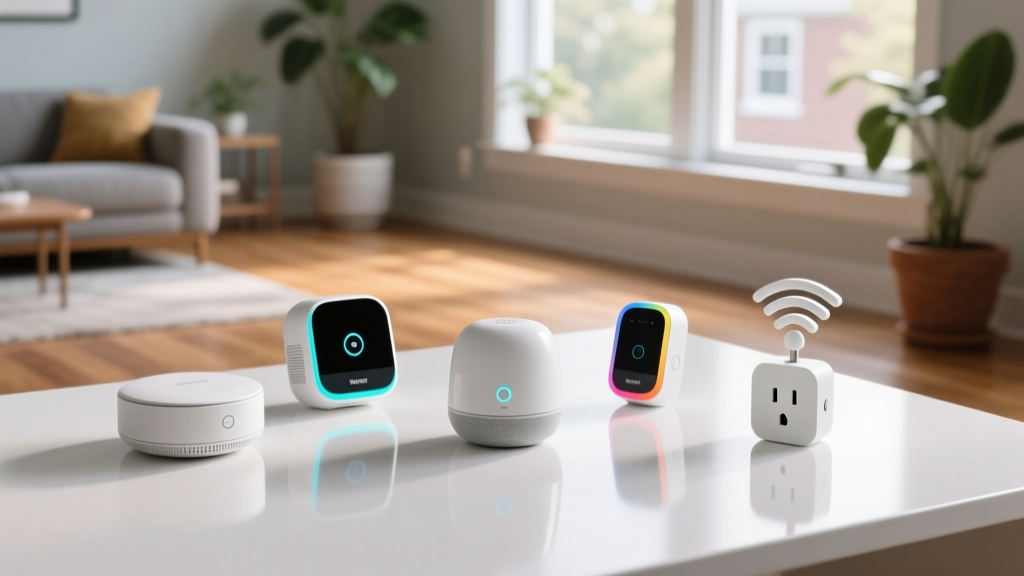
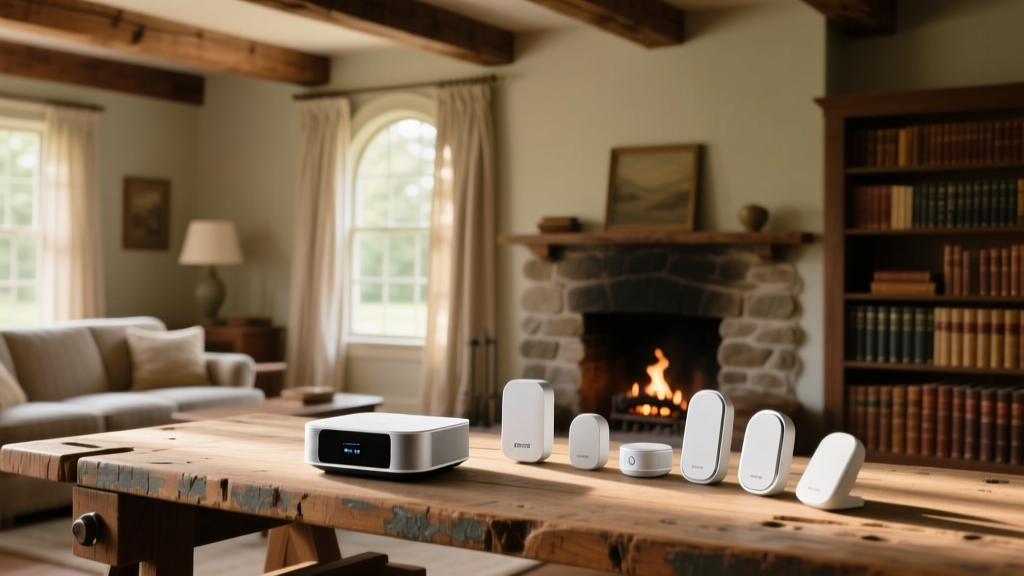
Retrofitting older New England homes with modern automation presents unique RF interference and wiring challenges. For any gadget tech Hanover MA homeowners consult, the primary obstacle isn't finding smart devices; it is finding budget-friendly gear that actually penetrates plaster-and-lath walls and survives freezing garage temperatures. This 2026 roundup focuses strictly on high-value, low-cost smart home hubs, sensors, and plugs that meet the latest Matter 1.4 interoperability standards without requiring a complete electrical panel upgrade.
The Hub Dilemma: Matter-Ready on a Dime
The transition to Matter and Thread has finally stabilized in 2026, meaning you no longer need to buy proprietary bridges for every brand. However, budget hubs often cut corners on antenna design, which is fatal in homes with dense building materials.
Top Pick: Aqara Smart Home Hub M3 ($65)
While priced slightly higher than entry-level Zigbee sticks, the M3 is the undisputed budget king for challenging environments. It features a built-in Thread border router and, crucially, a Power over Ethernet (PoE) port. In mid-century colonials where Wi-Fi dead zones are common, running a single Cat6 cable to the M3 guarantees your automation backbone never drops. It supports local execution, meaning your motion-triggered lights will still fire if your internet goes down.
Runner Up: SwitchBot Hub 2 ($79)
If your home relies heavily on older infrared (IR) appliances—like ductless mini-splits common in Hanover additions—the SwitchBot Hub 2 bridges IR and Matter simultaneously. Its built-in temperature and humidity sensor also allows for localized climate automations without buying separate room sensors.
Sensor Selection: Drafts, Leaks, and Freezing Temps
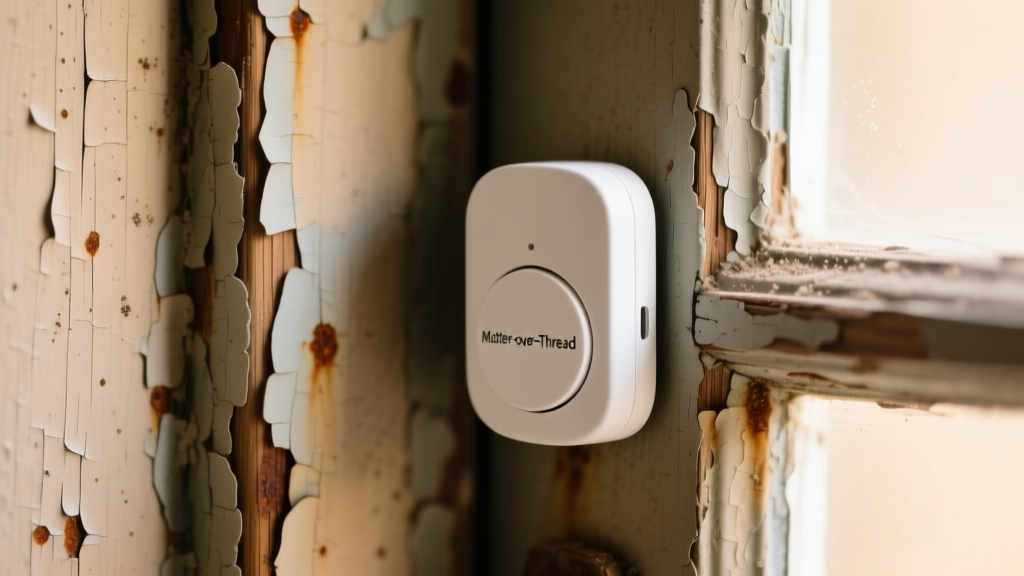
Door, window, and leak sensors are the nervous system of a smart home. The hidden cost of budget sensors isn't the upfront price; it's the battery drain caused by extreme temperature fluctuations, a common issue for sensors placed on drafty New England windows or uninsulated garage doors.
| Model | Protocol | Battery Type | Price (2026) | Cold Weather Rating |
|---|---|---|---|---|
| Aqara Door/Window P2 | Thread/Matter | CR123A | $29.99 | Excellent (-4°F) |
| Sonoff SNZB-04 | Zigbee 3.0 | CR2032 | $11.99 | Poor (Drains <32°F) |
| ThirdReality Smart Contact | Zigbee/Matter | 2x AAA | $17.99 | Good (Lithium AAA) |
The Battery Chemistry Edge Case
Most budget sensors use CR2032 coin cells. When exposed to temperatures below freezing (like a sensor on a poorly insulated mudroom door), CR2032 internal resistance spikes, causing the hub to read the sensor as "offline" or "low battery" even when it has 40% capacity left. For exterior doors and unheated garages, spend the extra $6 for the Aqara P2 (CR123A) or use ThirdReality sensors loaded with Energizer Ultimate Lithium AAA batteries, which maintain voltage stability down to -40°F.
Smart Plugs & Energy Monitoring for Older Wiring
Smart plugs are the easiest entry point into automation, but they pose real risks in older homes with 15-amp circuits and aging receptacles. According to NFPA electrical safety guidelines, overloading circuits and using high-draw appliances on unmonitored smart plugs is a leading cause of residential electrical fires.
Top Pick: TP-Link Tapo P115 ($15.99)
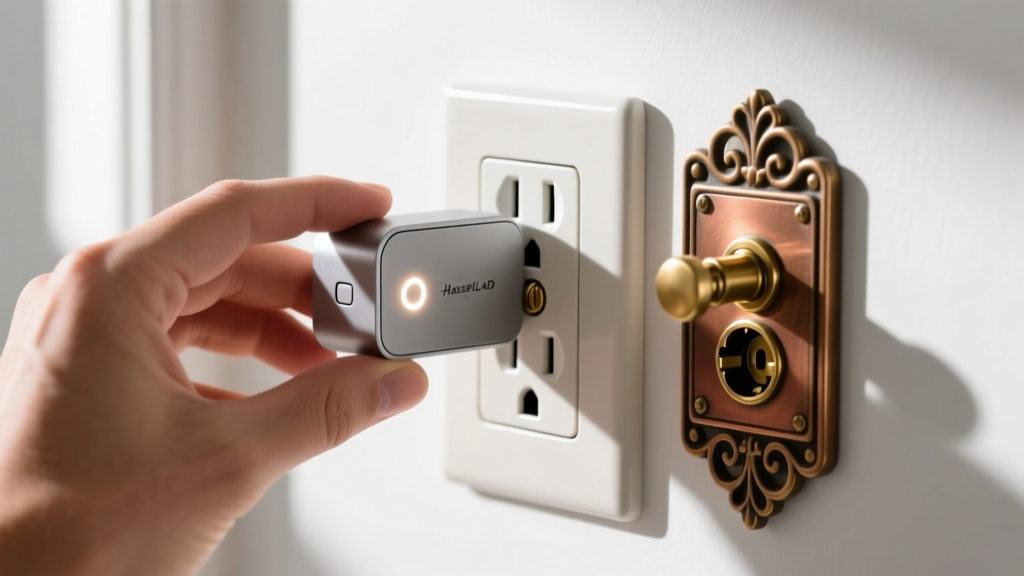
The P115 is remarkably compact, ensuring it won't block the second outlet on a standard duplex receptacle. More importantly, it features built-in energy monitoring with a 15A relay. Many budget plugs on Amazon secretly use 10A relays, which will weld shut or melt if you plug in a 1500W space heater. The P115 includes an overload protection cutoff that physically trips the relay if draw exceeds 1800W.
Automation Routines That Actually Save Money
Buying the gear is only step one. The real value comes from routines that offset the cost of the hardware through energy savings. Here are two highly effective, budget-friendly automations tailored for Northeast climates.
1. The "Drafty Window" HVAC Saver
Older homes lose massive amounts of heat through single-pane or poorly sealed windows.
- Trigger: Aqara Door/Window sensor detects "Open" for more than 3 minutes.
- Action: Hub sends local command to smart thermostat to switch to "Eco" mode (or drops setpoint by 4 degrees).
- Resolution: When sensor reports "Closed," thermostat resumes scheduled programming.
- ROI: Prevents your furnace from dumping heat out an open window during morning airing-out routines, saving an estimated 4-6% on winter heating bills.
2. Phantom Load Elimination
Home offices and entertainment centers draw significant phantom power. The EPA's Energy Star program notes that idle electronics can account for up to 10% of residential energy use.
- Trigger: Tapo P115 detects power draw dropping below 15W (indicating the PC or TV has entered sleep/standby mode).
- Action: Plug cuts power completely after a 10-minute delay.
- Resolution: A $15 Zigbee smart button mounted under the desk cuts power back on via a single press before the PC power button is pushed.
Sourcing & Local Installation Tips
When building a budget system, avoid buying bundled "starter kits" from big-box stores. These kits usually include outdated Wi-Fi-only sensors that will clog your router's 2.4GHz band and fail when your internet drops. Instead, purchase a dedicated Thread/Zigbee hub and buy individual, protocol-specific sensors. For local installation, always test sensor adhesion on painted trim with a hair dryer first; the 3M VHB tape on budget sensors often fails to bond to oil-based paints commonly found in pre-1980s homes without light scuffing and an isopropyl alcohol wipe.
Frequently Asked Questions
Do I need a smart home hub if I have Matter devices?
Yes. Matter is a language, not a radio. You still need a Thread Border Router or a Zigbee coordinator (which are built into hubs like the Aqara M3) to bridge those devices to your Wi-Fi network and cloud services.
Can I use Wi-Fi smart plugs instead of Zigbee/Thread?
You can, but Wi-Fi plugs consume roughly 1.5W to 2W of power each just to stay connected. If you deploy 15 Wi-Fi plugs, you are adding a constant 30W draw and saturating your router's DHCP table. Thread and Zigbee plugs draw under 0.4W and route through your hub, preserving router stability.
"The secret to budget smart home tech isn't buying the cheapest device; it's buying the cheapest device that uses the right protocol for your home's specific physical constraints."
Written by
Nina PetrovaNina Petrova holds a Master's degree in Child Development from the Erikson Institute and a B.S. in Nursing from the University of Illinois at Chicago. She worked as a pediatric nurse for 6 years before transitioning to family technology consulting, bringing clinical rigor to her evaluations of kid-friendly gadgets, educational toys, and parental control software. Nina has reviewed over 400 children's tech products, testing each for safety compliance (CPSC and ASTM standards), developmental appropriateness across age groups, screen-time impact, and data privacy practices. She serves on the Children's Technology Review advisory board and has testified before the FTC on children's data protection in connected toys. Her reviews are trusted by parents and educators alike for their evidence-based approach to balancing technology benefits with child safety.