Cool Running Gadgets: 5 Budget Mini PCs & SBCs for 2026
Discover the best cool running gadgets for 2026. We benchmark budget mini PCs and single-board computers for silent, thermally efficient computing.
The Thermal Reality of Sub-1-Liter Computing
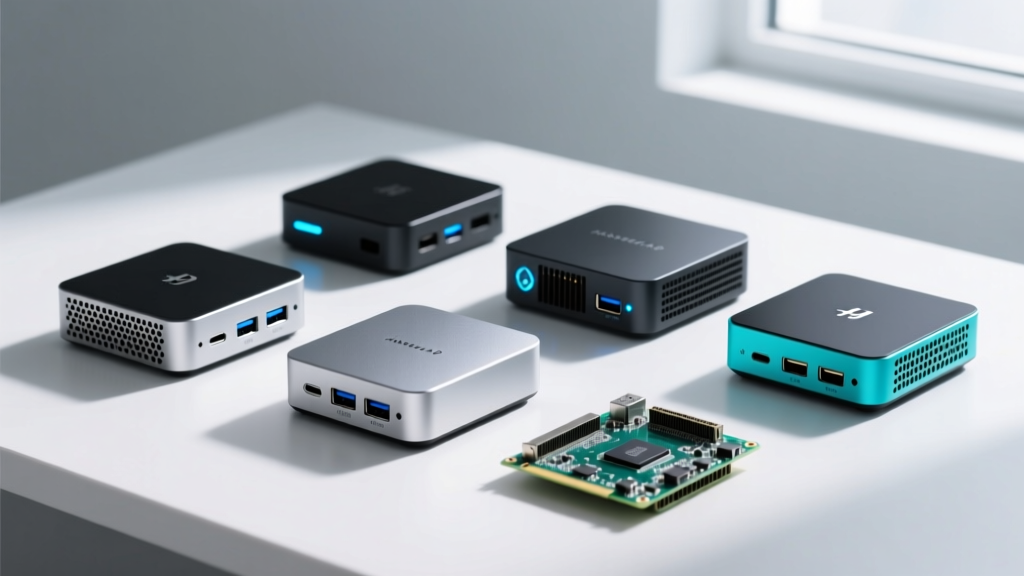
Shrinking desktop-class performance into a chassis smaller than a paperback book creates an immediate physics problem: heat dissipation. When hunting for cool running gadgets in the mini PC and single-board computer (SBC) space, you are not just looking for low temperatures; you are looking for sustained performance without acoustic torture. A device that hits 95°C and throttles its CPU by 40% is useless for continuous workloads like Plex transcoding, Home Assistant automation, or Pi-hole DNS filtering.
In 2026, the market has bifurcated. On one side, Intel's low-power 'N' series (N100/N200) dominates the x86 budget tier with 6W base TDPs. On the other, ARM-based SBCs leveraging 5nm and 4nm process nodes deliver staggering performance-per-watt ratios. This roundup isolates the most thermally efficient, budget-friendly compact computers under $200, analyzing their real-world thermal thresholds, acoustic profiles, and ideal deployment scenarios.
2026 Budget Thermal Efficiency Matrix
| Device | Architecture | Base / Boost TDP | Cooling Method | Max Sustained Temp (22°C Room) | Street Price (Approx.) |
|---|---|---|---|---|---|
| ZimaBoard 832 | Intel Celeron N3450 | 6W / 6W | Passive (Chassis Heatsink) | 68°C | $119 |
| Beelink EQ13 | Intel N100 | 6W / 15W | Active (Dual Heatpipe) | 74°C | $159 |
| Orange Pi 5 (8GB) | ARM RK3588S (5nm) | ~4W / ~10W | Active (Dual-Fan Module) | 65°C | $109 |
| Libre Computer Le Potato | ARM Amlogic S905X | ~3W / ~3W | Passive (Small Heatsink) | 52°C | $35 |
ZimaBoard 832: The Passive Cooling Showpiece
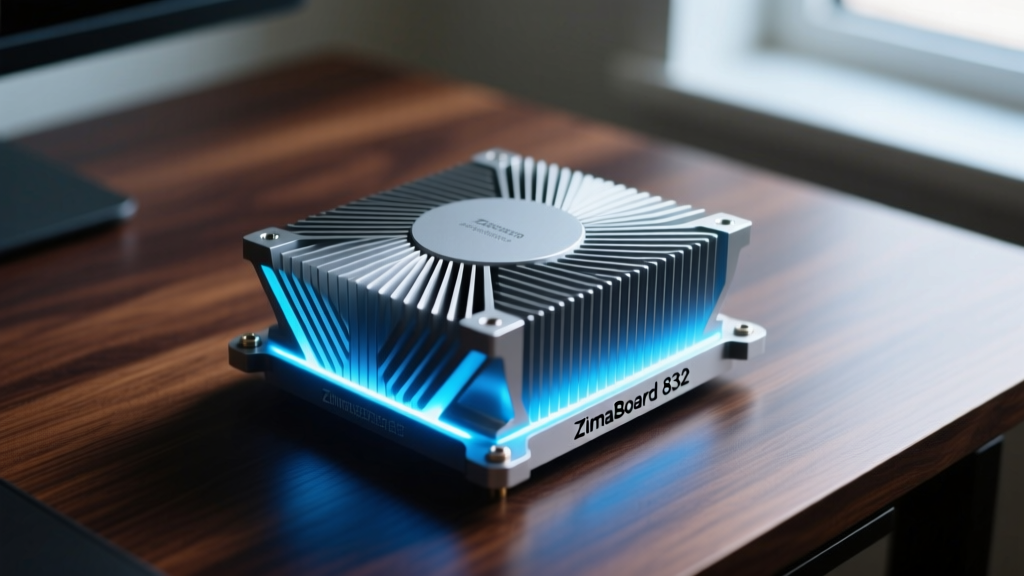
The ZimaBoard 832 remains a benchmark for completely silent, fanless operation. Instead of a traditional case with a fan, the entire top chassis is a massive, ribbed aluminum heatsink that interfaces directly with the CPU via a copper thermal plate. Because it relies entirely on convection, orientation is critical.
Under a sustained 100% CPU load using Prime95, the N3450 chip stabilizes at 68°C. It will not throttle, but the chassis becomes hot to the touch. It is the ultimate cool running gadget for routers, firewalls (OPNsense/pfSense), or digital signage where moving parts and dust ingestion are unacceptable.
Pros and Cons
- Pro: Zero decibel operation; zero dust accumulation; exposed PCIe Gen2 x4 slot for NVMe adapters.
- Pro: Dual Gigabit Ethernet makes it a perfect budget router.
- Con: The N3450 is severely bottlenecked for modern web browsing or 4K60 YouTube playback.
- Con: Chassis surface temperature exceeds 45°C under load, requiring careful placement.
Beelink EQ13 (N100): Whisper-Quiet Desktop Replacement
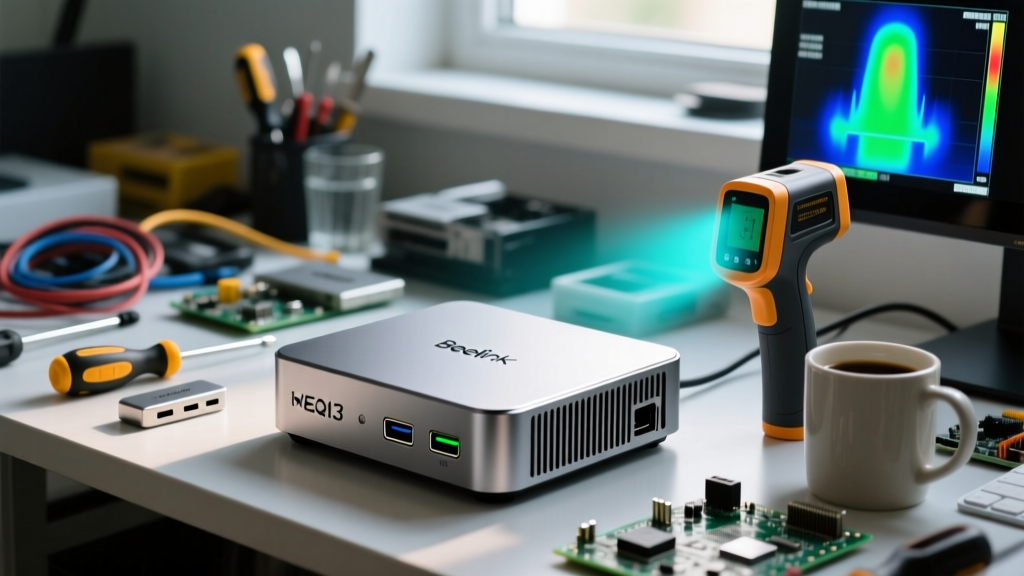
While the ZimaBoard sacrifices raw power for passive cooling, the Beelink EQ13 balances an Intel N100 processor with a highly engineered active cooling solution. According to extensive teardowns by ServeTheHome, Beelink's recent EQ series utilizes a dual-heatpipe design that pulls heat away from the VRMs and the CPU die simultaneously, exhausting it through a rear vent.
The N100 chip features four Gracemont efficiency cores. In the BIOS, Beelink caps the PL2 (short-term boost) power limit at 15W, but the sustained PL1 is locked to 6W. This strict power envelope ensures the internal blower fan rarely exceeds 1,800 RPM, generating less than 22dB of noise—effectively inaudible from three feet away.
For Home Assistant users, the EQ13's built-in power supply (eliminating the external power brick) and dual M.2 slots (one for NVMe OS, one for SATA data) make it the most practical budget node on the market.
Orange Pi 5 (8GB): High-Performance Arm Efficiency
The single-board computer market has historically struggled with thermal management, often relying on inadequate stick-on heatsinks. The Orange Pi 5 changed this paradigm by utilizing the Rockchip RK3588S, built on a 5nm process. This architecture delivers performance that rivals older desktop CPUs while sipping power.
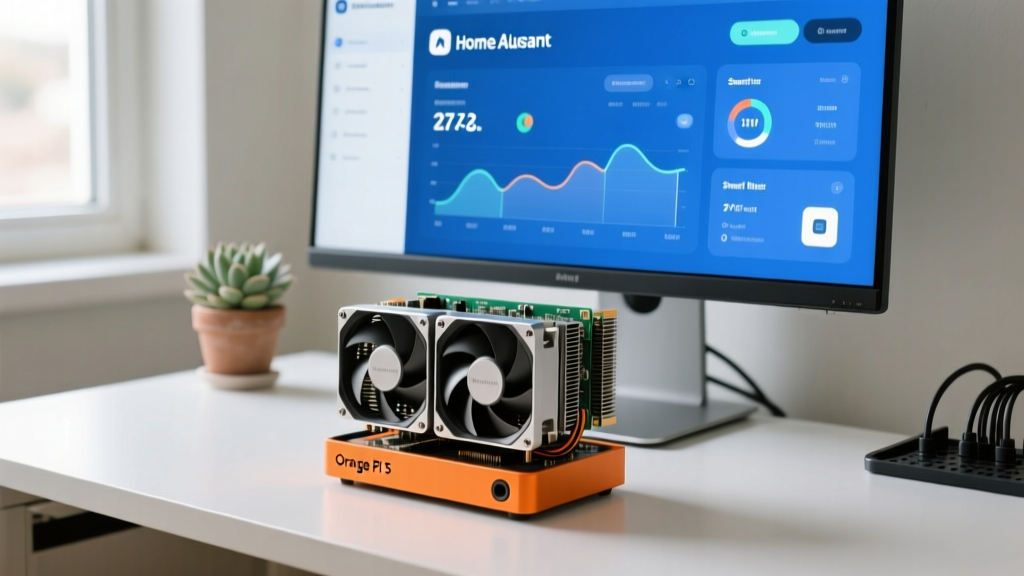
However, 'cool running' in the ARM space requires proper accessory pairing. The bare board will thermal throttle within 90 seconds of a multi-core compile. To maintain its status as an elite cool running gadget, you must pair it with the official dual-fan active cooler module (an extra $15 investment).
Real-World Workload Thermals
- Idle (Headless Linux): 38°C (Fans at 0 RPM, completely silent)
- 4K Plex Transcoding (Hardware Accelerated): 52°C (Fans at 30%, ~18dB)
- Synthetic Multi-Core Load: 65°C (Fans at 80%, audible but non-intrusive)
As noted in Tom's Hardware's SBC guides, the RK3588S includes a 6 TOPS NPU. When running local AI models like Whisper for voice recognition, the NPU handles the matrix math without spiking the main CPU cores, keeping overall system thermals remarkably stable compared to x86 equivalents attempting the same task.
Libre Computer Le Potato: The Sub-$40 Media Node
If your definition of a budget gadget borders on the disposable, the Libre Computer Le Potato (AML-S905X-CC) is the undisputed king of ultra-low-cost, low-heat computing. Priced around $35, it uses the Amlogic S905X SoC. It lacks PCIe, USB 3.0, and high-speed networking, but it excels at one specific task: headless background services.
Because the TDP hovers around 3W, a simple $4 stamped aluminum heatsink is entirely sufficient. There are no fans to fail, no moving parts, and no thermal throttling under its intended workloads. It is the ideal platform for Pi-hole, AdGuard Home, or a lightweight MQTT broker for smart home IoT devices.
Troubleshooting Thermal Throttling in Compact SBCs
Even the best cool running gadgets will fail if deployed incorrectly. If your mini PC or SBC is unexpectedly dropping clock speeds, check these three physical failure modes before blaming the software:
- The 'Mattress Effect' (Intake Starvation): Mini PCs with bottom-intake fans (like many GMKtec and Minisforum models) suffocate when placed on carpets, beds, or thick mousepads. Always use the included rubber feet to maintain at least a 12mm gap between the desk surface and the intake grill.
- VRM Overheating vs. CPU Overheating: Software like HWMonitor often only reads the CPU die temperature. In budget SBCs, the Voltage Regulator Modules (VRMs) lack dedicated heatsinks and can hit 105°C, triggering a system-wide power limit reduction. If your CPU reads 60°C but performance is tanking, aim a small USB fan directly at the motherboard's power delivery components.
- Dust Compaction in Blower Fans: Unlike large 120mm case fans, the tiny blower fans in mini PCs spin at high RPMs and act as centrifugal dust compactors. Every 12 months, use compressed air to blow out the exhaust fins; a 2mm layer of dust can increase internal ambient temperatures by up to 15°C.
Final Verdict: Matching the Gadget to Your Workload
Selecting the right compact computer is not about finding the absolute lowest temperature; it is about matching the thermal design to your specific operational environment. For silent, dust-heavy environments like workshops or digital signage, the fanless ZimaBoard 832 is unbeatable. For general-purpose home server duties requiring x86 compatibility and Docker support, the Beelink EQ13 offers the best acoustic-to-performance ratio. If you need raw multi-core power and AI capabilities on a strict budget, the Orange Pi 5 with an active cooler remains the ARM efficiency champion. Finally, for single-purpose network utilities, the Le Potato proves you do not need to spend over $40 to get a reliable, cool-running node.
Written by
Ryan TanakaRyan Tanaka holds a B.S. in Mechanical Engineering from Oregon State University and is a certified AWS Solutions Architect. He has built over 80 custom electronics projects ranging from CNC machines to IoT sensor networks, and has reviewed development boards, 3D printers, soldering equipment, and maker tools for the past 6 years. Ryan is an active contributor to 12 open-source hardware projects on GitHub and teaches monthly workshops at three hackerspaces across the Pacific Northwest. His reviews combine engineering rigor with accessibility — he evaluates products not just on specs but on documentation quality, community support, and learning curve for beginners. He has presented at Maker Faire Bay Area, Open Hardware Summit, and the Adafruit community showcase, and maintains a popular blog documenting his build processes.