How Enthusiasts Define Gadget Ecosystems for Home Labs
Discover how enthusiasts build 2026 home labs. Compare top NAS, servers, and UPS systems with real-world power, noise, and pricing data.
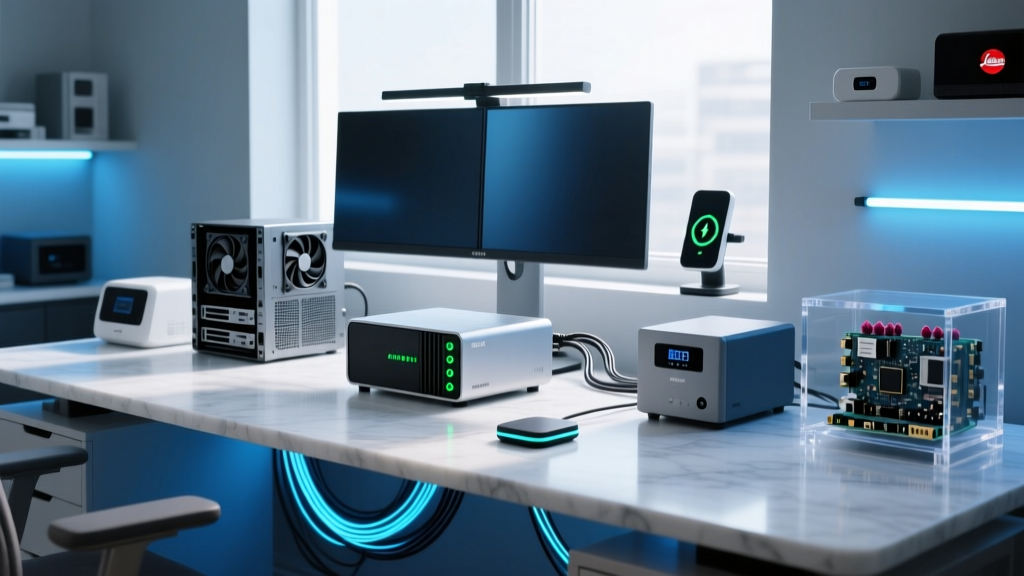
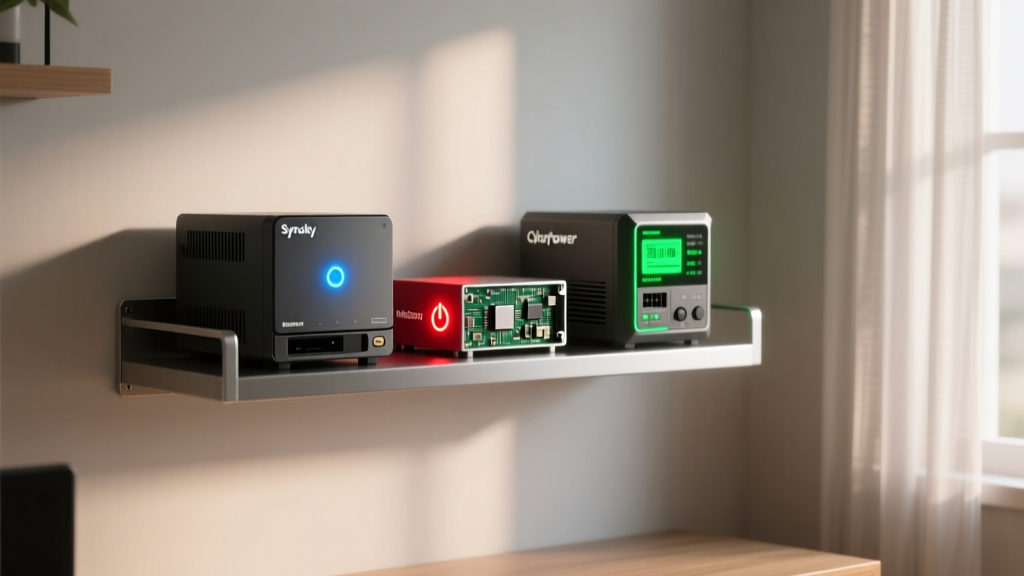
Building a home lab in 2026 is no longer just about stringing together old desktop PCs and repurposed routers. Today's tech enthusiasts demand enterprise-grade reliability, whisper-quiet acoustics, and hyper-efficient power envelopes. But when curating this hardware, how do we define gadget ecosystems versus traditional IT infrastructure? For the modern homelabber, a gadget transcends the consumer-toy stereotype; it represents a highly specialized, purpose-built node in a larger automated network. This comprehensive buyer's guide breaks down the essential triad of any serious home lab: Network-Attached Storage (NAS), compute servers, and Uninterruptible Power Supplies (UPS).
Redefining the Home Lab Gadget
When tech journalists and IT professionals define gadget categories, they usually refer to standalone consumer electronics. However, in the homelab space, a gadget is a modular component designed for 24/7 uptime, remote management, and API integration. A true enthusiast gadget in 2026 must feature IPMI or advanced web GUIs, support hardware-accelerated transcoding, and operate under 30 dBA to remain viable in living spaces. Let's dive into the specific hardware that fits this rigorous definition.
Network-Attached Storage (NAS): The Data Backbone
Your NAS is the gravitational center of your homelab. It hosts your Docker containers, virtual machine images, and media libraries. In 2026, the market is split between legacy software giants and aggressive new hardware challengers.
Synology DS923+ vs. Ugreen NASync DXP4800
The Synology DS923+ (approx. $499 diskless) remains the gold standard for software reliability. Powered by an AMD Ryzen R1600 and supporting ECC RAM, it excels in ZFS-like BTRFS data protection and seamless Active Directory integration. However, it lacks native 2.5GbE or 10GbE, requiring a $100+ upgrade module. Enter the Ugreen NASync DXP4800 (approx. $599). Built around the Intel N100 processor, it offers native dual 2.5GbE, an HDMI port for direct media output, and superior hardware transcoding via Intel QuickSync, making it the ultimate gadget for Plex or Jellyfin enthusiasts.
| Feature | Synology DS923+ | Ugreen DXP4800 |
|---|---|---|
| Processor | AMD Ryzen R1600 (2C/4T) | Intel N100 (4C/4T) |
| Base Networking | 2x 1GbE RJ45 | 2x 2.5GbE RJ45 |
| Media Transcoding | Poor (No iGPU) | Excellent (Intel QuickSync) |
| M.2 NVMe Slots | 2x (Cache or Storage) | 2x (Storage) |
| OS Ecosystem | DSM 7.2+ (Mature, Polished) | UGOS Pro (Evolving, Enthusiast-focused) |
Compute Nodes: Moving Beyond the Raspberry Pi
While Raspberry Pis are fantastic for lightweight Pi-hole or Home Assistant deployments, serious homelabbers running Proxmox VE or VMware ESXi need x86 compute density. The era of loud, power-hungry 1U servers is over for the home enthusiast.
The Enthusiast Darling: Minisforum MS-01
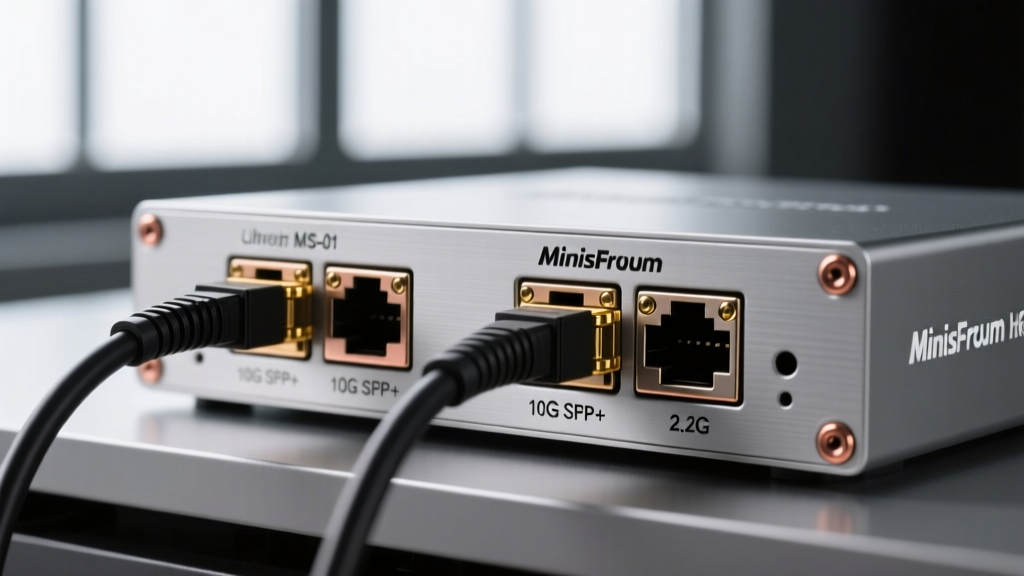
As highlighted in ServeTheHome's MS-01 analysis, this barebones workstation (approx. $550 without RAM/Storage) has completely disrupted the homelab market. Featuring an Intel Core i5-13500H, dual 10G SFP+ ports, dual 2.5GbE RJ45s, and a PCIe Gen4 x8 slot (perfect for a quad-port Intel NIC or an NVMe expansion card), it offers enterprise routing and virtualization capabilities in a 1-liter chassis. Idle power draw sits at an impressive 12W, making it a highly efficient gadget for always-on router/firewall (OPNsense/pfSense) and VM duties.
The Quiet Powerhouse: Beelink SER8
If your lab requires heavier AI inference or local LLM hosting via Ollama, the Beelink SER8 (approx. $480 with 32GB RAM) utilizing the AMD Ryzen 7 8845HS is the superior choice. Its integrated Radeon 780M graphics and NPU (Neural Processing Unit) allow for localized AI tasks without the need for a power-hungry discrete GPU. Acoustics are virtually silent at 22 dBA under moderate loads.
Pro Tip: When buying barebones mini-PCs for Proxmox, always invest in dual-channel DDR5-5600 SODIMM kits. Single-channel RAM will bottleneck the Intel QuickSync and AMD Radeon iGPU performance by up to 40% during containerized media transcoding.
Power Protection: UPS Systems for 24/7 Uptime
A home lab is only as reliable as its power source. Data corruption in ZFS pools or corrupted VM snapshots during a brownout can ruin weeks of configuration. When selecting a UPS, you must match the output wave and capacity to your server's Power Supply Unit (PSU).
Sizing and Sine Wave Requirements
Modern servers and high-end NAS units use Active Power Factor Correction (Active PFC) power supplies. These require a Pure Sine Wave UPS. Using a cheaper Simulated Sine Wave UPS can cause Active PFC power supplies to shut down instantly during a power event, defeating the purpose of the battery backup.
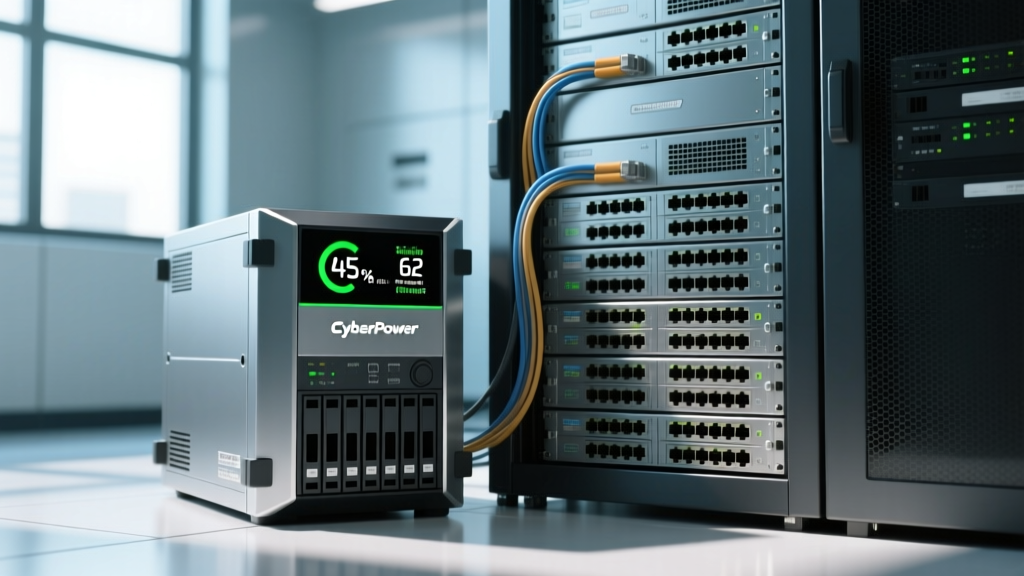
- CyberPower CP1500PFCLCD (Approx. $210): 1500VA / 1000W Pure Sine Wave. The undisputed king of the budget homelab. Features a replaceable 12V battery cartridge and a highly readable LCD screen.
- APC Back-UPS Pro 1500 (BR1500G) (Approx. $280): 1500VA / 865W. A legacy favorite, but note that older BR1500G models output a stepped approximation sine wave, which may not play nicely with newer 2026 Active PFC server PSUs. Ensure you are buying the updated Pure Sine Wave variants (like the BR1500MS).
The 2026 Home Lab Power & Noise Decision Matrix
When integrating these gadgets into your home, thermal output and acoustic profiles are just as important as raw compute. Below is a real-world baseline matrix for a standard 3-node homelab setup.
| Device Category | Recommended Model | Idle Power Draw | Noise Level (1m) | Estimated Annual Cost (at $0.16/kWh) |
|---|---|---|---|---|
| NAS (4-Bay) | Ugreen DXP4800 | 15W (w/o drives) | 24 dBA | $21.02 |
| Compute / Router | Minisforum MS-01 | 12W | 22 dBA | $16.81 |
| AI / Heavy VM Node | Beelink SER8 | 18W | 26 dBA | $25.22 |
| UPS (Idle Overhead) | CyberPower 1500VA | 10W (overhead) | 0 dBA | $14.01 |
Frequently Asked Questions
Do I need a dedicated 10GbE switch for my home lab?
Not necessarily. With gadgets like the Minisforum MS-01 featuring dual 10G SFP+ ports, you can use Direct Attach Copper (DAC) cables to connect your primary compute node directly to a NAS with a 10G upgrade card, creating a high-speed backbone without the $300+ expense and power draw of a dedicated 10GbE switch.
How do I define gadget lifecycles for enterprise vs. consumer gear?
Enterprise gear (like Dell PowerEdge or HPE ProLiant) is designed for a 5-to-7-year lifecycle in climate-controlled, high-noise server rooms. Consumer/Prosumer gadgets (like Synology NAS or Minisforum PCs) operate on a 3-to-5-year lifecycle but are specifically engineered for low-power, low-noise residential environments, making them the correct choice for 90% of home lab enthusiasts.
Can I run Home Assistant on these x86 gadgets?
Absolutely. Running Home Assistant OS (HAOS) as a Virtual Machine on Proxmox via the MS-01 or Beelink SER8 is the recommended deployment method for power users in 2026. It allows for automated Proxmox snapshots before every major Home Assistant core update, preventing the dreaded 'smart home downtime' scenario.
Written by
Sarah KimSarah Kim holds certifications from both NASM (National Academy of Sports Medicine) and ACE (American Council on Exercise), along with a B.S. in Kinesiology from UCLA. She has spent 7 years bridging the gap between exercise science and consumer technology, evaluating fitness trackers, smart scales, sleep monitors, and recovery devices with clinical precision. Sarah has tested over 200 health-focused wearables in controlled lab settings and real-world training environments, comparing device data against gold-standard medical equipment like ECG monitors and DEXA scans. She consults for three fitness app companies on data accuracy standards and has presented research on wearable reliability at the American College of Sports Medicine (ACSM) annual conference. Her reviews emphasize clinical validity over marketing claims.