Startup Productivity Gadgets vs Beer Drinking Gadgets
Discover why expert founders swap beer drinking gadgets for startup productivity gadgets like focus timers and smart desks to maximize deep work ROI.
The Founder's Dilemma: Novelty vs. Deep Work ROI
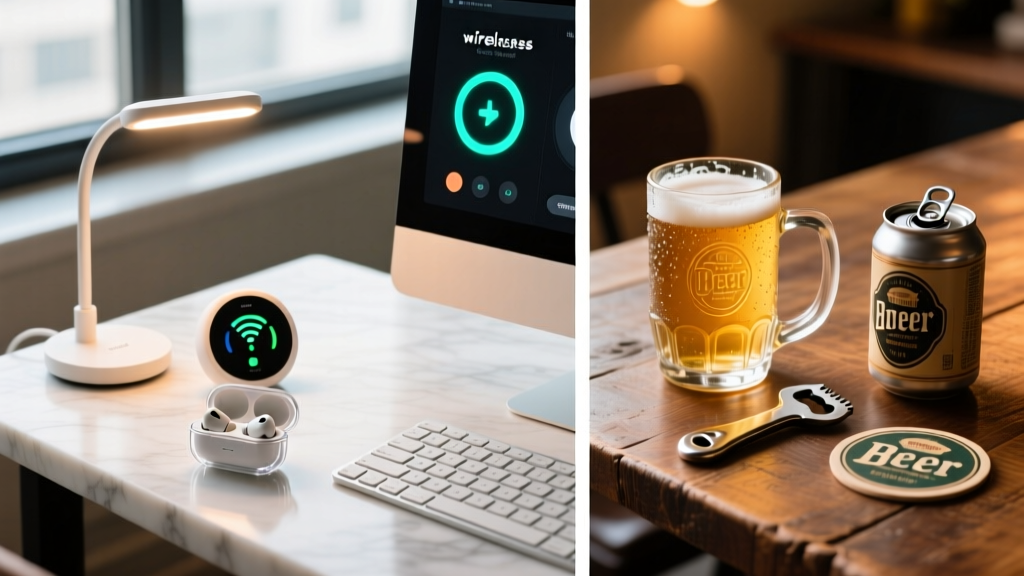
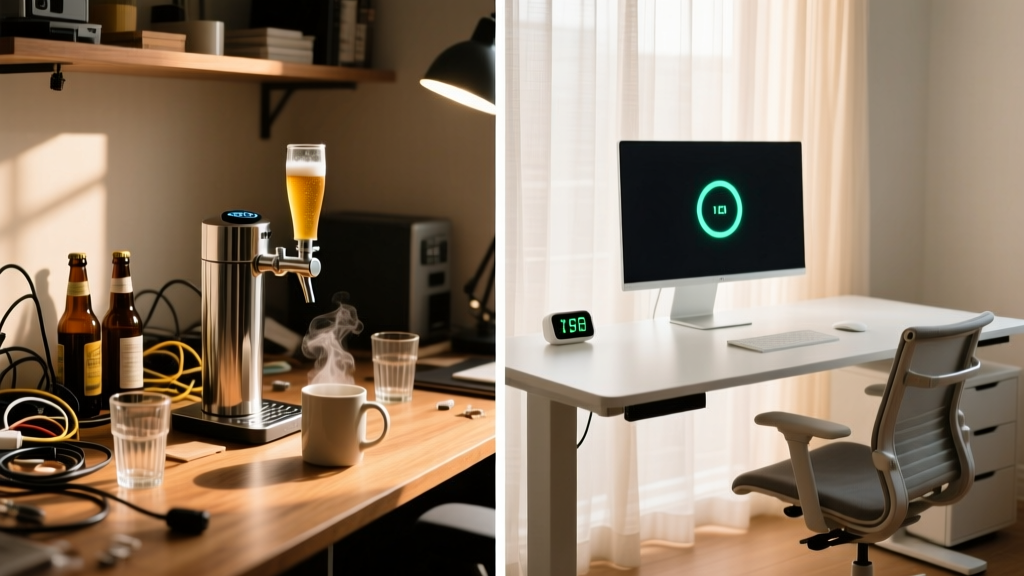
Walk into a seed-stage startup garage in 2020, and you would likely find a ping-pong table, a neon sign, and an array of beer drinking gadgets meant to cultivate a 'hustle-hard, play-hard' culture. Fast forward to 2026, and the paradigm has violently shifted. The modern tech enthusiast and seasoned founder now understand that cognitive endurance is the ultimate competitive advantage. The novelty of app-connected draft taps has been entirely eclipsed by the necessity of startup productivity gadgets designed to engineer flow states and protect deep work.
Whether you are outfitting your first home office or scaling a distributed team, the gadgets you choose signal your operational maturity. Beginners chase the aesthetic of a 'fun' tech bro office, while experts invest in ergonomic and cognitive hardware that yields a measurable return on attention. Let us break down the beginner vs. expert hardware stack, analyzing why trading your smart kegerator for a precision focus timer is the highest-leverage move you can make this year.
The Beginner Trap: The Allure of Beer Drinking Gadgets
When first building a workspace, the beginner mindset gravitates toward social proof and novelty. Beer drinking gadgets like the Hopsy Home Tap ($329) or the Fizzics DraftPour ($149) are incredibly popular gifts for tech enthusiasts. They promise a micro-brewery experience right next to your dual-monitor setup, utilizing ultrasonic waves and micro-carbonation tech to pour the perfect head.
The Hidden Costs of Desk Novelty
While the engineering behind a Fizzics DraftPour is genuinely impressive, placing it in your primary workspace introduces severe friction to your productivity ecosystem:
- Spill Proximity to Silicon: A single knocked-over pint of IPA can destroy a $2,500 MacBook Pro M4 Max. The risk-to-reward ratio of having liquids actively dispensed above your mechanical keyboard is a statistical nightmare.
- Dopamine Baseline Disruption: According to neurobiological research highlighted by the Huberman Lab, keeping high-reward stimuli (like a tap pouring cold beer) in your immediate visual field during work hours constantly spikes and crashes your dopamine baseline, making the 'boring' work of coding or financial modeling feel exponentially more painful.
- Maintenance Overhead: Smart taps require CO2 cartridge replacements, line cleaning, and app firmware updates. This is maintenance time stolen directly from your core business objectives.
Expert Insight: 'Novelty gadgets provide a short-term dopamine hit that mimics the feeling of progress, but they actively degrade your capacity for sustained, deep-focus problem solving.' — Cognitive Ergonomics Principle, 2026.
The Expert Shift: Startup Productivity Gadgets That Scale
Experts do not rely on willpower; they rely on environmental design. The expert's desk is an optimized cockpit where every physical object serves a distinct cognitive or ergonomic purpose. Here are the startup productivity gadgets that actually move the needle.
1. Tactile Focus Timers: Engineering the Flow State
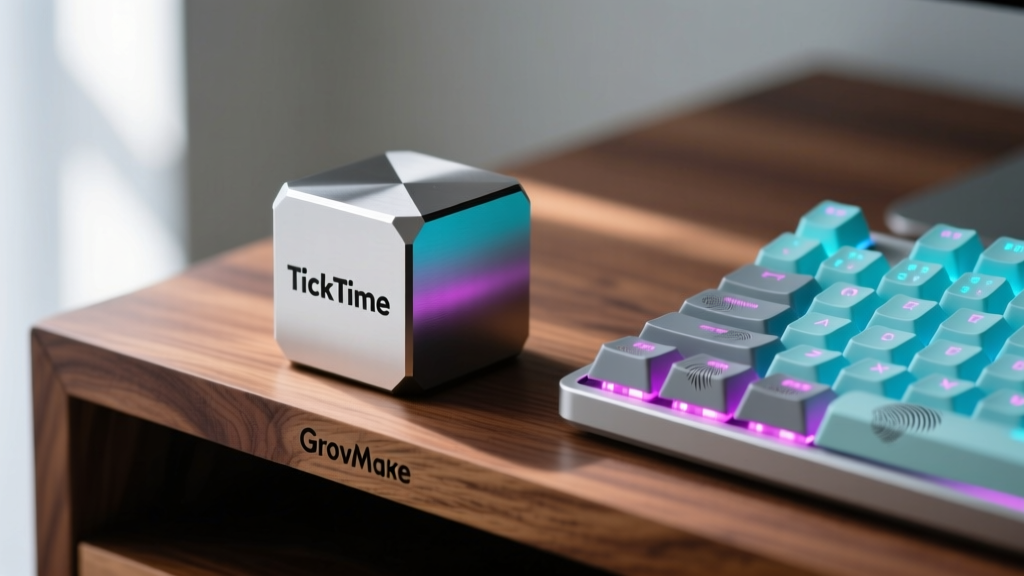
Beginners use their smartphones for Pomodoro timers, which means unlocking a screen filled with Slack notifications and email badges. Experts use dedicated, tactile hardware like the TickTime Cube Pro ($59.99). Machined from aerospace-grade aluminum, this hexagonal device uses internal gyroscopic sensors to trigger specific countdowns based on which numbered face is pointing up.
Flipping it to '25' instantly initiates a 25-minute deep work sprint with a single, satisfying physical motion. This removes the digital friction of opening an app and provides a physical, visual anchor on your desk that signals to your brain—and anyone walking into your office—that you are in an uninterrupted flow state.
2. Precision Ergonomics: The Standing Desk Ecosystem
A beginner buys a cheap motorized desk and calls it a day. An expert understands that a standing desk is only as good as its accessory ecosystem. Data from Cornell University Ergonomics proves that improper monitor height and static standing cause more musculoskeletal fatigue than sitting.
The Expert Hardware Stack:
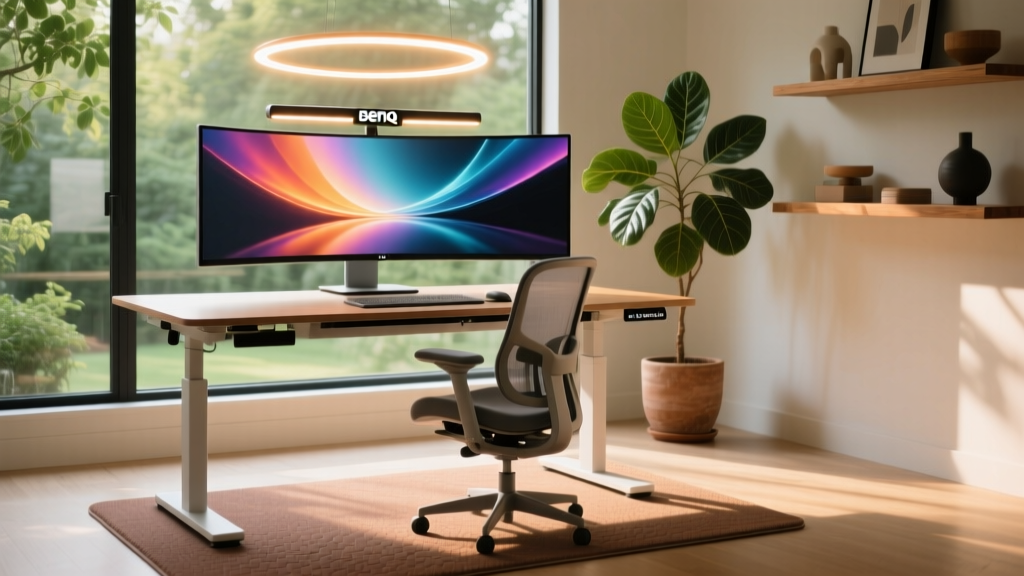
- Vari Electric Standing Desk ($795): Chosen specifically for its 50.5-inch maximum height (accommodating founders over 6'1' without hunching) and its T-style leg stability, which eliminates the 'wobble' that ruins mouse precision during CAD work or video editing.
- Grovemade Walnut Desk Shelf ($180): Elevates monitors exactly 4.25 inches, aligning the top bezel with the user's eye level to prevent cervical spine flexion, while reclaiming 18 inches of premium desk real estate for keyboards and notebooks.
- Ergodriven Topo Anti-Fatigue Mat ($119): Unlike flat foam mats, the Topo features calculated terrain mounds that force micro-movements in your calves and ankles, promoting blood flow during 20-minute standing intervals.
3. Circadian Lighting: The BenQ ScreenBar Halo ($229)
Overhead room lighting causes screen glare and eye strain. The expert utilizes asymmetric optical lens technology. The BenQ ScreenBar Halo mounts to the monitor, projecting light strictly downward onto the desk surface without casting a single photon onto the screen. Its wireless dial allows for instant lux adjustments, preserving your circadian rhythm during late-night coding sprints by eliminating blue-light scatter.
Head-to-Head Matrix: Where Should Your Capital Go?
To visualize the ROI difference between the beginner and expert approaches, review this comparative matrix:
| Feature | Beginner (Novelty / Beer Gadgets) | Expert (Startup Productivity Tech) |
|---|---|---|
| Primary Goal | Social signaling, office aesthetics | Cognitive endurance, physical health |
| Hardware Example | Fizzics DraftPour ($149) | TickTime Cube Pro ($59.99) |
| Dopamine Effect | Spikes baseline, causes distraction | Triggers flow state, sustains focus |
| Risk Factor | High (Liquid damage to tech) | Negligible (Ergonomic protection) |
| Long-Term ROI | Negative (Maintenance & distraction) | Exponential (Health & output volume) |
The 2026 Desk Optimization Framework
If you are ready to graduate from the beginner trap and optimize your workspace for elite output, follow this 3-step audit framework:
- The 20-8-2 Rule Implementation: Structure your day using the Cornell-recommended ratio: 20 minutes sitting, 8 minutes standing, 2 minutes stretching. Program your smartwatch to vibrate at these intervals, and ensure your desk accessory stack (like the Topo mat) is deployed to make the 8-minute standing phases frictionless.
- The Visual Field Purge: Remove all consumable liquids (except sealed water) and novelty gadgets from your primary desk surface. Relocate your beer drinking gadgets to the kitchen or a dedicated lounge area where they belong. Your desk must become a 'sterile' cognitive zone.
- Tactile Anchoring: Replace all software-based productivity triggers with physical hardware. Use a physical focus timer, a dedicated macro-pad for shortcut execution, and analog switches. The more physical the interaction, the deeper the neurological anchor for your work habits.
FAQ: Upgrading Your Tech Stack
Can I keep my beer gadgets in the same room as my desk?
While you can, environmental design dictates that visual cues trigger cravings. If your goal is deep work, keep novelty and consumption gadgets outside your direct peripheral vision. Out of sight truly is out of mind when it comes to preserving your cognitive baseline.
Are expensive standing desks worth the investment over budget models?
Yes, specifically regarding motor longevity and wobble control. Budget desks (under $300) often utilize single-stage lift columns that wobble violently at heights above 42 inches, making precision mouse work impossible. Premium models like the Vari or Uplift V2 utilize dual-stage, crossbar-stabilized columns that remain rigid even at maximum elevation.
How do physical focus timers improve productivity over phone apps?
Physical timers eliminate the 'unlock-and-distract' loop. Furthermore, a physical object like the TickTime Cube acts as a social signal to coworkers or family members that you are in a timed sprint, reducing verbal interruptions without you having to say a word.
Written by
Nina PetrovaNina Petrova holds a Master's degree in Child Development from the Erikson Institute and a B.S. in Nursing from the University of Illinois at Chicago. She worked as a pediatric nurse for 6 years before transitioning to family technology consulting, bringing clinical rigor to her evaluations of kid-friendly gadgets, educational toys, and parental control software. Nina has reviewed over 400 children's tech products, testing each for safety compliance (CPSC and ASTM standards), developmental appropriateness across age groups, screen-time impact, and data privacy practices. She serves on the Children's Technology Review advisory board and has testified before the FTC on children's data protection in connected toys. Her reviews are trusted by parents and educators alike for their evidence-based approach to balancing technology benefits with child safety.