Best Arthritis Gadgets for 2026: Practical Daily Helpers
Discover the best arthritis gadgets for 2026. We review practical, problem-solving adaptive tools for grip, kitchen prep, and smart home control.
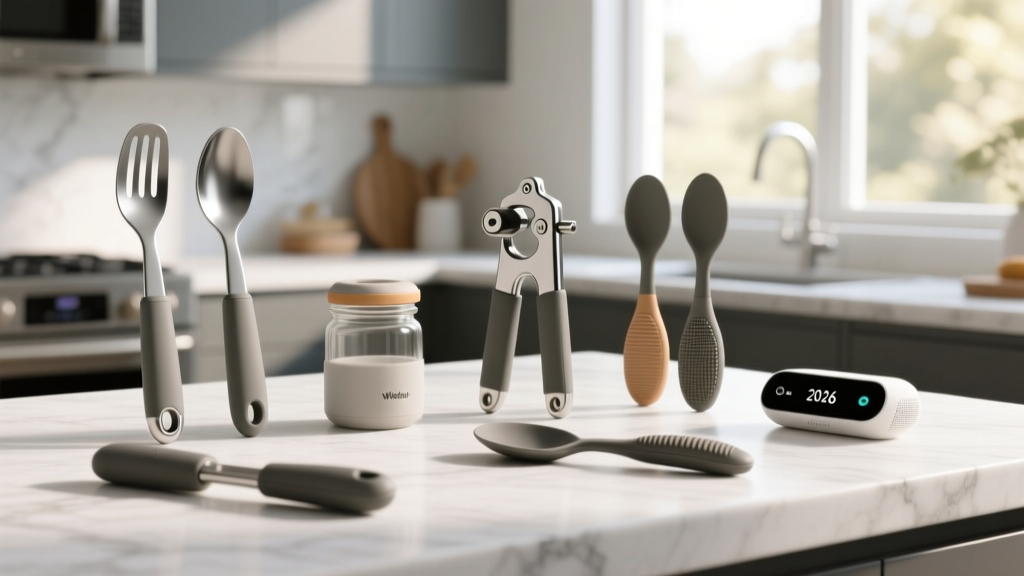

The Hidden Toll of Arthritis on Daily Biomechanics
Living with osteoarthritis or rheumatoid arthritis (RA) transforms mundane daily routines into exhausting physical hurdles. According to the Centers for Disease Control and Prevention (CDC), over 53 million adults in the US experience joint pain, stiffness, and swelling that severely limits grip strength and fine motor control. When you are dealing with inflamed metacarpophalangeal (MCP) joints, the standard "pinch and twist" motion required to open a jar or flip a light switch can generate up to 20 pounds of localized joint pressure.
As an accessibility tech reviewer, my approach to finding the best arthritis gadgets isn't about slapping a soft rubber grip on a standard tool and calling it "adaptive." True problem-solving gadgets fundamentally alter the biomechanics of the task, shifting the load from vulnerable finger joints to larger, more resilient muscle groups like the forearm or shoulder. In this 2026 practical guide, we break down the most effective, data-backed adaptive devices for kitchen prep, smart home automation, and digital workspaces.
Kitchen Prep: Solving the Grip and Torque Problem
The kitchen is ground zero for arthritis flare-ups. Manual can openers and stubborn vacuum-sealed jars require sustained isometric grip strength, which rapidly fatigues weakened tendons. The goal here is to replace manual torque with mechanical leverage or motorized assistance.
Top Pick: Hamilton Beach Open Ease Electric Can Opener (Model 76606)
Priced around $35, the Hamilton Beach 76606 is a masterclass in low-actuation design. Unlike under-cabinet openers that require you to hold the can steady while aligning the blade (a nightmare for shoulder mobility issues), this freestanding unit uses a motorized gear that locks onto the can's rim with a single, light press. The actuation force required to press the lever is under 1.2 lbs. Furthermore, its "smooth edge" cutting wheel leaves no sharp lids, eliminating the need for a dangerous pinch-grip to remove the metal top.
Runner Up: Chef'n FreshForce Citrus Juicer
If you need manual tools, leverage is your best friend. The Chef'n FreshForce ($22) utilizes a dual-gear mechanism that increases your squeezing power by over 500%. You can juice a rock-hard lemon using a gentle palmar grasp (using the whole hand) rather than a painful finger pinch. The handles are coated in a high-durometer silicone that prevents slipping even when wet.
"Joint protection principles dictate that we should always use the largest, strongest joints available for a task. Gadgets that convert a finger-pinch into a forearm-push are essential for preserving cartilage over time." — Arthritis Foundation Guidelines on Joint Protection
Smart Home Integration: Voice-Activated Relief

Physical light switches and appliance toggles require a precise pinch-and-flick motion that aggravates the distal interphalangeal (DIP) joints. Smart home tech is arguably the most profound arthritis gadget category of the last decade, but not all smart devices are created equal for accessibility.
The Zero-Force Interface: Kasa Smart Plug Mini (EP10)
At just $15 for a 4-pack, the Kasa EP10 smart plugs eliminate the need to physically toggle heavy lamp switches or reach behind furniture. However, the real accessibility win here is the hardware design. Many cheap smart plugs are bulky, blocking adjacent outlets and requiring significant force to push into a tight wall socket. The EP10 is compact and features a rounded, easy-to-grip housing. Once installed, you control your environment entirely via voice assistants (Alexa, Google Home) or large, high-contrast smartphone buttons.
| Device Type | Actuation Force | Setup Difficulty | Best For |
|---|---|---|---|
| Smart Plugs (e.g., Kasa EP10) | Zero (Voice/App) | Low (Plug & Play) | Lamps, fans, coffee makers |
| Smart Switches (e.g., Lutron Caseta) | Very Low (Paddle) | High (Wiring required) | Overhead lighting, ceiling fans |
| Motorized Blinds (e.g., SwitchBot) | Zero (App/Schedule) | Medium (Mounting) | Heavy window treatments |
Ergonomic Input Devices for the Digital Age
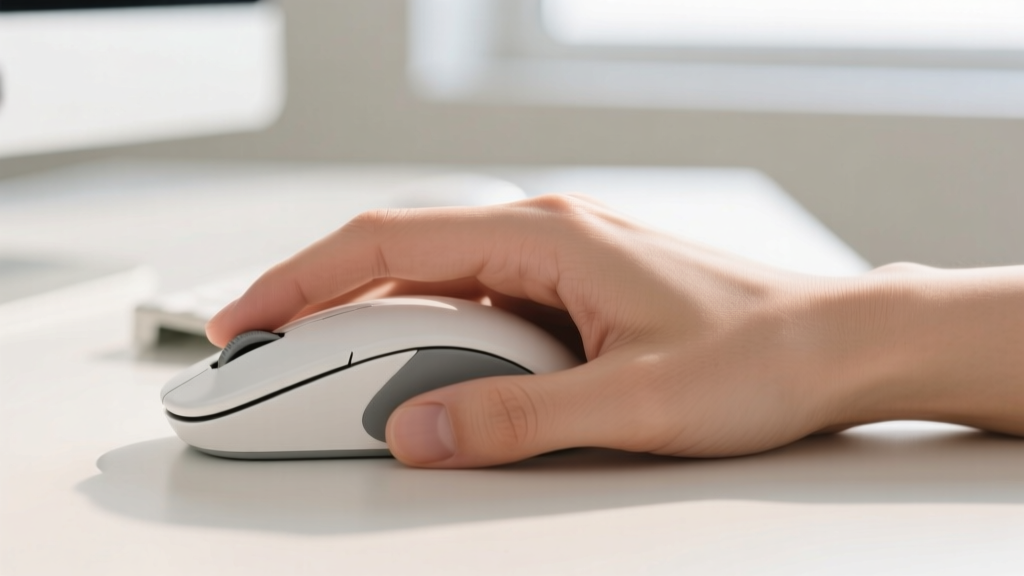
For those who work at a computer, standard peripherals force the forearm into pronation (palms facing down), which crosses the radius and ulna bones and compresses the carpal tunnel. The Mayo Clinic notes that repetitive strain in this position accelerates nerve compression and joint inflammation.
Top Pick: Logitech Lift Vertical Ergonomic Mouse
Retailing for $70, the Logitech Lift positions the hand at a natural 57-degree angle. This "handshake" posture reduces muscular strain in the forearm by up to 20% compared to traditional mice. But the true arthritis-specific feature is its weight. At just 124 grams (including the battery), it requires minimal inertial force to move across the desk. Heavier mice (150g+) cause micro-drag that forces the wrist to compensate, leading to fatigue. The Lift also features a SmartWheel that automatically shifts from precision ratcheting to free-spinning, saving your index finger from repetitive scrolling clicks.
Adaptive Add-On: Microsoft Surface Adaptive Kit
If you struggle with typing due to stiff fingers or visual impairment, the Microsoft Surface Adaptive Kit ($60) is a brilliant, low-tech/high-impact solution. It includes tactile bump stickers, high-contrast keycap labels, and specialized pull-tabs that adhere to laptop lids and USB cables. It is a perfect example of how universal design principles can create highly effective arthritis gadgets without needing batteries or Bluetooth.
Practical Buying Framework: The 3-Point Evaluation Matrix
When shopping for adaptive devices, ignore marketing buzzwords like "ergonomic" and instead evaluate products against these three concrete metrics:
- Actuation Force Threshold: Any button, lever, or switch should require less than 1.5 lbs of pressure to engage. If a product doesn't list this, test it with a cheap digital luggage scale.
- Grip Diameter & Material: Handles should ideally be between 1.2 and 1.8 inches in diameter to allow for a full palmar grasp without forcing the fingers into a tight, painful claw. Look for Santoprene or high-durometer silicone over hard plastics.
- Fail-Safe Mechanics: Consider what happens when the gadget fails or slips. A jar opener that relies purely on suction will violently slip off textured glass, potentially causing a sudden jerking motion that damages the rotator cuff. Always prefer mechanical biting grips or motorized locking mechanisms.
Frequently Asked Questions (FAQ)
Are weighted pens and utensils actually good for arthritis?
It depends on your specific condition. Weighted pens (like those from Bunzl) are excellent for individuals with Parkinson's or essential tremors, as the mass dampens shaking. However, for rheumatoid arthritis or severe osteoarthritis, adding weight to a utensil increases the load on the wrist and shoulder joints, accelerating fatigue. For pure arthritis, you want ultra-lightweight tools with thick, contoured grips.
How do I clean adaptive kitchen gadgets if I have limited grip strength?
Look for gadgets that are explicitly marked as top-rack dishwasher safe. For items like the Hamilton Beach can opener, use a long-handled silicone dish brush (which allows for a gross motor arm sweep rather than a wrist-flick scrubbing motion) and a magnetic sink caddy to hold your soap dispenser, eliminating the need to squeeze slippery plastic bottles.
Do compression gloves really work as an arthritis gadget?
Compression gloves, such as the IMAK Arthritis Gloves, do not cure joint degradation, but they provide mild thermal retention and proprioceptive feedback that can reduce morning stiffness. They are best used as a preparatory tool to warm up the hands before engaging in physical therapy or using more demanding adaptive gadgets.
Written by
Tom ReynoldsTom Reynolds holds a CFA (Chartered Financial Analyst) designation and a B.S. in Finance from the University of Texas at Austin. Before entering tech journalism, he spent 6 years as a quantitative analyst at a hedge fund, building cost-benefit models for consumer product investments. Tom has maintained a proprietary database of over 10,000 tech deals for the past 8 years, developing his signature "penny-per-feature" evaluation framework that calculates the true value proposition of every gadget. His budget gadget reviews are known for their financial rigor — he tracks price history across 15+ retailers, calculates cost-per-use over 3-year lifespans, and identifies the exact inflection point where premium features justify their markup. Tom's deal alerts have saved his readers an estimated .3 million since 2018.