How to Automate Cool House Gadgets for a Seamless Home Office
Learn how to wire and program Matter-compatible cool house gadgets into a unified deep-work macro using the Elgato Stream Deck + and Thread networks.
Fragmented Ecosystems vs. Unified Workspaces
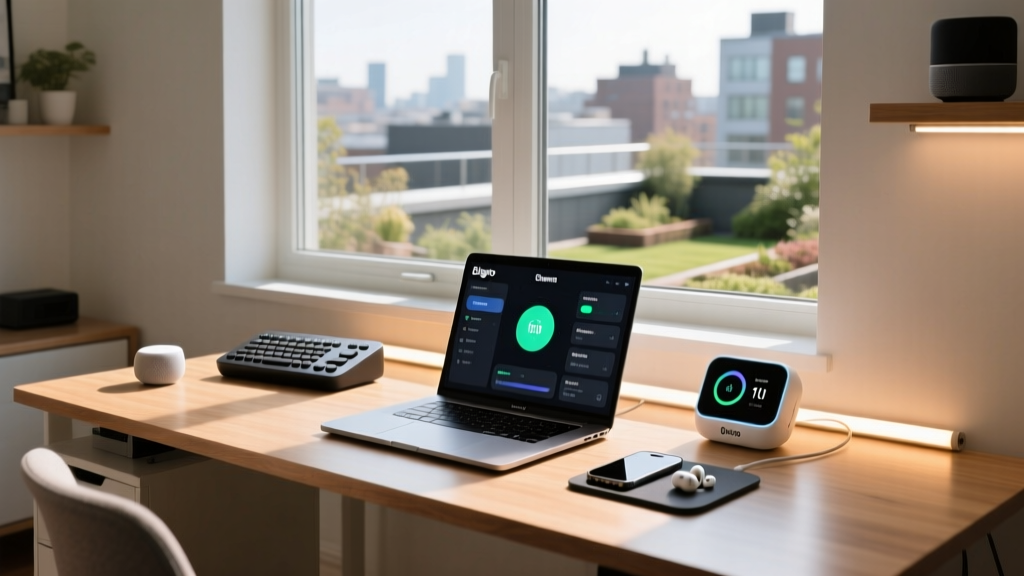
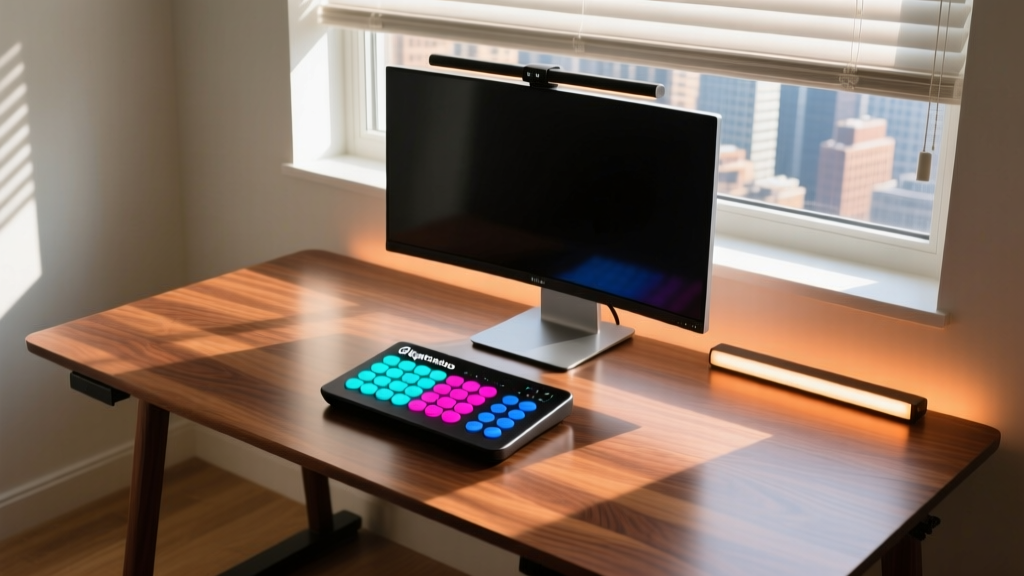
Fragmented smart home ecosystems create friction in a professional environment. Juggling three different apps to adjust lighting, close blinds, and power on peripherals destroys the cognitive momentum required for deep work. By selecting Matter-compatible cool house gadgets and routing them through a centralized macro controller, you can collapse a five-minute morning setup routine into a single button press. This tutorial details the exact hardware, network topology, and programming sequence required to build an automated, ergonomic home office command center.
The Hardware: Selecting Matter-Ready Cool House Gadgets
To ensure sub-100-millisecond latency and local execution without cloud dependency, every device in this setup must support either Matter over Thread or Matter over Wi-Fi. The following component list represents the current 2026 standard for a premium, automated desk environment.
Component Checklist & Pricing
- Macro Controller: Elgato Stream Deck + (SKU: 10GBA9901) - $199.99. The physical dials are critical for real-time environmental tweaking without alt-tabbing.
- Automated Shading: SwitchBot Curtain Rod 2 (Matter-enabled via Hub 2) - $94.99. Specifically designed for tension-rod and track setups.
- Circadian Backlighting: Philips Hue Play Gradient Lightstrip for PC (32-34 inch model) - $109.99. Provides bias lighting to reduce eye strain.
- Peripheral Power: Eve Energy Smart Plug (Matter over Thread) - $49.95. Used to hard-cut power to secondary monitors and desk accessories to eliminate vampire draw.
Phase 1: Physical Installation and Calibration
The physical mounting of automated gadgets dictates their long-term reliability. The most common failure point in motorized desk accessories is improper track calibration and adhesive degradation.
Mounting the SwitchBot Curtain Rod 2
- Surface Preparation: Clean the top of your window frame or blind track with 90% isopropyl alcohol. Do not use standard glass cleaner, as it leaves a surfactant residue that breaks down adhesive bonds.
- Adhesive Curing: If using the included 3M VHB tape mounts instead of screw clamps, apply firm pressure for 60 seconds. You must wait exactly 72 hours for the acrylic adhesive to fully cure before initiating the motor. Running the motor prematurely will strip the internal gears.
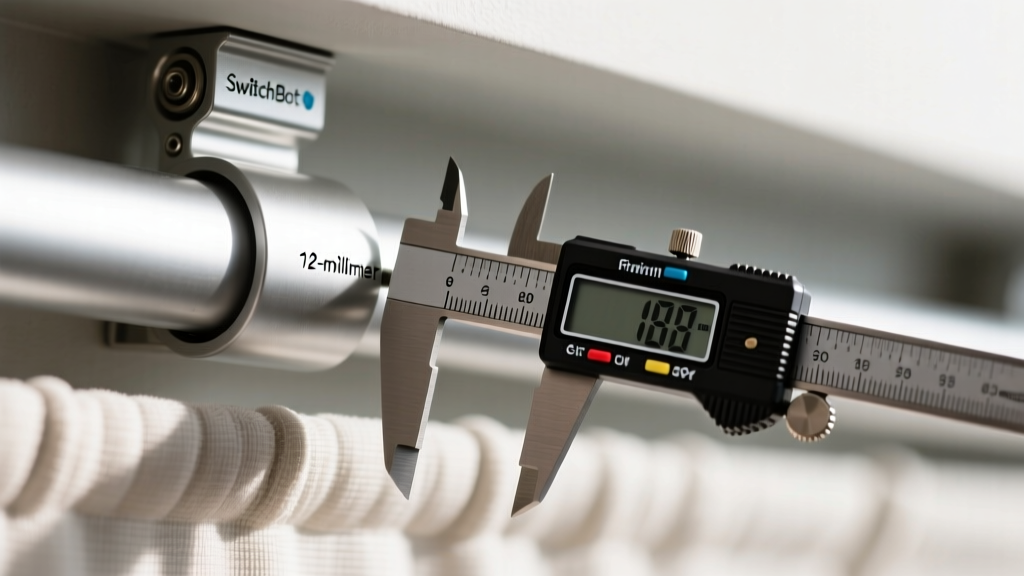
- Clearance Verification: Use a digital caliper to ensure there is at least a 12-millimeter clearance gap between the curtain fabric and the window glass. If the gap is smaller, the motor's optical sensor will misread fabric bunching as a track obstruction, triggering an auto-reverse fault.
- App Calibration: In the SwitchBot app, set the exact rail length. If your track is 150cm, input 150. Do not round down to 149cm to 'prevent over-travel'; the firmware calculates torque limits based on this exact figure, and incorrect inputs cause the motor to stall at the end-stops.
Phase 2: Building a Thread Border Router Network
According to the Thread Group, Thread utilizes the 802.15.4 wireless standard, which operates on 2.4GHz but avoids the congestion of traditional Wi-Fi networks. For a home office filled with video conferencing bandwidth demands, offloading cool house gadgets to a Thread mesh is non-negotiable for reliability.
Network Topology Matrix
| Device | Protocol | Role in Network | Avg. Power Draw |
|---|---|---|---|
| Apple TV 4K (3rd Gen) | Thread / Wi-Fi | Border Router | 6.5W |
| Eve Energy Plug | Thread | End Device / Router Node | 0.3W (Standby) |
| Philips Hue Bridge v2 | Zigbee / Matter | Application Bridge | 1.2W |
| SwitchBot Hub 2 | Wi-Fi / BLE / Matter | Application Bridge | 2.1W |
To unify these devices, you must commission them into a single Matter fabric. Use an iOS or Android device running the latest OS to scan the Matter QR codes on the Eve plug and SwitchBot Hub. Do not use the manufacturer's proprietary app for initial pairing; pair them directly into the Apple Home or Google Home ecosystem to generate the unified Matter fabric credentials.
Phase 3: Programming the 'Deep Work' Macro Sequence
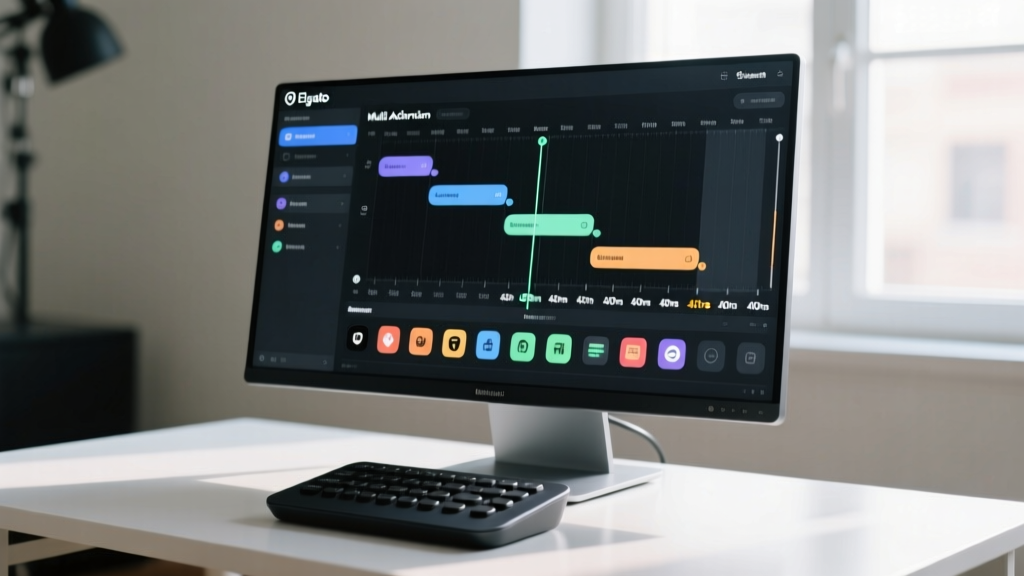
The Elgato Stream Deck + allows for complex, multi-step API calls. We will program the primary dial button to execute a 'Deep Work' routine that optimizes the environment for focus, referencing daylighting and ergonomic guidelines to balance screen glare and circadian lighting.
Stream Deck Multi-Action Configuration
Open the Stream Deck application, drag a Multi Action block to Button 1, and stack the following commands in exact order:
- Action 1 (Lighting): Select 'Philips Hue' -> 'Set Scene'. Choose your 'Focus' scene. This scene should be pre-configured in the Hue app to output a 4500K color temperature at 80% brightness, which studies show maximizes alertness without inducing the blue-light fatigue associated with 6500K daylight bulbs.
- Action 2 (Delay): Insert a 'Delay' block set to 400 milliseconds. This prevents the local network bridge from dropping packets when receiving simultaneous commands.
- Action 3 (Shading): Select 'SwitchBot' -> 'Set Position'. Set the curtain to 15% open. This specific metric allows ambient peripheral light to enter the room, preventing the 'cave effect' that causes pupil dilation and subsequent screen glare, while blocking direct sunlight from hitting the monitor bezel.
- Action 4 (Delay): Insert another 400 millisecond delay.
- Action 5 (Power): Select 'Eve' -> 'Turn On'. This powers the Eve Energy plug, which should be connected to your secondary monitor array and desktop DAC/Amp, ensuring they only draw power during active work hours.
Troubleshooting Edge Cases and Commissioning Failures
Even with premium cool house gadgets, Matter commissioning can fail if the network topology is misunderstood. Here is how to resolve the most common setup blockers:
- QR Code Scanning Fails: If the Matter QR code on the Eve plug refuses to scan, do not guess the numeric setup code. Instead, use the NFC tap feature on the device if your phone supports it, or manually enter the 11-digit setup code printed on the physical sticker. Ensure your phone is connected to the exact same 2.4GHz Wi-Fi SSID as your Thread Border Router during commissioning.
- Thread Partitioning: If your Eve plug responds instantly but the SwitchBot curtains lag by 4-5 seconds, your Thread network has likely partitioned into two separate meshes. This happens when devices are too far from the Border Router. Resolve this by adding a dedicated Thread extender (like an Eve Energy plug acting as a router node) physically halfway between the Apple TV and the window.
- Stream Deck API Timeouts: If the macro stops halfway through, check the 'Timeout' setting in the Stream Deck Multi Action properties. Increase it from the default 2000ms to 5000ms to account for the latency of the SwitchBot Hub translating Matter commands into Bluetooth Low Energy signals for the curtain motor.
Final Calibration and Ergonomic Review
Once the macro executes flawlessly, spend one full workday observing the automated transitions. Use the physical dials on the Stream Deck + to map real-time overrides: map Dial 1 to Philips Hue brightness (0-100%) and Dial 2 to SwitchBot curtain position (0-100%). This hybrid approach—automated baseline setup with tactile, manual overrides—yields a workspace that adapts to your cognitive load rather than distracting from it. By investing in Matter-native hardware and respecting the physical installation tolerances of motorized accessories, your home office transitions from a collection of novelties into a highly calibrated productivity instrument.
Written by
Marcus WebbMarcus Webb served as a U.S. Army logistics officer for 8 years, where he managed field equipment procurement and tactical gear evaluation across three combat deployments. After honorable discharge, he earned a certification from the Professional Knife Makers Association and became a certified Wilderness First Responder (WFR). Marcus has tested over 500 EDC products in extreme environments — from -40°F in Alaska to 120°F in the Mojave Desert — using military-spec testing protocols. His reviews of multi-tools, tactical flashlights, and survival gear are known for their rigorous methodology: controlled drop tests from 6 feet, 120-minute water submersion at 2 meters, and lateral torque testing at 45 Nm. He is a member of the Blade Show judging panel and contributes to OutdoorGearLab.