Top Weatherproof Gadgets for Office Patios in 2026
Discover the best weatherproof gadgets for office patios in 2026. Compare rugged monitors, outdoor Wi-Fi, and portable power for seamless remote work.
The Microclimate Challenge of Outdoor Workspaces
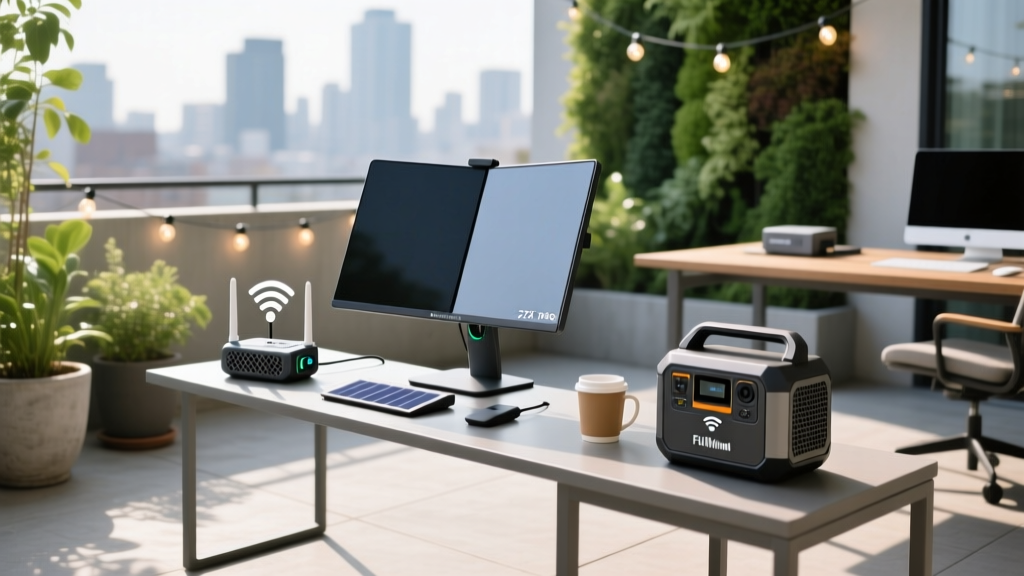
Transitioning your home office to a patio or balcony requires more than simply carrying your laptop outside. The intersection of high humidity, UV radiation, thermal throttling, and structural Wi-Fi attenuation demands specialized hardware. While standard consumer electronics are engineered for climate-controlled indoor environments (typically 68°F to 72°F with 40% humidity), outdoor environments introduce extreme variables. In 2026, the market for outdoor-specific tech has matured, offering robust solutions that bridge the gap between indoor ergonomics and exterior durability.
This guide breaks down the exact hardware specifications, IP (Ingress Protection) requirements, and power management strategies needed to build a functional, weatherproof outdoor office.
Decoding IP Ratings for Exterior Tech
Before purchasing any outdoor gear, you must verify its IP rating, a standard defined by the International Electrotechnical Commission (IEC). The first digit indicates solid particle protection (dust), and the second indicates liquid ingress (water).
For a fully covered, screened-in patio, IP54 (dust protected, splash proof) is sufficient. For an open deck or balcony exposed to wind-driven rain, you must require a minimum of IP65 (dust tight, protected against low-pressure water jets). Never use IP43-rated 'water-resistant' gear in an unshielded outdoor environment.
Power and Connectivity Matrix
Exterior walls (especially those with foil-backed insulation or brick veneer) attenuate 5GHz and 6GHz Wi-Fi signals by up to 25dB, effectively killing your indoor mesh network's outdoor reach. Furthermore, relying on extension cords creates tripping hazards and voltage drop issues over long distances.
| Device Category | Model Recommendation | Key Specs | Est. Price (2026) |
|---|---|---|---|
| Portable Power | EcoFlow River 2 Pro | 768Wh LiFePO4, 800W output, IP65 battery casing | $599 |
| Portable Power | Jackery Explorer 300 Plus | 288Wh LiFePO4, 300W output, ultra-light 8.2 lbs | $349 |
| Outdoor Wi-Fi | TP-Link Deco X50-Outdoor | Wi-Fi 6, IP65, PoE (Power over Ethernet) support | $189 |
| Outdoor Wi-Fi | Netgear Orbi Outdoor | Tri-band Wi-Fi 6E, IP56, dedicated wireless backhaul | $299 |
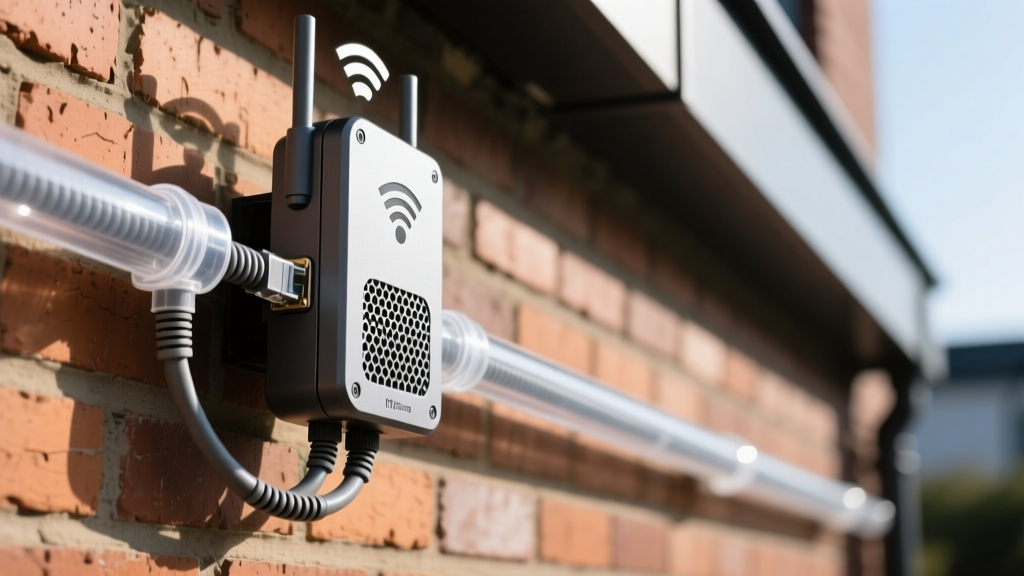
Pro Tip: When installing an outdoor mesh node like the Deco X50, utilize its PoE (Power over Ethernet) capability. Run a single Cat6 outdoor-rated, UV-shielded ethernet cable from your indoor router through the wall. This provides both data and power, eliminating the need for a weatherproof exterior AC outlet.
Beating Glare and Thermal Throttling
The most common failure point for outdoor laptops is not water damage, but thermal throttling. According to OSHA guidelines on environmental heat stress, ambient temperatures above 90°F (32°C) require active mitigation. When a laptop's internal CPU hits 100°C in direct sunlight, it aggressively downclocks, reducing processing speed by up to 60% to prevent hardware melting.
Display Brightness (Nits) Requirements
Standard indoor monitors output 250 to 300 nits. A premium laptop like the MacBook Pro M3 peaks at 1600 nits for HDR content, but sustains only 600 nits for standard SDR desktop use. In direct sunlight, you need a sustained 1000+ nits to maintain readability.
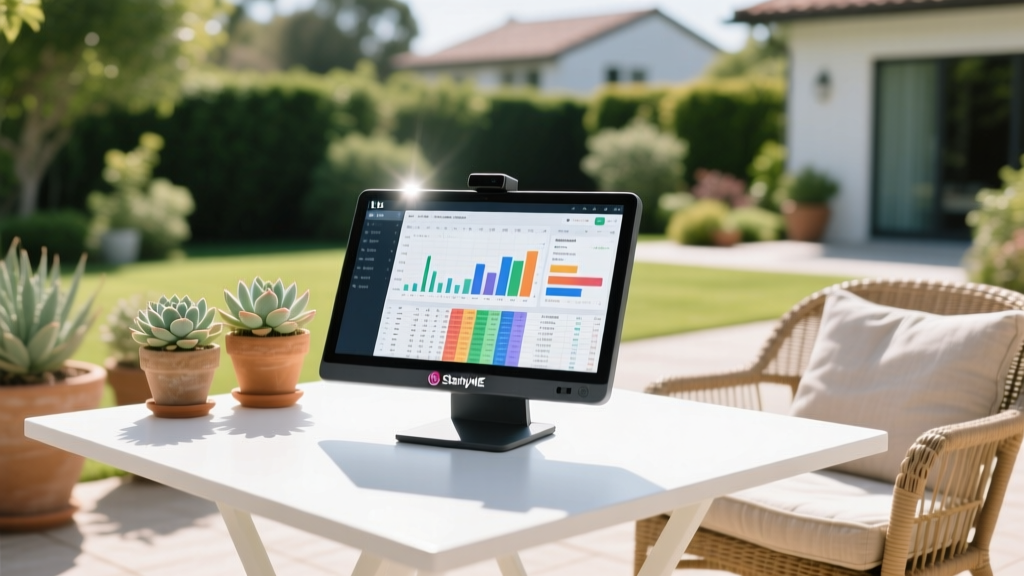
- LG StanbyME Go (27-inch): Outputs a sustained 1000 nits and features an IP54 rating. It is housed in a ruggedized briefcase form factor with an integrated battery, making it the premier choice for outdoor spreadsheets and video calls.
- Matte PET Anti-Glare Films: If you must use your existing laptop, apply a matte screen protector (such as the Moshi iVisor AG). This reduces specular reflection by up to 85% without sacrificing touch sensitivity, effectively simulating an extra 200 nits of perceived contrast in shaded areas.
Active Cooling Solutions
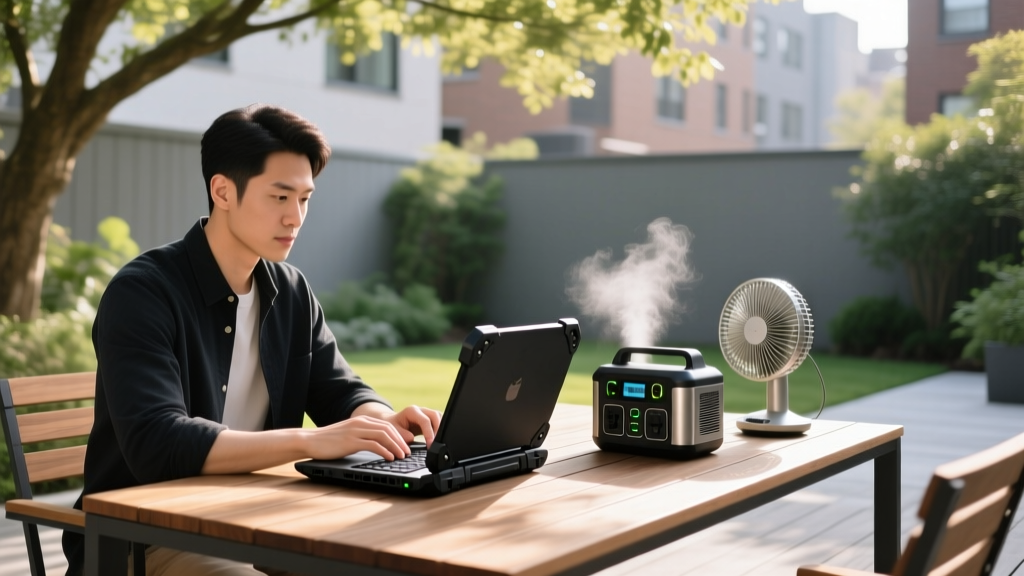
Passive laptop stands are insufficient in high heat. Utilize a laptop cooling pad with sealed, brushless DC fans (IP52 rated) to force ambient air through the chassis. Pair this with a Ryobi 18V ONE+ Bucket Top Misting Fan ($129). By attaching a standard garden hose, the misting function drops the localized ambient air temperature by up to 15°F via evaporative cooling, keeping both you and your hardware within safe operating thresholds.
Cable Management and UV Protection
Routing power to an outdoor desk requires strict adherence to UV and moisture protection protocols. Standard indoor PVC cable sleeves will become brittle and crack after one season of UV exposure.
- Conduit Selection: Use UV-stabilized polyethylene split loom tubing (typically 1/2 inch diameter) for any exposed DC power cables. For AC lines, use rigid Schedule 80 PVC conduit painted with exterior-grade acrylic latex to match your siding.
- Junction Sealing: Where cables enter exterior walls or junction boxes, apply a bead of outdoor-rated silicone sealant (such as GE Advanced Silicone 2, which offers a 10-year mold-free and weatherproof guarantee).
- Drip Loops: Always create a 'drip loop'—a U-shaped dip in the cable before it enters a weatherproof outlet box. This ensures rainwater runs down the cable and drips off the bottom of the loop rather than flowing directly into the electrical connection.
Troubleshooting Decision Tree: Outdoor Tech Failures
When your outdoor setup malfunctions, use this diagnostic framework to identify the root cause without unnecessarily replacing hardware.
Symptom: Laptop randomly shuts down or screen dims aggressively.
- Cause A: Thermal throttling. Fix: Move to shade, elevate the rear of the laptop by 2 inches for passive airflow, or deploy a misting fan.
- Cause B: Optical sensor glare. Fix: The ambient light sensor is being blinded by direct sun, forcing the screen to max brightness until the battery management system intervenes. Tape over the ambient light sensor near the webcam and manually set brightness to 80%.
Symptom: Wi-Fi drops when stepping outside.
- Cause A: Frequency handoff failure. Your phone/laptop is clinging to the weak indoor 2.4GHz signal instead of switching to the outdoor node. Fix: Disable 'Auto-Join' for the indoor network on your mobile device, or set your outdoor mesh node to use a distinct SSID.
- Cause B: Moisture in the ethernet port. Fix: Inspect the exterior PoE port on your mesh node. Ensure the rubber weather gasket is fully seated and apply dielectric grease to the RJ45 connector pins.
Building a resilient outdoor office is an exercise in environmental management. By prioritizing high-nit displays, LiFePO4 power architecture, and proper IP-rated networking, you can maintain peak productivity regardless of the weather. For further reading on protecting your skin during long outdoor work sessions, consult the EPA's UV Index guidelines to schedule your most intensive outdoor tasks during low-radiation windows.
Written by
Marcus WebbMarcus Webb served as a U.S. Army logistics officer for 8 years, where he managed field equipment procurement and tactical gear evaluation across three combat deployments. After honorable discharge, he earned a certification from the Professional Knife Makers Association and became a certified Wilderness First Responder (WFR). Marcus has tested over 500 EDC products in extreme environments — from -40°F in Alaska to 120°F in the Mojave Desert — using military-spec testing protocols. His reviews of multi-tools, tactical flashlights, and survival gear are known for their rigorous methodology: controlled drop tests from 6 feet, 120-minute water submersion at 2 meters, and lateral torque testing at 45 Nm. He is a member of the Blade Show judging panel and contributes to OutdoorGearLab.