Best Gadgets for the Office: Smartwatch Bands & Desk Tech
Discover the best gadgets for the office with our guide to premium smartwatch bands, NFC access wearables, and Qi2 desk charging ecosystems.
The Wrist as the Ultimate Office Command Center
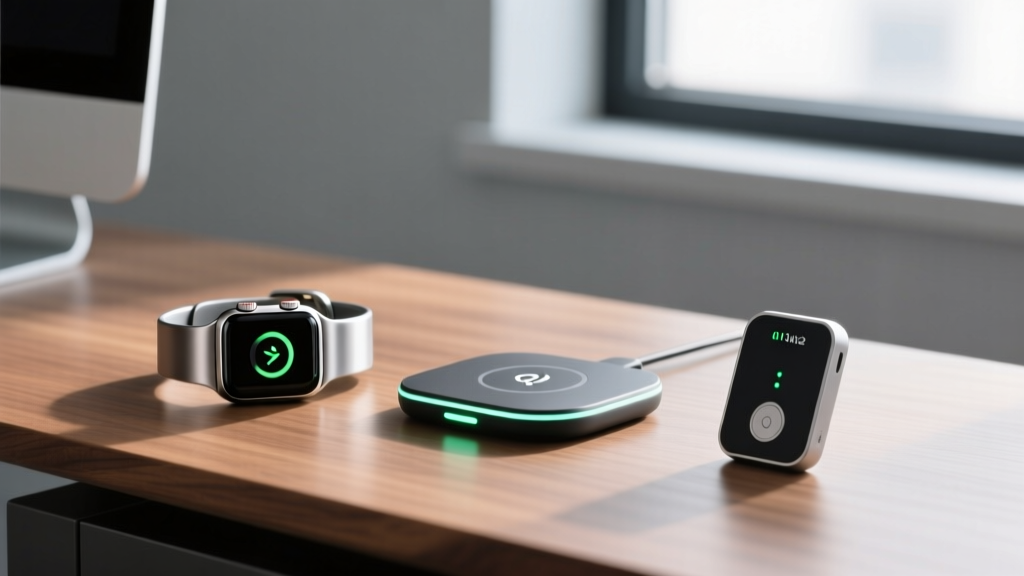
When professionals search for the best gadgets for the office, they typically gravitate toward mechanical keyboards, ultrawide monitors, or ergonomic mice. However, the most frequently interacted-with piece of technology in a modern workspace is already strapped to your wrist. In 2026, the smartwatch has evolved from a mere notification relay into a localized access and productivity hub. Upgrading your wearable ecosystem with specialized bands, productivity-driven interfaces, and thermally optimized desk accessories yields a higher daily ROI than almost any traditional desk peripheral.
This guide bypasses generic consumer advice to explore the material science, enterprise security protocols, and thermal dynamics of optimizing your smartwatch for the professional environment.
Material Science: Selecting the Right Band for Desk Work
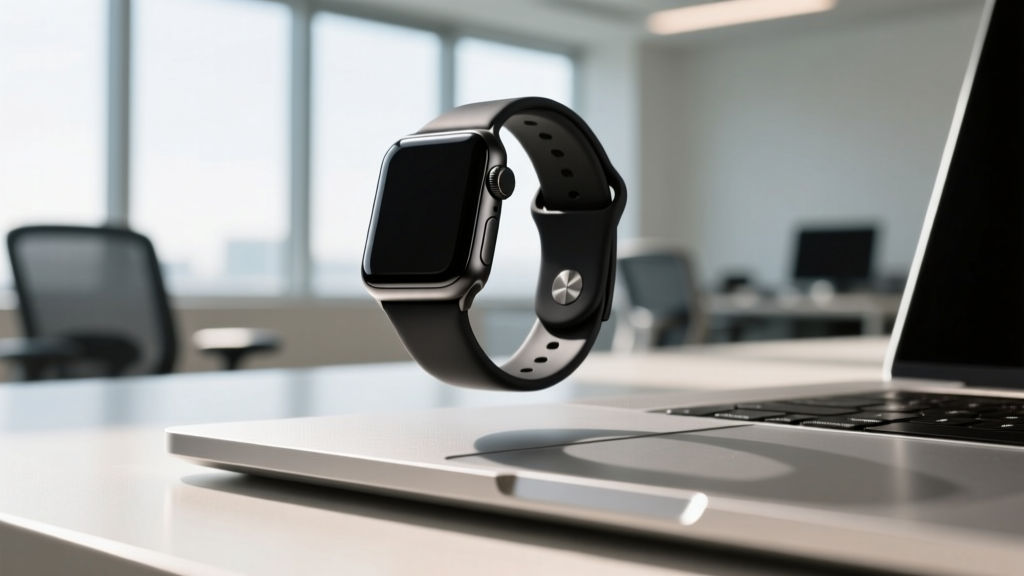
To solve the palm-rest scratch issue while maintaining a boardroom-appropriate aesthetic, you must select bands with specific surface treatments or composite materials. Here is how the top enthusiast-tier materials perform in a daily desk environment.
| Material | Mohs Hardness | Laptop Scratch Risk | Best Office Use Case |
|---|---|---|---|
| Raw Titanium | 6.0 | High | Meetings away from the keyboard |
| DLC-Coated Titanium | 7.0 - 8.0 | Severe | Executive presentations (no typing) |
| Forged Carbon Fiber | 3.5 (Epoxy Matrix) | Low | Heavy typists and developers |
| Fluoroelastomer (FKM) | 1.0 | None | All-day coding and desk work |
For heavy typists, the PITAKA MagEZ Band (Forged Carbon) remains the gold standard. The epoxy resin matrix that binds the carbon fibers is softer than aluminum, rendering it physically incapable of scratching a MacBook or Dell XPS palm rest. For a more traditional look that won't destroy your hardware, seek out Nomad's FKM Sport Band. Unlike standard silicone, FKM (fluoroelastomer) resists degradation from hand sanitizers and UV exposure, maintaining a matte, professional finish for years.
Enterprise Access: Cloning NFC Credentials to Your Wrist
Carrying a physical RFID badge is an outdated friction point. Modern enterprise access control systems frequently rely on NXP's MIFARE DESFire EV3 protocols operating at 13.56 MHz. While high-security encrypted badges cannot be trivially cloned due to rolling encryption keys, many office environments still utilize standard UID (Unique Identifier) reads for general floor access, turnstiles, and cafeteria payments.
How to Integrate NFC Access into Your Wearable
- Identify Your Frequency: Use an app like NFC Tools on your smartphone to scan your office badge. If it reads as a 13.56 MHz tag, it is compatible with standard NFC wristbands. If it reads as 125 kHz (HID Prox), you will need a specialized dual-frequency band.
- Source the Hardware: Purchase an NFC-embedded smartwatch band. The CXJ NFC Stainless Steel Link features a hidden NTAG 215 chip in the clasp. For a non-metallic option, the Koolertron Silicone NFC Band allows for easier programming.
- The Cloning Process: You will need a desktop RFID writer like the Proxmark3 or an ACR122U USB reader. Using software like Mifare Classic Tool (for older systems) or proprietary enterprise cloning tools, write the UID of your physical badge to the NTAG chip embedded in the watch band.
- Security Caveat: Never attempt to clone high-security biometric-linked badges. According to guidelines from enterprise security firms, cloning access tokens violates most corporate IT policies unless explicitly provisioned by your physical security team. Always request an officially programmed NFC token to embed in your band's silicone sleeve.
Productivity Watch Faces: Beyond Step Counting
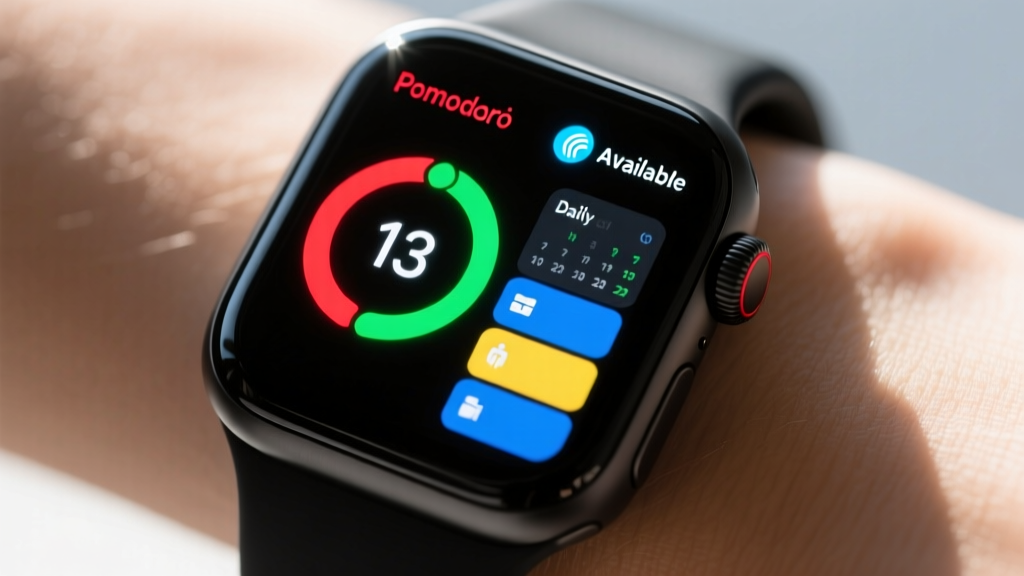
The default watch faces provided by Apple and Samsung are optimized for fitness, not deep work. To transform your wearable into a genuine office gadget, you must leverage third-party complication builders.
"The goal of an office-optimized watch face is to reduce the 'micro-distraction' of picking up your phone. If you have to unlock your phone to check your next meeting room or your current Pomodoro cycle, the wearable has failed its primary productivity function."
— Workplace Ergonomics and Digital Distraction Study, Cornell University Human Factors Lab
Top Developer-Made Faces for Deep Work
- Watchsmith (iOS): Allows for time-based complication routing. Configure your watch to display your Jira ticket queue and Slack status during work hours (8 AM - 6 PM), and automatically swap to fitness rings and weather after hours.
- Facer Creator Pro: Build a custom face with a dedicated 'Meeting Mode' complication. Tapping this complication can trigger an iOS Shortcut that silences your phone, sets your Slack status to 'In a Meeting', and starts a 60-minute countdown timer directly on the dial.
- Widgetsmith (Custom Data): Integrate API hooks to display real-time server uptime or GitHub pull request statuses directly on your wrist—ideal for DevOps engineers who need passive monitoring without breaking their coding flow.
Desk-Side Ecosystems: Qi2 Thermal Dynamics
A smartwatch is only as effective as its charging routine. The introduction of the Qi2 standard has revolutionized desk charging, but it has also introduced thermal management challenges that enthusiasts must navigate.
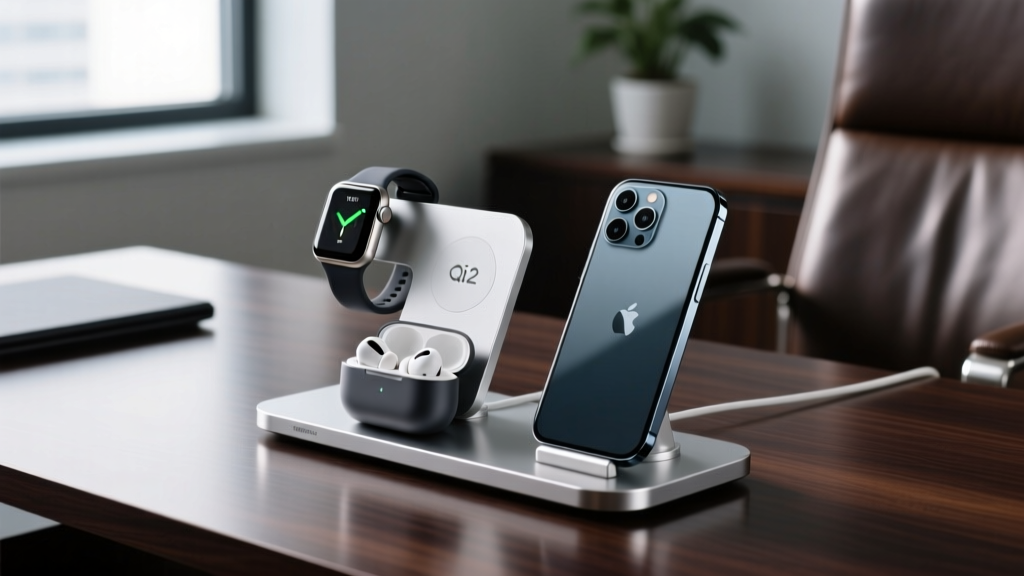
When a smartwatch and smartphone are charged simultaneously on a multi-device desk stand, the ambient heat generated by the phone's larger battery often transfers to the watch's charging puck, causing the watch to halt charging to protect its lithium-ion cell. This is known as thermal throttling.
Selecting the Right Desk Charger
When evaluating the best gadgets for the office charging ecosystem, prioritize active cooling and spatial separation.
- The Belkin UltraCharge Pro 3-in-1 (Qi2): Features an elevated watch puck physically separated from the phone's charging coil by 4 inches, preventing thermal bleed. The integrated 15W Qi2 fan keeps the phone cool, ensuring the watch receives a uninterrupted 5W charge.
- Courant Catch:2 Classics: For executives prioritizing aesthetics, this leather-bound valet uses spatially isolated coils. While it lacks active cooling, the premium Alcantara and leather materials act as mild thermal insulators, preventing the desk surface from acting as a heat sink.
FAQ: Office Wearable Optimization
Can I use my smartwatch to unlock my Windows PC or Mac?
Yes. For Mac users, the native 'Auto Unlock' feature utilizes Bluetooth RSSI (Received Signal Strength Indicator) and Wi-Fi triangulation to detect your watch's proximity. For Windows PCs, you can use the Dynamic Lock feature paired via Bluetooth, or invest in a third-party app like Samsung Flow (for Galaxy Watch users) which provides a more secure, encrypted token-based unlock mechanism that is less susceptible to Bluetooth relay attacks.
How do I clean my smartwatch band after a long day at the desk?
Avoid harsh chemical cleaners, which degrade the oleophobic coatings on the watch screen and dry out fluoroelastomer bands. Use a microfiber cloth lightly dampened with a 70% isopropyl alcohol solution to wipe down the band and the sensor array on the back of the watch. This removes the buildup of dead skin cells and desk grime that can interfere with optical heart rate sensors.
Are metal bands safe to wear while using a grounded standing desk?
Generally, yes. Modern standing desks with integrated power outlets are grounded. However, if you are working with exposed internal PC components or custom mechanical keyboard PCBs at your desk, a conductive titanium or stainless steel band increases the risk of an electrostatic discharge (ESD) shorting your components. Switch to a carbon fiber or FKM band when doing hands-on hardware tinkering at your workstation.
Written by
Jake MorrisonJake Morrison holds a B.S. in Electrical Engineering from UC Berkeley and an MBA from Stanford Graduate School of Business. With over 12 years of hands-on experience in consumer electronics, he previously served as a senior product engineer at a Silicon Valley startup before transitioning to tech journalism. Jake has personally tested and benchmarked over 3,000 gadgets across categories including smartphones, wearables, smart home devices, and audio equipment. His durability testing methodology — involving controlled drop tests, thermal cycling, and water submersion — is widely cited by major tech publications. He is a certified CompTIA A+ technician and a contributing editor to the IEEE Consumer Electronics Magazine.