Top Budget Weather Gadgets for Android Users (2026)
Discover the best budget weather gadgets for Android in 2026. Track hyper-local temp and humidity with affordable sensors that sync flawlessly to your phone.
Why Your Phone's Weather App Isn't Enough
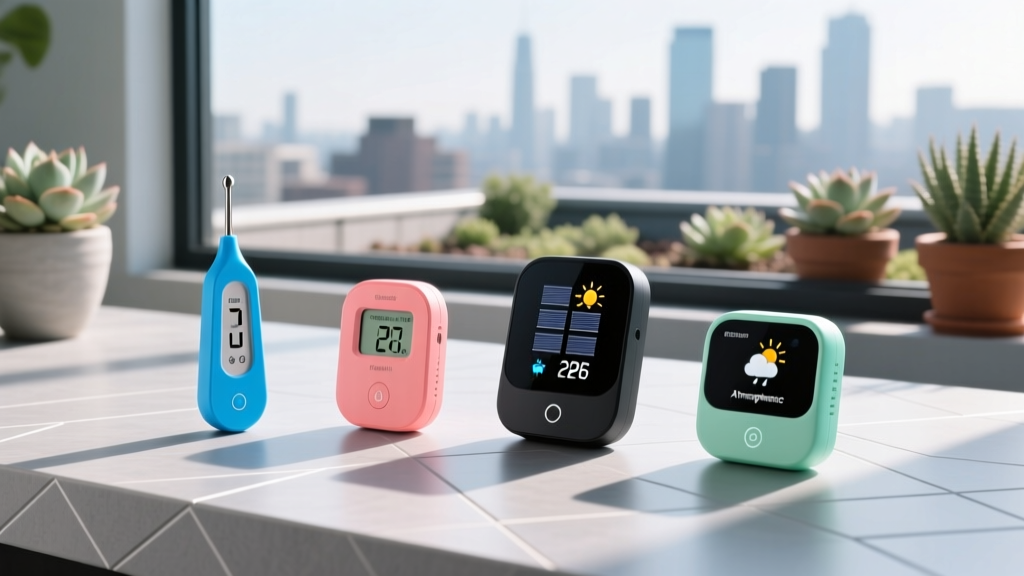
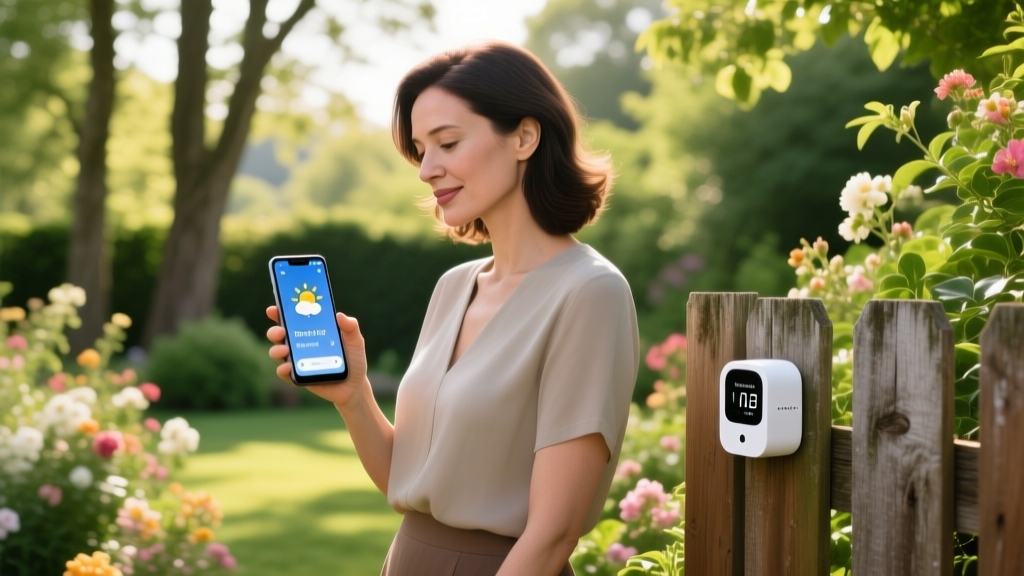
Relying solely on your Android phone’s native weather widget means you are pulling data from airport sensors that might be 15 miles away. For urban commuters, outdoor runners, and home gardeners, those macro-forecasts miss the microclimates that actually dictate your day. Hyper-local hardware sensors bridge this gap, providing exact temperature, humidity, and dew point readings right from your patio, gym bag, or greenhouse.
For this 2026 roundup, we evaluated budget-friendly weather gadgets (all under $50) that feature native Android app integration, reliable Bluetooth or Wi-Fi syncing, and practical utility for everyday lifestyle management. Whether you are tracking vapor pressure deficit for your indoor orchids or monitoring dew point to prevent hair frizz during a summer commute, these sensors deliver precision data without the premium price tag.
Relative humidity (RH) is misleading because it changes with temperature. For lifestyle decisions—like managing curly hair frizz or planning a safe outdoor run—dew point is the critical metric. A dew point above 60°F (15°C) means the air holds enough moisture to disrupt hair hydrogen bonds (causing frizz) and hinder sweat evaporation (increasing heat exhaustion risk). The gadgets below track both, but we prioritize those that surface dew point on their Android dashboards.
1. SwitchBot Outdoor Thermo-Hygrometer (The Garden & Patio Pick)
Price: $24.99 | Connectivity: Bluetooth (Wi-Fi requires $10 Hub Mini) | Accuracy: ±0.5°F / ±3% RH
SwitchBot dominates the budget smart-home space, and their Outdoor Thermo-Hygrometer is a staple for balcony gardeners and patio planners. The IP65 weatherproof casing survives direct rain and UV exposure, while the built-in solar panel supplements the two AAA batteries, extending lifespan to over a year even in shaded areas.
Real-World Use Cases
- Plant Care: Monitor overnight temperature drops to know exactly when to move your potted citrus or succulents indoors.
- Wardrobe Planning: Check your specific porch temperature before your morning commute rather than relying on a city-wide forecast.
- Solar charging extends battery life
- High-contrast e-ink style LCD screen
- Seamless integration with SwitchBot routines
- Requires separate hub for Wi-Fi/remote access
- App UI can feel cluttered with other SwitchBot devices
2. Kestrel DROP D1 (The Commuter & Runner Pick)
Price: $39.00 | Connectivity: Bluetooth Low Energy (BLE) | Accuracy: ±0.9°F / ±2% RH
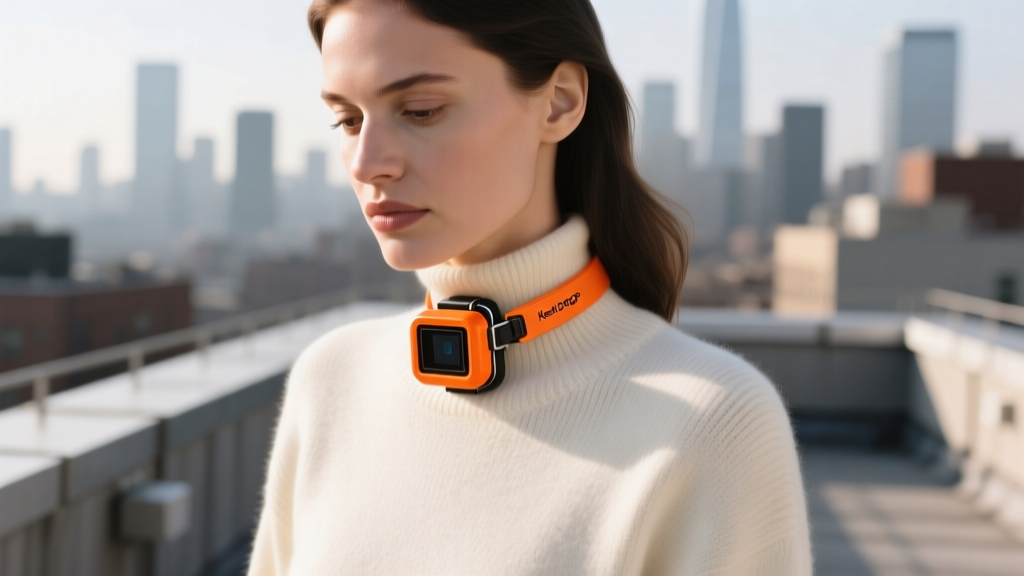
Kestrel is the gold standard for military and meteorological field instruments, but the DROP D1 brings that pedigree to a budget-friendly, pocket-sized form factor. Unlike stationary sensors, the DROP D1 is designed to move with you. It logs data continuously and syncs to the Kestrel LiNK Android app, generating detailed historical graphs of your exact route or environment.
Why It Beats Phone Sensors
Your Android phone has internal thermistors, but they are heavily skewed by the device's CPU heat and battery discharge. The Kestrel DROP isolates the sensor in a rugged, waterproof housing. Clip it to your running vest, tote bag, or bicycle handlebars to get an uncorrupted ambient reading.
"According to the National Weather Service, the human body's cooling mechanism fails when the heat index exceeds 90°F. Because the Kestrel DROP calculates real-time heat index using localized humidity, it is a vital safety tool for outdoor summer workouts."
Hardware Comparison Matrix
| Gadget | Best For | Connectivity | Battery Life | Price (2026) |
|---|---|---|---|---|
| SwitchBot Outdoor | Gardens, Patios | BLE / Wi-Fi | 12+ Months (Solar) | $24.99 |
| Kestrel DROP D1 | Runners, Commuters | BLE Only | CR2032 (Replaceable) | $39.00 |
| Ecowitt WH31 + GW1100 | Multi-Zone, Nurseries | RF to Wi-Fi Hub | 24 Months (AA) | $45.98 |
3. Ecowitt WH31 + GW1100 Gateway (The Hyper-Local Data Nerd Pick)
Price: $45.98 (Combo) | Connectivity: 868/915 MHz RF to Wi-Fi | Accuracy: ±0.5°F / ±2% RH
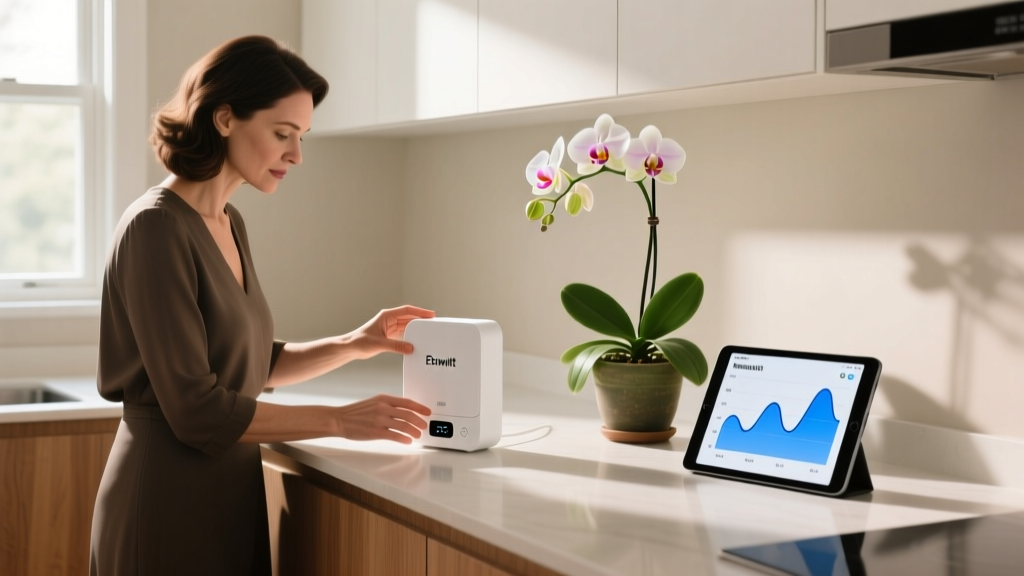
If you need to monitor multiple microclimates simultaneously—such as an indoor nursery, a basement wine cellar, and an outdoor greenhouse—the Ecowitt ecosystem is unmatched at this price point. The GW1100 Wi-Fi Gateway plugs into a USB wall adapter and acts as a bridge, pulling data from up to eight WH31 multi-channel sensors and pushing it to your router.
The Android App Advantage
Ecowitt’s native Android app provides customizable alerts. You can set a push notification to trigger if your greenhouse humidity drops below 40% or if your baby’s nursery exceeds 72°F. Because the gateway connects directly to your Wi-Fi, it doesn't rely on your phone being in Bluetooth range to log data, ensuring zero gaps in your historical charts.
For serious indoor horticulturists, tracking Vapor Pressure Deficit (VPD) is essential. VPD measures the difference between the amount of moisture in the air and how much moisture the air can hold. The USDA and agricultural extensions heavily emphasize VPD for optimizing plant transpiration. Ecowitt's app calculates VPD automatically when you input your specific plant canopy temperature.
Critical Android Setup: Beating 'Doze Mode' Sync Failures
The most common complaint with budget Bluetooth weather gadgets on Android isn't the hardware—it's the operating system. Android's aggressive battery optimization (Doze mode) routinely kills background BLE polling, causing your weather app to show stale data from six hours ago.
If your SwitchBot or Kestrel app stops updating when your phone is locked, the OS has put the app to sleep. Follow the Android Developer Documentation guidelines for background execution limits to fix this.
Step-by-Step Whitelist Guide for Android 14/15
- Access App Settings: Long-press the weather app icon (e.g., SwitchBot) on your home screen and tap the 'i' (App Info) button.
- Modify Battery Rules: Scroll to Battery or App Battery Usage. Change the setting from 'Optimized' to 'Unrestricted'. This allows the app to poll the BLE sensor even when the screen is off.
- Lock in Memory: Open your Recent Apps carousel, find the weather app, and tap the lock icon (or 'Keep Open') to prevent the OS from clearing it from RAM during memory sweeps.
- Disable Adaptive Connectivity: On Samsung and Pixel devices, go to Settings > Network & Internet > Adaptive Connectivity and turn it off if you notice Wi-Fi hub dropouts.
Final Verdict: Which Sensor Fits Your Routine?
If your primary focus is managing outdoor spaces, balconies, or patios, the SwitchBot Outdoor Thermo-Hygrometer at $24.99 is the undisputed budget champion, provided you don't mind a basic Bluetooth range. For athletes, commuters, and travelers who need rugged, pocketable precision, the Kestrel DROP D1 justifies its $39 price tag with military-grade logging. Finally, if you are managing multiple indoor and outdoor zones and require continuous Wi-Fi data logging without relying on your phone's proximity, the Ecowitt GW1100 + WH31 combo is the most powerful sub-$50 network you can build in 2026.
Written by
Ryan TanakaRyan Tanaka holds a B.S. in Mechanical Engineering from Oregon State University and is a certified AWS Solutions Architect. He has built over 80 custom electronics projects ranging from CNC machines to IoT sensor networks, and has reviewed development boards, 3D printers, soldering equipment, and maker tools for the past 6 years. Ryan is an active contributor to 12 open-source hardware projects on GitHub and teaches monthly workshops at three hackerspaces across the Pacific Northwest. His reviews combine engineering rigor with accessibility — he evaluates products not just on specs but on documentation quality, community support, and learning curve for beginners. He has presented at Maker Faire Bay Area, Open Hardware Summit, and the Adafruit community showcase, and maintains a popular blog documenting his build processes.