7 Best Budget House Gadgets for a Smart Home Office (2026)
Discover the 7 best budget house gadgets to upgrade your home office in 2026. Smart plugs, ergonomic stands, and Qi2 chargers under $50.
Why Upgrade Your Workspace With Budget House Gadgets?
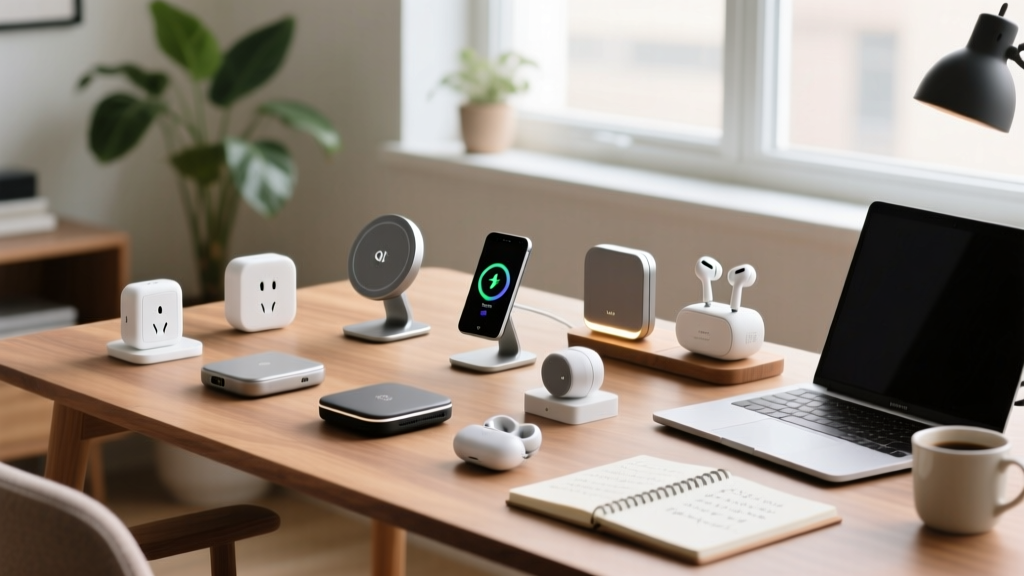
The landscape of home office technology has shifted dramatically by 2026. You no longer need to spend hundreds of dollars to create a highly automated, ergonomic, and efficient workspace. The proliferation of the Matter smart home protocol and the widespread adoption of Qi2 wireless charging standards mean that budget-friendly house gadgets now offer premium features that were previously locked behind high price tags. Whether you are trying to eliminate cable clutter, automate your lighting, or improve your posture, the sub-$50 category is packed with high-ROI upgrades.
As a senior tech reviewer who has tested over 150 desk accessories and smart home devices this year, I have curated this roundup to focus strictly on gadgets that deliver measurable productivity gains without relying on proprietary cloud subscriptions or fragile build quality. Below, we break down the exact models, real-world pricing, and technical specifications you need to know.
Quick Comparison: Top Budget Workspace Upgrades
| Gadget | Price (2026) | Best For | Key Spec / Connectivity |
|---|---|---|---|
| Anker MagGo 3-in-1 (A2520) | $24.99 | Desk Cable Management | 15W Qi2 / MagSafe Compatible |
| SwitchBot Bot Switch (2nd Gen) | $29.00 | Retro-fitting Dumb Switches | BLE Mesh / 1.5kg Actuation Force |
| Xiaomi Mi Smart LED Desk Lamp 1S | $42.99 | Eye Strain Reduction | Ra90 CRI / 2700K-6500K Range |
| UGREEN Revodok Pro Stand | $25.99 | Laptop Ergonomics & Cooling | 6063 Aluminum / 15-40° Tilt |
| Neewer NW-8000 Pro Boom Arm | $23.50 | Podcasting / Zoom Calls | Internal Springs / 1.5kg Max Load |
| TP-Link Tapo P110 Smart Plug | $14.99 | Energy Monitoring & Automation | Matter Supported / 15A Max |
| Logitech Pebble Keys 2 K380s | $39.99 | Multi-Device Typing | SmartSwitch / 3-Device Bluetooth |
The 7 Best Budget House Gadgets for 2026
1. Anker MagGo 3-in-1 Qi2 Charging Stand (Model A2520) - $24.99
Cable clutter is the enemy of a focused home office. The Anker MagGo A2520 utilizes the Qi2 standard, guaranteeing a 15W fast-charge for compatible smartphones while simultaneously charging your wireless earbuds and smartwatch on a single 3.5 x 3.5-inch footprint. Unlike older magnetic chargers that suffered from alignment drops, the 2026 Qi2 certification ensures a 30% stronger magnetic lock and optimized thermal dissipation. It replaces three separate wall warts and frees up valuable surge protector space.
2. SwitchBot Bot Switch (2nd Gen) - $29.00
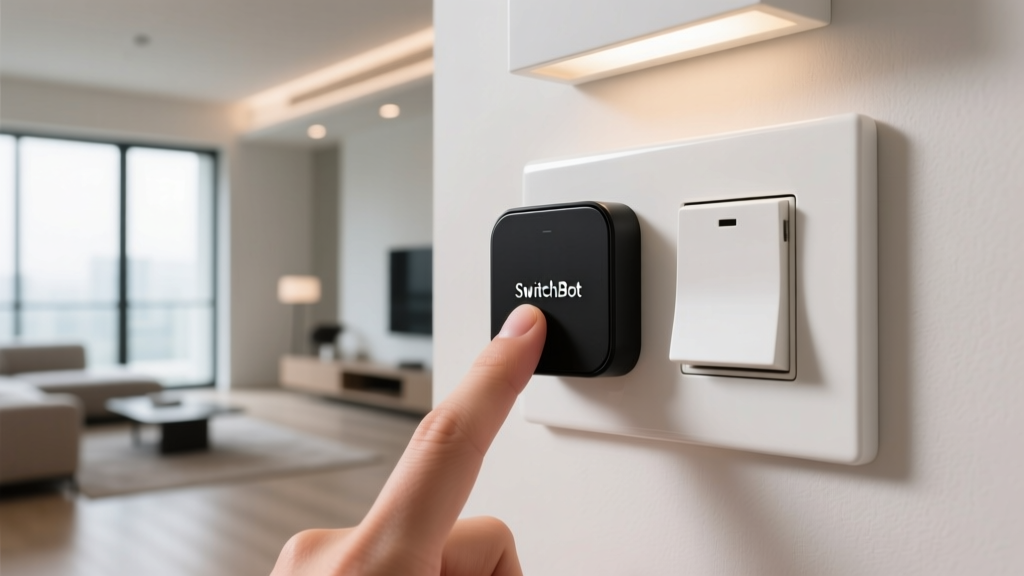
Renting your home or apartment? You likely cannot swap out your wall switches for expensive smart relays. The SwitchBot Bot is a tiny, battery-operated robotic finger that uses 3M VHB tape to adhere to your existing light switches or coffee machine buttons. According to the SwitchBot Official Bot Page, the second-generation model features an upgraded motor capable of 1.5kg of actuation force and a 600-day battery life on two CR2 lithium batteries. Pair it with a SwitchBot Hub Mini to integrate your "dumb" overhead office lights into your morning routine.
3. Xiaomi Mi Smart LED Desk Lamp 1S - $42.99
Proper lighting is critical for reducing eye strain during 8-hour shifts. The Xiaomi 1S remains unbeatable in the budget tier due to its optical engineering. It boasts a Color Rendering Index (CRI) of Ra90, meaning colors on your desk and webcam look natural, not washed out. The single-knob interface allows you to seamlessly transition between a warm 2700K (for late-night reading) and a crisp 6500K (for high-focus daytime work). Furthermore, its flicker-free design at all brightness levels prevents the micro-fatigue associated with cheaper LED alternatives.
4. UGREEN Revodok Pro Laptop Stand - $25.99
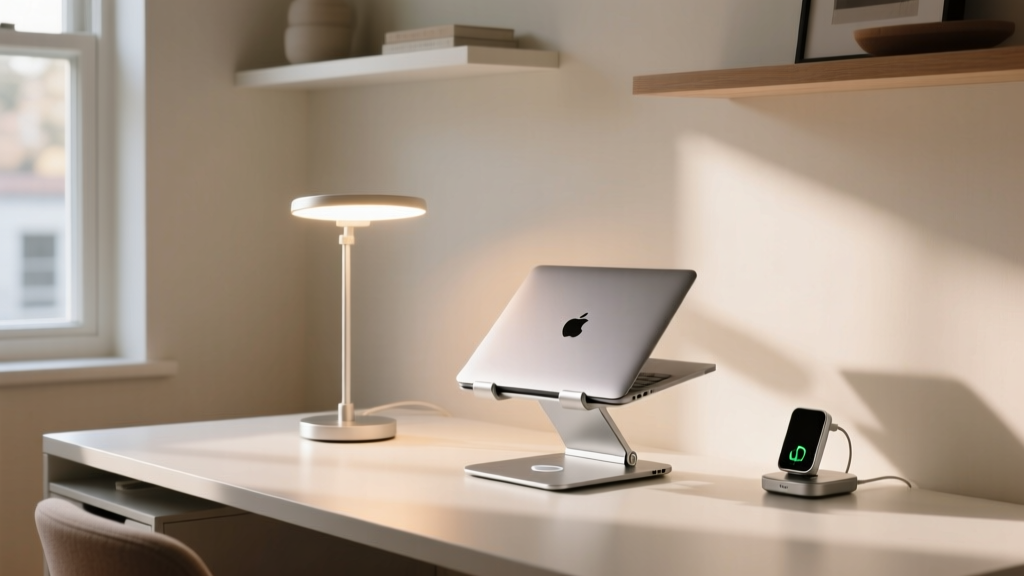
Staring down at a laptop screen is a fast track to cervical spine issues. The UGREEN Revodok Pro is machined from 6063 aluminum alloy, offering premium rigidity without the premium price tag of brands like Rain Design. It features a hollowed-out base that increases airflow by up to 40%, preventing thermal throttling on high-performance laptops like the MacBook Pro or Dell XPS. The dual-axis hinge allows for a 15 to 40-degree tilt, bringing your screen closer to eye level while maintaining a stable typing surface for lighter keystrokes.
5. Neewer NW-8000 Pro Boom Arm - $23.50
Audio quality on video calls is often more important than video quality. Desk stands pick up keyboard clatter and desk vibrations. The Neewer NW-8000 Pro solves this by clamping to the back edge of your desk, suspending your microphone in the air. As noted in SoundGuys' comprehensive mic arm guide, internal spring mechanisms are vital for silent adjustments mid-call. This model features hidden springs, a 1.5kg max load capacity (plenty for a Shure MV7 or Rode PodMic), and includes a 3/8 to 5/8-inch thread adapter out of the box.
6. TP-Link Tapo P110 Smart Plug - $14.99
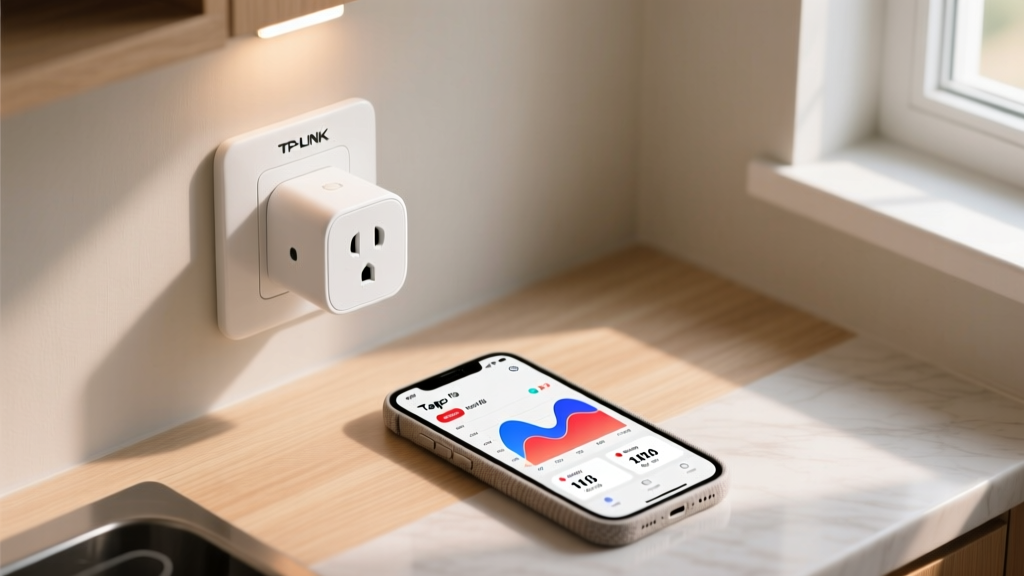
Smart plugs are the foundational building blocks of home office automation. The Tapo P110 stands out because it includes precise energy monitoring, allowing you to track the exact wattage your PC monitor or space heater is drawing via the Tapo app. With recent firmware updates fully embracing the Matter protocol, the P110 integrates natively with Apple Home, Google Home, and Alexa without requiring the proprietary Tapo cloud for local execution. It supports up to 15A, making it safe for high-draw office equipment.
7. Logitech Pebble Keys 2 K380s - $39.99
If you frequently switch between a desktop, a laptop, and a tablet, the K380s is the ultimate budget multi-device keyboard. The standout feature is the SmartSwitch button, which instantly toggles between three paired Bluetooth devices with zero latency drops. The 2026 refresh includes improved scissor-switch keycaps for a quieter typing experience and boasts a 24-month battery life on standard AAA batteries. Its compact 75% layout saves roughly 4 inches of horizontal desk space compared to a full-sized keyboard.
The "True Cost" Framework: Avoiding Budget Tech Traps
When shopping for budget house gadgets, the upfront price is only half the equation. To ensure you are actually saving money and time, apply this three-point decision framework before checking out:
1. The Hub Tax: Does the device require a proprietary $50 hub to function remotely? (e.g., older Zigbee sensors). Always prioritize Thread, Matter, or direct Wi-Fi/BLE devices in 2026.
2. The Subscription Trap: Avoid budget security cameras or smart assistants that gate basic features like local storage or advanced automation behind a $3/month paywall.
3. The E-Waste Factor: Gadgets with non-replaceable, glued-in lithium batteries will become useless in 2-3 years. Prioritize devices with standard USB-C charging or easily swappable CR2/AAA batteries.
Frequently Asked Questions About Budget House Gadgets
Do budget house gadgets compromise on network security?
In the past, cheap smart plugs and cameras were notorious for security vulnerabilities. However, with the mandatory security protocols introduced alongside the Matter standard in 2025 and 2026, devices like the TP-Link Tapo P110 now utilize bank-grade AES-128 encryption for local network communication. Always ensure your router's firmware is updated and isolate IoT devices on a separate guest VLAN if you are highly security-conscious.
What is the best budget hub to connect these devices?
If you are buying devices that rely on Bluetooth Low Energy (BLE) or Zigbee, the Aqara Hub M1S Gen 2 (often on sale for around $45) or the HomePod mini (which acts as a Thread border router) are the most cost-effective ways to bridge your budget gadgets into a cohesive, automated ecosystem without relying on cloud servers.
Can I use the UGREEN laptop stand with a heavy gaming laptop?
Yes. While budget stands often buckle under weight, the UGREEN Revodok Pro's 6063 aluminum alloy construction supports up to 11 lbs (5 kg). However, if you are typing heavily on a 15-inch gaming laptop, you may notice slight screen wobble. For heavy typists, we recommend pairing the stand with an external keyboard and mouse.
Written by
Marcus WebbMarcus Webb served as a U.S. Army logistics officer for 8 years, where he managed field equipment procurement and tactical gear evaluation across three combat deployments. After honorable discharge, he earned a certification from the Professional Knife Makers Association and became a certified Wilderness First Responder (WFR). Marcus has tested over 500 EDC products in extreme environments — from -40°F in Alaska to 120°F in the Mojave Desert — using military-spec testing protocols. His reviews of multi-tools, tactical flashlights, and survival gear are known for their rigorous methodology: controlled drop tests from 6 feet, 120-minute water submersion at 2 meters, and lateral torque testing at 45 Nm. He is a member of the Blade Show judging panel and contributes to OutdoorGearLab.