Budget Personal Safety and Security Smart Gadgets for Women in 2026
Discover the best budget personal safety and security smart gadgets for women in 2026. Compare costs, hidden fees, and real-world failure modes.

The Hidden Economics of Smart Safety
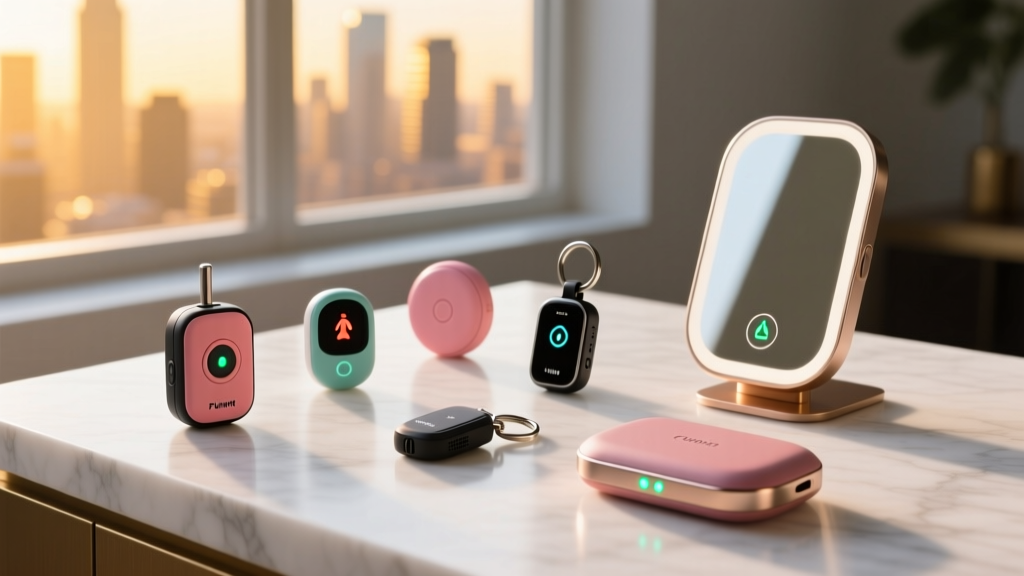
When evaluating personal safety and security smart gadgets for women, the upfront hardware cost is only half the equation. In 2026, the market is flooded with sub-$50 panic buttons and smart trackers, but many of these devices rely on aggressive subscription models or possess severe hardware limitations that brands conveniently omit from their marketing materials. True budget-friendly safety tech requires calculating the Total Cost of Ownership (TCO) over a 24-month period, factoring in cellular data fees, proprietary battery replacements, and app ecosystem lock-in.
According to the National Coalition Against Domestic Violence (NCADV), effective safety planning relies on tools that function seamlessly under extreme duress. A gadget that requires you to unlock a smartphone, navigate to an app, and wait for a GPS handshake is a liability, not a lifeline. Below, we break down the most reliable, budget-conscious smart safety hardware available today, analyzing their real-world failure modes and actual out-of-pocket costs.
The 2026 Budget Safety Hardware Matrix
| Device | Upfront Cost | Monthly Subscription | Connectivity | Best Use Case |
|---|---|---|---|---|
| Invisawear Smart Keychain | $45 | $12/mo (or $8/mo annual) | AT&T LTE-M | Independent transit & running |
| Flare Safety Bracelet | $65 | $0 (Optional $10/mo) | Bluetooth 5.3 | Nightlife & social settings |
| Apple AirTag (Single) | $29 | $0 | BLE / UWB | Anti-stalking & asset tracking |
| Wyze Cam Pan v3 | $39 | $0 (Optional $2/mo) | 2.4GHz Wi-Fi | Home entry & acoustic monitoring |
Wearable Panic Hardware: Discretion vs. Range
Invisawear Smart Keychain ($45)
The Invisawear charm operates independently of your smartphone, which is its primary advantage over Bluetooth-dependent wearables. It utilizes the AT&T LTE-M network to communicate directly with 911 dispatch and your emergency contacts. When you press the hidden back button three times, it sends your exact GPS coordinates via SMS to up to five contacts and optionally alerts local authorities.
The Catch: The Federal Communications Commission (FCC) notes that cellular-based GPS location accuracy can vary wildly in dense urban environments. In high-rise apartments or underground transit hubs, the LTE-M signal may struggle to acquire a precise satellite lock, resulting in a location radius of 50 to 100 meters rather than a pinpoint address. Furthermore, the $12 monthly subscription is mandatory for the 911 dispatch feature; without it, the $45 hardware only sends SMS alerts to friends.
Flare Safety Bracelet ($65)
Flare Jewelry bridges the gap between fashion and emergency response. The 2026 hardware revision uses Bluetooth 5.3 to connect to the Flare app on your iOS or Android device. A subtle press of the bracelet charm triggers a silent alarm that texts your location to friends, while a double-press activates a 130-decibel siren directly from your phone to deter attackers.
Expert Insight: The Flare bracelet is completely useless if your phone battery is dead or if the phone is more than 30 feet away from the bracelet. It is an excellent tool for navigating crowded bars or walking to a rideshare, but it should not be your primary safety net for solo trail running or remote travel.
Environmental & Transit Security on a Budget
Apple AirTag & Precision Finding ($29)
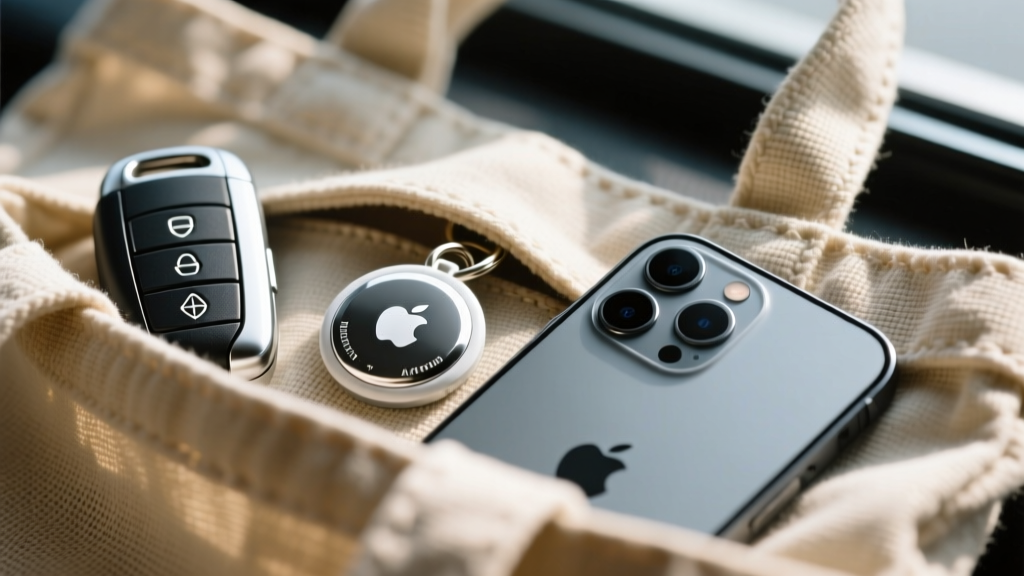
While not a traditional panic button, the Apple AirTag is an indispensable, budget-friendly security tool for women in 2026. Beyond tracking luggage, the AirTag's Ultra-Wideband (UWB) Precision Finding feature allows you to actively sweep unfamiliar hotel rooms, rental cars, or public restrooms for maliciously planted trackers. By opening the 'Find My' app and selecting 'Items Detecting You,' the UWB chip provides directional arrows down to the centimeter, revealing hidden trackers tucked into seat cushions or bag linings.
If you discover an unknown tracker, the Federal Trade Commission (FTC) advises immediately moving to a safe public location and contacting law enforcement before disabling the device, as removing the battery destroys the digital trail needed for prosecution.
Wyze Cam Pan v3 ($39)
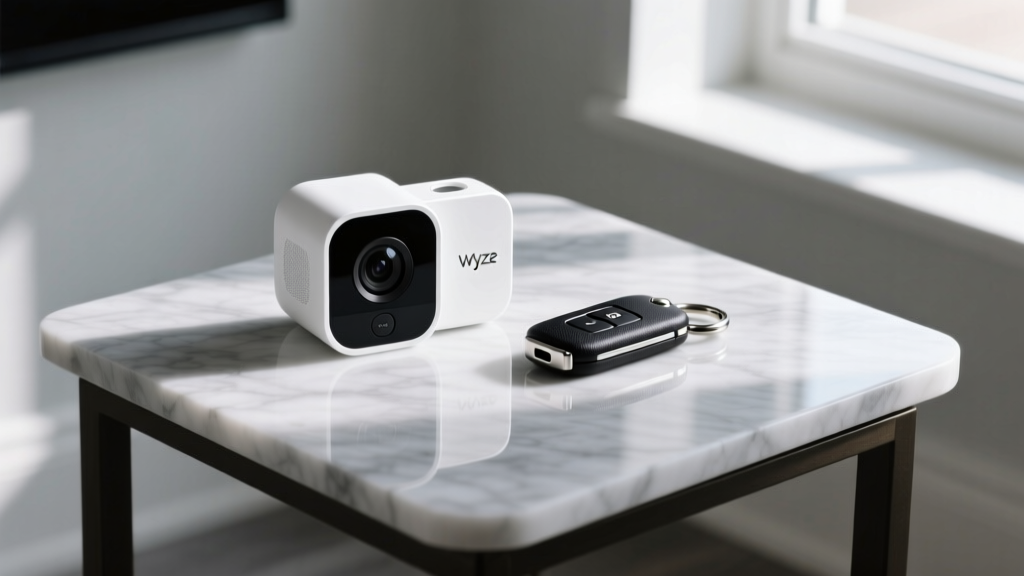
For home security, traditional monitored alarm systems require expensive professional installation and $30+ monthly contracts. The Wyze Cam Pan v3 offers a localized, budget-friendly alternative. Priced at just $39, this IP65-rated camera features a built-in 'Sound Detection' AI that listens specifically for the acoustic frequency of breaking glass or smoke alarms.
Actionable Setup: Position the Wyze Cam Pan v3 in your entryway and enable the 'Sound Detection' toggle in the Wyze app. This effectively turns a $39 camera into a smart window-break sensor, bypassing the need to install $50 magnetic contact sensors on every ground-floor window.
Real-World Failure Modes (What Brands Omit)
- Bluetooth Handshake Delays: Budget wearables relying on your phone's Bluetooth often experience a 3-to-5 second delay waking up the app from a background state. In a sudden physical altercation, a 5-second delay is an eternity. Always test the 'wake and trigger' time in a safe environment.
- False Alarm Fatigue: Devices with overly sensitive single-press triggers (like some smart rings) frequently trigger false alarms when brushing against steering wheels or desk edges. This leads to emergency contacts ignoring subsequent alerts. Always opt for hardware requiring a multi-press sequence (e.g., three rapid clicks).
- Proprietary Charging Cables: Many budget smart jewelry pieces use custom, non-USB-C magnetic charging pucks. If you lose the proprietary $15 charging cable, the device becomes e-waste. Prioritize devices with standardized charging or easily replaceable CR2032 coin cells.
Decision Framework: App-Only vs. Dedicated Hardware
If you are strictly limiting your budget to under $20, you will be pushed toward app-only solutions like the Noonlight app or the built-in SOS features on iOS and Android. While these apps are powerful, they suffer from a single point of failure: device accessibility.
If your phone is snatched, locked, or out of reach, an app-based SOS is useless. Dedicated hardware like the Invisawear or Flare bracelet decentralizes your safety infrastructure, ensuring you can trigger an alert even if your primary communication device is compromised. Allocate your budget toward physical hardware first, and use free OS-level SOS features (like pressing the iPhone side button five times) as your secondary backup.
Frequently Asked Questions
Do I need a cellular data plan for a smart panic button?
It depends on the architecture. Bluetooth-dependent devices (like Flare) use your phone's existing data plan. Standalone cellular devices (like Invisawear) have their own embedded SIM (eSIM) that communicates via LTE-M networks, which is why they require a separate monthly subscription fee to cover the cellular data costs.
Can smart safety gadgets be hacked or tracked by an abuser?
Reputable brands use end-to-end AES-256 encryption for location data. However, if an abuser has physical access to your unlocked phone or knows your Apple ID/iCloud credentials, they can view your location history. Always enable two-factor authentication (2FA) on your device accounts and regularly audit your 'Shared Locations' settings.
What is the best budget gadget for college students walking home at night?
A combination of the Flare Safety Bracelet ($65) for immediate, discreet deterrence in social settings, paired with the free native SOS features built into iOS/Android. This provides a hardware trigger that doesn't require digging through a backpack to find a phone.
Written by
Ryan TanakaRyan Tanaka holds a B.S. in Mechanical Engineering from Oregon State University and is a certified AWS Solutions Architect. He has built over 80 custom electronics projects ranging from CNC machines to IoT sensor networks, and has reviewed development boards, 3D printers, soldering equipment, and maker tools for the past 6 years. Ryan is an active contributor to 12 open-source hardware projects on GitHub and teaches monthly workshops at three hackerspaces across the Pacific Northwest. His reviews combine engineering rigor with accessibility — he evaluates products not just on specs but on documentation quality, community support, and learning curve for beginners. He has presented at Maker Faire Bay Area, Open Hardware Summit, and the Adafruit community showcase, and maintains a popular blog documenting his build processes.