Budget USB-C Hubs for Cool Garden Gadgets & Outdoor Tech 2026
Discover the best budget USB-C hubs and docking stations in 2026 to power, charge, and connect your cool garden gadgets and outdoor tech setups.
The Rise of the Outdoor Tech Workstation
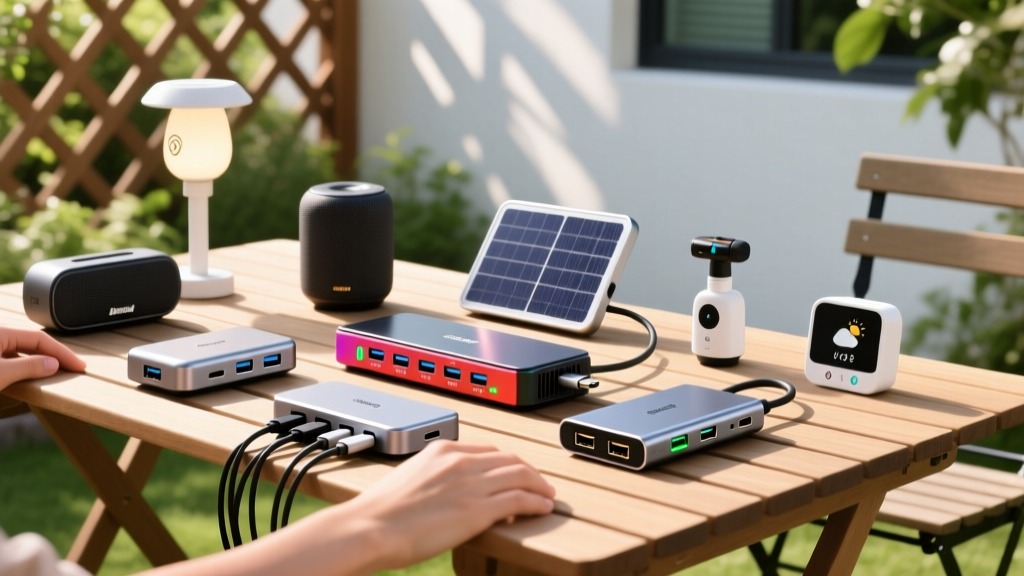
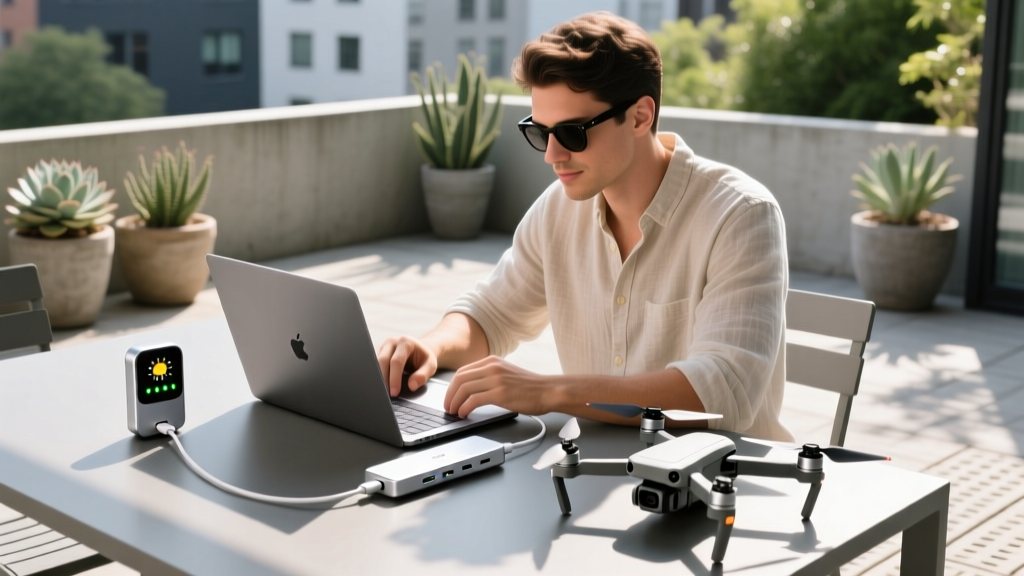
Managing a modern smart yard goes far beyond planting seeds. Tech enthusiasts are increasingly deploying cool garden gadgets—from DJI mapping drones and Rachio smart irrigation controllers to Arlo outdoor cameras and local Home Assistant servers. To manage this ecosystem, enthusiasts are building outdoor workstations on patios or in weatherproofed shed setups. However, modern ultrabooks lack the physical ports required to hardwire an outdoor mesh node, offload drone footage, and power a garden dashboard simultaneously. This is where a budget-friendly USB-C hub becomes the critical nerve center of your outdoor tech stack.
Finding a reliable multi-port adapter under $60 that can handle the thermal and power demands of an outdoor environment requires looking past basic spec sheets. Below, we break down the exact chipsets, power delivery math, and form factors you need to connect your cool garden gadgets without dropping connections or overheating in the sun.
What Makes a Hub Ideal for Garden Tech?
Not all USB-C hubs are created equal. When connecting outdoor peripherals and garden sensors, three specific features dictate whether a hub will succeed or fail:
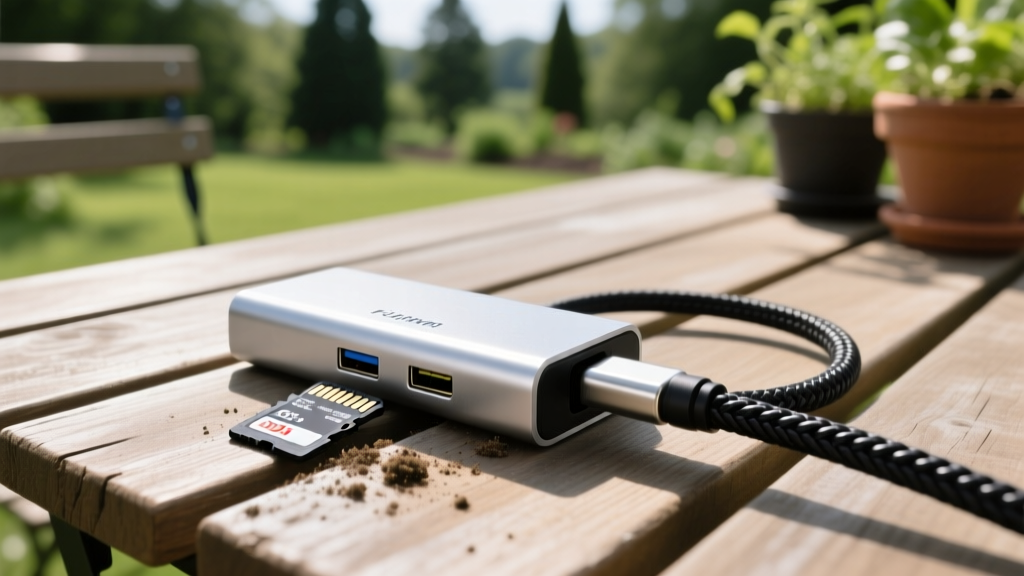
- UHS-I SD Card Readers: If you use a drone like the DJI Mini 4 Pro for property mapping or roof inspections, you need a dedicated SD slot. Many budget hubs omit this or use slow USB 2.0 internal buses. You need a hub with a dedicated UHS-I (104MB/s) reader to offload 4K garden footage quickly.
- Gigabit Ethernet (RTL8153 Chipset):strong> Wi-Fi drops when passing through exterior walls. Hardwiring your outdoor mesh nodes or a smart irrigation hub requires a reliable Ethernet port. Hubs using the Realtek RTL8153 chipset offer vastly superior thermal stability compared to cheaper alternatives.
- Aluminum Chassis for Heat Dissipation: USB-C hubs generate significant heat during Power Delivery (PD) passthrough. In an outdoor setting, ambient temperatures can push plastic hubs into thermal throttling, disconnecting your garden gadgets mid-firmware update. CNC aluminum shells act as passive heatsinks.
2026 Budget USB-C Hub Comparison Matrix
| Hub Model | Est. Price | Key Ports | Max PD Passthrough | Best Garden Gadget Use-Case |
|---|---|---|---|---|
| Anker 341 (7-in-1) | $35 | HDMI 4K@30, SD/MicroSD, 2x USB-A | 85W (100W input) | Drone footage offloading & camera charging |
| Plugable UD-C8IN1 | $55 | Gigabit Ethernet, HDMI, 3x USB-A | 85W (100W input) | Hardwiring outdoor mesh nodes & smart servers |
| UGREEN Revodok 105 | $25 | HDMI 4K@60, 3x USB-A 3.0 | N/A (Data only) | Patio dashboard monitors & basic sensor polling |
Top Budget-Friendly USB-C Hubs for Outdoor Setups
1. Anker 341 USB-C Hub (7-in-1) - The Drone Mapper's Choice
Priced around $35, the Anker 341 is the go-to budget hub for enthusiasts who regularly fly mapping drones over their gardens or properties. The inclusion of both full-size SD and MicroSD UHS-I slots means you can pull 4K terrain footage directly to your laptop without carrying a separate dongle. The USB-A ports output at 5Gbps, which is sufficient for charging smart garden tool batteries (like those for robotic lawnmowers) or syncing data from portable weather stations. The braided nylon cable is also more resistant to UV degradation and physical snagging than standard PVC cables found on ultra-cheap alternatives.
2. Plugable USB-C 8-in-1 Hub (UD-C8IN1) - The Network Backbone
At $55, the Plugable UD-C8IN1 stretches the definition of 'budget,' but it offers a feature crucial for advanced smart yards: a dedicated Gigabit Ethernet port powered by the Realtek RTL8153 chipset. According to the U.S. Department of Energy, smart home devices rely on stable, low-latency connections to function efficiently. If your garden shed houses a Home Assistant Green server or an Eero Outdoor mesh node, relying on Wi-Fi backhaul is a recipe for latency. This hub allows you to hardwire your laptop directly into your outdoor switch to troubleshoot network drops or configure IP ranges for your smart sprinklers and soil moisture sensors.
3. UGREEN Revodok 105 - The Patio Dashboard Driver
If your goal is simply to mount a budget 4K monitor on your patio to display your garden's real-time telemetry (soil pH, water usage, camera feeds), the $25 UGREEN Revodok 105 is unmatched. It supports 4K at 60Hz over HDMI, a rarity at this price point. Because it lacks PD passthrough, it draws power directly from your laptop's USB-C port. This makes it ideal for low-power dashboard setups where you don't need to charge the host machine, but rather just push a high-resolution video signal to an exterior screen.
Calculating Power Delivery for Smart Garden Controllers
A common mistake tech enthusiasts make is misunderstanding Power Delivery (PD) overhead. If you plug a 65W wall charger into your USB-C hub, your laptop will not receive 65W. The hub's internal controller, HDMI chip, and USB-A ports reserve a portion of that wattage—typically between 5W and 15W.
The USB Implementers Forum (USB-IF) outlines strict PD negotiation protocols, but hub manufacturers dictate the internal split. If you are using the Anker 341 with a 65W charger, the hub reserves 15W for its own operation and downstream ports. Your laptop receives 50W. If you simultaneously plug in a 15W USB-A garden sensor hub, the laptop's share drops further, potentially causing the laptop to throttle CPU performance or switch to battery power.
Pro Tip: When powering a laptop and multiple cool garden gadgets simultaneously, always use a 100W GaN charger as your wall source. This guarantees the hub gets the 15W it needs for peripherals while still delivering a full 85W to your host machine, ensuring your outdoor workstation never stalls during heavy data processing.
Protecting Your Hubs from the Elements
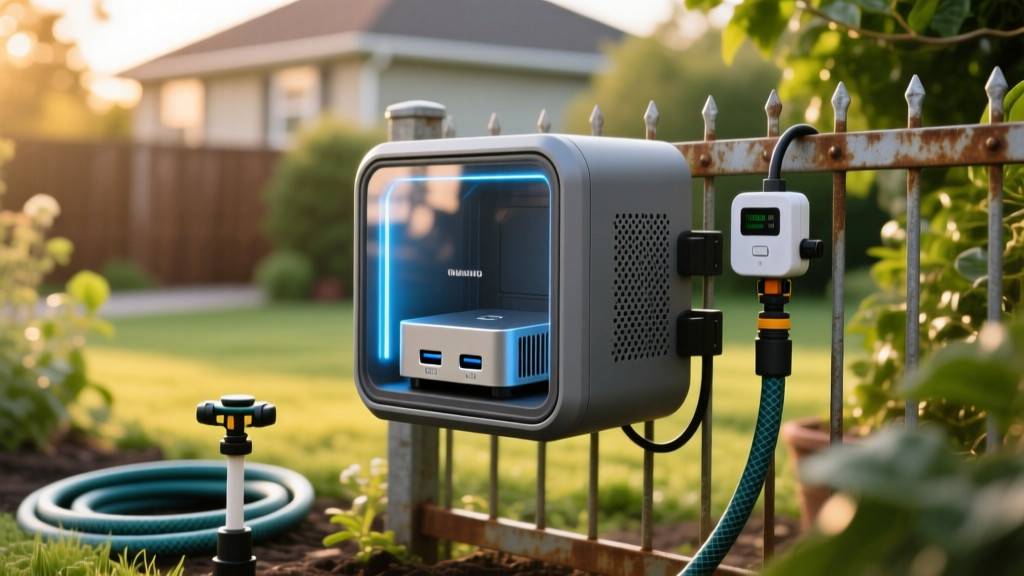
Consumer USB-C hubs are not IP-rated. They lack the rubberized gaskets required to survive rain, morning dew, or accidental splashes from a smart sprinkler system. The EPA's WaterSense program emphasizes that smart irrigation controllers and their associated tech must be properly housed to prevent electrical failure and water damage.
To integrate a budget USB-C hub into a permanent outdoor garden setup (such as a shed-based server rack or a patio diagnostic station), you must use an IP65-rated weatherproof enclosure. Look for enclosures with integrated cable glands. You can route your laptop's USB-C cable and the hub's peripheral cables through the glands, sealing the hub inside a dry, shaded micro-environment while allowing the cables to reach your external garden gadgets. For temporary setups, simply utilizing a shaded, overhung desk area and keeping the hub elevated off the wooden surface (using a small 3D-printed stand) will prevent moisture wicking and prolong the hub's lifespan.
Frequently Asked Questions
Can I use a USB-C hub to power a robotic lawnmower charging station?
No. Robotic lawnmower charging stations require high-amperage, dedicated 120V/240V AC circuits or specialized low-voltage DC transformers. USB-C hubs output a maximum of 5V/3A (15W) or 20V via PD negotiation, which is entirely insufficient for heavy-duty outdoor landscaping machinery. Use hubs strictly for data, low-voltage sensors, and laptop power.
Will a budget USB-C hub interfere with my garden's Wi-Fi or Bluetooth signals?
Yes, if poorly shielded. USB 3.0 data transfer generates radio frequency interference in the 2.4GHz spectrum, which is the exact frequency used by Bluetooth soil sensors and many smart garden gadgets. To prevent signal drops, ensure your budget hub has a metal (aluminum) shielding chassis, and keep the hub at least 12 inches away from your router or Bluetooth receiver antennas.
Do I need a Thunderbolt 4 hub for outdoor garden tech?
Unless you are processing massive LiDAR point clouds from a commercial agricultural drone directly on your patio, Thunderbolt 4 is overkill. Budget 10Gbps USB-C 3.2 Gen 2 hubs provide more than enough bandwidth for 4K camera feeds, Gigabit Ethernet mesh networking, and SD card offloading, saving you over $150 in the process.
Written by
Sarah KimSarah Kim holds certifications from both NASM (National Academy of Sports Medicine) and ACE (American Council on Exercise), along with a B.S. in Kinesiology from UCLA. She has spent 7 years bridging the gap between exercise science and consumer technology, evaluating fitness trackers, smart scales, sleep monitors, and recovery devices with clinical precision. Sarah has tested over 200 health-focused wearables in controlled lab settings and real-world training environments, comparing device data against gold-standard medical equipment like ECG monitors and DEXA scans. She consults for three fitness app companies on data accuracy standards and has presented research on wearable reliability at the American College of Sports Medicine (ACSM) annual conference. Her reviews emphasize clinical validity over marketing claims.