Best Gadgets for MacBook Pro Road Warriors: Compact Dash Cams & Tech
Discover the best gadgets for MacBook Pro road warriors. We review compact dash cams, OBD2 monitors, and macOS workflows for digital nomads.
The Apple Silicon Workflow: Why Codec and Form Factor Dictate Your Choice
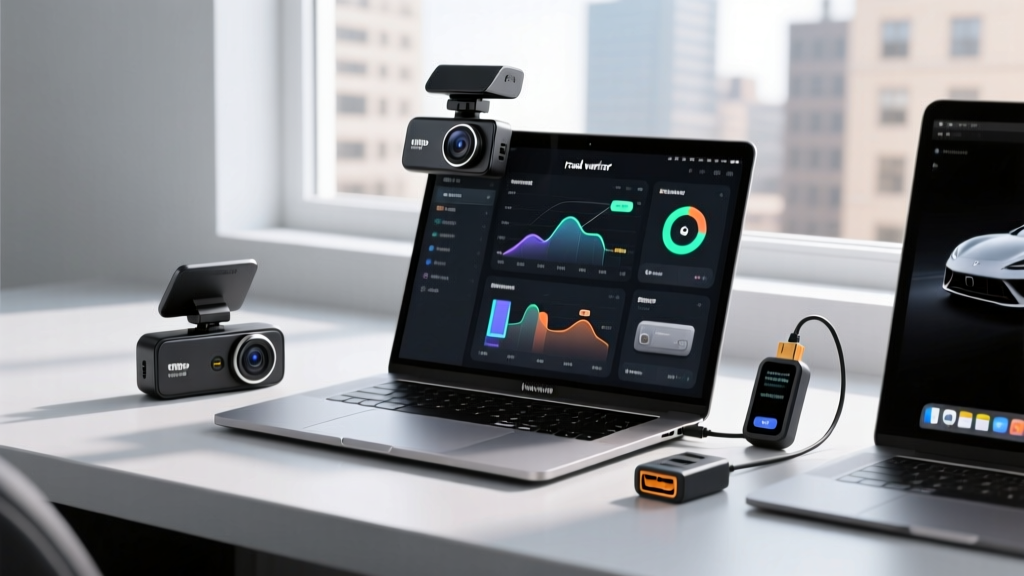
For digital nomads, van-lifers, and overlanders, the MacBook Pro is the undisputed mobile command center. However, integrating vehicle monitoring into a space-constrained cabin requires more than just buying the smallest camera on the market. The intersection of macOS workflows and automotive tech hinges on two critical factors: physical footprint and codec compatibility.
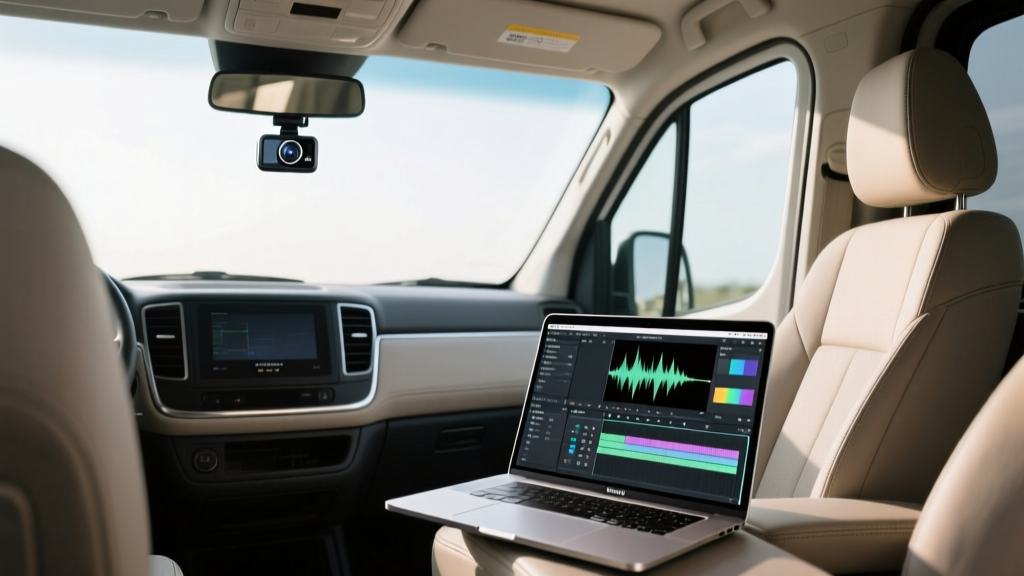
Modern M3 and M4 MacBook Pro models feature dedicated media engines capable of hardware-accelerated H.265 (HEVC) decoding. This means you can scrub through 4K dash cam footage at 60fps without triggering fan spin-up or draining your battery. However, because Apple charges a steep premium for internal SSD upgrades, storing high-bitrate 4K dash cam files locally is a luxury most road warriors cannot afford. The ideal space-saving gadget must therefore offer aggressive HEVC compression, seamless Wi-Fi offloading to external NVMe enclosures, or direct cloud-to-Mac browser streaming.
Top Space-Saving Dash Cams for the macOS Ecosystem
To maintain a minimalist cabin aesthetic and preserve sightlines, the main camera unit must disappear behind the rearview mirror. Here is how the top compact models stack up for Mac-centric workflows in 2026.
| Model | Dimensions | Resolution / Codec | macOS Integration | Est. Price |
|---|---|---|---|---|
| BlackVue DR970X Plus | 118.5 x 36 mm (Cylindrical) | 4K / H.265 | Native Mac Viewer App | $459 |
| Garmin Dash Cam Mini 3 | 53.3 x 30.2 x 14.0 mm | 1080p / H.264 | Web Portal / Wi-Fi Sync | $189 |
| Nextbase iQ | 105 x 45 x 35 mm | 1440p / H.265 | Cloud Browser Dashboard | $299 |
The Minimalist's Pick: BlackVue DR970X Plus
BlackVue's cylindrical design is the gold standard for space-saving installations. By eliminating the traditional suction-cup bracket and LCD screen, the DR970X Plus tucks completely out of sight. For MacBook Pro users, BlackVue offers a dedicated Mac Viewer application. Unlike generic MP4 players, this native macOS software parses the proprietary GPS and accelerometer telemetry data embedded in the BlackVue file structure, overlaying G-force graphs and speed data directly onto your video timeline without requiring third-party plugins like Dashware.
The Budget Nomad: Garmin Dash Cam Mini 3
Roughly the size of a car key fob, the Mini 3 is ideal for rental cars or temporary setups. While it maxes out at 1080p, its H.264 compression is universally compatible with macOS QuickLook. However, according to safety research highlighted by the National Highway Traffic Safety Administration (NHTSA), capturing legible license plates in low-light conditions increasingly requires higher resolution sensors. The Mini 3 is best suited for basic liability recording rather than detailed investigative footage.
Compact OBD2 Telematics: Monitoring Your Rig from Your MacBook
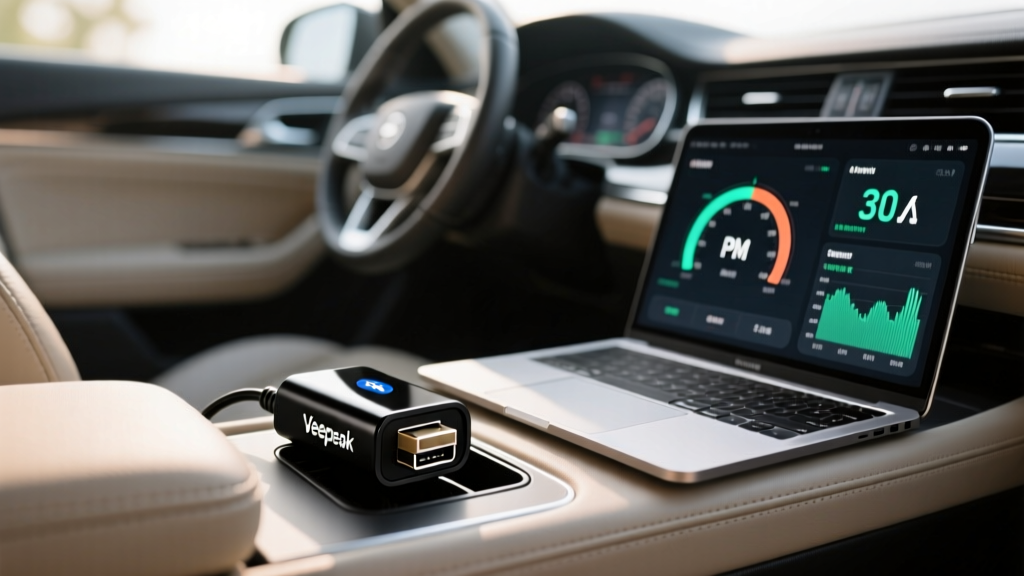
Dash cams capture the road, but OBD2 (On-Board Diagnostics) monitors capture the soul of your vehicle. For road warriors living out of their vehicles, monitoring battery health, fuel efficiency, and engine codes is critical. Traditional OBD2 scanners are bulky, wired, and require dedicated Windows software. The modern space-saving solution relies on ultra-compact Bluetooth dongles and cloud-based web dashboards accessible via Safari or Chrome on your Mac.
Bouncie: The Cloud-First Vehicle Monitor
The Bouncie OBD2 adapter ($90 hardware + $9/month subscription) is a 1.5-inch dongle that plugs directly into your vehicle's diagnostic port. It reads GPS location, speed, fuel levels, and battery voltage, pushing this data over a built-in 4G LTE connection to the cloud. Because Bouncie relies entirely on a web-based dashboard, MacBook Pro users can log in from anywhere to view trip histories, set geo-fencing alerts for their campsite, and monitor the vehicle's 12V battery health while working remotely from the back of the van.
Veepeak OBDCheck BLE+ for Local Diagnostics
If you prefer offline, local diagnostics without a subscription, the Veepeak OBDCheck BLE+ ($35) is a low-profile Bluetooth Low Energy adapter. While macOS lacks native OBD2 apps, you can pair the Veepeak to an iPad or iPhone running an app like OBD Fusion, export the live sensor data as a CSV file via AirDrop, and parse the telemetry in Apple Numbers on your MacBook Pro for long-term maintenance tracking.
Zero-Clutter Installation: Hardwiring and Cable Routing
A compact gadget loses its space-saving appeal if a thick power cable dangles across your windshield. Cigarette lighter adapters consume valuable 12V socket real estate and create visual clutter. The mandatory standard for nomads is a hardwire kit with low-voltage cutoff protection.
- Add-a-Circuit Fuses: Tap into an ignition-switched fuse (like the radio or wipers) for parking mode recording without draining your starter battery.
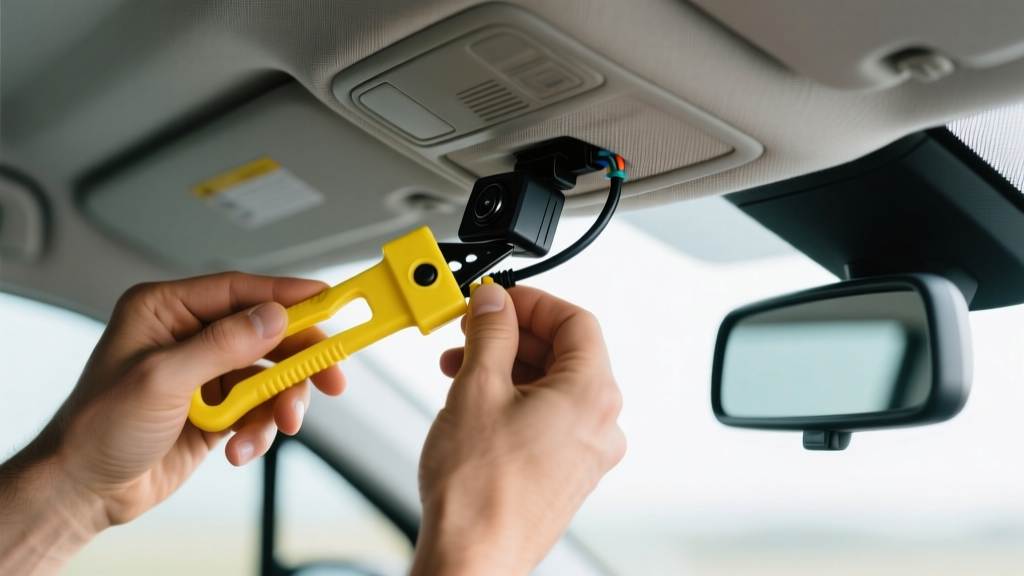
- Headliner Routing: Use a plastic trim removal tool to tuck the micro-USB or USB-C power cable beneath the headliner fabric, down the A-pillar (ensuring you route behind the side-curtain airbag, as mandated by safety guidelines from the Insurance Institute for Highway Safety (IIHS)), and behind the weather stripping.
- Rear Camera Concealment: For dual-channel setups, route the rear camera cable through the rubber grommet connecting the chassis to the liftgate or barn doors to prevent wire pinching and weather damage.
Troubleshooting Edge Cases: Corrupted MP4s and macOS Permissions
Dash cams record video in segmented chunks (usually 1 to 3 minutes). The file header, known as the moov atom, is only written to the SD card when the recording segment successfully finalizes. If your vehicle's battery dies or the dash cam loses power mid-recording, the final MP4 file will lack this header, rendering it unplayable in macOS QuickTime or Final Cut Pro.
Before you format your SD card or assume the footage is lost, you can repair truncated MP4s directly on your MacBook Pro using terminal utilities.
1. Install the repair tool via Homebrew:
brew install untrunc2. Run the repair command using a healthy reference file from the same camera:
untrunc reference_healthy.mp4 corrupted_file.mp43. The tool will rebuild the moov atom, allowing the corrupted file to be imported into DaVinci Resolve or Premiere Pro for color grading and license plate enhancement.
Furthermore, Apple's HEVC implementation occasionally struggles with the variable frame rates (VFR) produced by budget dash cams in fluctuating light. If your footage appears to stutter or lose audio sync when imported into Final Cut Pro, transcode the file to a constant frame rate using Apple's built-in Compressor app or the free HandBrake utility before beginning your edit. This ensures the MacBook Pro's media engine processes the timeline smoothly without dropping frames.
Summary: Optimizing Your Mobile Command Center
Choosing the best gadgets for MacBook Pro road warriors is an exercise in spatial efficiency and ecosystem synergy. By prioritizing cylindrical dash cams like the BlackVue DR970X Plus, leveraging cloud-based OBD2 monitors like Bouncie, and mastering macOS-specific troubleshooting workflows, you can maintain a pristine, minimalist cabin while ensuring every mile and data point is securely captured and analyzed.
Written by
Jake MorrisonJake Morrison holds a B.S. in Electrical Engineering from UC Berkeley and an MBA from Stanford Graduate School of Business. With over 12 years of hands-on experience in consumer electronics, he previously served as a senior product engineer at a Silicon Valley startup before transitioning to tech journalism. Jake has personally tested and benchmarked over 3,000 gadgets across categories including smartphones, wearables, smart home devices, and audio equipment. His durability testing methodology — involving controlled drop tests, thermal cycling, and water submersion — is widely cited by major tech publications. He is a certified CompTIA A+ technician and a contributing editor to the IEEE Consumer Electronics Magazine.