Compact MacBook Accessories & Gadgetized Panda Translation Setup
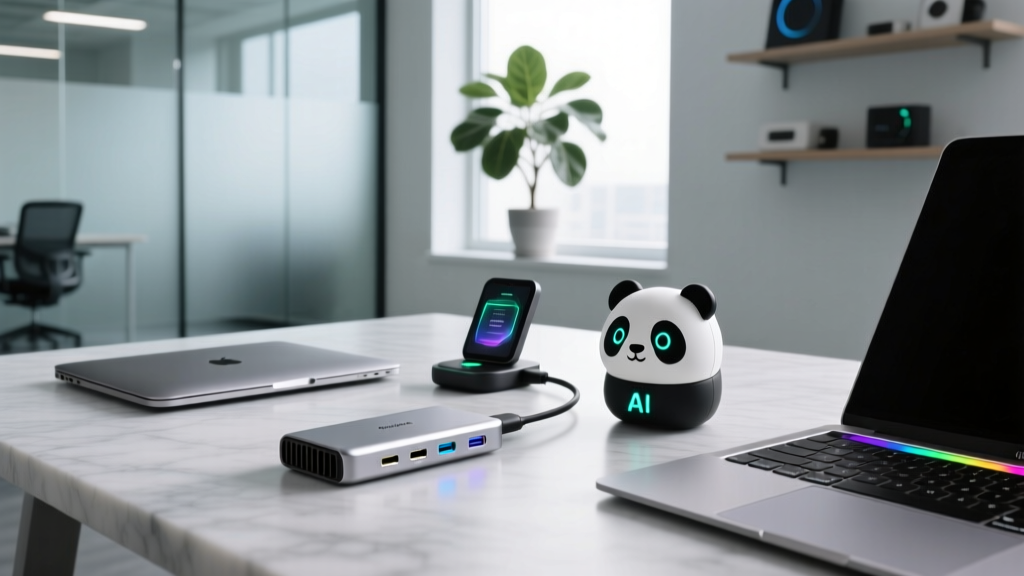
Discover the ultimate space-saving MacBook accessories for 2026, from ultra-thin Thunderbolt hubs to the niche Gadgetized Panda translation gear.
The Philosophy of the Ultra-Compact MacBook Setup
In 2026, the paradigm of the mobile workstation has shifted entirely toward hyper-efficiency and weight reduction. For tech enthusiasts and digital nomads, every millimeter and gram matters. The days of hauling around bulky standalone peripherals, heavy aluminum docks, and single-purpose travel gadgets are over. Today, building a space-saving MacBook setup requires a meticulous curation of multi-functional accessories that deliver desktop-grade performance without the spatial footprint. Whether you are hot-desking at a crowded co-working space in Tokyo or working from a cramped airplane tray table, optimizing your carry is non-negotiable.
This guide breaks down the most innovative, space-saving MacBook accessories on the market, focusing on exact dimensions, material durability, and real-world utility. We will also explore how niche travel tech, specifically the highly compact Gadgetized Panda translation ecosystem, is replacing bulky standalone language devices for the modern globetrotter.
Core Hub & Dock Solutions for Minimalists
The transition to USB-C and Thunderbolt on Apple Silicon MacBooks eliminated legacy ports, necessitating reliable hubs. However, traditional docking stations are far too large for travel. The solution lies in high-density, pocketable hubs that maximize I/O without adding bulk.
Travel: Satechi On-the-Go 9-in-1 USB-C Hub
For on-the-go connectivity, the Satechi On-the-Go 9-in-1 remains a gold standard for space-savers. Weighing just 112 grams and measuring a mere 4.5 x 1.9 x 0.5 inches, it slips effortlessly into a tech pouch. It features an integrated cable garage that stores the USB-C connector flush within the aluminum chassis, preventing bent pins in your bag. Crucially, it supports 96W pass-through charging, meaning you can leave your bulky 140W MagSafe brick at home and rely on a single, compact 100W GaN wall charger for both your hub and MacBook Pro 14-inch.
Desk: CalDigit TS4 (Vertical Orientation)
If your minimalist setup is desk-bound, the CalDigit TS4 Thunderbolt 4 Dock offers 18 ports of connectivity. While the dock itself is dense, its space-saving secret is its vertical footprint. When stood upright, it occupies just 3.1 x 5.1 inches of desk real estate, acting as a structural anchor rather than a sprawling mat. It delivers 98W of charging and 40Gbps bandwidth, driving dual 6K displays while keeping your physical workspace entirely uncluttered.
Ergonomics Without the Bulk: Foldable Stands
Staring down at a 14-inch or 16-inch MacBook screen for eight hours is a recipe for cervical strain. Traditional aluminum stands like the Rain Design mStand are ergonomic masterpieces but weigh nearly 3 pounds and do not fold. For the space-conscious enthusiast, collapsible geometry is key.
The Roost Laptop Stand
According to The Verge's ergonomic testing, the Roost Laptop Stand is unparalleled for travel. Constructed from glass-filled nylon and high-grade elastomer, it weighs a mere 164 grams. When collapsed, it shrinks to a 1.5 x 1.5 x 13-inch cylinder that easily slides into the side pocket of a backpack or the water bottle sleeve of a sling bag. Despite its featherweight profile, the tension-based locking mechanism securely holds up to a 16-inch MacBook Pro at eye level, drastically reducing neck torque during long coding or editing sessions.
Pro Tip: Pair your foldable stand with a compact Bluetooth keyboard like the Logitech MX Keys Mini. The MX Keys Mini measures just 11.6 inches wide, leaving ample room on narrow cafe tables while maintaining a full scissor-switch layout for heavy typists.
Niche Travel Tech: The Gadgetized Panda Translation Advantage
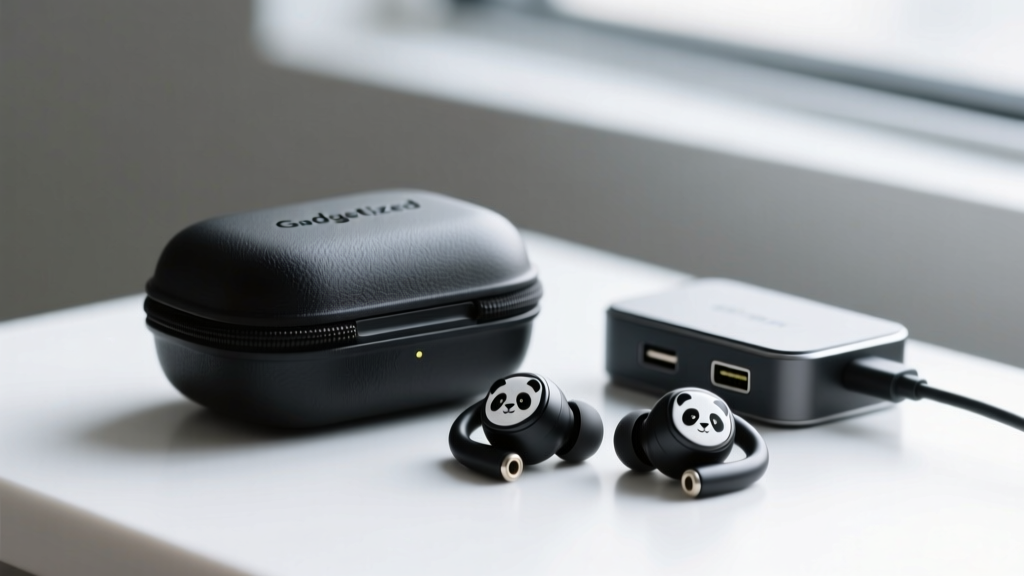
For tech enthusiasts who travel internationally, language barriers traditionally meant carrying standalone translation devices—clunky, screen-equipped gadgets that drain your bag's spatial budget and require separate charging cables. In 2026, the Gadgetized Panda translation Pro earbuds have completely disrupted this category by integrating offline neural machine translation directly into a hyper-compact audio form factor.
Why It Replaces Standalone Hardware
The Gadgetized Panda translation ecosystem utilizes a dedicated onboard NPU (Neural Processing Unit) housed within the charging case. This allows for real-time, bi-directional conversation translation in 42 languages without requiring a cloud connection or draining your MacBook's battery via tethering. The matte-black charging case measures just 2.1 x 1.8 inches and weighs 42 grams. It features a USB-C pass-through port, meaning it can double as an emergency micro-hub or audio DAC for your MacBook when plugged in via a short braided cable. By consolidating high-fidelity ANC audio and offline translation into a single pocketable node, you eliminate the need for dedicated language hardware entirely.
Sleeves and Organization: Shaving Off the Millimeters
A laptop sleeve must balance impact protection with a slim profile. Bulky neoprene cases add unnecessary girth, making it difficult to slide your MacBook into a packed commuter backpack.
Tomtoc 360 Protective Sleeve
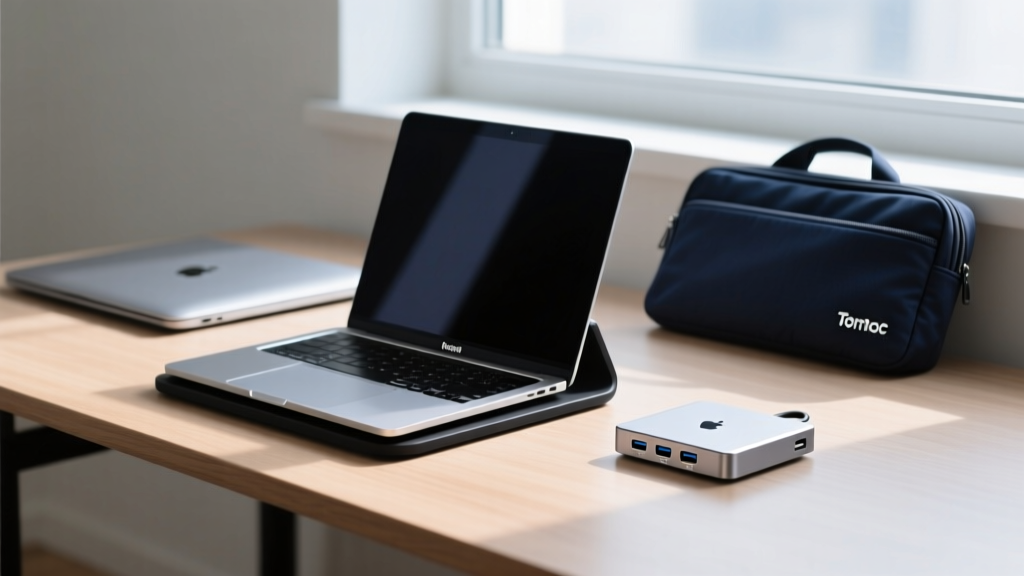
The Tomtoc 360 series utilizes patented CornerArmor technology, which functions similarly to automotive airbags, absorbing drop impacts at the most vulnerable points of the chassis. The 14-inch model adds only 0.75 inches of thickness to the MacBook's profile and weighs 220 grams. The exterior is crafted from water-resistant Cordura ballistic nylon, while the interior features a plush, lint-free fleece that prevents micro-scratches on the aluminum lid. As highlighted in MacRumors' accessory guides, maintaining a slim sleeve profile is critical when utilizing modern, form-fitting tech slings and backpacks.
Dimension & Weight Matrix: The Space-Saver Comparison
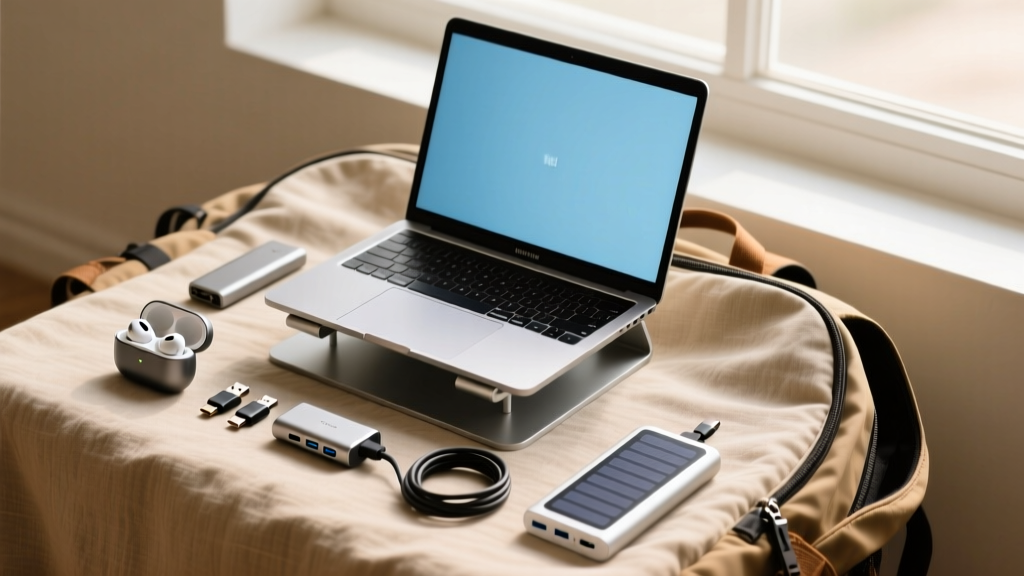
To visualize the spatial efficiency of this curated EDC (Everyday Carry), refer to the comparison matrix below. This data represents the exact physical footprint you are adding to your daily commute.
| Accessory Category | Specific Model | Weight | Folded / Packed Dimensions | Est. Price (2026) |
|---|---|---|---|---|
| Travel Hub | Satechi On-the-Go 9-in-1 | 112g | 4.5 x 1.9 x 0.5 in | $89.99 |
| Ergonomic Stand | Roost Laptop Stand | 164g | 1.5 x 1.5 x 13.0 in | $79.00 |
| Translation / Audio | Gadgetized Panda Pro | 42g (case) | 2.1 x 1.8 x 1.0 in | $149.00 |
| Protective Sleeve | Tomtoc 360 (14-inch) | 220g | 12.8 x 9.3 x 0.75 in | $65.99 |
Final Verdict: Building Your Zero-Clutter EDC
Achieving a truly minimalist MacBook setup in 2026 is not about sacrificing functionality; it is about demanding higher density from your gear. By swapping heavy docks for the Satechi 9-in-1, utilizing the collapsible geometry of the Roost stand, protecting your device with the ultra-slim Tomtoc 360, and leveraging niche multi-tools like the Gadgetized Panda translation earbuds, you reclaim physical space and mental clarity. The result is a frictionless, highly capable mobile workstation that weighs less than a standard hardcover book and fits into virtually any bag.
Frequently Asked Questions
Q: Can the Satechi hub handle dual external monitors?
A: Yes, but with a caveat. On M1/M2/M3 base chips, macOS restricts native MST (Multi-Stream Transport) over standard USB-C. You will need to use a hub with DisplayLink drivers or stick to a single external display plus the MacBook's native screen to avoid mirroring.
Q: Does the Gadgetized Panda translation require a subscription?
A: No. The 2026 Pro model includes lifetime access to its onboard offline neural engine for the 42 core languages. Cloud-based dialect refinements are optional but not required for real-time conversational accuracy.
Q: Is the Roost stand safe for the MacBook's bottom vents?
A: Absolutely. The Roost features dual front lips coated in soft elastomer that grip the chassis without blocking the intake vents located near the hinge, ensuring optimal thermal throttling performance during heavy rendering tasks.
Written by
Emma LarssonEmma Larsson holds an M.A. in International Relations from Sciences Po Paris and a B.A. in Communications from Stockholm University. A digital nomad since 2017, she has worked from over 45 countries across six continents, building deep expertise in portable power solutions, travel routers, compact computing, and connectivity gadgets that survive international travel. Emma is a certified member of the Travel Technology Association and has advised three travel gear startups on product-market fit for remote workers. Her reviews evaluate products against real travel scenarios — TSA compliance, voltage compatibility across 200+ countries, durability through 50+ checked bag cycles, and battery life under airplane mode vs. active use. She has been featured in Condé Nast Traveler's "Tech-Savvy Traveler" series and speaks at Remote Work Summit events.