Space-Saving Office Cool Gadgets: Compact MacBook Docks & Stands
Maximize desk space with the best space-saving office cool gadgets. Discover compact MacBook docks, vertical stands, and 2-in-1 sleeves for 2026 setups.
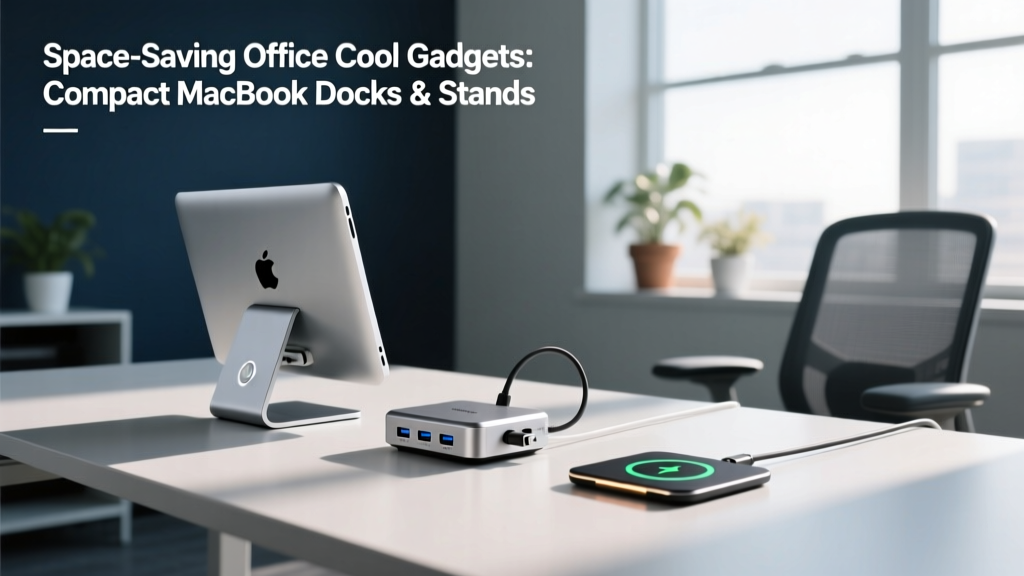
The Anatomy of a Zero-Footprint Desk Setup
Reclaiming desk real estate requires moving beyond simply buying smaller accessories; it demands a fundamental rethinking of how your laptop interacts with your workspace. For MacBook Pro M4 and MacBook Air users in 2026, the 'clamshell' workflow—running the laptop closed while connected to external displays—remains the gold standard for space-saving. However, executing this flawlessly requires specific hardware that prevents thermal throttling and cable clutter.
The most effective space-saving office cool gadgets share a common trait: multi-functionality. A hub that mounts directly to the back of your monitor, or a sleeve that unfolds into an ergonomic stand, eliminates the need for redundant desk accessories. By transitioning to a vertical footprint and utilizing under-desk routing, you can reduce your active desk surface usage by up to 60%.
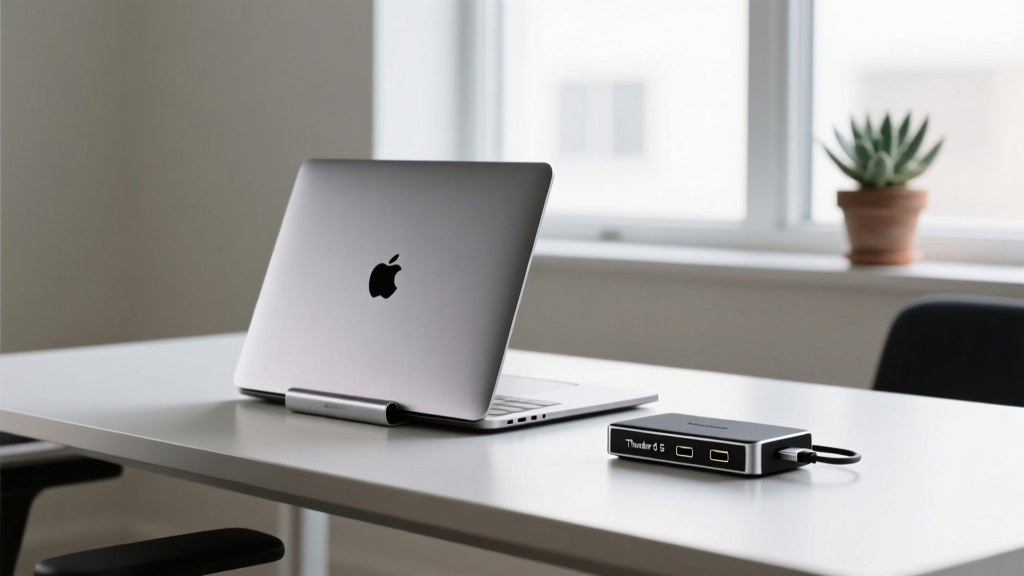
Ultra-Compact Thunderbolt 5 Hubs & Docks
The transition to Thunderbolt 5 has revolutionized compact docking stations. With 80 Gbps of bidirectional bandwidth (and up to 120 Gbps for video), modern docks can drive dual 8K displays while delivering 140W of power delivery through a single, ultra-thin cable. According to Tom's Hardware's technical breakdown of Thunderbolt 5, the new standard utilizes a 64/64b encoding scheme that drastically reduces overhead, allowing physical dock sizes to shrink while bandwidth doubles.
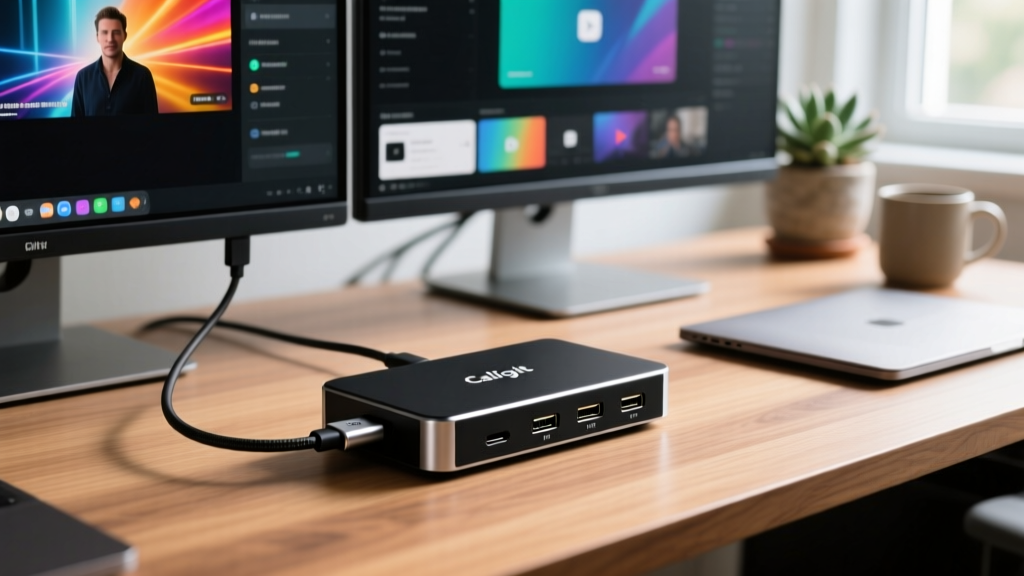
2026 Compact Dock Comparison Matrix
| Dock Model | Bandwidth | Power Delivery | Footprint | Price |
|---|---|---|---|---|
| CalDigit TS5 | 80 Gbps | 140W | 5.1 x 2.9 in | $399 |
| Satechi Pro Max TB5 | 80 Gbps | 100W | 5.5 x 2.5 in | $279 |
| Anker Apex (TB4) | 40 Gbps | 90W | 6.3 x 3.1 in | $189 |
For users with shallow desks (under 24 inches deep), the Satechi Pro Max offers the best width-to-port ratio, sliding easily behind a monitor base. If you require maximum power for a 16-inch MacBook Pro under heavy load, the CalDigit TS5's 140W PD is non-negotiable.
Vertical Stands & Under-Desk Mounts
When your laptop is acting purely as a compute node, it should not occupy horizontal space. Vertical stands elevate the chassis, but not all aluminum extrusions are created equal. The Twelve South Compass Pro ($79) utilizes a silicone-injected cradle that grips the MacBook's 11mm to 15mm profile without scratching the anodized finish. Its weighted steel base plate prevents tipping when accidentally bumped, a common failure point in cheaper $25 Amazon alternatives that rely solely on lightweight aluminum bases.
For an even more aggressive space-saving approach, consider under-desk mounting. The Grovemade Desk Shelf Mount ($120) attaches to the underside of your desk, holding the laptop completely out of sight. This is ideal for motorized standing desks where cable slack is a concern; mounting the dock and laptop directly to the moving desk surface means your peripheral cables move as a single, unified loom.
Sleeves That Double as Ergonomic Stands
For hybrid workers who frequently transition between the office and home, carrying a separate laptop stand is redundant. The intersection of protective sleeves and ergonomic risers has produced some of the most innovative office cool gadgets on the market.
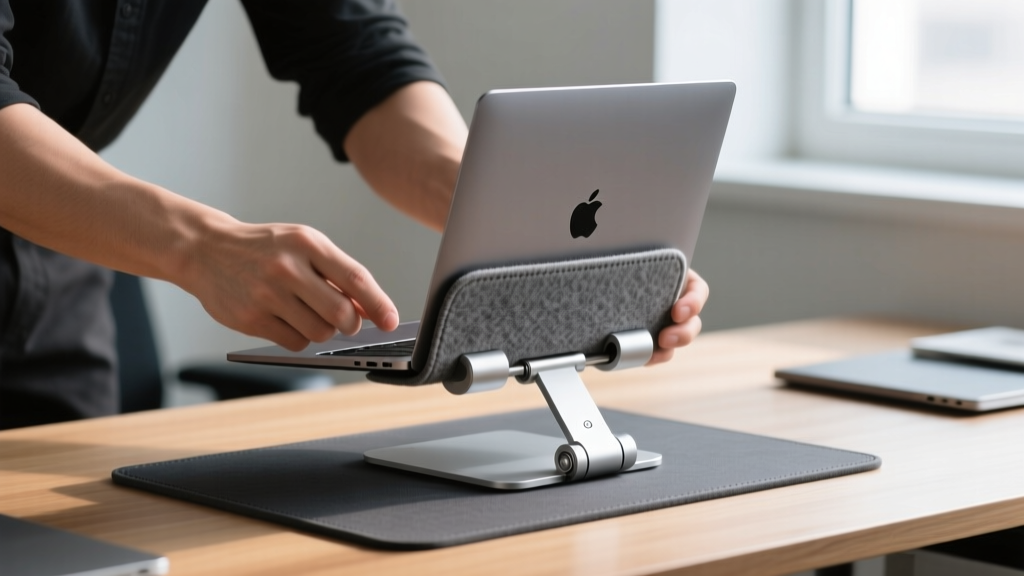
- Roost V3 Laptop Stand ($89): While technically a standalone collapsible stand, its folded footprint (13 x 1.5 inches) allows it to slide directly into the laptop's sleeve. It elevates the screen to the precise 15-20 inch eye-level recommended by Cornell University's Ergonomics Web to prevent cervical spine strain.
- Peak Design Tech Pouch & Sleeve System ($119): Features a rigid, origami-style front flap that folds backward to create a 15-degree typing angle. The 300D recycled poly canvas exterior is waterproof, while the microfiber interior prevents screen abrasion.
- Grovemade Wool Felt Sleeve ($89): While it doesn't fold into a stand, its ultra-slim 3mm profile means it adds virtually zero bulk, allowing your MacBook to fit into tight vertical stand slots without requiring removal of the case.
Cable Management for Micro-Setups
A compact dock is useless if surrounded by a spaghetti bowl of cables. True space-saving requires aggressive cable routing. Follow this exact sequence to maintain a zero-clutter desk:
- Mount a Mesh Cable Tray: Install a 24-inch mesh tray (like the IKEA SIGNUM, $12) flush against the back edge of the underside of your desk.
- Relocate the Power Brick: Place the MacBook's 140W GaN power adapter inside the tray, not on the floor or desk.
- Use a Single Braided Thunderbolt Cable: Route a 2-meter braided TB5 cable from the under-desk dock up through a grommet hole directly to the laptop. Braided cables resist tangling and memory-coiling better than standard rubberized OEM cables.
- Bind with Velcro Straps: Group peripheral cables (monitor, ethernet, audio) using 6-inch velcro straps every 4 inches. Avoid zip-ties, which make future troubleshooting and hardware swaps unnecessarily difficult.
Frequently Asked Questions
Will running my MacBook in clamshell mode degrade the battery faster?
Not inherently, but heat will. If your vertical stand or dock setup traps heat, the battery will regularly exceed 35°C (95°F), which accelerates chemical degradation over time. Ensure your workspace has adequate ambient airflow, and utilize macOS's 'Optimized Battery Charging' feature to cap the charge at 80% if you remain plugged into a Thunderbolt dock 24/7.
Do I need a Thunderbolt 5 dock if I only use one 4K monitor?
No. A single 4K display at 60Hz requires roughly 12.5 Gbps of bandwidth. A standard Thunderbolt 4 or even USB-C 3.2 Gen 2 (10 Gbps) hub is more than sufficient. Save the $399 premium of a TB5 dock for setups requiring dual 6K/8K displays or high-speed NVMe RAID arrays exceeding 3,000 MB/s transfer rates.
Can I use a vertical stand with a MacBook that has a cracked screen?
Yes, but be cautious. A compromised screen structurally weakens the lid. When inserting a damaged MacBook into a tight vertical cradle, the lateral pressure applied to the lid can cause the cracked glass to spiderweb further or damage the delicate LCD matrix underneath. Use a padded sleeve as a buffer between the laptop and the metal stand.
Written by
Sarah KimSarah Kim holds certifications from both NASM (National Academy of Sports Medicine) and ACE (American Council on Exercise), along with a B.S. in Kinesiology from UCLA. She has spent 7 years bridging the gap between exercise science and consumer technology, evaluating fitness trackers, smart scales, sleep monitors, and recovery devices with clinical precision. Sarah has tested over 200 health-focused wearables in controlled lab settings and real-world training environments, comparing device data against gold-standard medical equipment like ECG monitors and DEXA scans. She consults for three fitness app companies on data accuracy standards and has presented research on wearable reliability at the American College of Sports Medicine (ACSM) annual conference. Her reviews emphasize clinical validity over marketing claims.