7 Coolest Photography Gadgets for iPhone to Elevate Your Shots in 2026
Discover the coolest photography gadgets for iPhone in 2026. From anamorphic lens adapters to magnetic ND filters, upgrade your mobile shoots today.
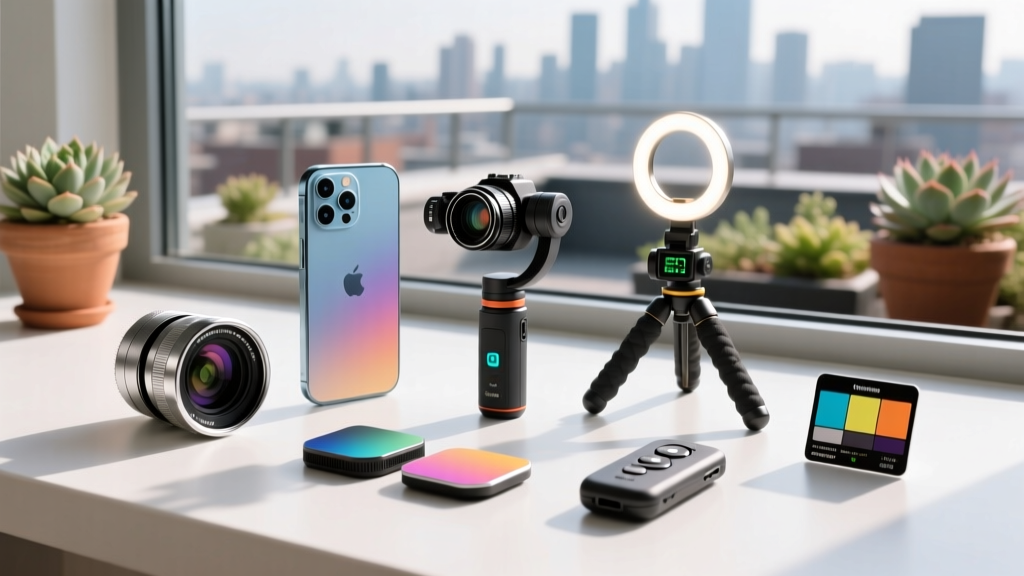
The Optical Bottleneck: Why Your iPhone Needs Physical Glass
Computational photography has pushed the iPhone to the absolute limit of what software can achieve. Features like Photonic Engine and advanced semantic rendering on the latest iPhone 16 and 17 Pro models are marvels of engineering. However, as Apple's official iPhone specifications demonstrate, the physical sensor size and fixed apertures still obey the laws of physics. When you need true optical compression, natural bokeh without edge-detection artifacts, or cinematic motion blur, software falls short.
This is where specialized hardware steps in. The market for mobile cinema and photography accessories has matured significantly. We are no longer dealing with cheap plastic clip-on lenses that degrade image quality. Today's ecosystem features precision-machined aluminum housings, multi-coated optical glass, and magnetic ecosystems that integrate seamlessly with the iPhone's MagSafe array. Below, we break down the most unique, high-impact photography gadgets for iPhone that solve specific optical and ergonomic problems.
Quick Spec Matrix: Top iPhone Photography Gadgets Compared
| Gadget | Type | Price Range | Best For | Weight |
|---|---|---|---|---|
| Moment 1.33x Anamorphic (T-Series) | Lens Adapter | $199 | Cinematic Video & Flares | 82g |
| ShiftCam SnapGrip 2 | MagSafe Grip/Gimbal | $139 | Vlogging & AI Tracking | 145g |
| PolarPro 67mm Mist/ND | Filter System | $129 | Halation & Exposure Control | 45g |
| Apexel 100mm Macro | Clip-on Lens | $45 | Product & Nature Macro | 110g |
Deep Dive: 3 Unique Finds That Actually Change Your Footage
1. Moment 1.33x Anamorphic Lens (T-Series)
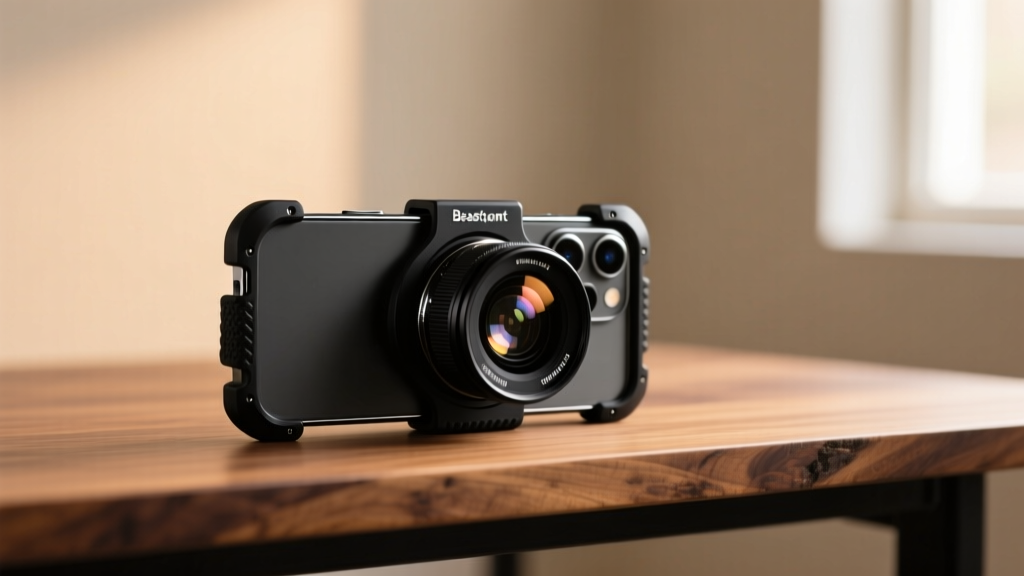
Shooting 16:9 video on a standard iPhone sensor means you are either cropping into the 4:3 sensor (losing resolution) or dealing with a wide-angle look that lacks cinematic intimacy. The Moment 1.33x Anamorphic lens solves this by optically squeezing a wider field of view onto the sensor, which you then desqueeze in post-production or via the Blackmagic Cam app.
- Optical Characteristics: Produces authentic horizontal blue lens flares and characteristic oval bokeh that software plugins simply cannot replicate accurately.
- Mounting System: The T-Series requires a compatible Moment case with a bayonet mount. This ensures perfect alignment with the main 48MP sensor, eliminating the vignetting and soft edges common with older M-series clip-on adapters.
- The Catch: You must lock your shutter speed to maintain a 180-degree shutter angle (e.g., 1/48s for 24fps). Because the anamorphic lens lets in the same amount of light but requires slower shutter speeds for motion blur, you will overexpose in daylight without an ND filter.
2. ShiftCam SnapGrip 2 (AI-Tracking Magnetic Gimbal/Grip)
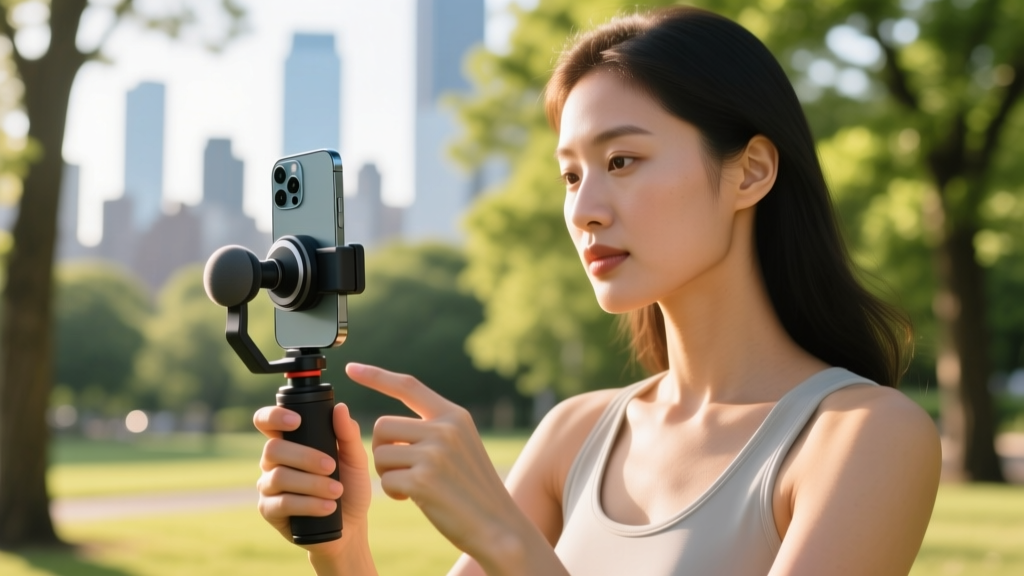
Ergonomics are the hidden killer of mobile photography. Holding a thin glass slab for a 30-minute photoshoot leads to fatigue and micro-jitters. The ShiftCam SnapGrip 2 is a MagSafe-compatible camera grip that houses a 2000mAh power bank and a Bluetooth shutter release.
3. PolarPro 67mm Variable ND + Mist Filter for iPhone Cage
If you are shooting video on an iPhone, an ND (Neutral Density) filter is not optional; it is mandatory for professional results. To get cinematic motion blur at 24fps, your shutter must be at 1/48s. In broad daylight, this will completely blow out your highlights. PolarPro's 67mm filter system, designed to thread into cages like the Beastgrip Pro or ShiftCam SnapGrip Pro, drops your exposure by 2 to 5 stops.
Furthermore, the integrated 1/8 Mist diffusion element causes practical light sources (like streetlamps or neon signs) to bloom and halate beautifully, softening the hyper-sharp digital look of the iPhone's computational sharpening algorithms.

The 'Weird but Brilliant' Niche Accessories
Beyond the standard lenses and grips, the accessory market is filled with hyper-specific tools that solve unique problems. Here are three niche photography gadgets for iPhone that deserve a spot in your bag:
- Apexel 100mm Macro Lens ($45): Unlike cheap 15x macro clips that require you to be 5mm from your subject (blocking all light), this 100mm focal length allows you to shoot macro from 4 inches away. It features a manual focus ring and multi-coated glass, making it the ultimate tool for jewelry and product photography.
- Ulanzi VL66 RGB Pocket Light ($39): A 10W bi-color and RGB LED tube light. It outputs 2500 lux at 0.5 meters and features a built-in 3100mAh battery. It is perfect for adding a subtle cyan or magenta rim light to your subject's hair during nighttime portrait shoots.
- Telesin Magnetic Neck Mount ($25): A silicone collar that rests around your neck with a 360-degree ball head pointing upward. It holds your iPhone securely via MagSafe, allowing for hands-free POV shooting for cooking tutorials, crafting videos, or hiking documentation without the bulk of a chest harness.
Decision Framework: Which Gadget Solves Your Specific Problem?
Do not buy gear for the sake of it. Use this diagnostic framework to identify the exact bottleneck in your current mobile workflow:
| Your Primary Frustration | The Root Cause | The Hardware Solution |
|---|---|---|
| Video looks too 'digital' and sharp | Over-sharpening algorithms and lack of optical diffusion | PolarPro Mist Filter |
| Backgrounds are cluttered in portraits | Small sensor size and digital portrait mode edge-failures | Moment 58mm Tele Lens (2x Optical) |
| Solo vlogs have bad framing | Lack of a camera operator | ShiftCam SnapGrip 2 (AI Tracking) |
| Product photos lack texture detail | Minimum focus distance of the stock ultrawide lens | Apexel 100mm Macro Lens |
Frequently Asked Questions
Do MagSafe lenses work better than traditional clip-on lenses?
Yes, significantly. The primary failure point of clip-on lenses is misalignment with the iPhone's sensor. Even a 1mm shift causes severe vignetting and corner softness. MagSafe and bayonet-mount systems guarantee perfect optical centering every time you attach the lens.
Can I use these accessories with the large camera bump on the newest Pro Max models?
Most premium brands have updated their mounting hardware. For example, Moment's T-series cases and Beastgrip cages now feature raised bezels and adjustable depth rings specifically designed to clear the massive camera islands on the iPhone 15, 16, and 17 Pro Max models. Always verify the exact model compatibility on the manufacturer's site before purchasing.
Will third-party lenses trigger the iPhone's native camera app lens-selection UI?
No. When you physically attach a 58mm telephoto or 18mm wide lens over the main sensor, the iPhone's native app still thinks it is using the standard 24mm main lens. For the best results, especially when using anamorphic lenses, shoot using third-party manual apps like Blackmagic Cam or Halide, which allow you to disable the software sharpening and lock your white balance and shutter speed.
Written by
Ryan TanakaRyan Tanaka holds a B.S. in Mechanical Engineering from Oregon State University and is a certified AWS Solutions Architect. He has built over 80 custom electronics projects ranging from CNC machines to IoT sensor networks, and has reviewed development boards, 3D printers, soldering equipment, and maker tools for the past 6 years. Ryan is an active contributor to 12 open-source hardware projects on GitHub and teaches monthly workshops at three hackerspaces across the Pacific Northwest. His reviews combine engineering rigor with accessibility — he evaluates products not just on specs but on documentation quality, community support, and learning curve for beginners. He has presented at Maker Faire Bay Area, Open Hardware Summit, and the Adafruit community showcase, and maintains a popular blog documenting his build processes.