10 Best Gadgets for the Blind: 2026 Holiday Gift Guide
Discover the best gadgets for the blind in our 2026 holiday gift guide. Find top adaptive tech, smart assistants, and braille displays for every budget.
The Evolution of Adaptive Tech: What to Buy in 2026
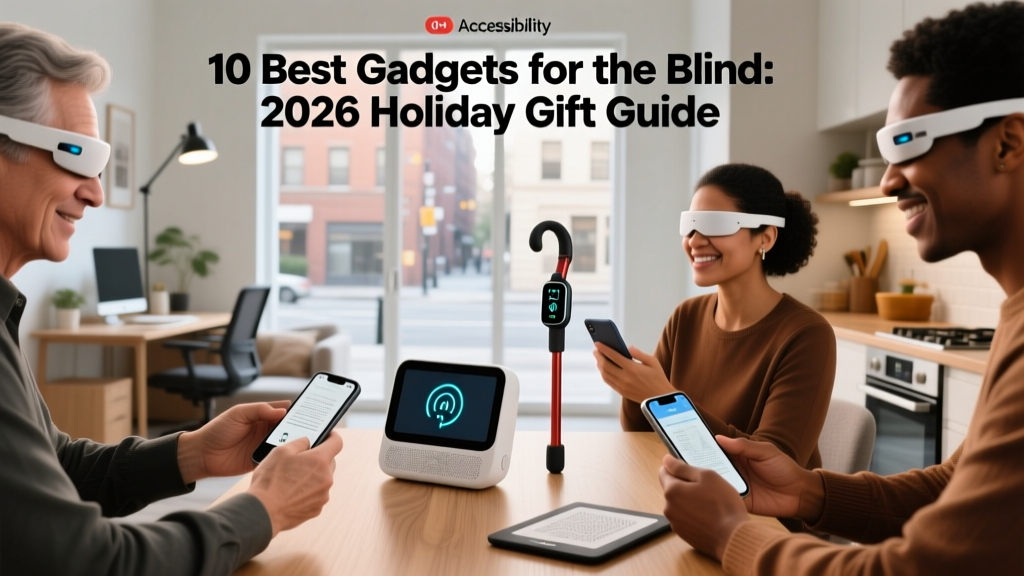
Gifting technology to individuals with visual impairments requires moving beyond generic novelties and focusing on tools that offer genuine independence. According to the World Health Organization, over 2.2 billion people globally have a vision impairment, driving a massive surge in adaptive technology innovation. In 2026, the market is dominated by multimodal AI integration, high-resolution piezoelectric braille displays, and haptic spatial mapping. This guide breaks down the most impactful gadgets for the blind, categorized by the recipient's lifestyle, complete with exact pricing and setup requirements.
For the Tech Enthusiast: AI Wearables & Computer Vision
Artificial intelligence has completely transformed wearable assistive tech, shifting from basic optical character recognition (OCR) to contextual environmental awareness.
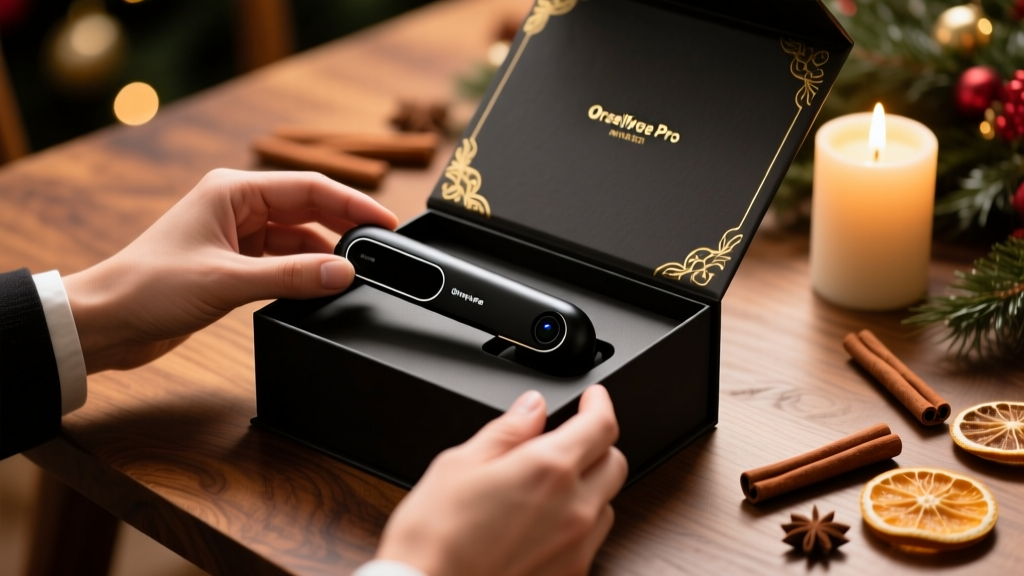
OrCam MyEye Pro
The OrCam MyEye Pro remains the gold standard for standalone wearable vision aids. Priced at approximately $4,500, this magnetic device attaches to almost any eyeglass frame. It features a 200-millisecond text-to-speech latency for reading menus or documents and can store up to 100 faces for personalized social interactions. The offline capability is its biggest selling point; it requires no Wi-Fi to read text or recognize products, making it highly reliable in subways or rural areas.
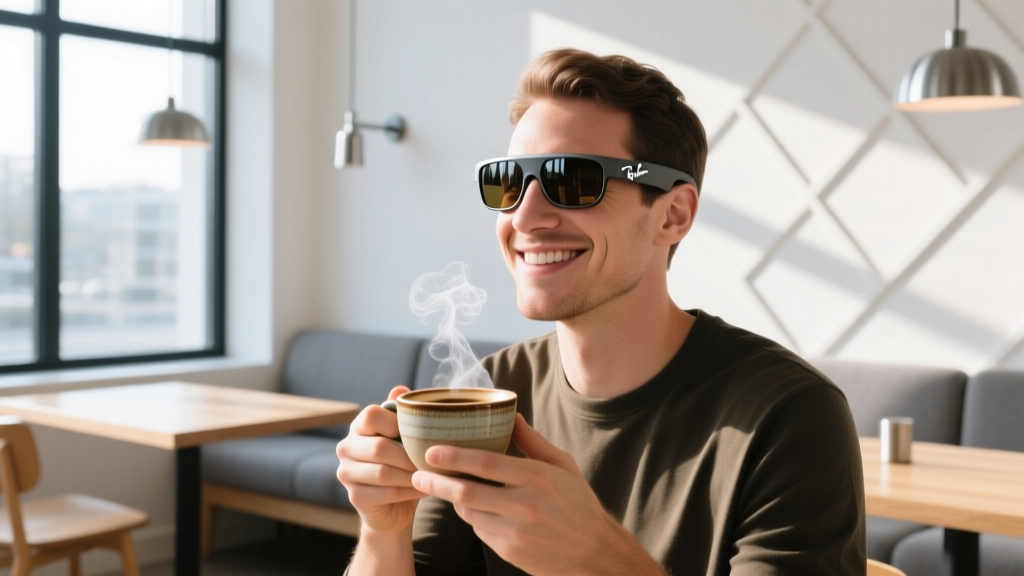
Ray-Ban Meta Smart Glasses with Be My Eyes AI
For a fraction of the cost ($299 hardware plus a Be My Eyes subscription), the latest Ray-Ban Meta glasses offer a compelling alternative. By integrating directly with the Be My Eyes AI assistant, users can ask complex contextual questions like, "What is the expiration date on this milk, and what recipe can I make with the ingredients on my counter?" The audio quality via open-ear directional speakers is excellent, though it relies heavily on a stable smartphone Bluetooth connection and internet access.
For the Professional: Refreshable Braille & Note-Taking
While screen readers are ubiquitous, braille remains critical for literacy, spelling comprehension, and professional coding or editing tasks. The American Foundation for the Blind consistently highlights braille technology as essential for educational and workplace equity.
HumanWare BrailleNote Touch Plus
Retailing around $5,800, the BrailleNote Touch Plus is essentially a fully accessible Android tablet fused with a 32-cell refreshable braille display and a physical braille keyboard. It includes specialized software for complex mathematical equations (via Nemeth code) and seamless integration with Microsoft 365 and Google Workspace. This is the ultimate gift for a university student or legal professional who needs to review documents without audio fatigue.
Orbit Reader 40
If the recipient primarily needs a braille display for reading books and basic emails, the Orbit Reader 40 ($895) is a highly practical alternative. It uses a unique electromechanical pin design that is significantly more durable and cheaper to manufacture than traditional piezoelectric cells. It lacks a full QWERTY keyboard but connects flawlessly via Bluetooth to iOS and Windows screen readers.
The 2026 Gadget Comparison Matrix
Use this matrix to match the gadget to the recipient's specific daily needs and your budget constraints.
| Device | MSRP (Approx.) | Battery Life | Primary Function | Setup Time |
|---|---|---|---|---|
| OrCam MyEye Pro | $4,500 | 2-3 Hours | OCR, Face & Product Recognition | 15 Minutes |
| Ray-Ban Meta + AI | $299 + Sub | 4 Hours | Contextual AI Queries, Audio | 45 Minutes |
| BrailleNote Touch Plus | $5,800 | 10 Hours | Braille Note-taking, Computing | 2 Hours |
| WeWALK Smart Cane 2 | $600 | 5 Days | Haptic Obstacle Detection | 30 Minutes |
| Amazon Echo Show 8 | $150 | Wired | Smart Home Hub, Visual Assistant | 20 Minutes |
For the Traveler: Haptic Navigation & Smart Canes
Mobility aids have evolved past the traditional fiberglass white cane. The National Federation of the Blind advocates for tools that enhance spatial awareness without replacing foundational cane skills.
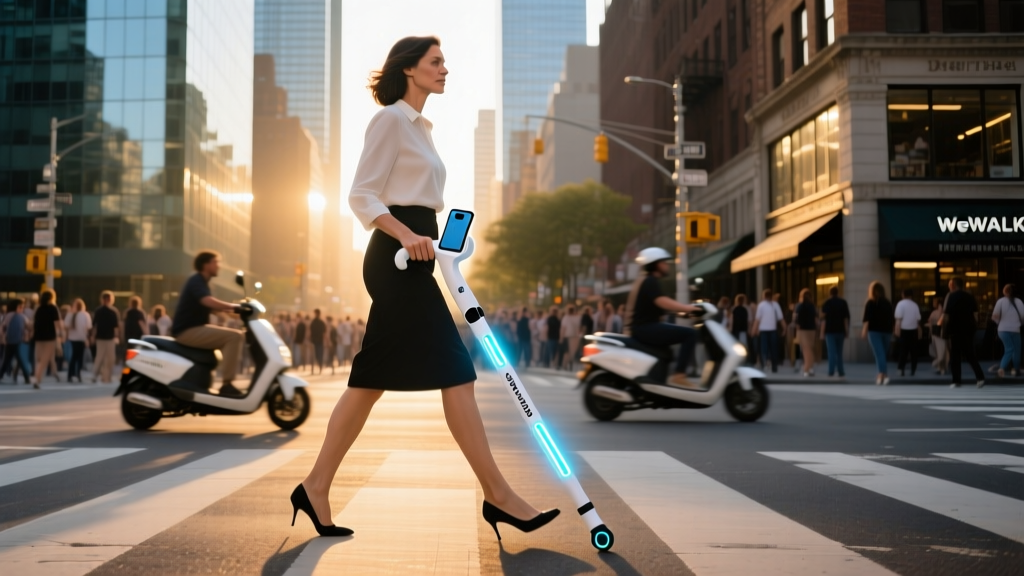
WeWALK Smart Cane 2
Priced at $600, the WeWALK Smart Cane 2 attaches to the user's existing primary cane. Its ultrasonic sensors detect chest-level and head-level obstacles (like tree branches or open windows) that a standard cane sweep misses. When an obstacle is detected, the handle vibrates with increasing intensity as the user gets closer. It also features built-in Apple Watch integration, allowing the user to feel directional navigation prompts via haptic taps on their wrist, keeping their ears free to listen to traffic sounds.
Crucial Gifting Etiquette: Pre-Configuration & Wrapping
The most common mistake sighted gift-givers make is handing over a factory-sealed box. For a blind user, a sealed box is an immediate barrier. The packaging is often inaccessible, and the initial setup wizards on modern devices are notoriously hostile to screen readers until accessibility features are manually toggled.
The Golden Rule of Accessible Gifting
Never wrap the device in its original packaging. Unbox it, remove all plastic films, fully charge it, update the firmware, and enable the native screen reader (VoiceOver for Apple, TalkBack for Android) before wrapping it in a tactile-friendly gift bag or a box with a distinct textured ribbon.
Step-by-Step Prep Checklist
- Firmware Updates: Connect the device to Wi-Fi and run all updates. Update processes often break screen reader focus, which is incredibly frustrating for the end-user to troubleshoot blindly.
- Enable Accessibility: Turn on VoiceOver/TalkBack, set the speaking rate to a comfortable default (around 40%), and enable audio ducking.
- Pair Bluetooth: Pre-pair the device to the recipient's favorite wireless earbuds or bone-conduction headphones.
- Apply Tactile Markers: For physical appliances or smart home hubs with flat glass interfaces, apply Loc-Dots (clear, raised silicone bump stickers). Place a single dot on the power button, a double dot on the primary action button, and a line of dots on volume or temperature sliders.
"True accessibility isn't just about the software; it's about the physical interaction. A smart microwave is useless to a blind user if the touch screen lacks physical boundaries. Always pair flat-screen smart appliances with high-contrast tactile bump dots to create a mental map of the interface."
— Adaptive Technology Specialist, 2026
Final Thoughts on Budgeting and Impact
You do not need to spend thousands of dollars to make a profound impact. While the BrailleNote Touch Plus and OrCam are incredible investments for professionals, a $30 pack of high-quality tactile bump dots paired with a $150 smart speaker configured with custom voice routines can drastically improve daily kitchen safety and independence. Focus on the recipient's specific friction points—whether that is reading mail, navigating a grocery store, or identifying clothing colors—and choose the gadget that directly eliminates that barrier.
Written by
Ryan TanakaRyan Tanaka holds a B.S. in Mechanical Engineering from Oregon State University and is a certified AWS Solutions Architect. He has built over 80 custom electronics projects ranging from CNC machines to IoT sensor networks, and has reviewed development boards, 3D printers, soldering equipment, and maker tools for the past 6 years. Ryan is an active contributor to 12 open-source hardware projects on GitHub and teaches monthly workshops at three hackerspaces across the Pacific Northwest. His reviews combine engineering rigor with accessibility — he evaluates products not just on specs but on documentation quality, community support, and learning curve for beginners. He has presented at Maker Faire Bay Area, Open Hardware Summit, and the Adafruit community showcase, and maintains a popular blog documenting his build processes.