Best Photography Gadgets for iPhone: 2026 Gift Guide
Discover the best photography gadgets for iPhone in our 2026 gift guide. Find top grips, lenses, lights, and mics for every mobile creator.
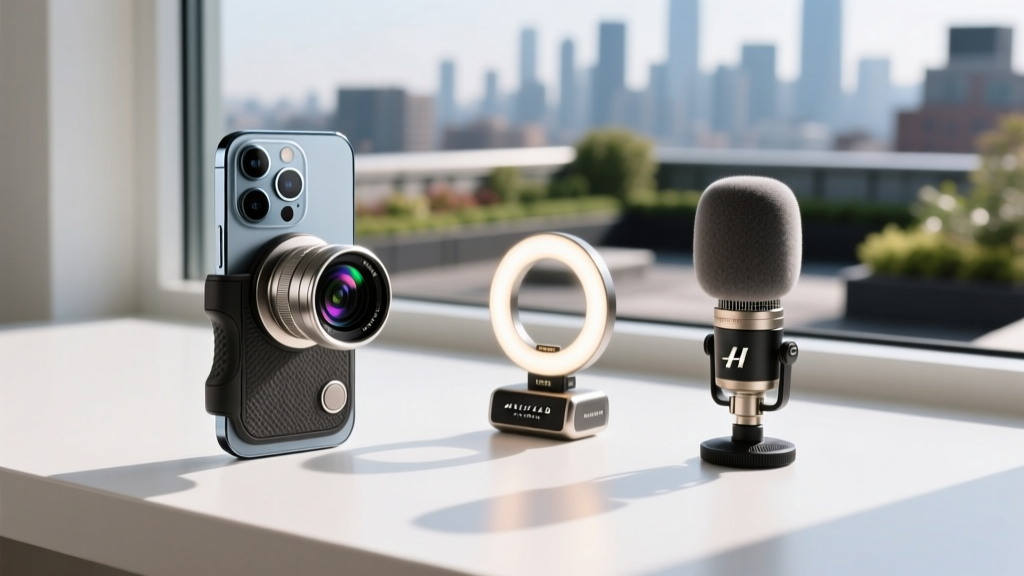
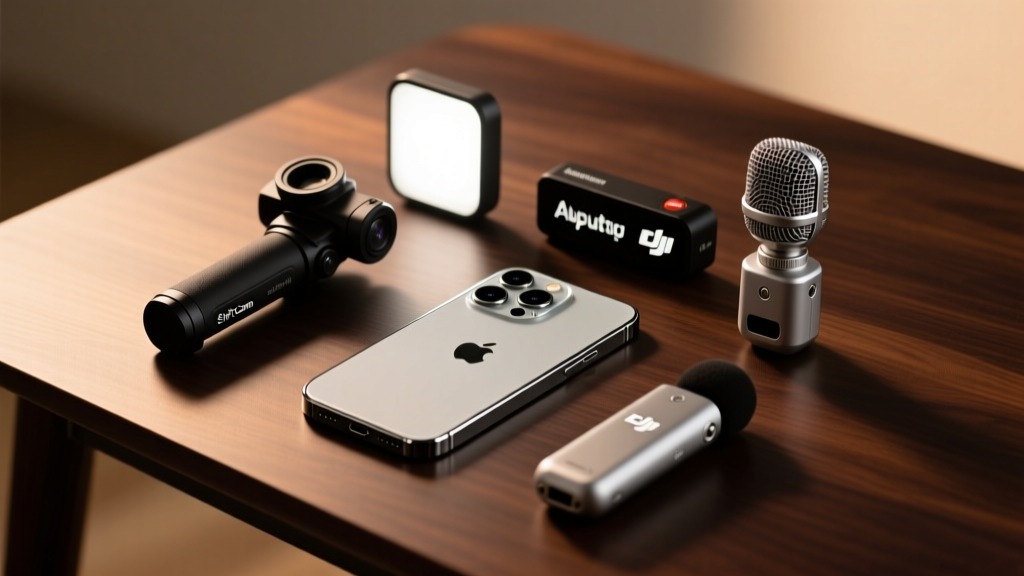
The Hardware Gap: Why iPhone Creators Need External Gear
Apple’s computational photography and 48MP sensors have pushed the iPhone 16 Pro and 17 series to the absolute limit of mobile imaging. However, physics remains undefeated. The tiny physical sensor size, fixed optical apertures, and lack of physical shutter controls create hard ceilings for professional output. Digital zoom introduces artifacting, fixed apertures prevent natural motion blur in video, and on-device microphones fail in high-wind or crowded environments.
For the 2026 holiday season, the most impactful gifts for mobile photographers and videographers aren't software subscriptions—they are precision hardware accessories that bypass the physical limitations of the smartphone chassis. According to B&H Photo's comprehensive mobile gear guides, the shift toward USB-C data transfer and MagSafe ecosystems has completely revolutionized which accessories are viable, rendering old clamp-based gear obsolete.
The 2026 Gifting Decision Matrix
Not every creator shoots the same content. Use this framework to match the recipient’s specific shooting style with the exact hardware they need.
| Recipient Profile | Primary Use Case | Skill Level | Top Gift Pick | Estimated Budget |
|---|---|---|---|---|
| The Travel Vlogger | Run-and-gun video, walking tours | Intermediate | ShiftCam SnapGrip | $139 - $159 |
| The Cinematic Filmmaker | Short films, narrative video | Advanced | Freewell Magnetic VND Filter | $40 - $60 |
| The Studio Portraitist | Product shots, headshots | All Levels | Aputure MC Pro RGBWW | $99 - $119 |
| The Podcast / Interviewer | Talking head, dual-guest audio | Intermediate | DJI Mic 2 (Dual TX) | $349 |
Power and Stabilization: ShiftCam SnapGrip
Shooting 4K ProRes video drains an iPhone battery at an alarming rate, and holding a 220-gram phone for extended periods guarantees micro-jitters that ruin handheld footage. The ShiftCam SnapGrip solves both problems simultaneously without the bulk of a motorized gimbal.
Why It Beats Traditional Gimbals
Motorized gimbals require balancing, take 30 seconds to set up, and often block the iPhone's ultra-wide lens. The SnapGrip uses a high-strength N52 MagSafe magnet array to snap directly to the back of the phone (or to a MagSafe-compatible case). It features a built-in 10,000mAh power bank that can fully recharge an iPhone 15 Pro or 16 Pro via the integrated USB-C cable while shooting. The telescopic handle provides a physical Bluetooth shutter button, allowing the user to start/stop recording or trigger burst photos without tapping the screen, which inherently introduces camera shake.
Optical Control: Freewell Magnetic Variable ND Filters
This is the most misunderstood but critical accessory for iPhone videographers. Apple’s Cinematic Mode and ProRes Log profiles are powerful, but they cannot override the laws of the 180-degree shutter rule. To achieve natural, cinematic motion blur, a videographer shooting at 24fps must lock their shutter speed to 1/48th of a second. In broad daylight, a 1/48s shutter speed will completely blow out the iPhone's image, resulting in a pure white frame.
The Solution: Variable Neutral Density (VND)
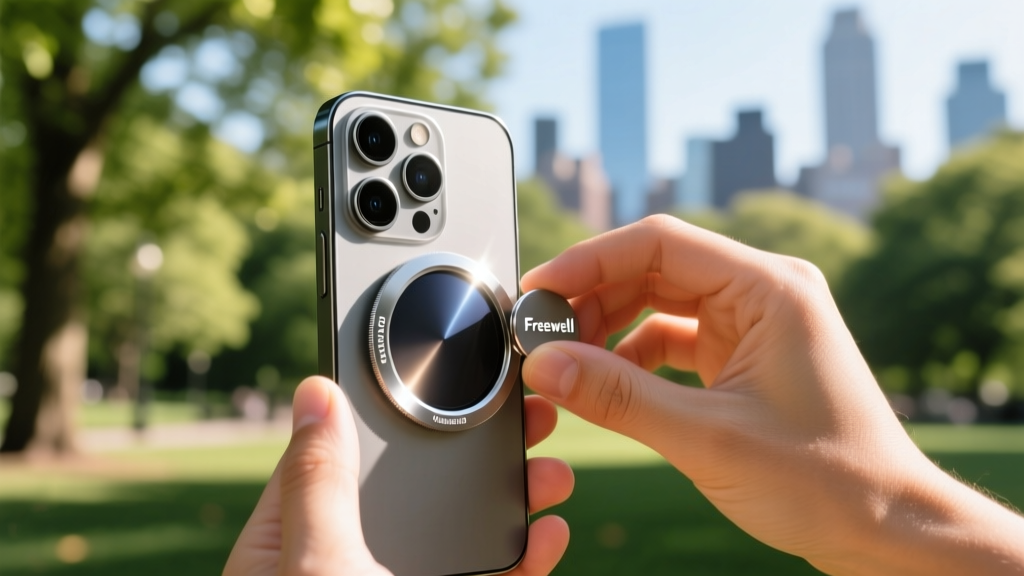
The Freewell Magnetic VND Filter System acts as sunglasses for the camera lens. By twisting the front dial, the user can reduce light entering the sensor by 2 to 5 stops (ND4 to ND32) without altering the color temperature. Freewell’s magnetic mounting system aligns perfectly with the iPhone's main 48MP sensor, avoiding the severe vignetting that plagued older clip-on filter systems. Priced around $45, this is the highest-ROI gift for any creator shooting outdoor video.
Precision Lighting: Aputure MC Pro RGBWW
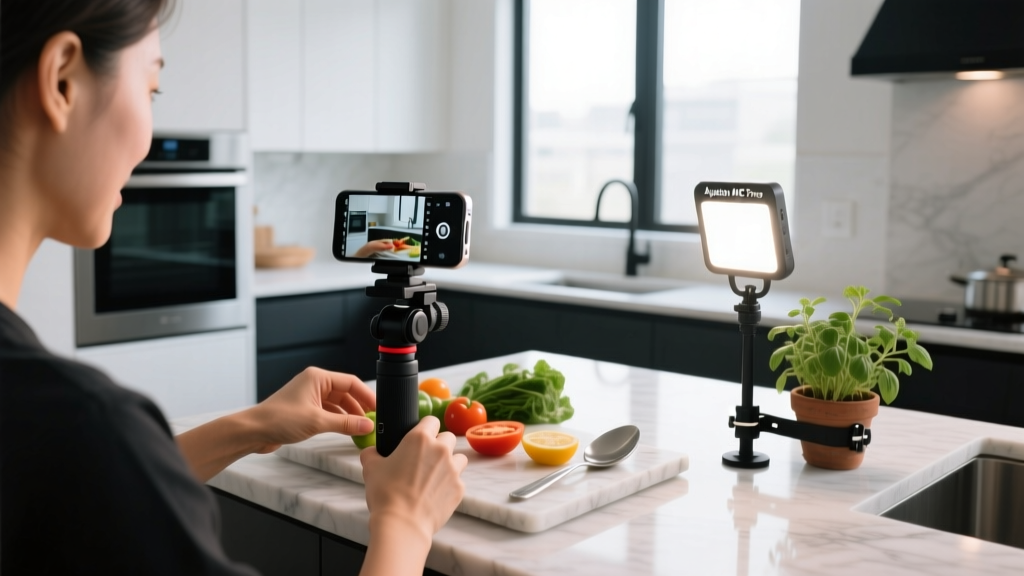
Smartphone sensors are incredibly light-hungry. When light levels drop, the iPhone's image signal processor (ISP) aggressively ramps up the ISO, introducing digital noise and destroying color depth. Ring lights are bulky and create unnatural catchlights in the subject's eyes. The Aputure MC Pro is a pocket-sized, professional-grade panel light that completely changes mobile lighting setups.
- Color Accuracy: Boasts a CRI (Color Rendering Index) of 96+ and TLCI of 97+, meaning skin tones render accurately without the sickly green/magenta tint found in cheap Amazon LED panels.
- Magnetic Mounting: The back features strong neodymium magnets, allowing creators to stick the light to refrigerators, car doors, or light stands for instant practical lighting.
- App Control: The Sidus Link app allows the user to adjust color temperature from 2700K to 6500K and control RGB hues directly from their iPhone while monitoring the camera feed.
Audio Fidelity: DJI Mic 2 with 32-Bit Float
Viewers will forgive slightly soft 1080p video, but they will immediately swipe away from bad audio. The built-in microphones on the iPhone are omnidirectional, meaning they capture the subject's voice along with wind noise, traffic, and room echo. The DJI Mic 2 is the current gold standard for mobile creators, primarily due to one game-changing feature: 32-bit float recording.
In traditional 24-bit audio, if a subject laughs loudly or a door slams, the audio 'clips' and distorts permanently. 32-bit float recording captures such a massive dynamic range that it is mathematically impossible to clip the audio during recording. The creator can adjust the volume in post-production without any degradation or distortion. It is the ultimate safety net for unpredictable shooting environments.
The DJI Mic 2 receiver plugs directly into the iPhone’s USB-C port (no Lightning adapters required for modern devices), providing a clean, digital audio feed directly into the native Apple Camera app or third-party apps like Blackmagic Cam. As noted in Apple's official iOS video recording documentation, utilizing external USB-C audio interfaces bypasses the device's internal automatic gain control (AGC), resulting in vastly superior, uncompressed sound.
Frequently Asked Gifting Questions
Do magnetic accessories interfere with the iPhone's compass or OIS?
Apple designs the iPhone's internal Optical Image Stabilization (OIS) and compass to withstand standard MagSafe accessories. High-quality brands like ShiftCam and Freewell use shielded N52 magnets that do not disrupt the OIS motors. However, avoid ultra-cheap, unbranded magnetic mounts, as poorly shielded magnets can cause micro-vibrations in the lens assembly during video recording.
Should I buy clip-on lenses or magnetic filters?
For 2026, magnetic filters and bayonet-mount lenses are vastly superior to clip-on lenses. Clip-on lenses require precise alignment over the sensor every time they are attached; being off by a single millimeter causes severe edge softness and chromatic aberration. Magnetic systems snap into perfect alignment instantly.
What is the best app to pair with these hardware gifts?
While the native iOS camera app is excellent for photos, hardware like the DJI Mic 2 and VND filters are best utilized with Blackmagic Camera (free on the App Store). It unlocks manual shutter speed controls, false color, and focus peaking, turning the iPhone into a true cinema camera interface. Gifting a hardware bundle alongside a printed 'cheat sheet' of Blackmagic Camera settings is a highly thoughtful touch for beginners.
For more insights on building a complete mobile filmmaking kit, industry professionals frequently reference the CNET mobile accessory roundups to cross-reference durability and weather-sealing ratings for outdoor creators.
Written by
Ryan TanakaRyan Tanaka holds a B.S. in Mechanical Engineering from Oregon State University and is a certified AWS Solutions Architect. He has built over 80 custom electronics projects ranging from CNC machines to IoT sensor networks, and has reviewed development boards, 3D printers, soldering equipment, and maker tools for the past 6 years. Ryan is an active contributor to 12 open-source hardware projects on GitHub and teaches monthly workshops at three hackerspaces across the Pacific Northwest. His reviews combine engineering rigor with accessibility — he evaluates products not just on specs but on documentation quality, community support, and learning curve for beginners. He has presented at Maker Faire Bay Area, Open Hardware Summit, and the Adafruit community showcase, and maintains a popular blog documenting his build processes.