Top Tech Gadgets 2025: Beginner vs Expert Custom Mechanical Keyboards
Compare beginner pre-builts and expert custom mechanical keyboards to see if they earn a spot on your top tech gadgets 2025 and 2026 upgrade lists.
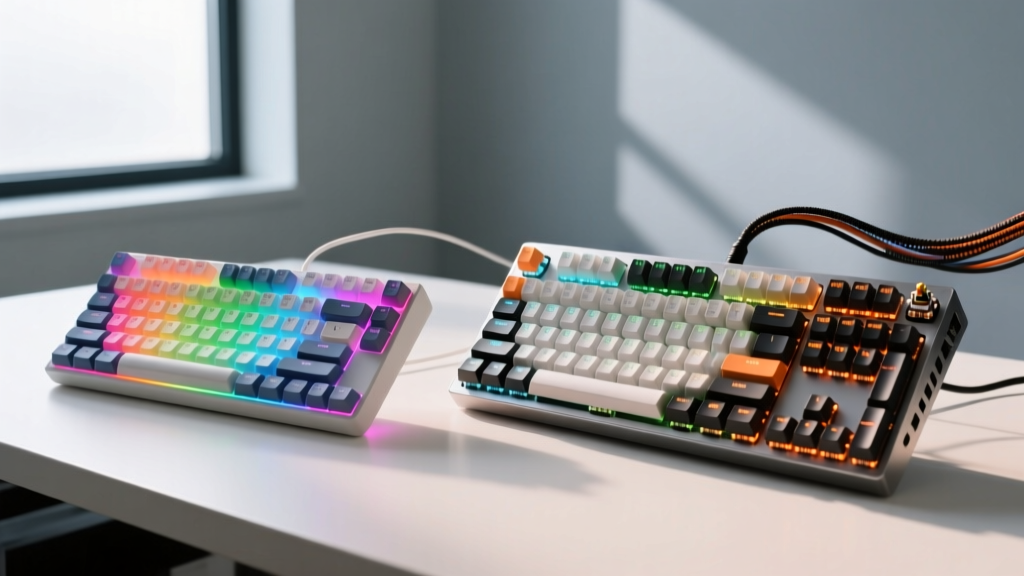
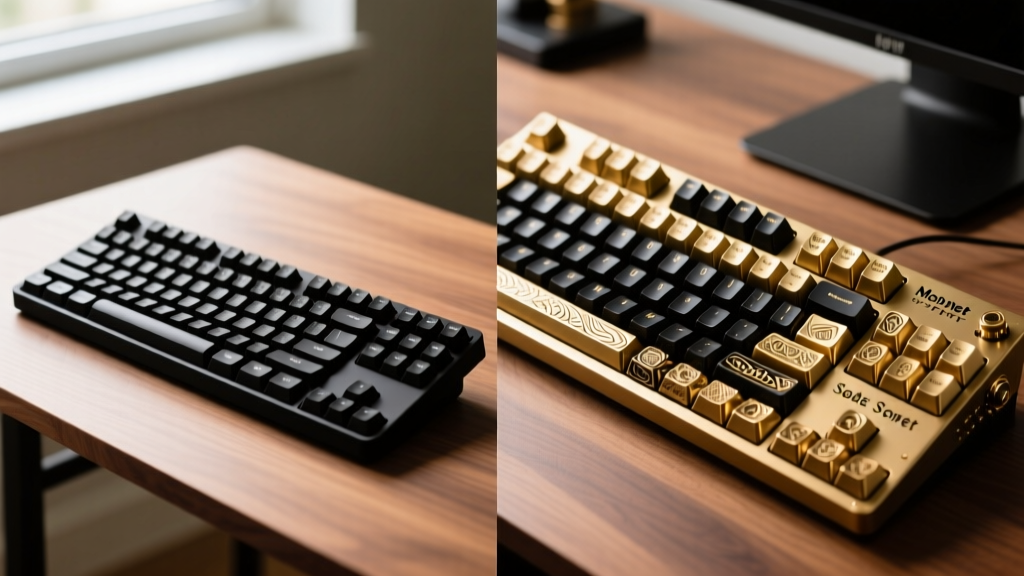
The Evolution of Input: Why Keyboards Dominated Top Tech Gadgets 2025 Lists
When major tech publications compiled their top tech gadgets 2025 lists, custom mechanical keyboards were a ubiquitous presence. What was once a niche hobby for programmers has evolved into a mainstream pursuit of acoustic perfection and tactile satisfaction. Now in 2026, the market has bifurcated sharply. On one side, we have highly capable, enthusiast-lite pre-builts that offer 80% of the experience for a fraction of the cost. On the other, a deep rabbit hole of bespoke CNC-machined cases, hand-lubed switches, and artisan keycaps that demand significant time and capital.
According to Tom's Hardware's comprehensive mechanical keyboard guide, the baseline for typing quality has risen dramatically, meaning even budget boards now feature hot-swappable PCBs and programmable firmware. But does a beginner pre-built truly compete with an expert custom build? This guide breaks down the exact hardware, costs, and modifications separating the two tiers.
The Beginner Tier: Pre-Built Hot-Swappable Wonders
The "beginner" category in 2026 no longer means cheap membrane keyboards or entry-level gaming boards with proprietary software. It refers to enthusiast pre-builts—factory-assembled keyboards that utilize standard mechanical components and open-source firmware.
What You Get for $70–$130
Boards like the Keychron V1 Max ($89) or the Epomaker TH80 Pro ($99) represent the pinnacle of this tier. They ship fully assembled but allow for future customization.
- Case Materials: Injection-molded ABS or polycarbonate plastics. These lack the acoustic density of metal but keep shipping weights and costs low.
- Mounting Styles: Tray mount or basic gasket mount. Keychron's V series uses a tray mount with silicone dampening pads, while the NuPhy Air75 V2 utilizes a low-profile gasket system.
- Switches: Factory-lubed budget linears like Gateron Jupiter Reds or Akko Cream Yellows. They are smooth out of the box but lack the deep, consistent glide of hand-lubed alternatives.
- Firmware: Full QMK and VIA support, allowing for infinite key remapping and macro creation without running background software.
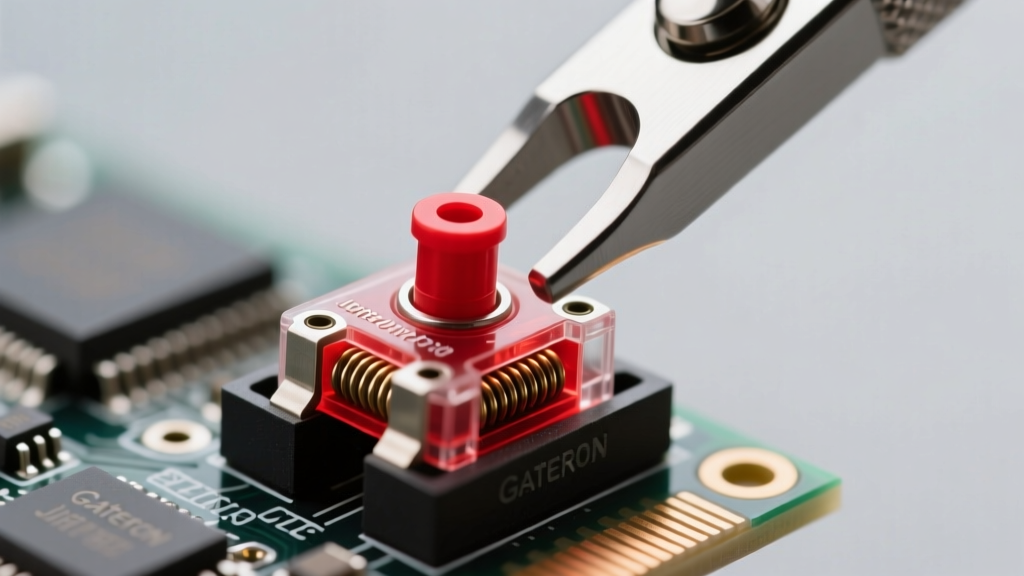
The Expert Tier: Bespoke Aluminum and Lubed Linears
The expert tier abandons the concept of "out-of-the-box" readiness. Building a custom keyboard at this level is an exercise in material science and acoustic tuning. As noted in PC Gamer's deep-dive reviews, the acoustic signature of a high-end custom board is defined by the resonance of its case and the friction-reduction of its switches.
The $400+ Custom Build Breakdown
An expert build typically revolves around a limited-run "group buy" barebones kit. Let us examine the anatomy and cost of a standard 2026 high-end 65% layout build:
| Component | Expert Choice (Example) | Estimated Cost |
|---|---|---|
| Barebone Kit (Case + PCB + Plate) | Mode Sonnet or OwLab Spring (CNC Aluminum, Polycarbonate Plate) | $220 - $280 |
| Switches (90 pcs) | Haimu Heartbeat or Gateron Oil Kings (Premium Linears) | $50 - $70 |
| Keycaps | GMK or ePBT Doubleshot PBT (Cherry Profile) | $110 - $150 |
| Stabilizers | TX Keyfilms Staebies or Durock V2 (Screw-in) | $20 - $25 |
| Lubricants & Tools | Krytox 205g0, Super Lube Dielectric Grease, Switch Opener | $35 |
| Total Estimated Build Cost | $435 - $560 | |
"The difference between a $90 pre-built and a $500 custom isn't just in the materials; it's in the elimination of microscopic rattle. Hand-lubing stabilizers and using screw-in mounts removes the pinging wire noise that plagues factory assemblies." — Acoustic testing notes from RTINGS typing experience methodology.
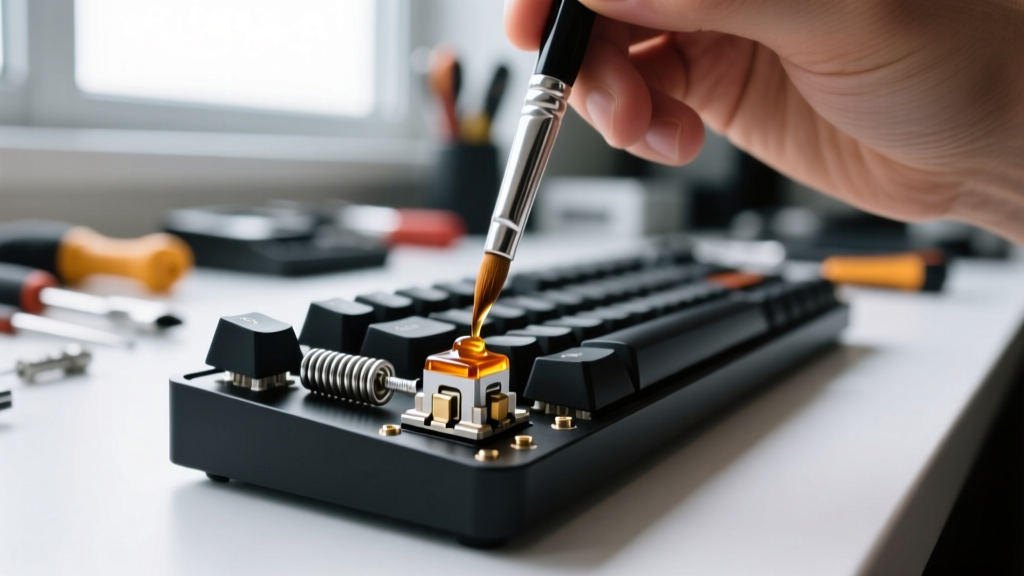
Head-to-Head Comparison Matrix
To understand the practical differences, we must look beyond the price tag and evaluate the actual user experience across critical metrics.
| Metric | Beginner Pre-Built (e.g., Keychron V1) | Expert Custom (e.g., Mode Sonnet Build) |
|---|---|---|
| Acoustic Profile | Slightly hollow, higher-pitched clack. Occasional stabilizer rattle. | Deep, muted "thock" or "marbly" pop. Zero wire ping. |
| Typing Feel | Good, but friction is noticeable on downstrokes. Stock stabilizers feel gritty. | Buttery smooth. Gasket mount provides uniform flex across the entire PCB. |
| Setup Time | 5 minutes (Unbox, plug in, flash VIA keymap). | 8 to 15 hours (Disassembling, lubing switches, tuning stabs, assembling). |
| Case Resonance | Plastic absorbs some high frequencies but lacks mass to prevent ping. | Heavy CNC aluminum + silicone case foam eliminates internal echoes. |
| Resale Value | Depreciates immediately (40-50% of retail on used market). | Holds value well; limited-run barebones often sell above retail. |
The Modification Middle-Ground: Upgrading a Beginner Board
You do not need to spend $500 to achieve an expert-level typing experience. By applying specific, low-cost modifications to a beginner pre-built, you can bridge the gap significantly. Here is the exact protocol for tuning a budget hot-swappable board:
- The Tape Mod (Tempest Mod): Remove the PCB and apply 2 to 3 layers of blue painter's tape to the back of it. This reflects high-frequency sound waves back up through the switches, creating a deeper, "poppier" acoustic signature.
- PE Foam Mod: Place a 1mm sheet of polyethylene foam between the PCB and the switches. This forces the sound to compress, resulting in the highly sought-after "marbly" or "creamy" typing sound.
- Stabilizer Tuning (The Most Critical Step): Factory stabilizers rattle. Disassemble them. Apply Super Lube dielectric grease to the inside of the plastic housings to dampen impact. Then, apply a thin layer of Krytox 205g0 to the metal wires and the stems. Finally, use a wire straightener to ensure the metal bars are perfectly flat.
- Switch Film Application: If your chosen switches have housing wobble (common in budget Gaterons), use TX Keyfilms (0.125mm thickness) between the top and bottom housings to eliminate the rattle and tighten the acoustic profile.
Final Verdict: Which Path Should You Take in 2026?
Decision Framework
Choose the Beginner Pre-Built if: Your budget is strictly under $150, you need a functional programmable keyboard immediately, and you view the keyboard purely as a tool rather than a hobby. The Keychron V-series or NuPhy lines offer undeniable value and VIA support right out of the box.
Choose the Expert Custom if: You have a budget exceeding $400, you derive genuine enjoyment from the assembly and tuning process, and you are chasing a specific acoustic signature (like a deep thock or crisp clack) that factory assemblies simply cannot replicate due to mass-production tolerances.
The Hybrid Route: Buy a $90 pre-built, spend $30 on premium PBT keycaps, and invest 3 hours on a Saturday tuning the stabilizers and applying the tape mod. This yields 90% of the expert experience for 25% of the cost.
Written by
Emma LarssonEmma Larsson holds an M.A. in International Relations from Sciences Po Paris and a B.A. in Communications from Stockholm University. A digital nomad since 2017, she has worked from over 45 countries across six continents, building deep expertise in portable power solutions, travel routers, compact computing, and connectivity gadgets that survive international travel. Emma is a certified member of the Travel Technology Association and has advised three travel gear startups on product-market fit for remote workers. Her reviews evaluate products against real travel scenarios — TSA compliance, voltage compatibility across 200+ countries, durability through 50+ checked bag cycles, and battery life under airplane mode vs. active use. She has been featured in Condé Nast Traveler's "Tech-Savvy Traveler" series and speaks at Remote Work Summit events.