Beyond Cool Gadget Toys: 2026 Custom Mechanical Keyboard Buyer's Guide
Discover why custom mechanical keyboards transcend typical cool gadget toys. Our 2026 buyer's guide covers switches, mounts, and ergonomic builds.
From Novelty to Precision Instrument
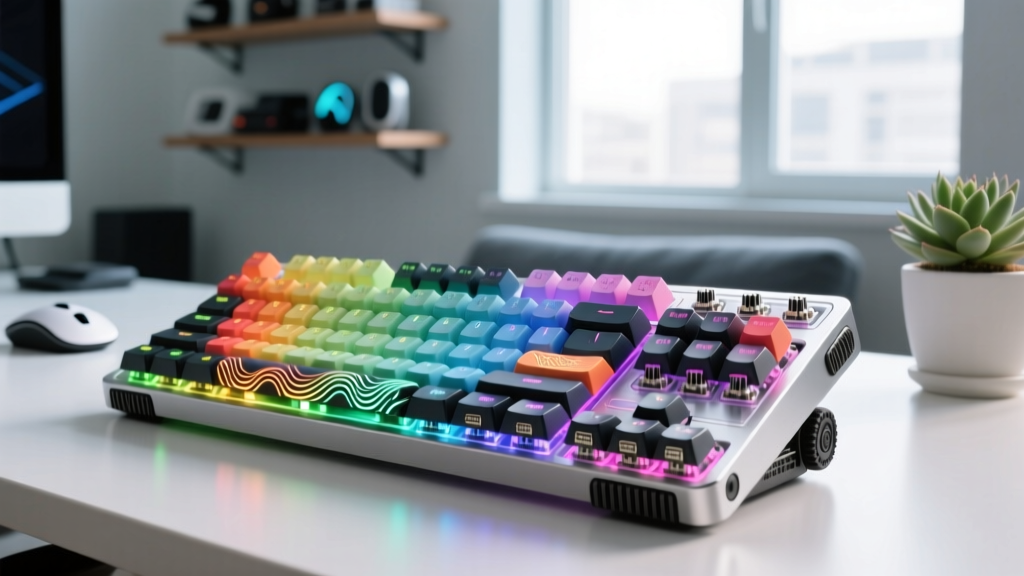
Outsiders often dismiss the custom mechanical keyboard hobby as an obsession with cool gadget toys for adults. While the appeal of vibrant keycaps and satisfying acoustic feedback is undeniable, reducing these devices to mere novelties ignores the intense engineering and ergonomic science driving the 2026 market. Today’s custom input devices are highly calibrated instruments designed to minimize repetitive strain, maximize typing efficiency, and provide tactile feedback tailored to the exact micron-level tolerances of individual finger joints.
Unlike mass-produced membrane keyboards found in big-box stores, a custom mechanical keyboard allows you to dictate the actuation force, pre-travel distance, acoustic resonance, and physical layout of your primary human-computer interface. This guide bypasses surface-level marketing jargon to provide a rigorous, component-by-component breakdown for enthusiasts ready to build or commission their definitive daily driver.
The Acoustic Stack: Engineering Your Sound Profile
The "thock" or "clack" of a keyboard is not accidental; it is the result of precise material interactions within the acoustic stack. Understanding how these layers compress and resonate is critical for avoiding the hollow, pinging sound characteristic of cheap OEM boards.
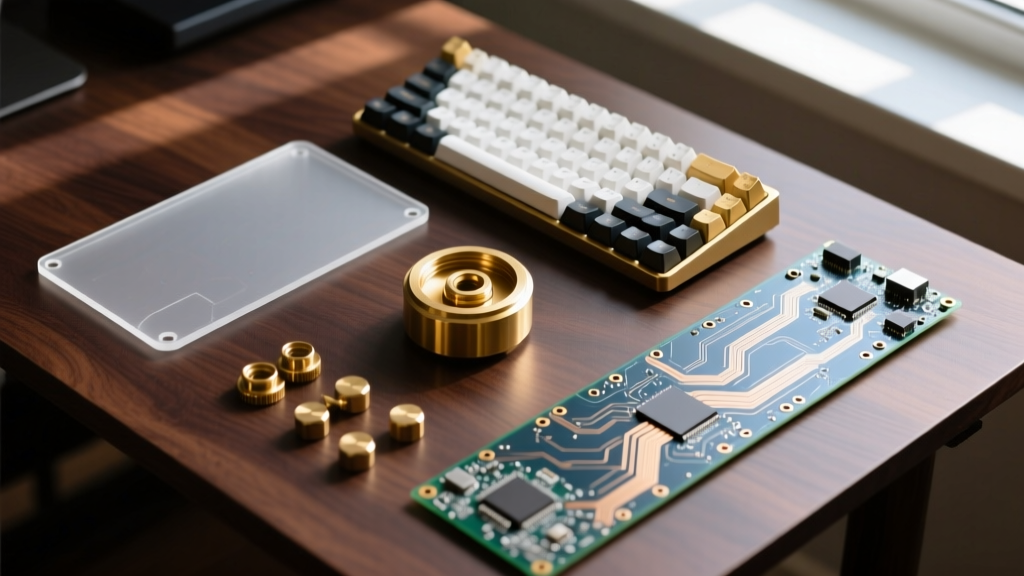
- PCB (Printed Circuit Board): The foundation. For custom builds, a 1.2mm thick flexible PCB is preferred for gasket-mounted boards to allow vertical deflection. Hot-swap sockets (specifically Kailh or Gateron low-profile variants) are mandatory in 2026 to allow switch swapping without soldering.
- Switch Pad (IXPE): A 0.5mm cross-linked polyethylene foam placed between the PCB and the switch plate. This layer isolates high-frequency ping and deepens the overall acoustic profile by absorbing PCB resonance.
- Plate Material: The plate dictates typing feel. Polycarbonate (PC) offers a softer, deeper sound and flex. Brass provides a rigid, premium feel with a higher-pitched, metallic resonance. POM (Polyoxymethylene) sits in the middle, offering a muted, creamy typing experience.
- Case Fill: To eliminate empty air cavities that cause echo, enthusiasts use PORON foam for the base and silicone pour or heavy EPDM rubber for the bottom weight cavity.
2026 Budget Allocation Framework
Do not blow your entire budget on the case. A balanced acoustic profile requires strategic spending across the entire stack.
- Entry-Level Custom ($150 - $250): Focus on a solid entry-level gasket board (e.g., MonsGeek M1 V3) and allocate 40% of the budget to high-quality switches and hand-lubing.
- Mid-Tier Enthusiast ($350 - $550): Premium PBT/ABS keycaps ($120+), specialized acoustic foams, and a CNC aluminum case with a brass internal weight.
- Grail Tier ($800+): Limited-run group buys (Keycult, TGR), bespoke artisan keycaps, and custom-machined titanium or copper accents.
Switch Selection Matrix for 2026
The switch is the engine of your keyboard. According to the comprehensive archives at Deskthority, switch selection should be dictated by your typing weight preference and acoustic goals, not just brand hype. Below is a matrix of the current enthusiast-standard switches.
| Switch Model | Type | Actuation / Bottom-Out | Acoustic Profile | Price (per unit) |
|---|---|---|---|---|
| Gateron Oil King | Linear | 45g / 55g | Deep, muted, creamy | $0.35 |
| Wuque Studio Morandi | Linear | 40g / 52g | Soft, low-pitch thock | $0.28 |
| Kailh BOX Jade | Clicky (Thick) | 50g / 60g | Crisp, loud, typewriter | $0.45 |
| Boba U4T | Tactile | 46g / 62g | Sharp bump, deep thock | $0.65 |
| SP-Star Meteor Orange | Tactile | 45g / 58g | Rounded bump, clacky | $0.32 |
Stabilizer Tuning: The Most Critical Failure Point
A $600 custom keyboard will sound worse than a $30 stock board if the stabilizers (the mechanisms under the spacebar, enter, and shift keys) are not properly tuned. Rattle and tick are the hallmarks of poor assembly.
The Definitive Tuning Protocol
- Wire Balancing: Place the stabilizer wire on a perfectly flat glass surface. If it rocks, gently bend it until it sits 100% flush.
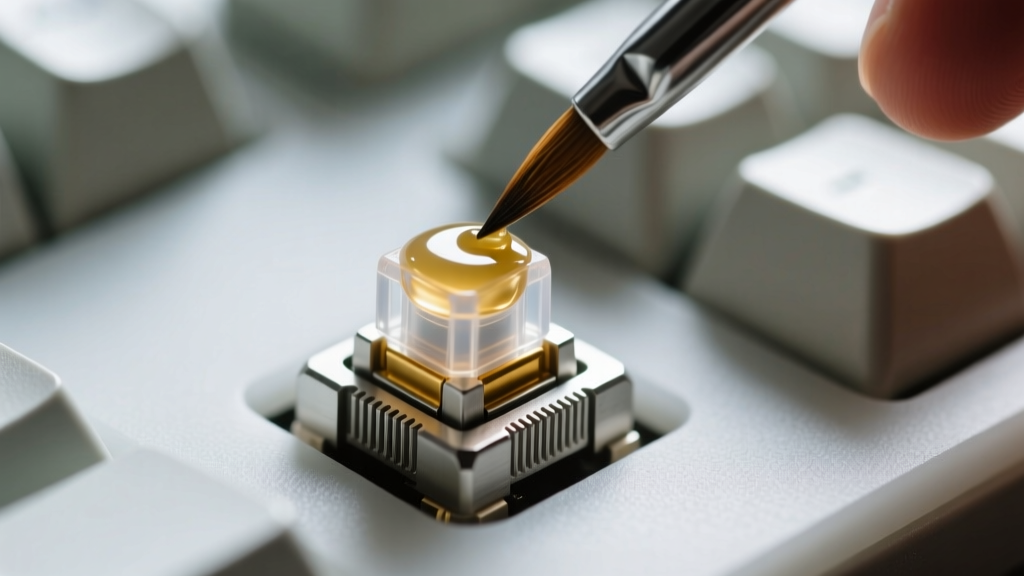
- Dielectric Grease Application: Apply a thick layer of Permatex dielectric grease only to the metal wire where it inserts into the plastic slider. This eliminates metal-on-plastic rattle. Warning: Do not get dielectric grease on the slider housing; it will make the key feel sluggish and sticky.
- Housing Lubrication: Use a high-viscosity lubricant like Krytox XHT-BDZ or Krytox 205g0 on the plastic slider rails. Apply a thin, even coat. Over-lubing will cause hydraulic lock, preventing the key from returning to the top.
- The Holee Mod: For Durock V2 or Staebies stabilizers, use a 3mm hole punch to create small Teflon tape patches. Place these inside the slider stem where the wire clips in. This completely eliminates the physical gap that causes wire ticking.
Ergonomic Input: Beyond the Standard Rectangle
While 65% and 75% layouts dominate the aesthetic side of the hobby, serious enthusiasts are increasingly prioritizing long-term joint health. Standard keyboards force the wrists into ulnar deviation (bending outward) and forearm pronation (twisting inward).
According to ergonomic guidelines published by the CDC’s National Institute for Occupational Safety and Health (NIOSH), maintaining neutral wrist postures is critical for preventing repetitive strain injuries (RSIs) like carpal tunnel syndrome. This has driven a massive surge in split and columnar-staggered keyboards.
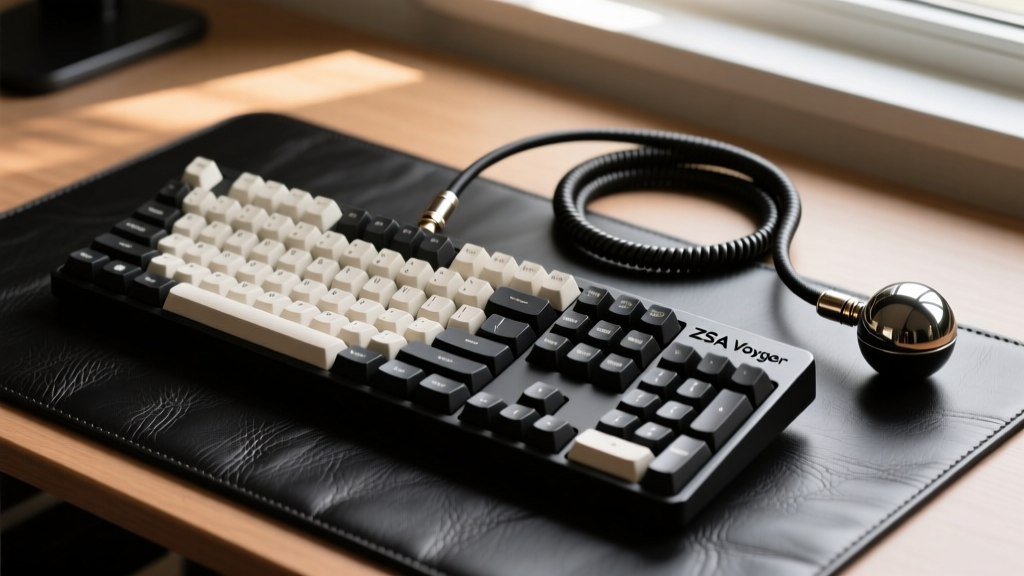
Expert Insight: Transitioning to a columnar-staggered split keyboard (like the ZSA Voyager or Kinesis Advantage 360) requires a 2-to-4 week neurological adaptation period. Your typing speed will drop by 50% initially as your brain rewires muscle memory to stop relying on lateral finger reaches. Commit to the layout without reverting to a standard board during this window.
2026 Market Recommendations by Tier
Navigating the group-buy and in-stock market requires knowing which manufacturers currently hold the highest quality control (QC) standards.
The Mid-Range Sweet Spot: Qwertykeys QK65 / QK75
Qwertykeys has dominated the $250–$350 bracket by offering flex-cut FR4 plates and multi-stage gasket mounting straight out of the box. The QK series features an internal silicone dampening pour that eliminates the need for aftermarket case foam. The typing feel is uniformly soft, and the acoustic profile leans heavily into the coveted "marbled" sound signature.
The Premium Standard: Mode Sonnet
Priced around $450, the Mode Sonnet utilizes a unique leaf-spring gasket mount that provides a more controlled, bouncy flex compared to traditional poron gasket strips. It features a brass top case and an aluminum bottom, creating a deliberate acoustic contrast that yields a sharp, highly responsive typing feel.
The Grail: Keycult No. 2
Operating in the $1,200+ secondary market tier, Keycult boards are defined by their obsessive machining tolerances (often within 0.05mm) and seamless integration of the USB daughterboard to prevent case ping. They are not just input devices; they are functional industrial art pieces.
Frequently Asked Questions
Do I need to hand-lube every switch in 2026?
No. Factory-lubed switches have improved drastically. The Gateron Oil King and WS Morandi come with excellent factory lubrication that rivals a novice hand-lube job. Only hand-lube if you are using unlubed switches (like bare Kailh BOX Jades) or if you want to apply a specific film to reduce housing wobble.
What is the difference between ABS and PBT keycaps?
ABS (Acrylonitrile Butadiene Styrene) is denser, allows for vibrant legends and complex colorways (standard for high-end GMK sets), but develops a shiny, oily patina over time. PBT (Polybutylene Terephthalate) is more porous, resists shine, and produces a deeper, lower-pitched sound, but is limited in color complexity and prone to warping on long keys like the spacebar if not properly cooled during manufacturing.
Why does my spacebar sound worse than the other keys?
The spacebar is a massive, hollow piece of plastic acting as a resonance chamber. To fix this, apply three to four strips of masking tape or specialized acoustic tape (like Tesa tape) to the underside of the spacebar. This adds mass and dampens the high-frequency echo, bringing its acoustic profile in line with the smaller modifier keys.
Written by
Sarah KimSarah Kim holds certifications from both NASM (National Academy of Sports Medicine) and ACE (American Council on Exercise), along with a B.S. in Kinesiology from UCLA. She has spent 7 years bridging the gap between exercise science and consumer technology, evaluating fitness trackers, smart scales, sleep monitors, and recovery devices with clinical precision. Sarah has tested over 200 health-focused wearables in controlled lab settings and real-world training environments, comparing device data against gold-standard medical equipment like ECG monitors and DEXA scans. She consults for three fitness app companies on data accuracy standards and has presented research on wearable reliability at the American College of Sports Medicine (ACSM) annual conference. Her reviews emphasize clinical validity over marketing claims.