Gadgets for Grandparents: Beginner vs Expert Tech Guide
Discover the best gadgets for grandparents. Compare beginner-friendly tablets with expert-level smartwatches using our tech-matching framework.
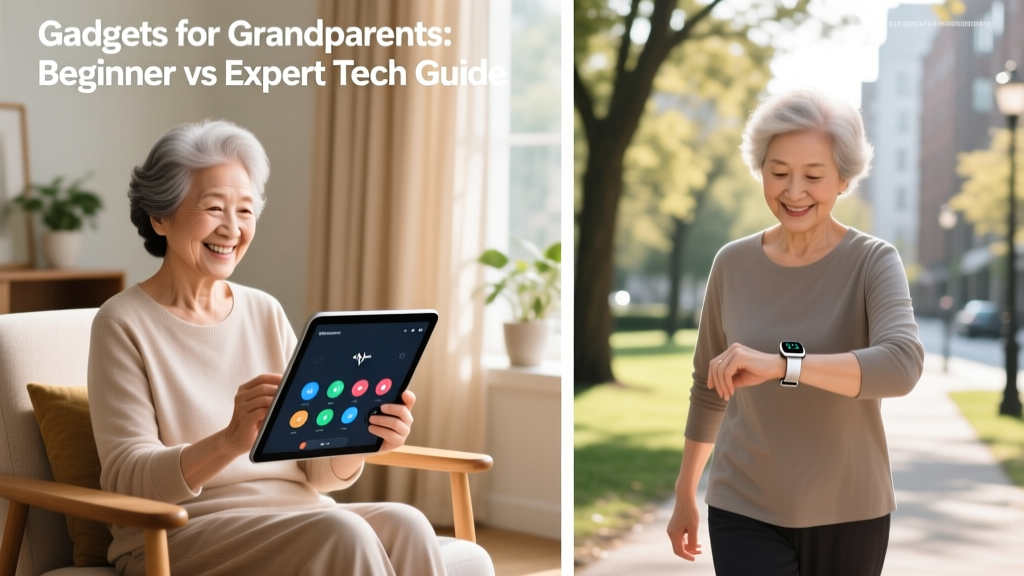
The Bifurcation of Senior Tech: Novice vs. Power User
The market for senior technology is no longer a monolith of large-button phones and medical alert pendants. As the current generation of retirees includes former software engineers, early internet adopters, and lifelong tinkerers alongside those who actively avoid touchscreens, the approach to buying gadgets for grandparents requires a bifurcated strategy. According to the National Institute on Aging, technology adoption among older adults hinges on perceived utility versus cognitive friction.
To select the right device, we must categorize the end-user into two distinct archetypes: the Tech-Beginner Grandparent (prioritizing zero-friction accessibility and scam prevention) and the Tech-Expert Grandparent (prioritizing data granularity, ecosystem integration, and cutting-edge health metrics). This guide breaks down the exact hardware, pricing, and setup frameworks required for both profiles in 2026.
Tier 1: Gadgets for the Tech-Beginner Grandparent
For grandparents who experience high cognitive load when navigating standard iOS or Android interfaces, the goal is friction reduction. Standard tablets are a trap; they present too many icons, require complex password management, and are vulnerable to phishing. You need walled-garden hardware.
The GrandPad 15-Inch (2026 Model)
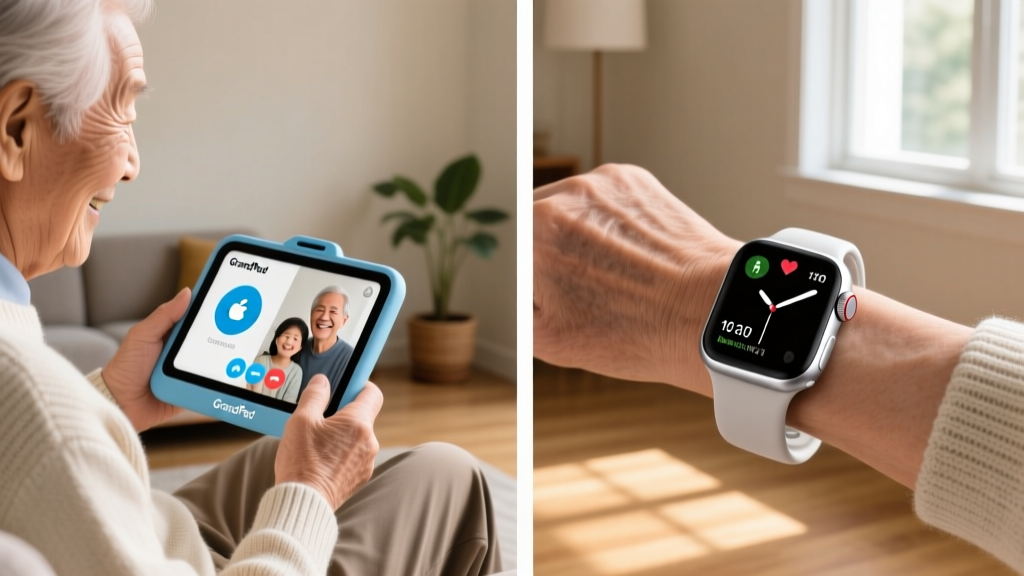
The GrandPad remains the gold standard for tech-averse seniors. Unlike an iPad, the GrandPad runs a heavily locked-down Android fork with no accessible app store, completely eliminating the risk of accidental malware downloads or subscription scams.
- Hardware Cost: $299 upfront.
- Service Fee: $39/month (includes unlimited 4G LTE data and 24/7 human support).
- Key Feature: The physical charging cradle. Beginners often struggle with aligning USB-C or magnetic pucks. The GrandPad simply drops into a weighted, angled dock that doubles as a digital photo frame.
- Setup Time: 15 minutes. The family admin configures the contacts and photo feeds via the companion smartphone app before handing it over.

Lively Jitterbug Smart4
If your grandparent requires mobility and GPS tracking but cannot manage a standard smartphone, the Jitterbug Smart4 bridges the gap. It features a 6.75-inch screen with a proprietary UI that replaces standard app grids with a simple, high-contrast list format.
- Hardware Cost: $149.
- Service Plans: Start at $19.99/month. Adding Urgent Response (a 911-dispatch equivalent) costs an additional $49.99/month.
- Edge Case Warning: The dedicated SOS button on the back requires a deliberate 3-second press to prevent pocket-dials, but users with severe arthritis may struggle to apply the necessary 1.5 lbs of pressure. Test their grip strength before purchasing.
Tier 2: Gadgets for the Tech-Expert Grandparent
The 'Silver Surfer' demographic doesn't want a simplified interface; they want the same cutting-edge telemetry and smart home control as their younger counterparts. For these users, the focus shifts to advanced health monitoring and seamless ecosystem integration, adhering to modern W3C Web Accessibility Initiative standards that allow native OS scaling without breaking app layouts.
Apple Watch Series 10 (Cellular) with Family Setup
The Apple Watch Series 10 is the premier health and safety gadget for the tech-savvy grandparent. It features the new sleep apnea detection algorithm, a thinner chassis for all-day comfort, and advanced fall detection with crash sensing.
If your grandparent does not own an iPhone, do not buy them one just to pair the watch. Use Family Setup. You pair their cellular Apple Watch to your iPhone, but the watch operates as an independent device with its own dedicated phone number and Apple ID. This costs roughly $10/month via your carrier for the watch's cellular line, saving the $800+ cost of buying them a new smartphone.
Ecobee SmartThermostat Premium
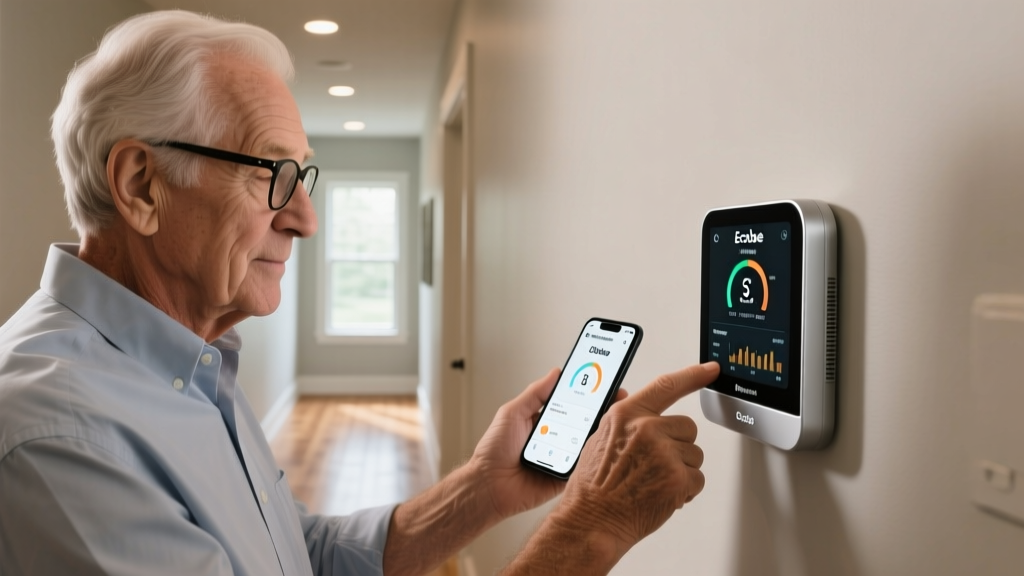
For the grandparent who loves home automation, the Ecobee SmartThermostat Premium ($249) offers more than just climate control. It includes a built-in smart speaker, an air quality monitor (tracking VOCs and CO2), and a radar-based occupancy sensor. Tech-expert seniors appreciate the granular data the Ecobee app provides regarding their home's energy efficiency and HVAC runtime, turning home maintenance into a manageable data dashboard.
The Setup Matrix: Beginner vs. Expert Ecosystems
Choosing between these tiers requires evaluating the grandparent's physical dexterity, cognitive tolerance for troubleshooting, and desire for data. Use this comparison matrix to finalize your purchasing decision.
| Feature | Beginner Ecosystem (GrandPad / Jitterbug) | Expert Ecosystem (Apple Watch / Ecobee) |
|---|---|---|
| Primary Interface | Walled-garden, large icon grid, no app store | Full native OS (watchOS / iOS) with deep menus |
| Health Telemetry | Basic (Step counting, manual SOS triggers) | Advanced (ECG, SpO2, Sleep Apnea, Fall Detection) |
| Network Fallback | Auto-switching multi-carrier SIM built-in | Requires specific carrier eSIM provisioning |
| IT Maintenance | 24/7 human support line included in monthly fee | Family member acts as remote IT admin via MDM |
| Monthly Cost | $20 - $89/month (depending on SOS add-ons) | $10 - $15/month (cellular watch line only) |
Edge Cases and Real-World Troubleshooting
Even the best gadgets for grandparents fail if physical and environmental edge cases are ignored. Here are the most common failure modes and how to engineer around them.
1. The 'Cold Weather Battery Drain' on Smartwatches
Lithium-ion batteries experience increased internal resistance in cold environments. If your expert grandparent lives in a northern climate and takes winter walks, their Apple Watch battery may temporarily drop by 20-30% and trigger a low-battery shutdown. The Fix: Enable 'Theater Mode' and disable 'Always-On Display' during winter months to preserve the cellular modem's baseline power draw.
2. Wi-Fi Dropping and the Telehealth Disconnect
Beginner grandparents often do not know how to toggle Wi-Fi back on if their router reboots. If a GrandPad loses Wi-Fi, it defaults to its 4G LTE connection. However, 4G data caps on some legacy plans will throttle video telehealth calls to unusable resolutions. The Fix: Ensure the GrandPad subscription is on the 2026 unlimited LTE tier, and place a Wi-Fi extender (like the TP-Link RE700X) halfway between the router and the grandparent's primary seating area to maintain a strong 5GHz signal.
3. Accidental SOS Triggers via Smart Home Routines
Tech-expert seniors often set up complex voice routines. A misinterpreted voice command to a smart speaker can occasionally trigger an automated emergency contact text. The Fix: Never link critical medical alert APIs directly to voice-activated smart home routines without a mandatory secondary confirmation step (e.g., requiring a physical button press on the phone to confirm the dispatch).
Strategic Buying Framework: The Final Decision
Do not buy gadgets based on what you find intuitive; buy based on the grandparent's daily physical reality. If they suffer from macular degeneration or peripheral neuropathy, the haptic feedback and massive UI elements of the Beginner Tier are non-negotiable, regardless of their past career in tech. Conversely, if they are physically agile but socially isolated, the Expert Tier provides the data-rich engagement and passive safety monitoring (like Apple's fall detection) that preserves their independence without making them feel institutionalized.
Golden Rule of Senior Tech: The best gadget is the one that requires zero daily maintenance from the user. If you have to call them weekly to remind them to charge it, update it, or reboot it, you have chosen the wrong tier.
Written by
Jake MorrisonJake Morrison holds a B.S. in Electrical Engineering from UC Berkeley and an MBA from Stanford Graduate School of Business. With over 12 years of hands-on experience in consumer electronics, he previously served as a senior product engineer at a Silicon Valley startup before transitioning to tech journalism. Jake has personally tested and benchmarked over 3,000 gadgets across categories including smartphones, wearables, smart home devices, and audio equipment. His durability testing methodology — involving controlled drop tests, thermal cycling, and water submersion — is widely cited by major tech publications. He is a certified CompTIA A+ technician and a contributing editor to the IEEE Consumer Electronics Magazine.