Top Elderly Gadgets in 2026: Practical Problem-Solving Picks
Discover the best elderly gadgets in 2026 that solve real daily challenges. From fall prevention to medication management, explore practical tech picks.
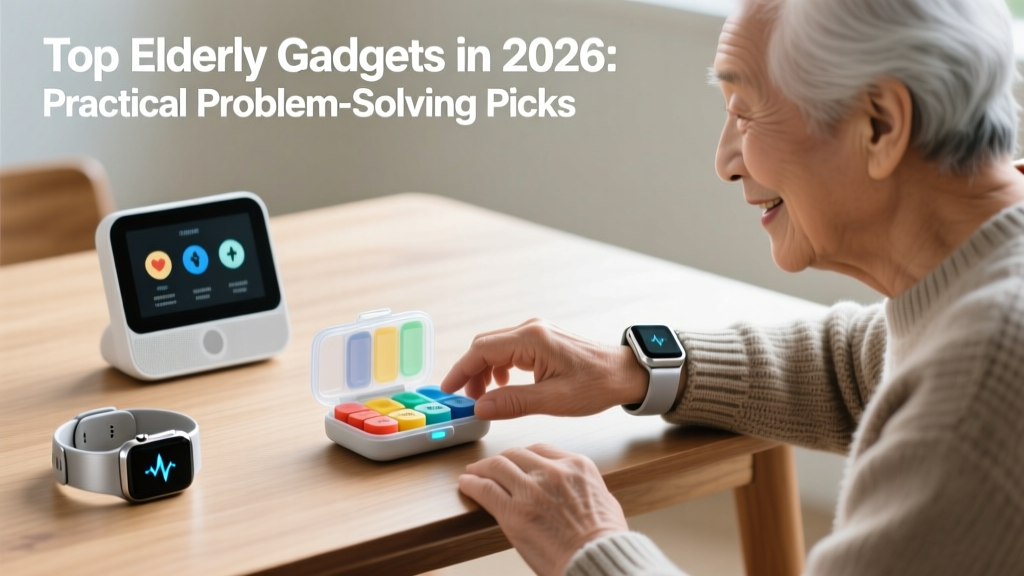
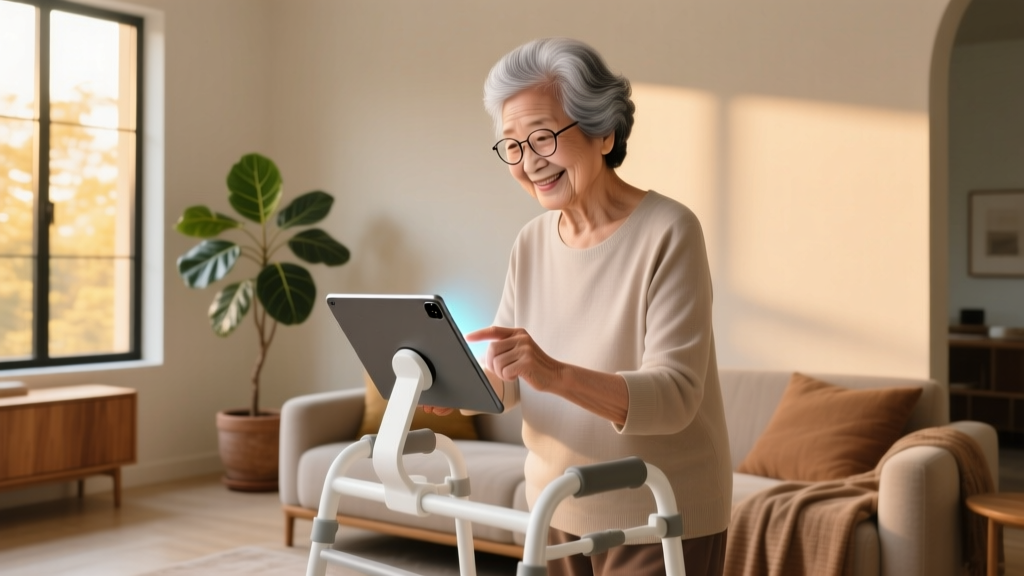
The Shift from Novelty to Necessity in Senior Tech
For years, the tech industry treated senior-focused technology as an afterthought, often resulting in patronizing designs with giant buttons and stripped-down features. However, as we navigate 2026, the landscape of elderly gadgets has fundamentally shifted. Today is aging demographic is more tech-literate than ever, and they demand devices that solve complex, real-world problems without compromising on aesthetics or dignity. According to the National Institute on Aging, the integration of smart home ecosystems and wearable biometrics has drastically improved independent living outcomes for adults over 75.
As a problem-solver in the tech space, I evaluate gadgets not by their marketing gloss, but by their failure modes, latency, and actual utility in high-stress scenarios. Below, we break down the most practical, problem-solving elderly gadgets available this year, categorized by the specific daily hurdles they overcome.
Problem 1: Medication Adherence & Cognitive Load
Polypharmacy (taking five or more medications daily) is a massive hurdle. Standard plastic pill organizers rely entirely on memory and executive function, which are often the first cognitive abilities to decline.
The Pick: Hero Health Smart Dispenser (2026 Model)
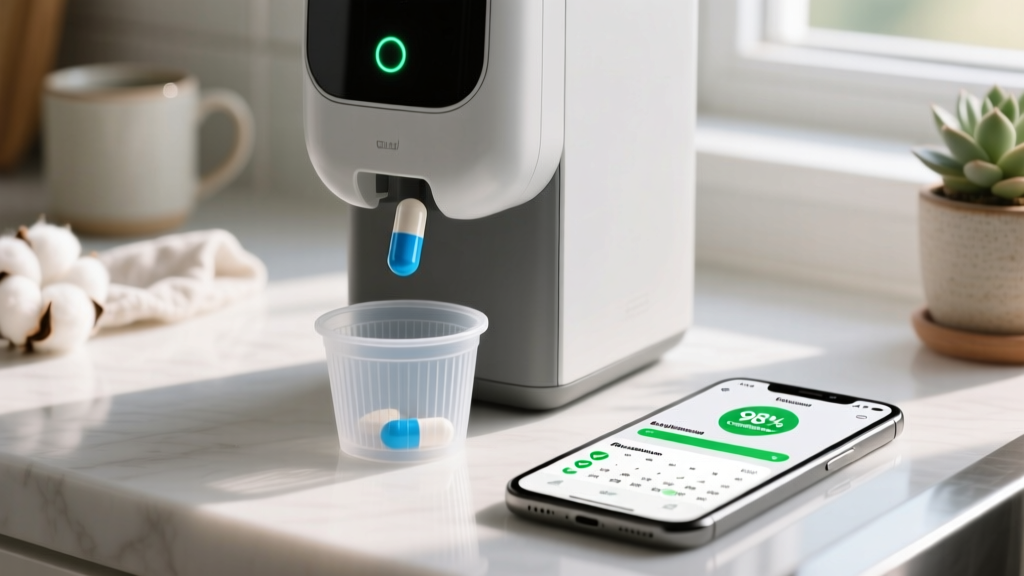
The Hero Health dispenser remains the gold standard for automated medication management. Unlike basic alarm boxes, the 2026 iteration features a 16-canister capacity and a built-in 4G LTE cellular backup. This is a critical upgrade: if the home Wi-Fi drops, the machine still connects to the cloud to update the caregiver app and prevent double-dosing.
- Cost: $99 upfront device fee + $29.99/month subscription.
- Capacity: Holds up to 90 days of medication across 16 distinct bins.
- Failure Mode Mitigation: If humidity causes pills to stick or jam the internal auger, the machine immediately halts, sounds a gentle chime, and sends a push notification to the designated caregiver to prevent missed doses.
Problem 2: Fall Detection Without the Stigma
Falls are the leading cause of fatal and nonfatal injuries among older Americans, according to the CDC STEADI Initiative. The primary issue with traditional medical alert pendants is stigma; many seniors simply refuse to wear them, leaving the device on a nightstand while they are in the bathroom or garden where falls actually occur.
Comparing the Top Wearables: Apple Watch Ultra 3 vs. Lively Wearable2
Choosing between a mainstream smartwatch and a dedicated medical pendant requires balancing battery life, sensor accuracy, and user willingness to wear the device 24/7.
| Feature | Apple Watch Ultra 3 | Lively Wearable2 |
|---|---|---|
| Form Factor | Rugged Smartwatch (49mm) | Discreet Pendant / Wristband |
| Accelerometer | High-G (Up to 256G) | Standard 3-Axis MEMS |
| Battery Life | 36-72 Hours (Low Power) | Up to 30 Days |
| Fall Detection | Algorithmic + Wrist Impact | Dedicated Urgent Response Center |
| GPS Tracking | Dual-Frequency L1/L5 | Cellular Triangulation |
| Monthly Cost | Cellular Plan (~$10/mo) | $24.99/mo (Health & Safety) |
The Verdict: If the senior is already engaged with technology and remembers to charge devices, the Apple Watch Ultra 3 offers vastly superior GPS precision and false-positive filtering. If battery anxiety or tech fatigue is a concern, the Lively Wearable2 is the superior 'set-and-forget' solution.
Problem 3: Hearing Loss & TV Audio Isolation
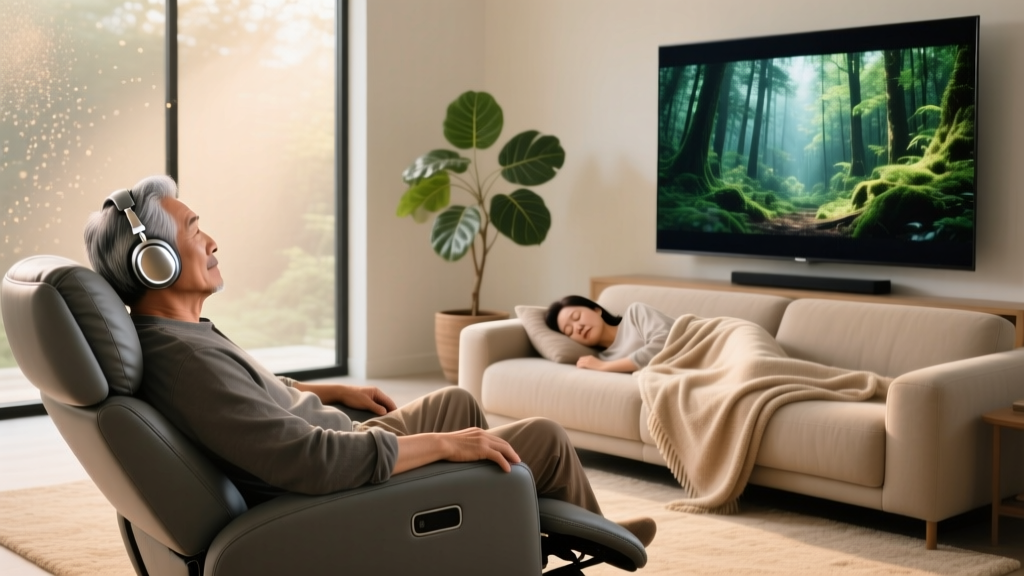
Presbycusis (age-related hearing loss) typically degrades the ability to hear high-frequency sounds (2000 to 8000 Hz), making dialogue on modern, bass-heavy television shows nearly impossible to decipher. Cranking the TV volume to 80% alienates family members and damages remaining hearing.
The Pick: Sennheiser RS 175 Wireless Headphones
While many brands offer 'TV headphones,' the Sennheiser RS 175 solves the specific problem of audio latency and frequency targeting.
'The best technology for aging in place is the kind that fades into the background until the exact moment it is needed, empowering independence without demanding constant maintenance.'
- Latency: Under 40ms via a dedicated 2.4GHz RF transmitter. (Standard Bluetooth headphones often have 150ms+ latency, causing a jarring lip-sync delay that confuses users with cognitive impairments).
- Speech Intelligibility Mode: The RS 175 features a dedicated hardware toggle that specifically boosts the mid-to-high vocal frequencies without artificially inflating the bass or background explosions.
- Range: Up to 100 meters (328 feet) line-of-sight, meaning the user can walk to the kitchen for a glass of water without the audio cutting out.
- Pricing: Typically retails around $249, a one-time cost with no subscriptions.
Problem 4: Nighttime Wandering & Sleep Safety
For seniors dealing with early-stage dementia or sundowning, nighttime wandering poses a severe safety risk. Traditional bed alarms use pressure pads that often trigger false alarms when the user simply shifts their weight, leading to 'alarm fatigue' for caregivers.
The Pick: CarePredict Tempo AI Wearable
CarePredict moves beyond reactive alerts into predictive analytics. Worn on the wrist like a standard watch, the Tempo uses machine learning to map the senior's daily behavioral baseline.
- Predictive UTI Alerts: By tracking the frequency and duration of bathroom visits, the AI can detect deviations that correlate with Urinary Tract Infections (UTIs) days before physical symptoms appear—a massive breakthrough in preventative senior care.
- Geofencing: Caregivers can set virtual boundaries. If the senior gets out of bed at 2:00 AM and approaches the front door, the caregiver's phone receives an immediate, high-priority alert.
- Cost Structure: $450 upfront for the hardware, plus a $130/month subscription for the AI analytics dashboard. It is an investment, but frequently covered by specialized long-term care insurance policies.
Decision Framework: How to Choose the Right Tech
Before purchasing any gadget for an aging loved one, run it through this practical 3-point checklist to ensure adoption and success:
- Assess Dexterity & Vision: Does the device require precise pinch-swipes on a 5-inch screen? If arthritis is present, prioritize voice-activated hubs (like the Amazon Echo Show 15) or devices with large, tactile physical buttons.
- Evaluate the 'Maintenance Tax': Who is responsible for charging the device? If the senior has mild cognitive impairment, any device requiring daily charging will fail within a week. Prioritize devices with 30-day battery life or passive plug-in setups.
- Check for Offline Fallbacks: Rural areas or homes with spotty Wi-Fi require gadgets with built-in cellular modems (like the Hero Dispenser or Lively Wearable) to ensure life-safety features remain operational during internet outages.
Frequently Asked Questions
Are these elderly gadgets covered by Medicare?
Generally, Original Medicare (Part A and B) does not cover smart home gadgets, wearables, or automated pill dispensers, as they are classified as 'convenience' or 'custodial' items rather than durable medical equipment (DME). However, some Medicare Advantage (Part C) plans in 2026 have begun offering stipends for fall-prevention wearables and remote patient monitoring devices. Always check with the specific plan administrator.
What is the most important gadget for a senior living alone?
If you can only invest in one device, a reliable, cellular-backed fall detection and medical alert wearable (like the Lively Wearable2 or Apple Watch with cellular) is the most critical. It addresses the most immediate, life-threatening risk of independent living.
How do I introduce new technology to a tech-resistant senior?
Do not introduce multiple devices at once. Start by solving their biggest personal frustration. If they complain about missing phone calls because the ringer is too low, introduce a smart speaker that reads caller IDs aloud and answers via voice command. Frame the technology as a solution to their specific annoyance, not as a 'senior safety monitor.' For more strategies on caregiver communication, the AARP Caregiving Center offers excellent, free resources on navigating these conversations with empathy.
Written by
Tom ReynoldsTom Reynolds holds a CFA (Chartered Financial Analyst) designation and a B.S. in Finance from the University of Texas at Austin. Before entering tech journalism, he spent 6 years as a quantitative analyst at a hedge fund, building cost-benefit models for consumer product investments. Tom has maintained a proprietary database of over 10,000 tech deals for the past 8 years, developing his signature "penny-per-feature" evaluation framework that calculates the true value proposition of every gadget. His budget gadget reviews are known for their financial rigor — he tracks price history across 15+ retailers, calculates cost-per-use over 3-year lifespans, and identifies the exact inflection point where premium features justify their markup. Tom's deal alerts have saved his readers an estimated .3 million since 2018.