2026 Gift Guide: Great Tech Gadgets for E-Readers and Tablets
Discover great tech gadgets for bibliophiles and digital artists. Our 2026 gift guide covers the best e-reader cases, tablet styluses, and ergonomic stands.
The Accessory Advantage: Why Add-Ons Make the Best Gifts
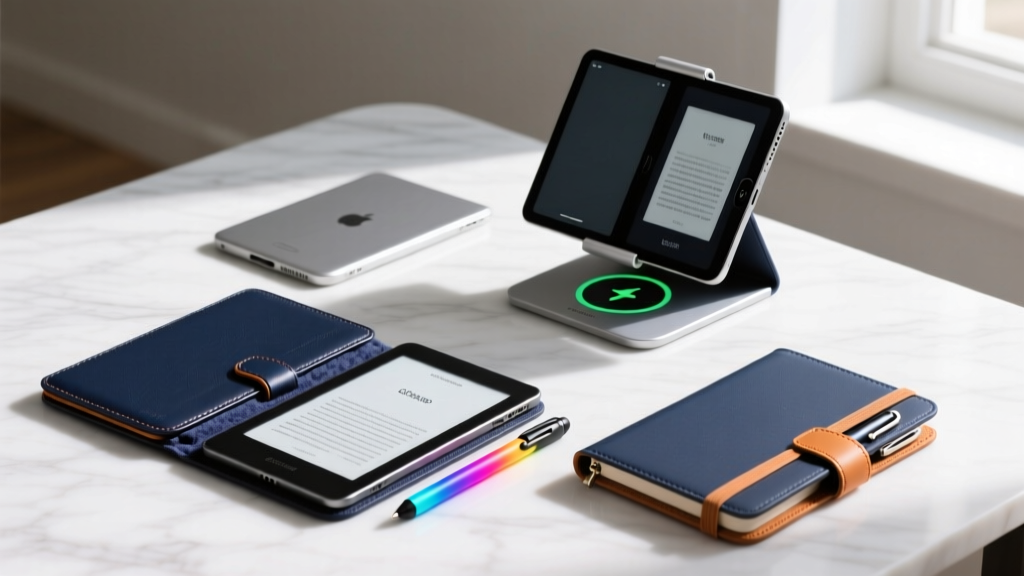
Buying a flagship tablet or e-reader for a tech enthusiast is a high-stakes gamble; they likely already own the exact model they want, or they are waiting for a specific upgrade cycle. When hunting for great tech gadgets that actually surprise and delight the device owners on your list, the accessory market is where you find the highest ROI. The right stylus transforms a glass slab into a professional drafting board, while an engineered case shifts a fragile luxury item into a rugged daily companion. This 2026 gift guide bypasses generic trinkets and focuses on high-utility, specification-driven accessories for iPads, Galaxy Tabs, Kindles, and reMarkable tablets.
Styluses: Upgrading the Pointing Experience
The stylus included in the box—or the one the user bought three years ago—is often the first component to degrade. Battery swelling, worn nibs, and outdated latency profiles make a premium stylus upgrade an exceptional gift.
The Professional's Choice: Active and EMR Styluses
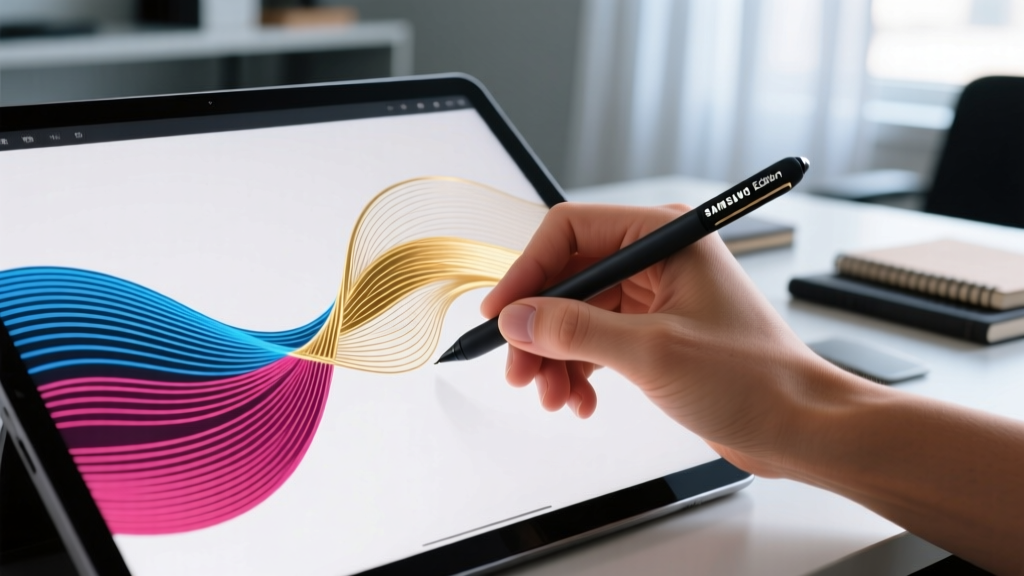
For the iPad Pro M4 user, the Apple Pencil Pro ($129) is mandatory. Its integration of a haptic engine and barrel roll sensor allows digital artists to rotate virtual brushes simply by twisting their fingers, a feature that drastically reduces the need to tap on-screen menus. For Samsung Galaxy Tab S9 and S10 users, the S Pen Creator Edition ($99) utilizes Wacom’s EMR (Electro-Magnetic Resonance) technology. Unlike active capacitive styluses that require internal batteries, EMR styluses draw power directly from the tablet's digitizer layer, eliminating the failure mode of a dead stylus battery mid-sketch while offering 4,096 levels of pressure sensitivity.
The Budget USI 2.0 Alternatives
If the recipient uses a USI 2.0 (Universal Stylus Initiative) compatible device like the Lenovo Tab P12 or various Chromebook tablets, avoid cheap passive capacitive pens. Gift the Logitech Pen for USI 2.0 ($69). It provides true palm rejection and tilt support, solving the most common complaint among budget stylus users: stray marks caused by the side of the hand resting on the glass.
Cases and Sleeves: The Material Science of Protection
A tablet case must balance drop protection, thermal dissipation, and weight. The heaviest mistake gift-givers make is buying bulky, poorly ventilated cases that cause tablets to thermal-throttle during rendering or gaming sessions.
| Material | Weight Impact | Drop Protection | Thermal Profile | Top 2026 Recommendation |
|---|---|---|---|---|
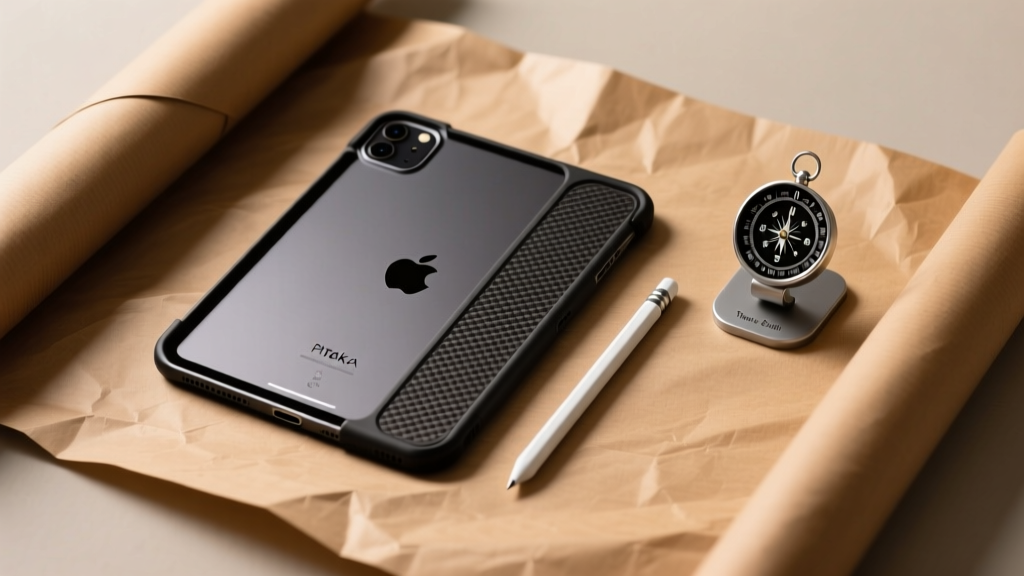
| Aramid Fiber (Kevlar) | +35g (Ultra-light) | Scratch/Scuff only | Excellent (Heat dissipation) | Pitaka MagEZ Case 4 ($75) |
| Polycarbonate/TPU | +180g (Heavy) | MIL-STD-810G (High) | Poor (Traps heat) | OtterBox Symmetry 360 ($59) |
| Vegan Leather Folio | +120g (Medium) | Screen protection only | Moderate | Moleskine Smart Writing Folio ($89) |
Stands and Mounts: Engineering the Perfect Viewing Angle
Binge-reading on a Kindle Scribe or grading papers on an iPad Pro takes a severe toll on the cervical spine. According to research published by the National Institutes of Health (NIH), reading on a flat tablet increases neck flexion by 20 to 45 degrees compared to reading a physical book on a desk, exponentially increasing the load on the cervical vertebrae. To combat this, a high-quality stand is not just an accessory; it is a medical necessity.
'Maintaining a neutral spine position requires elevating the screen to eye level, ensuring the top third of the display is parallel to the user's line of sight to prevent forward head posture.' — Mayo Clinic's ergonomics guidelines
Desktop vs. Bedside Solutions
For the desk worker, the Twelve South Compass Pro ($79.95) remains the gold standard. CNC-machined from aluminum, it features a hidden hinge that holds heavy 12.9-inch tablets securely in a portrait orientation without sagging over time—a common failure point in cheaper plastic stands. For the bedside reader, avoid rigid stands. Instead, gift the Lamicall Gooseneck Tablet Mount ($35). The 2026 iteration features a dampened internal alloy core that prevents the 'micro-vibration' effect, where tapping the screen to turn a page causes the entire display to shake for three seconds.

Curated 2026 Gift Bundles: The Decision Framework
Rather than buying a single item, combine complementary accessories to create a tailored experience. Use these three personas to guide your purchase.
🎁 Bundle 1: The Medical / Law Student
The Gear: reMarkable Paper Pro + Lamy AL-star EMR Pen ($55) + Felt Nib Replacements ($15).
Why it Works: The reMarkable Paper Pro is an incredible e-ink tablet, but the stock stylus feels like cheap plastic. The Lamy AL-star provides the ergonomic grip and weight balance of a premium fountain pen, while the felt nibs increase friction on the textured screen, simulating the exact drag of a 0.5mm mechanical pencil on Bristol board.
🎁 Bundle 2: The Digital Nomad
The Gear: Pitaka MagEZ Case 4 + Satechi 3-in-1 Magnetic Travel Stand ($129).
Why it Works: Nomads hate carrying extra charging bricks. The Pitaka case exposes the iPad's rear magnets, allowing it to snap directly onto the Satechi stand, which simultaneously charges the tablet, phone, and earbuds from a single 65W USB-C wall plug.
🎁 Bundle 3: The Culinary Enthusiast
The Gear: Amazon Echo Show 15 / Fire Max 11 + Yummtime Silicone Splatter Guard & Stylus Tether ($25).
Why it Works: Using a tablet in the kitchen is a nightmare of flour-covered screens and accidental drops. A specialized silicone tether keeps the stylus attached to the user's wrist or apron, while a washable splatter guard allows them to swipe through recipes without ruining the oleophobic coating on the glass.
Frequently Asked Questions
Will an Apple Pencil Pro work on an older iPad Air?
No. The Apple Pencil Pro (released in 2024 and updated in subsequent generations) strictly requires the M2/M4 iPad Pro and M2/M3 iPad Air models due to the specific magnetic charging array and haptic feedback pairing protocols. For older Lightning or early USB-C iPads, you must source the 1st or 2nd Generation Apple Pencils, respectively.
How do I clean an e-reader screen without damaging it?
E-ink displays, especially those with recessed bezels like the Kindle Oasis or Kobo Libra, trap oils and dust in the seams. Never use alcohol-based cleaners, as they will strip the anti-glare etching. Gift a Zeiss Mobile Screen Wipe kit ($12), which uses a mild, non-streaking surfactant safe for both e-ink and OLED anti-reflective coatings.
Are third-party stylus nibs safe for glass screens?
Metal or hard-plastic third-party nibs can cause micro-scratches on bare glass, which eventually catch light and degrade screen clarity. Always ensure the recipient is using a matte screen protector (like Paperlike) if they prefer metal stylus tips, or stick to soft POM (polyoxymethylene) or silicone-tipped nibs for bare glass setups.
Written by
Jake MorrisonJake Morrison holds a B.S. in Electrical Engineering from UC Berkeley and an MBA from Stanford Graduate School of Business. With over 12 years of hands-on experience in consumer electronics, he previously served as a senior product engineer at a Silicon Valley startup before transitioning to tech journalism. Jake has personally tested and benchmarked over 3,000 gadgets across categories including smartphones, wearables, smart home devices, and audio equipment. His durability testing methodology — involving controlled drop tests, thermal cycling, and water submersion — is widely cited by major tech publications. He is a certified CompTIA A+ technician and a contributing editor to the IEEE Consumer Electronics Magazine.