Top Cool Gadgets for Kids in 2026: Unique STEM & Play Picks
Discover the top cool gadgets for kids in 2026. From programmable robotics to augmented reality globes, explore unique STEM and creative tech finds.
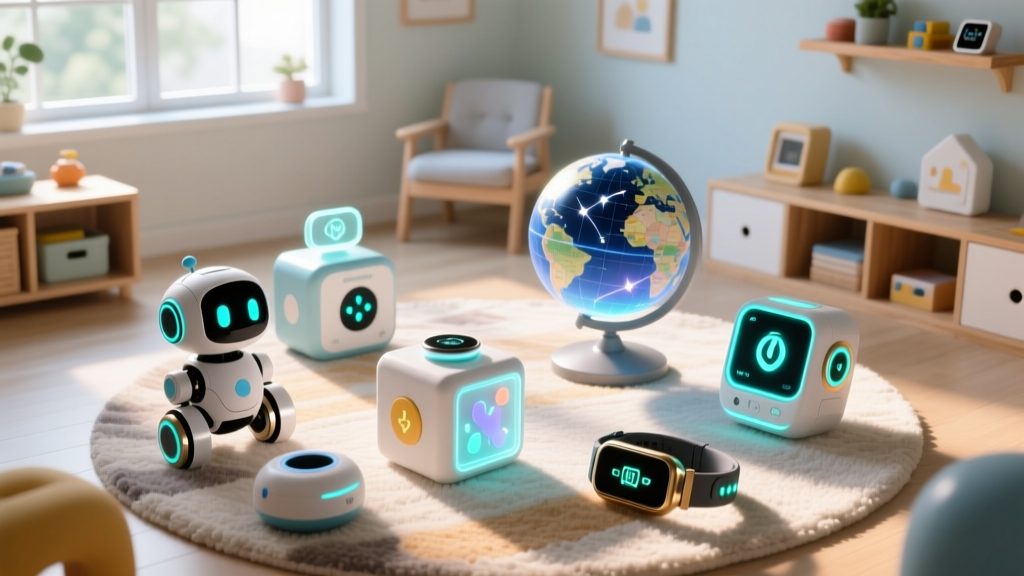
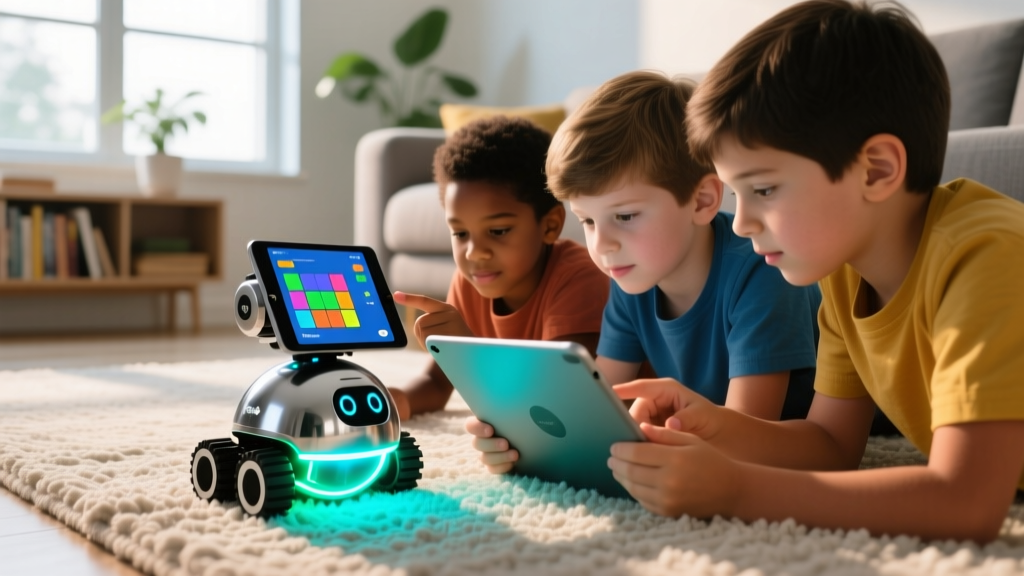
The landscape of children's technology has shifted dramatically. In 2026, the most effective educational tools are no longer passive screens; they are tactile, spatial, and programmable devices that bridge the gap between digital logic and physical engineering. When sourcing the top cool gadgets for kids, parents and educators must look past flashy packaging and evaluate hardware durability, software longevity, and cognitive engagement. Below is a curated, expert-level breakdown of unique STEM and creative tech finds that deliver measurable educational value.
The 2026 Benchmark: What Makes a Gadget 'Cool' and Educational?
A genuinely valuable tech toy must pass three criteria:
- Open-Ended Play: The device should not have a single 'win state.' It must allow for iterative creation and debugging.
- Hardware Transparency: Kids should be able to see how inputs (sensors) translate to outputs (motors/LEDs) without a black-box abstraction.
- Ecosystem Longevity: The accompanying app or software must receive regular updates and support community-generated content.
Programmable Robotics: Makeblock mBot2 (CyberPi Edition)
The Makeblock mBot2 (Retail: $99) represents the current gold standard for introductory robotics. Unlike older models that relied on basic Arduino clones, the mBot2 is powered by the CyberPi board, featuring an ESP32 chip with native Wi-Fi, Bluetooth, and a built-in 5-axis IMU (Inertial Measurement Unit). This allows kids aged 8+ to transition seamlessly from block-based Scratch programming to text-based Python.
Technical Specifications & Real-World Edge Cases
- Battery: 1200mAh Li-ion (approx. 110 minutes of continuous motor runtime).
- Charge Time: 2.5 hours via USB-C PD.
- Sensors: Ultrasonic distance, quad RGB line-tracking, and ambient light.
Troubleshooting Gotcha: Ultrasonic Sensor Blindspots
The mBot2's ultrasonic sensor emits a 40kHz sound pulse to detect obstacles. However, heavy fabrics like living room curtains or thick carpets absorb these sound waves, causing the robot to register 'clear path' and crash. Fix: When operating on carpeted or heavily draped rooms, switch the navigation logic to use the downward-facing IR line-tracking sensors paired with physical tape boundaries.
Spatial Learning: Merge EDU 2.0 AR Kit
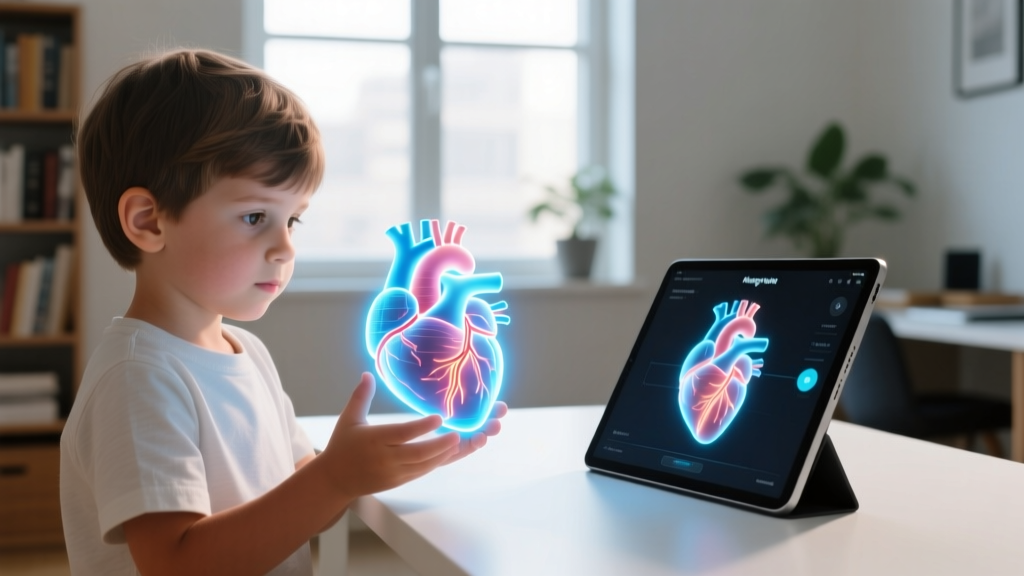
Augmented Reality (AR) has matured into a powerful spatial computing tool. The Merge EDU 2.0 Kit (Retail: $69) uses a physical foam 'Merge Cube' as a spatial anchor. When viewed through a smartphone or tablet camera, the cube transforms into a fully manipulable 3D hologram—ranging from a beating human heart to the Apollo 11 lunar module.
AR vs. VR: Ocular Health and Engagement
While Virtual Reality (VR) headsets completely occlude the real world, AR overlays digital objects onto physical space. According to the American Academy of Pediatrics (AAP), managing screen time requires balancing digital engagement with physical world awareness. AR inherently encourages physical movement and spatial reasoning without the severe vergence-accommodation conflict associated with near-eye VR displays in children under 12.
| Feature | Merge AR (Ages 6-12) | Standard VR Headsets |
|---|---|---|
| Spatial Awareness | High (Real-world visible) | None (Fully occluded) |
| Motion Sickness Risk | Very Low | Moderate to High |
| Collaborative Play | Excellent (Pass-and-play) | Poor (Isolating) |
| Hardware Requirement | iOS 15+ / Android 11+ | Dedicated Headset ($299+) |
Pro-Tip: Lighting Requirements for SLAM Tracking
AR relies on Simultaneous Localization and Mapping (SLAM). The Merge Cube requires a minimum of 300 lux of ambient lighting to maintain tracking. If used in a dim bedroom, the 3D hologram will experience 'drift,' detaching from the physical cube. Always use near a window or under bright overhead LEDs.
Tactile Engineering: 3Doodler Start+ Essentials
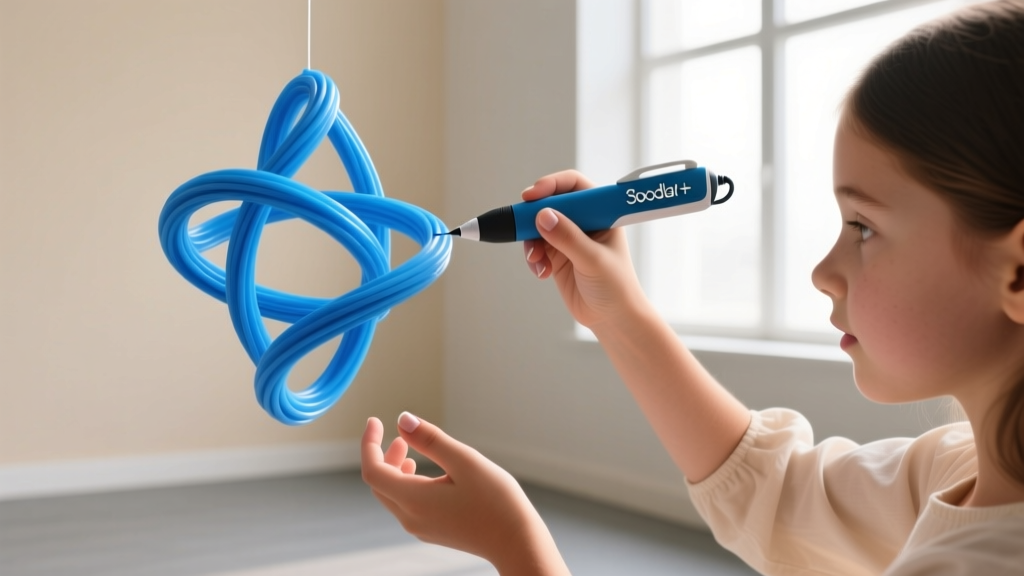
For kids who learn best through physical construction, the 3Doodler Start+ (Retail: $49) bridges the gap between drawing and 3D modeling. Unlike adult 3D pens that melt ABS plastic at 220°C, the Start+ uses a custom ECO-PLA (corn-based bioplastic) that extrudes at a much lower temperature.
Safety Mechanics and Material Science
The PTC heating element inside the Start+ maintains a strict 110°C at the internal nozzle, but the plastic exits the tip at approximately 60°C and cools to a touch-safe temperature within 2 seconds. This thermal profile is certified safe for bare skin contact, eliminating the burn risks associated with traditional desktop 3D printers. The ECO-PLA filament is non-toxic and biodegradable, aligning with modern Consumer Product Safety Commission (CPSC) guidelines for children's manufacturing materials.
- Heat-Up: Insert the ECO-PLA strand; wait exactly 40 seconds for the indicator light to turn green.
- Extrusion: Use the 'Slow' speed setting for structural joints and 'Fast' for filling large flat planes.
- Adhesion: PLA adheres poorly to smooth glass or polished wood. Always have kids draw their base layers on the included matte-finish paper stencils.
2026 Comparison Matrix: Investment vs. Skill Ceiling
Choosing the right device depends heavily on the child's current cognitive stage and the parent's budget. Use this matrix to align your purchase with your child's developmental needs.
| Gadget | Price | Ideal Age | Primary Skill Developed | Skill Ceiling |
|---|---|---|---|---|
| Makeblock mBot2 | $99 | 8-14 | Logic & Python Coding | Very High (IoT integration) |
| Merge EDU 2.0 | $69 | 6-12 | Spatial Anatomy & Physics | Medium (Content dependent) |
| 3Doodler Start+ | $49 | 6-12 | Structural Engineering | High (Artistic freedom) |
Critical Maintenance: Preventing Battery Degradation
A common failure mode for expensive kids' tech is improper seasonal storage. Devices like the mBot2 and Sphero robots utilize Lithium-ion batteries. If a child loses interest and stores the robot at a 0% charge for summer vacation, the battery's internal management system (BMS) will trigger a deep-discharge lock to prevent chemical instability. This permanently bricks the device.
Expert Rule: Before storing any Li-ion powered kids' gadget for more than 30 days, charge it to exactly 60% and store it in a climate-controlled room (approx. 20°C / 68°F). Never store them in hot attics or freezing garages.
Frequently Asked Questions
Do these gadgets require a constant Wi-Fi connection?
No. While the Merge EDU app requires internet to download new 3D models initially, the rendering happens locally on the device's GPU. The mBot2 can be programmed entirely offline via USB-C connection to a laptop; Wi-Fi is only necessary if the child is programming IoT (Internet of Things) functions, like making the robot fetch live weather data.
How do I manage screen time with AR and coding apps?
According to Common Sense Media, the quality of screen time matters more than the raw minutes. Coding a robot to navigate a maze requires active problem-solving and executive function, which is cognitively vastly different from passively watching algorithmic video feeds. Use the AAP Family Media Plan tool to set boundaries that differentiate between 'creation time' and 'consumption time'.
Are replacement parts easy to source?
Makeblock and 3Doodler have robust supply chains. Replacement mBot2 ultrasonic sensors cost roughly $12, and ECO-PLA filament packs are widely available for $19. Merge relies on software, so hardware replacement is limited to the physical foam cube, which is highly durable and rarely breaks under normal child use.
Written by
Jake MorrisonJake Morrison holds a B.S. in Electrical Engineering from UC Berkeley and an MBA from Stanford Graduate School of Business. With over 12 years of hands-on experience in consumer electronics, he previously served as a senior product engineer at a Silicon Valley startup before transitioning to tech journalism. Jake has personally tested and benchmarked over 3,000 gadgets across categories including smartphones, wearables, smart home devices, and audio equipment. His durability testing methodology — involving controlled drop tests, thermal cycling, and water submersion — is widely cited by major tech publications. He is a certified CompTIA A+ technician and a contributing editor to the IEEE Consumer Electronics Magazine.