Best Home Office Gift Gadgets for Remote Workers: 2026 Guide
Discover the best home office gift gadgets for 2026. Our comprehensive buyer's guide covers ergonomic tools, smart desk tech, and productivity upgrades.
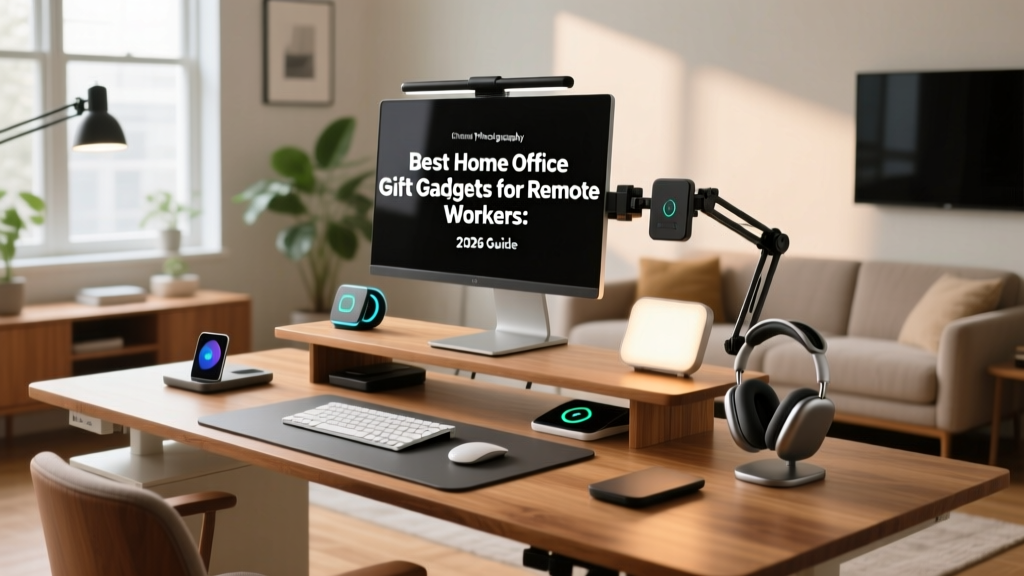
The Remote Worker Gift Selection Framework
Remote work is no longer a temporary perk; it is the baseline for a massive segment of the global workforce, with Buffer's State of Remote Work indicating that hybrid and fully remote models continue to dominate knowledge work. Gifting for a remote worker requires moving beyond generic novelty items. The best home office gift gadgets solve specific friction points: ergonomic fatigue, ambient distractions, and digital clutter.
The Recipient Profiling Framework
Before selecting a gadget, categorize your recipient to ensure high utility and daily adoption:
- The Marathon Coder: Needs ergonomic relief and focus tools to prevent repetitive strain during long deep-work sessions.
- The Zoom Executive: Needs presentation upgrades, ambient lighting, and audio clarity for back-to-back client calls.
- The Analog-Digital Hybrid: Needs smart notebooks, tactile organization systems, and distraction-free planning tools.
Ergonomic Lifesavers: Health-First Desk Upgrades
According to Cornell University Ergonomics, maintaining a neutral wrist posture is critical for preventing carpal tunnel syndrome and forearm fatigue. Standard flat mice force the forearm into pronation (palm down). The Logitech Lift Vertical Ergonomic Mouse ($69.99) positions the hand at a 57-degree angle, drastically reducing muscular strain. Unlike its larger predecessor (the MX Vertical), the Lift is specifically tailored for small-to-medium hands, featuring silent clicks and a smart wheel that automatically shifts from ratchet to hyper-fast scrolling based on scroll speed.
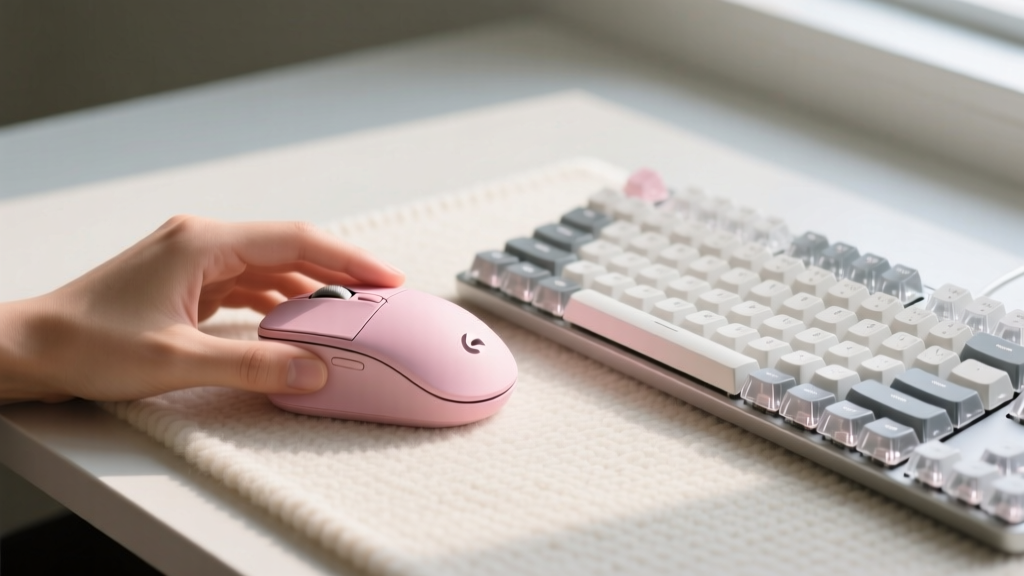
Gifting Gotcha: The Lift connects via Bluetooth or the included Logi Bolt USB receiver. It is strictly incompatible with older Logitech Unifying receivers. Verify your recipient's laptop has an available USB-A port if they rely on dongles, or ensure their machine supports Bluetooth Low Energy (BLE). For power users, the Logi Options+ software allows custom button mapping, but the mouse functions perfectly out-of-the-box for basic users.
Ambient & Smart Tech: Elevating the Daily Grind
Overhead lighting causes screen glare and severe eye strain over an eight-hour shift. The BenQ ScreenBar Halo ($139) solves this by clamping directly to the top of a monitor, projecting an asymmetrical beam that illuminates the desk without hitting the screen. It delivers up to 1000 lux of brightness, features a built-in ambient light sensor for auto-dimming, and includes a back-light to reduce the harsh contrast ratio between the bright screen and the dark wall behind it. The wireless dial controller is a tactile upgrade that keeps the desk clutter-free.
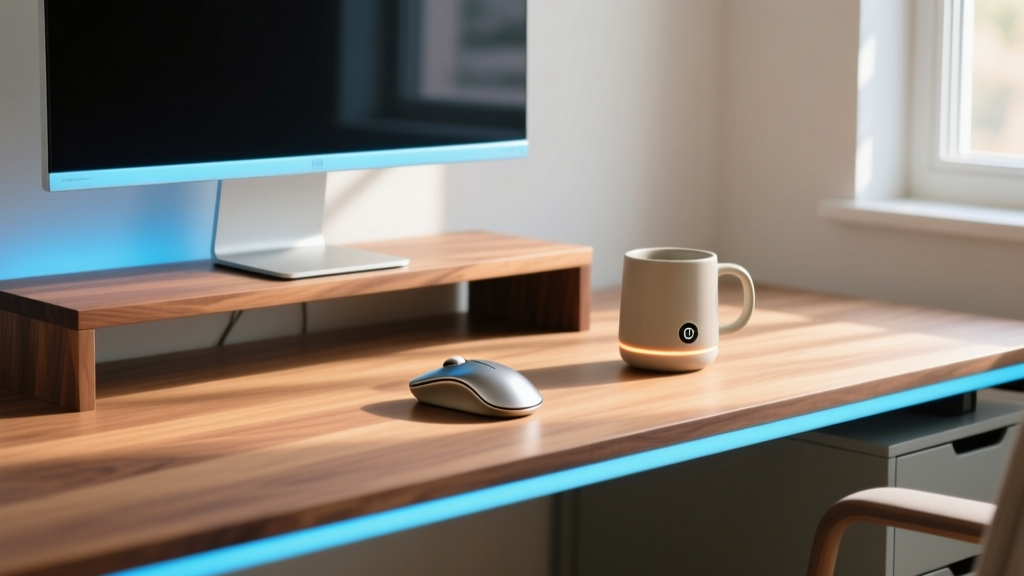
For the caffeine-dependent professional, the Ember Mug 2 ($129.95) maintains precise beverage temperatures between 120°F and 145°F. The 10-ounce version offers a 1.5-hour battery life off the charging coaster. According to Mayo Clinic guidelines, moderate caffeine intake is safe for most adults, but sipping slowly over hours is where the Ember excels, preventing the need for constant microwave reheating which degrades coffee flavor compounds.
Head-to-Head Comparison Matrix
| Gadget | Price | Best For | Power / Battery | Setup Complexity |
|---|---|---|---|---|
| Logitech Lift Mouse | $69.99 | Marathon Coders | 1x AA (up to 24 months) | Low (Plug & Play) |
| BenQ ScreenBar Halo | $139.00 | Zoom Executives | USB-C (Monitor powered) | Medium (Clamp fitting) |
| Ember Mug 2 | $129.95 | Slow Sippers | Li-Ion (1.5 hrs off base) | High (App + Wi-Fi) |
| Boox Note Air 3 C | $449.00 | Hybrid Planners | 3700mAh (Weeks of use) | Medium (Account sync) |
Analog Meets Digital: Focus & Organization
For recipients who love the tactile feedback of paper but require cloud synchronization, the Boox Note Air 3 C ($449) is the premier choice. It features a 10.3-inch E Ink Kaleido 3 color display, offering 4,096 levels of pressure sensitivity with the included magnetic Pen2 Pro. Unlike standard e-readers, it runs Android 12, allowing users to install third-party apps like OneNote, Notion, or Slack directly on the device.
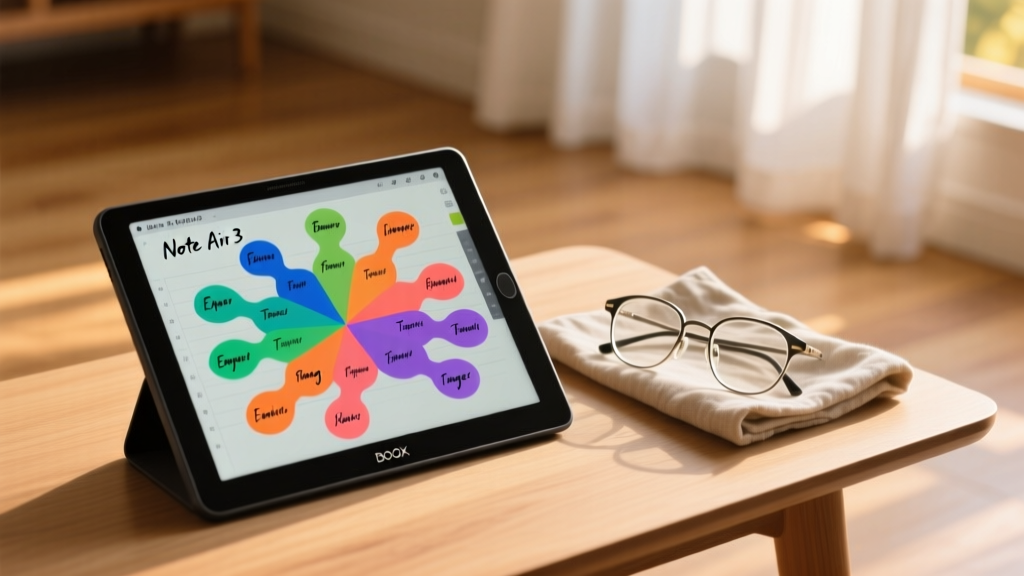
A major hardware advantage is the BSR (Boox Super Refresh) chip, which drastically reduces the ghosting and flashing traditionally associated with e-ink page turns. This makes scrolling through PDFs and web pages significantly smoother than on older generation devices.
Expert Insight: Color e-ink relies on a micro-filter layer over a black-and-white base, which inherently reduces contrast compared to standard OLED screens. Advise your recipient to use the front-light feature indoors for the best color saturation and text clarity, and reserve the device primarily for reading, annotating, and planning rather than video consumption.
Critical Gifting Gotchas (Read Before Buying)
- Desk Thickness Limits: Monitor light bars and desk mounts require specific lip depths. The BenQ ScreenBar Halo fits monitors with a top bezel depth between 0.4 and 1.2 inches. Curved monitors with aggressive tapers may require the separate curved monitor adapter, which must be purchased additionally.
- Smart Device Wi-Fi Bands: The Ember Mug and similar smart home office gadgets strictly require 2.4GHz Wi-Fi networks for initial setup. If your recipient uses a modern mesh network with combined SSIDs (where 2.4GHz and 5GHz share a single network name), they may experience pairing failures and need to temporarily separate the bands in their router settings.
- Desk Mat Acoustics: If adding a desk pad to the gift, material matters. Merino wool pads (like those from Grovemade, ~$140) offer superior acoustic dampening for loud mechanical keyboards compared to vegan leather, which tends to reflect high-frequency typing sounds back into the microphone during calls.
- App Fatigue: Avoid gifting gadgets that force mandatory account creation for basic functionality. The Logitech Lift works perfectly out of the box; the Ember Mug requires the app for custom presets but functions at a default 135°F without it.
Frequently Asked Questions
What is the most universally appreciated home office gift?
High-quality ambient lighting, such as a monitor light bar or a smart desk lamp, is universally useful. Unlike ergonomic chairs or keyboards, which are highly subjective to body type and typing preference, lighting improves the workspace for 100% of users without requiring physical adaptation or a break-in period.
Are smart mugs worth the premium price tag?
If the recipient frequently gets distracted and lets their coffee go cold, yes. The Ember Mug 2 pays for itself in productivity and satisfaction by eliminating the cycle of pouring out cold coffee and brewing a new pot. However, for those who drink their beverage in under 15 minutes, a standard vacuum-insulated tumbler is a better financial choice.
How do I choose between an e-ink tablet and an iPad?
Choose an e-ink tablet like the Boox Note Air 3 C if the recipient suffers from screen fatigue, works outdoors in direct sunlight, or wants a distraction-free environment that doesn't bombard them with push notifications. Choose an iPad if they require high-refresh-rate video playback, complex 3D rendering, or fast-paced multitasking with heavy graphical applications.
Written by
David OkaforDavid Okafor is an ASE (Automotive Service Excellence) Master Certified Technician with 15 years of professional experience in vehicle diagnostics, aftermarket electronics installation, and fleet management. He holds an Associate Degree in Automotive Technology from Universal Technical Institute and certifications in mobile electronics (MECP Certified Installer). David has installed and reviewed over 800 car tech products — from OBD2 scanners and dash cams to full infotainment system retrofits — in vehicles ranging from economy compacts to luxury SUVs. His popular YouTube channel "AutoTech David" has over 150,000 subscribers and features detailed installation tutorials and product teardowns. He is a regular contributor to the SEMA Show's aftermarket technology showcase and advises two automotive tech startups on product development.