2026 Gift Guide: Gadgets for Seniors Who Want to Remain Independent
Discover the best 2026 gadgets for seniors who want to remain independent. Our gift guide covers fall detectors, smart home safety, and easy tech.
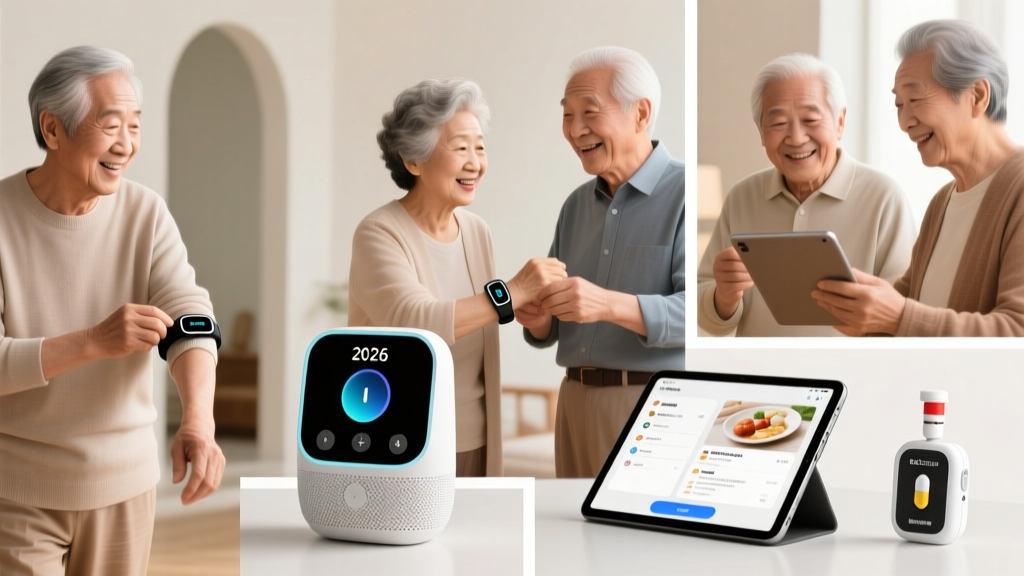
The Independence Matrix: Matching Tech to Daily Living Needs
Selecting technology for aging relatives requires navigating a minefield of well-intentioned but ultimately abandoned gadgets. The goal isn't to buy tech for tech's sake; it's to procure tools that demonstrably extend aging-in-place capabilities. According to the National Institute on Aging, successful aging in place relies on modifying the environment to reduce physical strain and cognitive load. Before purchasing any device, map your gift to the specific independence bottleneck your loved one faces.
- If mobility is declining: Focus on environmental automation (lighting, appliance control) to eliminate tripping hazards and bending.
- If cognitive load/memory is a concern: Prioritize automated routines and zero-UI devices (medication dispensers, simplified communication).
- If fall risk is elevated: Combine passive environmental monitoring with active wearable alerts.
Environmental Control: Invisible Safety Nets
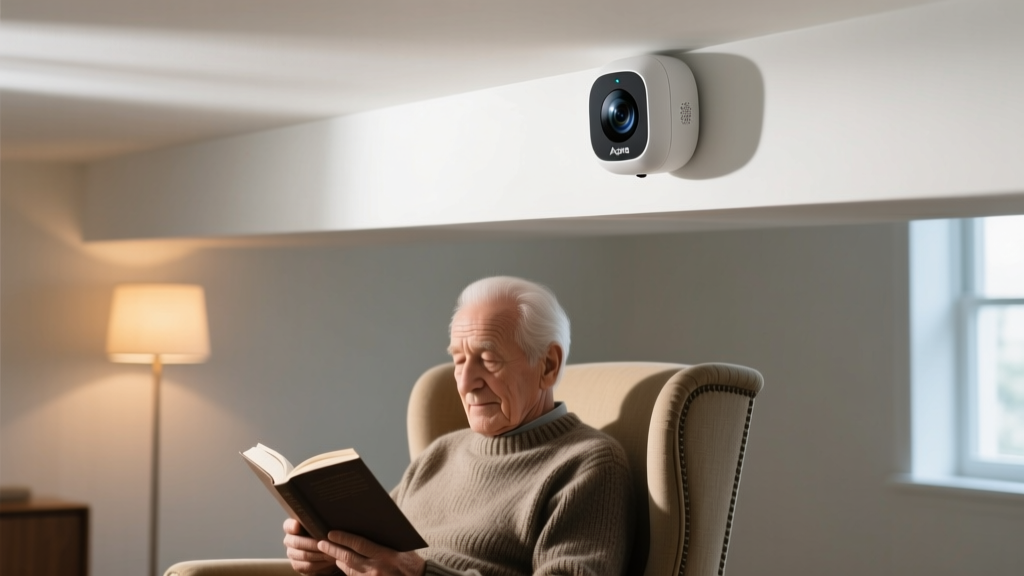
Standard motion sensors use Passive Infrared (PIR) technology, which fails when a person sits still—resulting in lights turning off while a senior is reading or watching television. The Aqara Presence Sensor FP2 ($69) solves this using mmWave (millimeter-wave) radar. It detects micro-movements, including the rise and fall of a chest during breathing, ensuring lights and climate controls remain active as long as the person is in the room.
For appliance safety, the iDevices Smart Socket ($35) is a critical intervention for seniors who occasionally forget to turn off space heaters, coffee makers, or irons. Unlike standard smart plugs that require app interaction, the iDevices socket can be pre-configured by a family member with a hard auto-shutoff timer (e.g., 2 hours). If the senior leaves the house, the connected appliance powers down automatically, mitigating fire risks without requiring the senior to change their daily habits.
Wearable Health & Fall Detection: Beyond the Panic Button
The CDC STEADI initiative highlights that falls are the leading cause of fatal and non-fatal injuries among older Americans. While traditional medical alert pendants suffer from low compliance (seniors forget to wear them or refuse due to stigma), modern smartwatches offer covert protection. However, not all wearables are suitable for aging users.
| Feature | Withings ScanWatch 2 Light ($299) | Apple Watch SE 2nd Gen ($249) |
|---|---|---|
| Battery Life | Up to 30 days | 18 hours (requires daily charging) |
| Interface | Traditional analog hands, small digital OLED | Full touchscreen smartwatch OS |
| Fall Detection | No (Focuses on AFib and SpO2) | Yes (Highly accurate, requires cellular for away-from-home) |
| Best For | Seniors who forget to charge devices daily | Active seniors already using an iPhone |
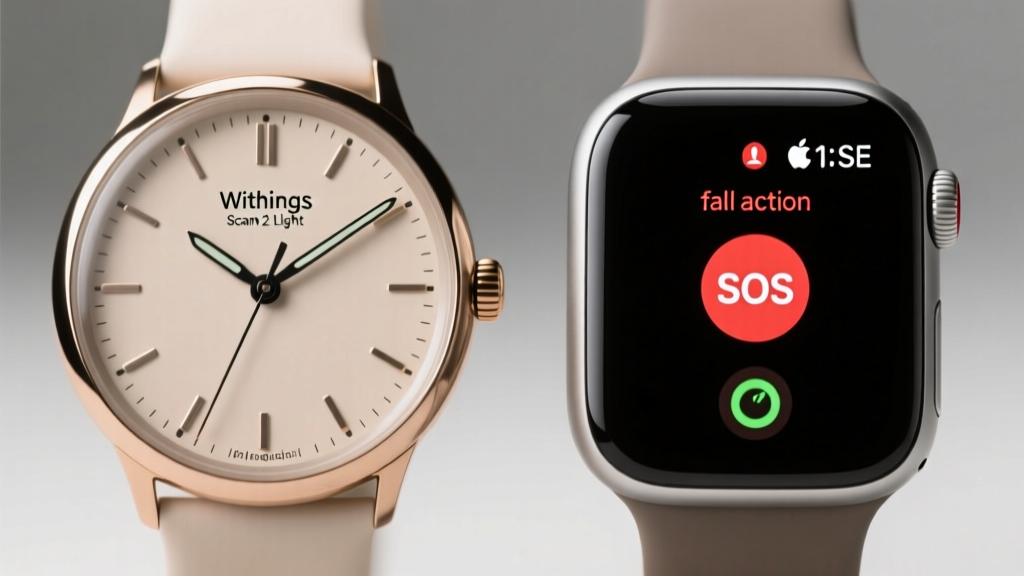
Failure Mode Insight: The Apple Watch's fall detection is highly sensitive but can trigger false positives if the user claps loudly or drops their arm heavily onto a table. Ensure the 'Require Attention for SOS' setting is configured correctly, and educate the senior on how to dismiss the 10-second countdown alarm to prevent unnecessary emergency dispatches.
Kitchen Safety & Medication Management
The kitchen is a high-risk zone for burns and fires. The Uccello Designer Kettle ($80) is an exceptional gift for seniors with reduced grip strength or early-stage arthritis. Weighing just 0.6kg empty, it features a unique tip-over design that prevents scalding spills if knocked over, and the exterior remains cool to the touch. The auto-shutoff and boil-dry protection provide peace of mind for family members living hours away.
For medication adherence, the Hero Health MedSmart Dispenser ($299 upfront + $30/month subscription) removes the cognitive burden of sorting weekly pillboxes. You ship the bulk medications to Hero; they sort them into a countertop machine that dispenses the exact dosage at the correct time, accompanied by an audible chime and a push notification to the family caregiver's app if a dose is missed. MedlinePlus notes that proper medication management prevents thousands of hospitalizations annually, making this a high-impact intervention for seniors managing multiple prescriptions.
Communication: Eliminating the Wi-Fi Barrier
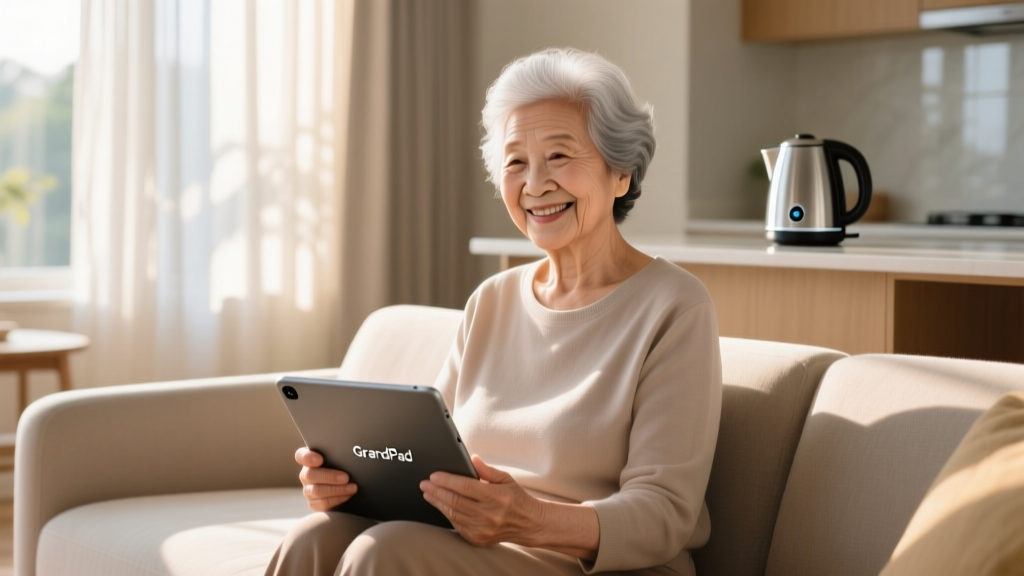
Gifting an iPad to a technophobic senior often results in the device sitting in a drawer, locked out due to forgotten Apple IDs or dropped Wi-Fi connections. The GrandPad ($49/month, includes device and 4G LTE) bypasses this entirely. It operates on a built-in cellular connection, meaning there is no Wi-Fi setup required. The interface features massive, high-contrast icons for video calls, photos, and music. Crucially, it uses a physical charging cradle rather than a plug-in cable, eliminating the frustration of aligning tiny USB-C connectors with arthritic hands.
The Pre-Purchase Gifting Checklist
Before checking out, run the prospective gift through this friction-test:
- The Setup Burden: Will I need to be physically present to configure this? (If yes, plan a visit or use remote-access software like AnyDesk on their PC).
- The Subscription Trap: Does this require a $5/month app subscription to function? (Avoid these; seniors will cancel them when they see the credit card statement, bricking the device).
- The Charging Friction: Does it require daily charging with a tiny cable? (Opt for magnetic pogo-pin chargers or devices with multi-week battery life).
- The Network Dependency: Will this fail if their internet drops? (Prioritize devices with offline fallbacks or built-in cellular).
Frequently Asked Questions
Do I need to buy a smart hub for the Aqara FP2 sensor?
Yes. The FP2 requires an Aqara M2 or M3 hub, or a compatible Matter-over-Thread border router (like an Apple TV 4K or HomePod Mini) to connect to your network and relay automations. Factor the $50-$100 hub cost into your gift budget if they don't already have a smart home ecosystem.
Is the Apple Watch fall detection reliable if they don't carry their iPhone?
Only if you purchase the Cellular model of the Apple Watch and activate a carrier plan (typically $10/month). The GPS-only model requires the paired iPhone to be within Bluetooth range (roughly 30 feet) to place an emergency SOS call after detecting a hard fall.
How do I handle tech support for these gifts from out of state?
Centralize control. Create a dedicated Gmail account specifically for managing their smart home devices (Aqara, iDevices, Hero). Keep the login credentials in a secure password manager shared between you and your siblings. This prevents the 'locked out of the app' scenario when a password reset is required months down the line.
Written by
Jake MorrisonJake Morrison holds a B.S. in Electrical Engineering from UC Berkeley and an MBA from Stanford Graduate School of Business. With over 12 years of hands-on experience in consumer electronics, he previously served as a senior product engineer at a Silicon Valley startup before transitioning to tech journalism. Jake has personally tested and benchmarked over 3,000 gadgets across categories including smartphones, wearables, smart home devices, and audio equipment. His durability testing methodology — involving controlled drop tests, thermal cycling, and water submersion — is widely cited by major tech publications. He is a certified CompTIA A+ technician and a contributing editor to the IEEE Consumer Electronics Magazine.