7 Best Budget Tech Gadgets for Teachers in 2026 Under $50
Discover the best budget tech gadgets for teachers in 2026. We review top classroom tools under $50 to boost productivity without breaking the budget.
The Reality of the Modern Classroom Budget
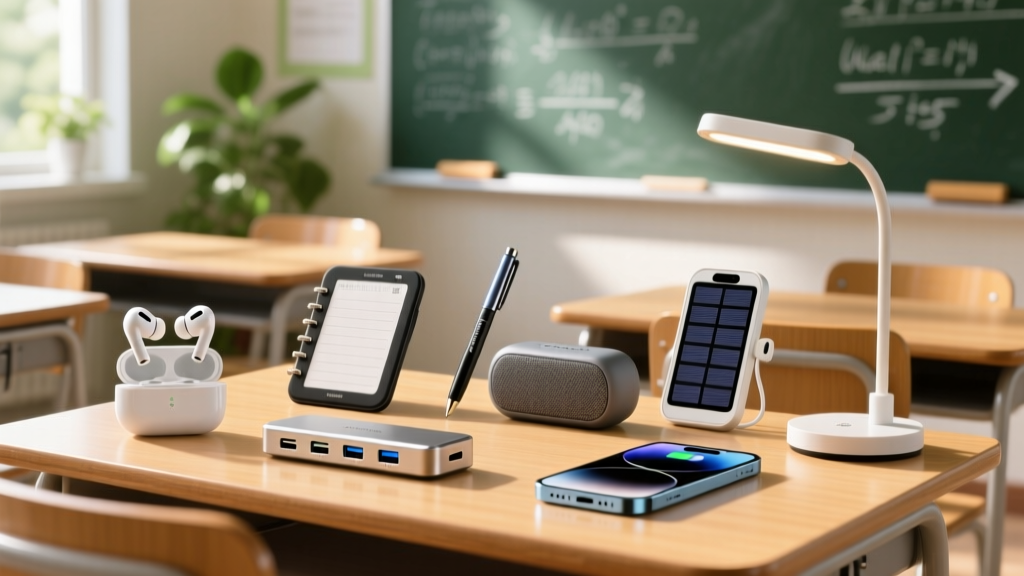
Educators consistently subsidize their own classrooms. According to impact data from DonorsChoose, the gap between school funding and actual classroom needs continues to widen, forcing teachers to prioritize out-of-pocket spending. When allocating a personal budget of $100 to $200 for the semester, buying the right tech gadgets for teachers requires ruthless prioritization. You need tools that solve immediate friction points—presentation mobility, audio clarity, device connectivity, and time management—without succumbing to planned obsolescence.
The $50 Threshold: In the budget hardware space, $50 is the critical breakpoint. Below this price, you risk severe compromises in battery life and build quality. At or just under $50, you can secure mid-tier peripherals from established brands that offer 3-to-5-year lifespans in high-traffic classroom environments.
This roundup bypasses novelty items and focuses strictly on high-utility, budget-friendly hardware that aligns with the ISTE Standards for Educators for facilitating student-driven learning and optimizing digital workflows.
7 Essential Tech Gadgets for Teachers Under $50
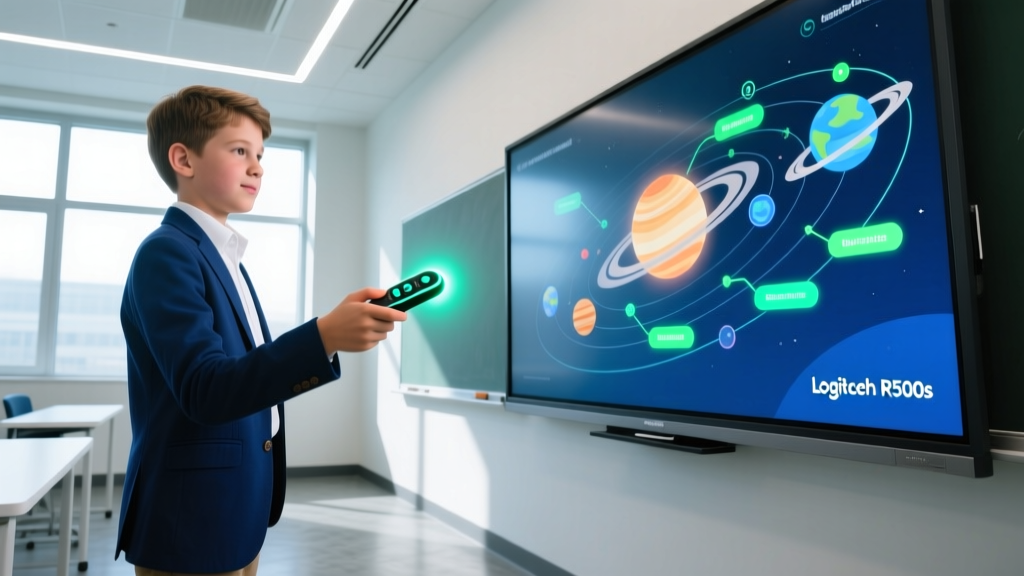
1. Logitech R500s Laser Presentation Remote ($34.99)
Tethering yourself to the classroom desktop kills student engagement. The Logitech R500s operates on a 2.4 GHz wireless connection with a 65-foot range, allowing you to teach from the back of the room. Unlike cheaper infrared clickers that require direct line-of-sight to the USB receiver, the R500s uses RF technology, meaning the signal penetrates through wooden podiums and student desks. The red laser is Class 2 (under 1mW), making it safe for classroom use, though it struggles on LCD screens due to light absorption. Edge case: It requires a single AAA battery that lasts roughly 18 months; do not buy the rechargeable AAA version, as the lower 1.2V voltage causes the laser to dim prematurely.
2. Fifine K669B USB Microphone ($25.99)
For teachers recording asynchronous video lessons or running hybrid classrooms, laptop built-in mics produce unacceptable echo and background noise. The Fifine K669B is a cardioid condenser microphone that plugs directly into a USB-A port. It rejects off-axis noise, meaning it will capture your voice while ignoring the HVAC hum or hallway chatter. Setup tip: Keep the gain dial at 50% and position the mic 6 inches from your mouth. Cranking the gain to 100% introduces a noticeable static floor due to the budget internal preamp.
3. TickTime Cube Timer ($24.99)
Visual time management is critical for neurodivergent students and standardized test prep. The TickTime cube features six preset time intervals (1, 3, 5, 10, 15, and 30 minutes) activated simply by rotating the cube so the desired number faces up. It uses a gravity sensor, eliminating the need for buttons. The built-in 110mAh lithium battery charges via USB-C and lasts about 30 days on standby. Failure mode: The internal speaker is fixed-volume and quite loud; if you are using it in a quiet testing environment, you must cover the speaker grill with a piece of electrical tape to muffle the alarm.
4. Niimbot D110 Portable Label Maker ($19.99)
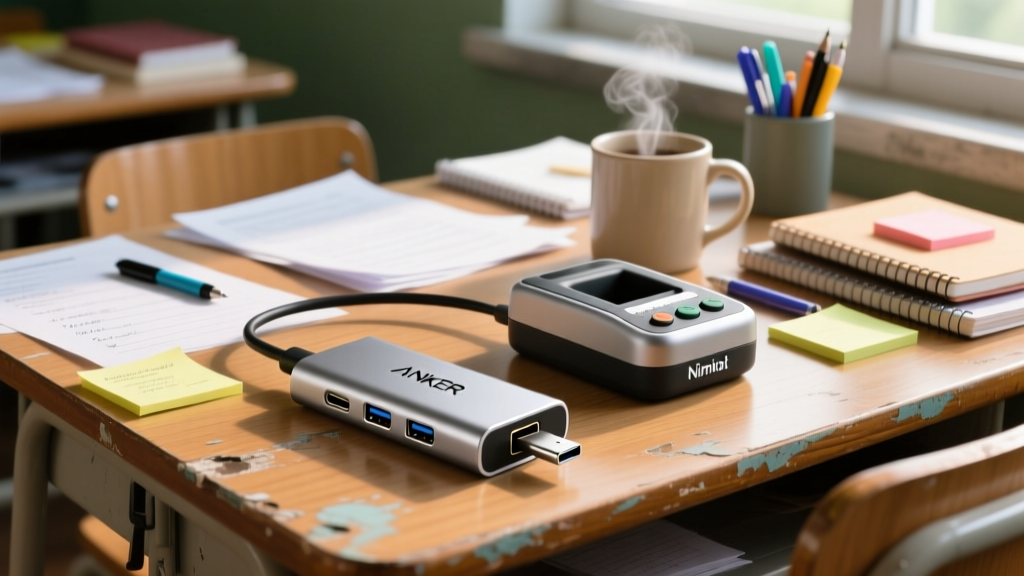
Classroom organization—from bin sorting to cable management—relies on clear labeling. The Niimbot D110 uses direct thermal printing, meaning it requires zero ink cartridges. It connects via Bluetooth 5.0 to the Niimbot app, which offers hundreds of templates and barcode generation. Crucial detail: The D110 only accepts 12mm to 15mm continuous paper rolls. Do not buy the wider 40mm labels, as they will jam the feed mechanism. The thermal prints are water-resistant but will fade if exposed to direct UV sunlight from a classroom window for more than six months.
5. Anker 341 USB-C Hub (7-in-1) ($29.99)
Modern teacher laptops often ship with only two Thunderbolt ports, which is insufficient for a dual-monitor setup, external mouse, and flash drive. The Anker 341 expands your connectivity with a 4K@30Hz HDMI port, two 5Gbps USB-A ports, a 100W pass-through charging port, and an SD card reader. Limitation: The HDMI port is capped at 30Hz for 4K resolution. If you are connecting to a modern 4K interactive flat panel (IFP), mouse movement will feel slightly sluggish. For IFPs, drop the display output to 1080p@60Hz via your laptop's display settings for a fluid experience.
Budget Tech Comparison Matrix
| Gadget | Price | Primary Use Case | Power Source | Lifespan Estimate |
|---|---|---|---|---|
| Logitech R500s | $34.99 | Kinesthetic teaching / Mobility | 1x AAA Battery | 5+ years |
| Fifine K669B | $25.99 | Asynchronous video / Podcasts | USB-A Bus Powered | 3-4 years |
| TickTime Cube | $24.99 | Visual time management | Internal Li-ion (USB-C) | 2-3 years |
| Niimbot D110 | $19.99 | Physical organization / Bins | Internal Li-ion (USB-C) | 3+ years |
| Anker 341 Hub | $29.99 | IFP connectivity / Peripherals | Bus Powered / 100W PD | 4-5 years |
6. Anker Nano 3 (30W) GaN Charger ($19.99)
Carrying a bulky 65W laptop brick alongside a separate phone charger wastes bag space and outlet real estate. The Anker Nano 3 uses Gallium Nitride (GaN) technology to deliver 30W of power in a form factor barely larger than a golf ball. It supports both USB-C Power Delivery 3.0 (for iPads and Chromebooks) and PPS (Programmable Power Supply) for Samsung Super Fast Charging. While it won't fast-charge a MacBook Air under heavy load, it is the perfect dedicated charger for a teacher's smartphone and tablet ecosystem.
Pairing a high-quality GaN charger with a $3 gas-station USB-C cable is a fire hazard and a performance bottleneck. Budget cables often lack the E-Marker chip required to negotiate power delivery safely, and they use 28AWG wires that bottleneck charging speeds to 15W. Always pair the Nano 3 with a certified 240W USB-C cable (like the Anker 341 or Cable Matters 100W) to ensure proper thermal regulation and fast charging.
7. JBL Tune 520BT Wireless Headphones ($39.95)
Grading papers in a noisy staff room or commuting requires audio isolation. The JBL Tune 520BT offers an astonishing 57 hours of battery life on a single charge, effectively eliminating the need to remember to plug them in during the school week. They utilize Bluetooth 5.3 with multipoint connection, allowing you to stay connected to your school Chromebook and personal phone simultaneously. Trade-off: They lack Active Noise Cancellation (ANC) and rely entirely on passive clamping force for isolation, which can cause ear fatigue after 3 hours of continuous wear.

Decision Framework: Allocating a $150 Classroom Tech Grant
If you secure a micro-grant or allocate personal funds, follow this tiered approach based on Edutopia's technology integration frameworks to maximize pedagogical impact:
- Tier 1: Mobility & Presentation ($35) Buy the Logitech R500s. Breaking the physical tether to the teacher desk immediately increases student interaction and allows for proximity behavior management.
- Tier 2: Connectivity & Power ($50) Purchase the Anker 341 Hub and Anker Nano 3. This ensures you can seamlessly connect to any classroom AV system without adapter anxiety or dead devices.
- Tier 3: Asynchronous Creation ($26) Add the Fifine K669B. Clear audio is the single most important factor in student retention of recorded video lessons.
- Tier 4: Environment Management ($39) Use the remaining funds for the Niimbot D110 and TickTime Cube to structure the physical and temporal environment of the classroom.
Frequently Asked Questions
Can I use the Anker 341 Hub to connect two external monitors?
No. The Anker 341 utilizes standard DisplayPort Alt Mode, which does not support MST (Multi-Stream Transport) on macOS. If you plug in two monitors via the HDMI and a USB-C-to-HDMI adapter, macOS will only mirror the displays, not extend them. Windows laptops may support dual extension depending on the specific Thunderbolt controller, but for guaranteed dual-extended displays, you need a hub with DisplayLink technology, which starts around $120.
Do thermal label makers like the Niimbot D110 work for student name tags?
They are not recommended for name tags that need to last the entire year. Direct thermal prints are sensitive to heat and friction. If a student keeps the label in a pocket or rubs it against a desk, the print will degrade within weeks. For durable name tags or textbook spine labels, use a traditional ink-transfer label maker like the Brother P-Touch series.
Is the Fifine K669B compatible with iPads and Chromebooks?
Yes, but with caveats. It is class-compliant, meaning it requires no drivers. On a Chromebook, it will be instantly recognized in the audio settings. On an iPad, you must use a USB-C to USB-A camera adapter (with pass-through power), as the iPad's port often cannot supply enough voltage to power the microphone's internal LED and preamp simultaneously without throwing a 'Too much power' error.
Written by
Jake MorrisonJake Morrison holds a B.S. in Electrical Engineering from UC Berkeley and an MBA from Stanford Graduate School of Business. With over 12 years of hands-on experience in consumer electronics, he previously served as a senior product engineer at a Silicon Valley startup before transitioning to tech journalism. Jake has personally tested and benchmarked over 3,000 gadgets across categories including smartphones, wearables, smart home devices, and audio equipment. His durability testing methodology — involving controlled drop tests, thermal cycling, and water submersion — is widely cited by major tech publications. He is a certified CompTIA A+ technician and a contributing editor to the IEEE Consumer Electronics Magazine.