Problem-Solving Gadgets for College Students: 2026 Dorm Guide
Discover practical, problem-solving gadgets for college students in 2026. Fix dorm Wi-Fi, block noise, and optimize study setups with expert picks.
The Reality of 2026 Dorm Infrastructure
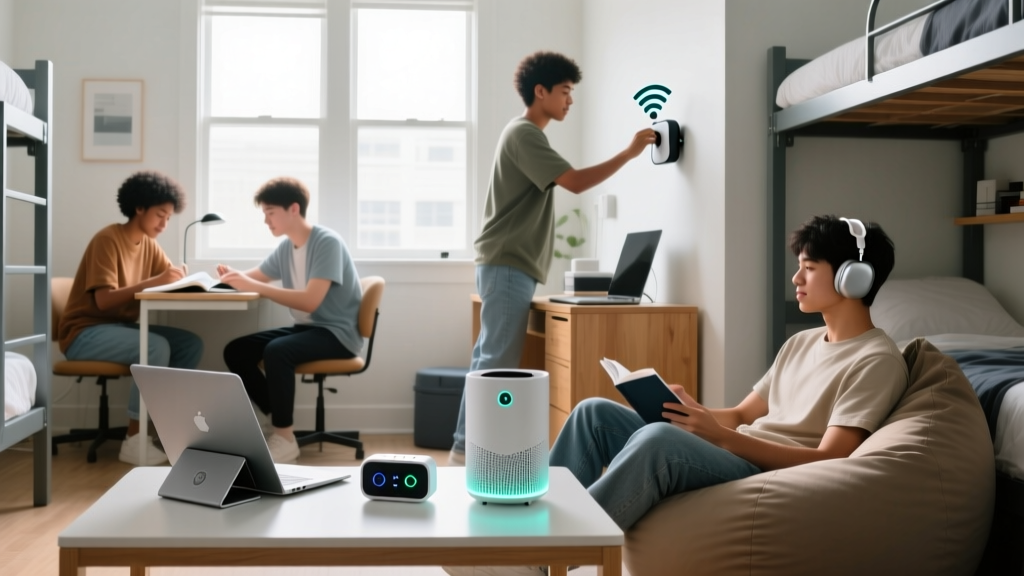
Modern university housing presents a unique matrix of spatial, acoustic, and digital constraints. While campus networks have upgraded to Wi-Fi 6E and 7, the sheer density of IoT devices and streaming traffic in residential halls creates severe bottlenecking. Meanwhile, standard dorm room layouts remain fundamentally unchanged, offering limited electrical outlets, harsh overhead lighting, and poor acoustic insulation. To thrive academically, students must deploy targeted hardware that solves these specific environmental failures. This guide bypasses generic tech lists to focus exclusively on problem-solving gadgets for college students, detailing exact specifications, deployment strategies, and network configurations required for the 2026 academic year.
Acoustic Isolation: Beating the Thin-Wall Curse
The Problem: Unpredictable Noise Pollution
Dormitory walls typically possess a Sound Transmission Class (STC) rating between 25 and 30, meaning normal speech and snoring easily penetrate the barrier. According to the Sleep Foundation, nocturnal noise fluctuations as low as 30 decibels can trigger micro-arousals, destroying REM sleep cycles and directly impairing next-day cognitive retention.
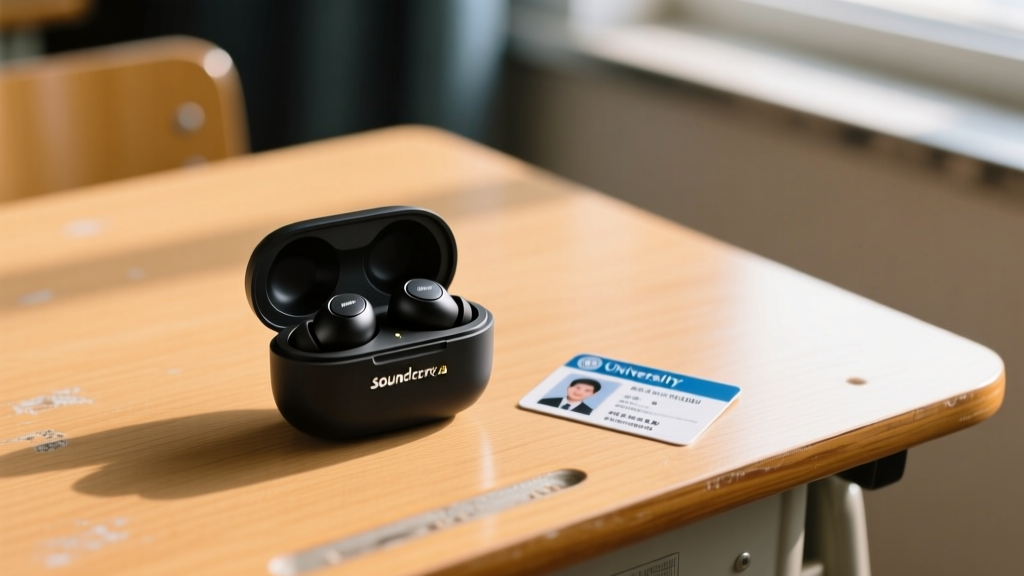
The Solution: Soundcore Sleep A20 Earbuds
Standard Active Noise Cancellation (ANC) earbuds like the AirPods Pro 3 are physically too large for side-sleeping and suffer from pressure-induced ear fatigue. The Soundcore Sleep A20 ($149) is engineered specifically for horizontal use.
- Passive Isolation: Uses a 3-point silicone anchoring system that physically seals the ear canal, blocking up to 23dB of high-frequency noise (voices, alarms).
- Active Cancellation: Targets low-frequency drones (HVAC systems, traffic, bass from neighboring rooms).
- Battery Architecture: 14-hour continuous playback in sleep mode, ensuring the device survives an 8-hour night sleep plus a 2-hour afternoon study nap without returning to the case.
Power Routing: Solving the Single-Outlet Bottleneck
The Problem: Outdated Electrical Infrastructure
Most dorm rooms were wired decades ago, featuring a maximum of two to four wall outlets. Attempting to charge a laptop, phone, tablet, and smartwatch simultaneously using cheap, multi-port USB hubs leads to voltage drops, thermal throttling, and degraded battery health over a four-year degree.
The Solution: GaN Desktop Charging + Smart Routing
Silicon-based chargers are obsolete. Gallium Nitride (GaN) semiconductors operate at higher switching frequencies, allowing for smaller transformers and vastly superior thermal dissipation. The optimal 2026 setup combines the Anker Prime 100W GaN Wall Charger ($55) with a Kasa Smart Power Strip ($25).
Deployment Strategy:
- Plug the Anker Prime directly into the wall. Its 3 ports (2x USB-C, 1x USB-A) utilize PowerIQ 4.0 to dynamically allocate wattage, delivering up to 65W to a MacBook Air while fast-charging a phone at 20W.
- Plug the Kasa Smart Strip into the second wall outlet. Use this exclusively for "dumb" AC devices: desk lamp, monitor, and phone charger bricks.
- Configure the Kasa app to automatically cut power to the desk lamp at 2:00 AM, preventing accidental all-night light pollution that disrupts circadian rhythms.
Network Rescue: Bypassing Congested Campus Wi-Fi
The Problem: High-Density OFDMA Congestion
Campus Wi-Fi networks are designed for broad coverage, not low-latency throughput in individual rooms. When 40 students in a single hallway are simultaneously streaming or downloading, the router's Orthogonal Frequency-Division Multiple Access (OFDMA) scheduling fails, resulting in latency spikes exceeding 200ms—making video calls and cloud-based IDEs unusable.
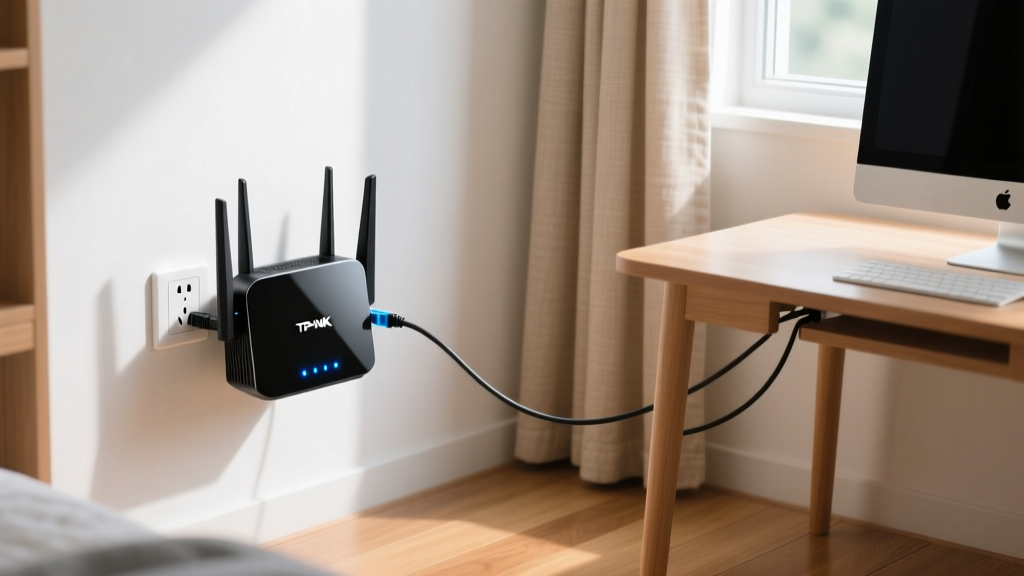
The Solution: TP-Link BE3600 Wi-Fi 7 Travel Router
For $79, the TP-Link BE3600 brings Wi-Fi 7 (802.11be) to your desk. The critical feature here is Multi-Link Operation (MLO). According to the Wi-Fi Alliance, MLO allows devices to simultaneously transmit and receive data across different bands (2.4GHz, 5GHz, and 6GHz), aggregating throughput and drastically reducing latency.
| Metric | Standard Dorm Wi-Fi 6 | TP-Link BE3600 (Wi-Fi 7 MLO) |
|---|---|---|
| Peak Theoretical Speed | 9.6 Gbps (Shared across floor) | 3.6 Gbps (Dedicated to your room) |
| Average Latency (Peak Hours) | 85ms - 250ms | < 15ms |
| Band Interference Handling | Single-band fallback | Simultaneous multi-band aggregation |
Posture Preservation: The 8 AM Lecture Neck Saver
The Problem: Cervical Spine Degradation
Looking down at a 13-inch laptop screen placed flat on a 30-inch dorm desk forces the cervical spine into a 45-degree flexion angle. The CDC's Ergonomics guidelines note that this angle increases the effective weight of the head on the neck from 10 lbs to over 40 lbs, leading to chronic tension headaches and upper cross syndrome by midterm season.
The Solution: Roost Laptop Stand + Satechi 5-in-1 Hub
Do not buy heavy, stationary aluminum stands that consume precious desk real estate. The Roost Laptop Stand ($89) weighs just 1.6 ounces, folds into a 1.5-inch cylinder, and adjusts vertically from 6 to 12 inches. By elevating the laptop hinge to eye level, you restore a neutral 0-degree neck posture.
Because the laptop is now elevated, you need a peripheral hub. The Satechi 5-in-1 Slim Hub ($60) attaches directly to the side of the laptop, providing HDMI out (for connecting to a dorm TV or external monitor), two USB-A ports for a wireless mouse/keyboard, and 100W pass-through charging. This creates a fully ergonomic, dual-screen desktop environment that packs away into a backpack in under 15 seconds.
"The most effective ergonomic intervention isn't an expensive chair; it's raising the primary display to the user's horizontal line of sight. A portable stand achieves this regardless of the desk height." — Applied Ergonomics Research Synthesis
Visual Ergonomics: Eliminating Midnight Screen Glare
The Problem: Asymmetric Lighting Failures
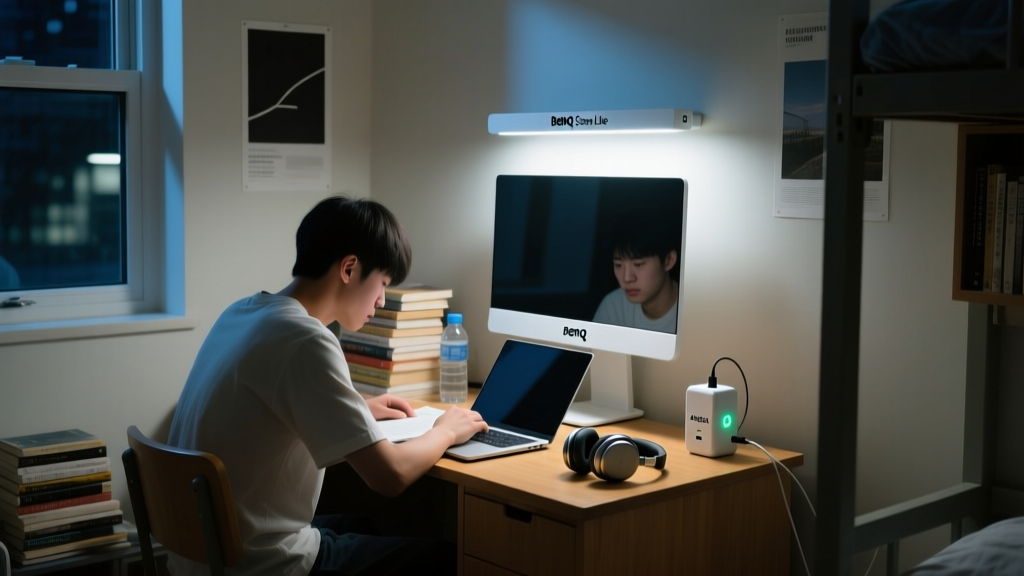
Overhead dorm lighting is notoriously harsh, casting glare on screens and causing eye strain. Conversely, turning off the overhead light and relying solely on the laptop screen creates a high-contrast environment that forces the pupils to constantly dilate and constrict, triggering severe ocular fatigue during late-night study sessions.
The Solution: BenQ ScreenBar Lite
Standard desk lamps illuminate the keyboard but bounce light directly off the screen back into your eyes. The BenQ ScreenBar Lite ($239) mounts directly to the top bezel of any laptop. It utilizes a custom-designed asymmetric optical lens that projects light strictly downward onto the desk (achieving 500 lux on the work surface) while emitting zero light toward the screen itself.
Key Specifications:
- Color Temperature Range: 2700K (warm, for reading/relaxing) to 6500K (cool daylight, for intense focus and coding).
- Power Delivery: Draws power directly from the laptop's USB-C port without draining the battery significantly (consumes only 5W).
- Auto-Dimming: Built-in ambient light sensor automatically adjusts brightness to maintain a consistent 500 lux, compensating for changing sunlight from the dorm window.
The 2026 Dorm Tech Decision Matrix
Use this framework to prioritize your purchases based on your specific environmental constraints and budget allocation.
| Primary Pain Point | Hardware Solution | Estimated Cost | Academic ROI |
|---|---|---|---|
| Sleep Disruption / Snoring Roommate | Soundcore Sleep A20 | $149 | Critical (Memory Consolidation) |
| Network Latency / Dropped Calls | TP-Link BE3600 (AP Mode) | $79 | High (Cloud IDEs, Video Lectures) |
| Neck Pain / Cervical Strain | Roost Stand + Satechi Hub | $149 | High (Study Endurance) |
| Eye Strain / Harsh Overhead Glare | BenQ ScreenBar Lite | $239 | Moderate (Late Night Focus) |
| Throttled Charging / Dead Batteries | Anker Prime 100W GaN | $55 | Moderate (Device Uptime) |
Investing in problem-solving gadgets for college students is not about accumulating tech; it is about engineering a micro-environment that protects your sleep, preserves your physical health, and guarantees digital reliability when the campus infrastructure inevitably fails. Prioritize acoustic isolation and network stability first, as these directly impact cognitive function and academic output.
Written by
Jake MorrisonJake Morrison holds a B.S. in Electrical Engineering from UC Berkeley and an MBA from Stanford Graduate School of Business. With over 12 years of hands-on experience in consumer electronics, he previously served as a senior product engineer at a Silicon Valley startup before transitioning to tech journalism. Jake has personally tested and benchmarked over 3,000 gadgets across categories including smartphones, wearables, smart home devices, and audio equipment. His durability testing methodology — involving controlled drop tests, thermal cycling, and water submersion — is widely cited by major tech publications. He is a certified CompTIA A+ technician and a contributing editor to the IEEE Consumer Electronics Magazine.