2026 Gift Guide: MacBook Accessories for Agile Reports and Gadgets
Discover the best 2026 MacBook accessories for tech leads. Our gift guide covers docks, stands, and hubs to optimize workflows for agile reports and gadgets.
Why the Right MacBook Setup Matters for Tech Leads
For the modern Scrum Master, Product Manager, or Engineering Lead, the daily workflow is a delicate dance. When your daily responsibilities involve toggling between complex agile reports and gadgets testing environments, screen real estate and ergonomic comfort are your most valuable assets. Staring at a single 14-inch or 16-inch display while trying to cross-reference a Sprint Burndown chart, a GitHub pull request, and a Slack thread is a recipe for cervical strain and cognitive overload.
As we move through 2026, the latest Apple Silicon M4 Pro and M4 Max chips offer staggering performance, but the laptop itself is only the brain. To truly unlock a tech enthusiast's productivity, you need the right peripherals. Whether you are shopping for a tech lead who lives in Jira or a hardware reviewer who constantly tests the latest agile reports and gadgets releases, this curated gift guide covers the ultimate MacBook accessories—from Thunderbolt 4 docks to premium leather sleeves.
The Ultimate Thunderbolt 4 Docks for Multi-Monitor Dashboards
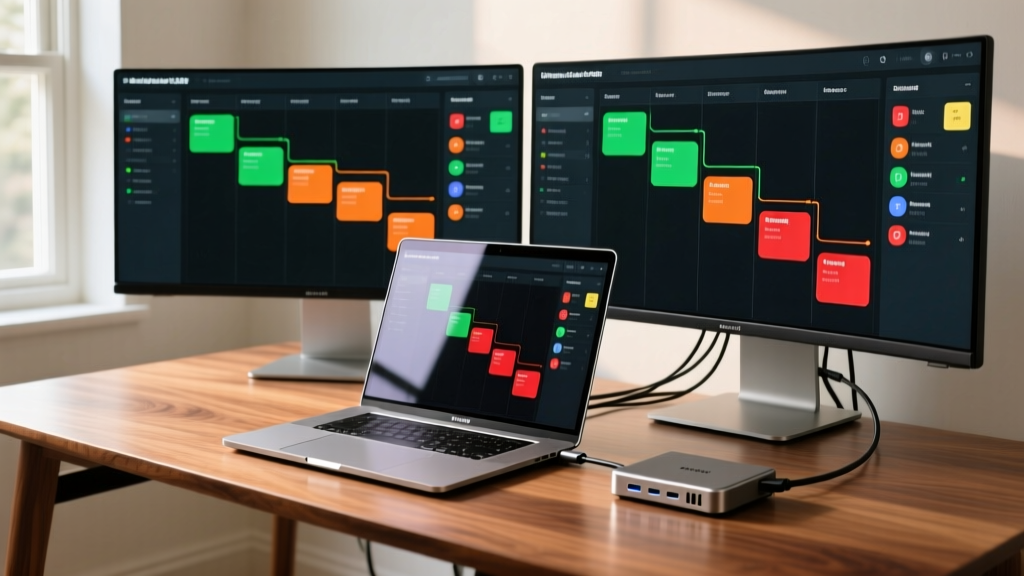
If your giftee needs to drive multiple high-resolution displays to keep their agile dashboards visible at all times, a high-bandwidth dock is non-negotiable. USB-C hubs simply cannot match the 40Gbps bi-directional bandwidth and DisplayPort 1.4 DSC (Display Stream Compression) capabilities required for dual 4K @ 60Hz setups on macOS.
1. CalDigit TS4 Thunderbolt 4 Dock
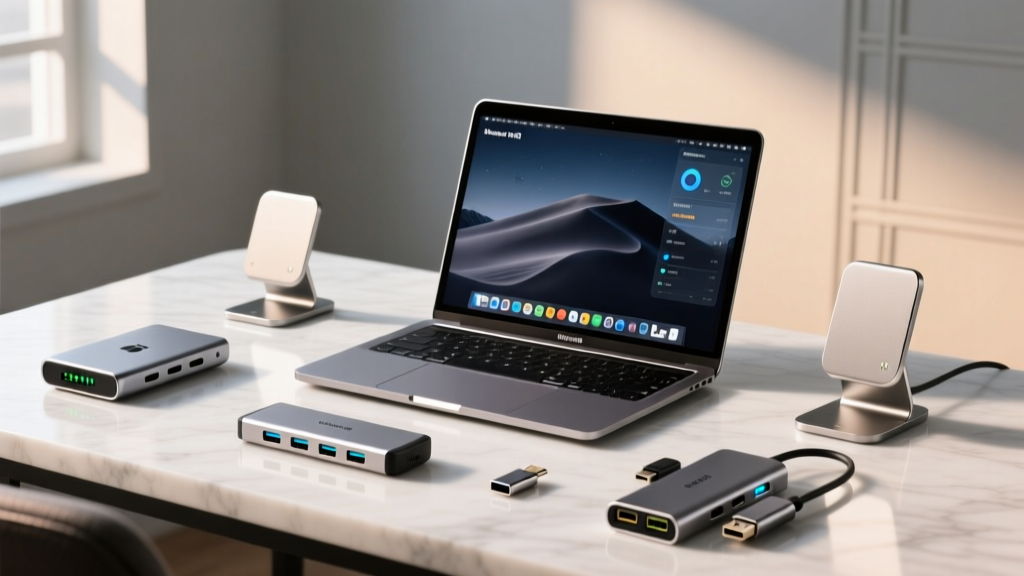
The CalDigit TS4 remains the undisputed king of MacBook docking stations in 2026. Priced at $379.99, it is a premium gift that screams professionalism. It features 18 ports, including three Thunderbolt 4 ports, five USB-A ports, and a 2.5Gb Ethernet port. More importantly, it delivers 98W of power delivery, meaning it will fast-charge even the 16-inch MacBook Pro under heavy multi-monitor workloads.
- Best for: Engineering Leads who need dual 4K monitors for code and sprint tracking.
- Standout Feature: The UHS-II SD/microSD card readers are perfect for tech reviewers importing footage from the latest camera gadgets.
- Consideration: The power brick is massive; ensure they have the desk space to hide it.

2. OWC Thunderbolt Go Dock
Priced around $229, the OWC Thunderbolt Go is a masterclass in minimalism. Its defining feature is the built-in power supply—no external power brick required. You plug a single standard IEC cable into the wall, and it delivers 90W to the MacBook while supporting dual 4K displays. For the hybrid worker who frequently moves between a home office and a corporate hot desk, this dock eliminates cable clutter and setup friction.
Ergonomic Stands for Long Sprint Planning Sessions
According to the Thunderbolt Technology consortium, proper monitor alignment is critical, but the laptop screen itself also needs to be elevated to prevent 'tech neck' during those grueling 3-hour backlog refinement meetings. A premium laptop stand turns a MacBook into a secondary dashboard or a secure webcam station.
| Stand Model | Material | Height / Angle | Price (2026) | Best Use Case |
|---|---|---|---|---|
| Grovemade Walnut Stand | Eastern Black Walnut & Aluminum | Fixed 6.5" elevation | $180.00 | Executive desks, premium aesthetic gifts |
| Rain Design mStand | Sandblasted Aluminum | Fixed 5.5" elevation | $54.99 | Budget-friendly, matches MacBook chassis |
| Twelve South Curve | Aluminum with Silicone Grip | Fixed 5.0" elevation | $79.99 | Minimalist setups, easy cable routing |
Deep Dive: Grovemade Walnut Laptop Stand
For a truly luxurious gift, the Grovemade Walnut Laptop Stand is unmatched. Handcrafted in Portland, Oregon, it combines solid walnut with a sandblasted aluminum base. The solid wood top cradles the MacBook securely without scratching the chassis, and the open-air design allows the M4 chip's passive and active cooling systems to breathe. At $180, it is an investment piece that elevates the aesthetic of any home office, making the review of agile reports and gadgets feel like a high-end experience.
Hubs and Sleeves for the Hybrid Scrum Master
Not every tech lead works from a fixed desk. For the agile coach who travels between client sites, facilitation workshops, and coffee shops, portability and protection are paramount.
Satechi On-The-Go Multiport Adapter
When a conference room lacks the right ports, the $99.99 Satechi On-The-Go adapter saves the day. It features dual HDMI ports (supporting 4K @ 60Hz on M-series chips), VGA for legacy projectors, Gigabit Ethernet, and 100W passthrough charging. It is the ultimate 'digital Swiss Army knife' for presenting sprint reviews to stakeholders who insist on using outdated AV equipment.
Bellroy 16-inch Laptop Sleeve (Premium Edition)
Priced at $139, the Bellroy Premium Sleeve is crafted from eco-tanned leather and recycled woven fabrics. Unlike cheap neoprene alternatives, Bellroy’s sleeve features a magnetic latch that opens wide for easy access, a built-in document slip for sprint notes or contracts, and a soft microfiber lining. It ages beautifully, developing a unique patina that reflects the miles traveled and the stand-ups attended.

Decision Framework: Matching the Accessory to the Agile Role
Not sure which gift to buy? Use this quick framework to match the accessory to their specific agile workflow:
The Stationary Product Owner: They live in Jira and Confluence. Gift them the CalDigit TS4 Dock and dual monitor arms. They need maximum screen real estate to map out user stories and track velocity metrics.
The Traveling Agile Coach: They facilitate workshops across different cities. Gift them the Bellroy Leather Sleeve and the Satechi Multiport Hub. They need reliability, protection, and legacy port compatibility.
The Hardware-Focused Tech Lead: They balance software metrics with physical prototyping. Gift them the Grovemade Walnut Stand to elevate the MacBook, keeping it safe from soldering irons, 3D printers, and the latest agile reports and gadgets teardowns happening on their desk.
Frequently Asked Questions
Can a USB-C hub replace a Thunderbolt 4 dock for dual monitors?
Generally, no. While USB-C hubs are great for single 4K displays or dual 1080p setups, macOS restricts Multi-Stream Transport (MST) over standard USB-C. To run dual independent 4K @ 60Hz displays from a single cable on a Mac, you need the native DisplayPort tunneling provided by a certified Thunderbolt 4 or Thunderbolt 5 dock.
Are wooden laptop stands safe for the MacBook's rubber feet?
Premium brands like Grovemade design their stands with specific tolerances and subtle lip curvatures that accommodate the MacBook's rubber feet without degrading them. Avoid cheap, unbranded wooden stands that might use harsh adhesives or rough, unfinished wood that could scratch the anodized aluminum chassis.
What is the best way to clean a leather laptop sleeve?
For eco-tanned leather sleeves like those from Bellroy, use a damp microfiber cloth for light dusting. For deeper conditioning, apply a small amount of natural leather balm every 6 to 12 months. Avoid harsh chemical cleaners, which can strip the natural oils and cause the leather to crack over time.
Final Thoughts on Gifting for Tech Professionals
Buying gifts for tech enthusiasts can be daunting, especially when they already seem to own every new gadget on the market. However, by focusing on the infrastructure that supports their daily grind—the docks that connect their world, the stands that protect their posture, and the sleeves that protect their investments—you are giving the gift of optimized productivity. Whether they are deep in the weeds of agile reports and gadgets testing or leading a massive engineering team, these MacBook accessories will ensure they do it in style and comfort throughout 2026 and beyond.
Written by
Jake MorrisonJake Morrison holds a B.S. in Electrical Engineering from UC Berkeley and an MBA from Stanford Graduate School of Business. With over 12 years of hands-on experience in consumer electronics, he previously served as a senior product engineer at a Silicon Valley startup before transitioning to tech journalism. Jake has personally tested and benchmarked over 3,000 gadgets across categories including smartphones, wearables, smart home devices, and audio equipment. His durability testing methodology — involving controlled drop tests, thermal cycling, and water submersion — is widely cited by major tech publications. He is a certified CompTIA A+ technician and a contributing editor to the IEEE Consumer Electronics Magazine.