Best Teacher Gadget Picks to Solve Common Classroom Tech Issues
Discover the best teacher gadget solutions to fix daily ed-tech issues. We review practical classroom tech, document cameras, and smart clickers.
The Modern Classroom Tech Dilemma
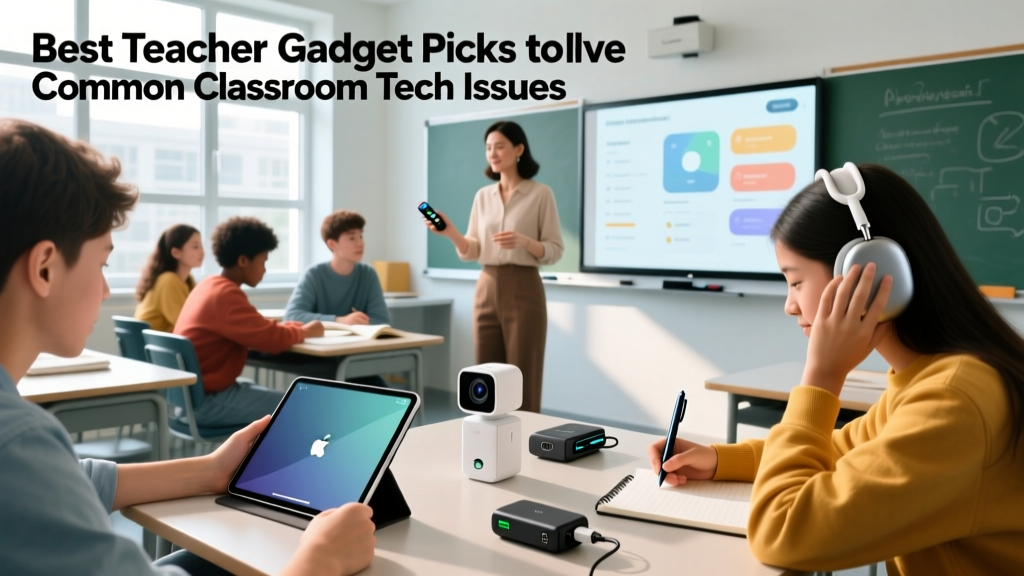
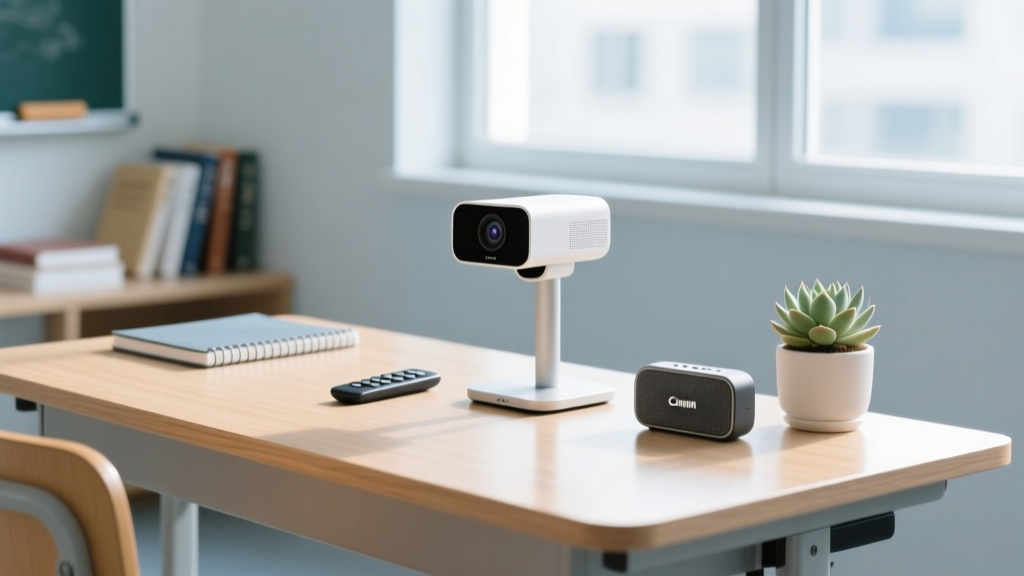
As we navigate the 2026 academic year, the modern classroom is a hybrid ecosystem of interactive flat panels, 1:1 Chromebook fleets, and cloud-based learning management systems. Yet, for education majors stepping into their practicums and veteran educators alike, the daily reality of classroom technology is often defined by friction. Cables fail, Bluetooth drops, and audio fatigue sets in by third period. According to the ISTE Standards for Educators, technology should empower students and streamline learning, not create bottlenecks. That is where a highly curated, problem-solving teacher gadget stack becomes essential. Rather than chasing flashy trends, the most effective educators invest in utilitarian hardware that directly neutralizes common points of failure. Below, we break down four persistent classroom tech problems and the exact, field-tested gadgets that solve them.
Problem 1: The 'Back of the Room' Disconnect
Interactive flat panels (like the Promethean ActivPanel or ViewSonic ViewBoard) are incredible tools, but they tether the instructor to the front of the room. When a teacher needs to manage behavior in the back row or facilitate small-group desk work, losing control of the presentation flow disrupts the lesson's momentum. Standard laser pointers are obsolete, and basic RF clickers lack the precision needed for modern touch-screen interfaces.
The Fix: Logitech Spotlight Presentation Remote
The Logitech Spotlight (Retail: $119) is a premium teacher gadget that replaces the laser with a digital highlight. It uses a digital beam to magnify or spotlight specific areas of your screen directly from the presentation software.
Expert Edge Case & Solution: Many schools in 2026 have dense wireless environments with hundreds of iPads and Chromebooks emitting Bluetooth Low Energy (BLE) signals. This causes BLE interference, resulting in laggy clicker responses. The Spotlight includes a 2.4GHz USB receiver. If your school's BLE spectrum is saturated, bypass the Bluetooth pairing and use the included USB dongle for a rock-solid 100-foot range. Furthermore, its haptic feedback (a subtle vibration when you reach the end of your slide deck) allows you to keep your eyes on your students rather than glancing back at the board.
Problem 2: Clunky Document Sharing & Whiteboard Blindspots
Overhead projectors are long gone, but the need to demonstrate handwritten math equations, annotate physical worksheets, or show 3D science models remains. Relying solely on a digital whiteboard app forces teachers to write with a stylus, which lacks the tactile familiarity and speed of pen on paper. Furthermore, when a teacher writes on a traditional whiteboard, their body often blocks the view for half the classroom.
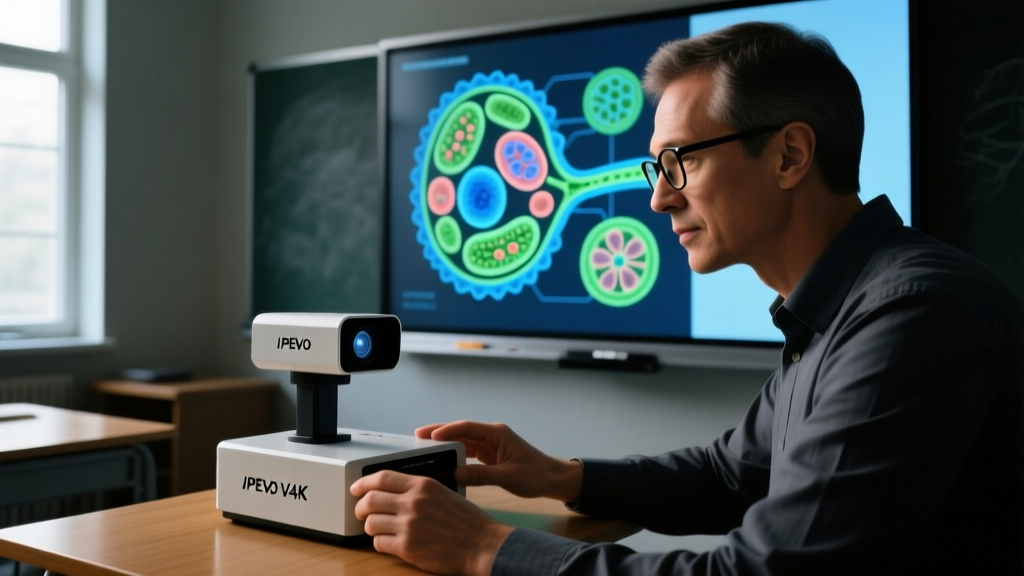
The Fix: IPEVO V4K Ultra High Definition USB Document Camera
The IPEVO V4K (Retail: $129) features an 8-megapixel Sony Exmor sensor capable of outputting at 3264 x 2448 resolution at 30 frames per second. It captures crisp, high-contrast text and renders colors accurately, which is vital for color-coded chemistry or geography maps.
Expert Edge Case & Solution: A notorious issue with document cameras in older school buildings is the 'flicker effect' caused by the mismatch between the camera's shutter speed and the 60Hz refresh rate of aging fluorescent classroom lights. To fix this, open the IPEVO Visualizer software on your connected laptop, navigate to the camera settings, and manually lock the anti-flicker frequency to 60Hz. This instantly eliminates the strobe effect on the projector screen, reducing cognitive load and eye strain for your students, a key principle highlighted in Edutopia's Technology Integration Guide.
Hardware Comparison: IPEVO V4K vs. Epson DC-21
| Feature | IPEVO V4K (2026 Standard) | Epson DC-21 (Legacy Alternative) |
|---|---|---|
| Sensor Resolution | 8MP (3264 x 2448) | 1080p (1920 x 1080) |
| Frame Rate | 30fps at max res | 30fps at 1080p |
| Connectivity | USB 3.0 (Bus-powered) | HDMI / VGA (Requires AC Power) |
| Portability | Highly portable, folds flat | Bulky, requires dedicated desk space |
| Estimated Price | $129 | $399 |
Problem 3: Audio Fatigue and Vocal Strain
Projecting your voice over the hum of HVAC systems, shuffling papers, and active group work leads to severe vocal fatigue. By Friday, many educators experience hoarseness or laryngitis. While some classrooms are equipped with ceiling-mounted audio enhancement systems, these are often poorly calibrated, suffer from dead zones, or are locked behind complex AV control panels that waste precious instructional time.
The Fix: Winbridge S92 Pro Voice Amplifier
The Winbridge S92 Pro (Retail: $65) is a wearable, 12W voice amplifier that clips to your belt or strap. It utilizes a UHF wireless headset microphone, freeing you from the tether of a wired lapel mic. The 2200mAh battery provides up to 15 hours of continuous talk time, easily surviving a full week of teaching on a single charge.
Expert Edge Case & Solution: Feedback loops (that ear-piercing squeal) occur when the amplifier's speaker is pointed directly at the microphone, or when you walk too close to a reflective surface like a glass window or a smartboard. To prevent this, always position the Winbridge speaker on your hip, angled slightly away from your chest, and keep the headset mic exactly one inch from the corner of your mouth. If your classroom has a built-in ceiling mic system for recording lectures, turn the ceiling system's gain down to avoid a secondary feedback loop.
Pro-Tip for Education Majors: When completing your student teaching practicum, bringing your own personal voice amplifier signals to your supervising teacher and administration that you are proactive about classroom management and personal sustainability. It is a subtle but highly respected professional move.
Problem 4: Device Chaos and Charging Nightmares
The 1:1 device initiative is standard in 2026, but the logistics of storing and charging 25 to 30 Chromebooks or iPads in a single classroom is a logistical nightmare. Relying on power strips daisy-chained across the floor creates tripping hazards, violates fire codes, and inevitably results in five dead devices by the start of second period because a student failed to push the plug in all the way.
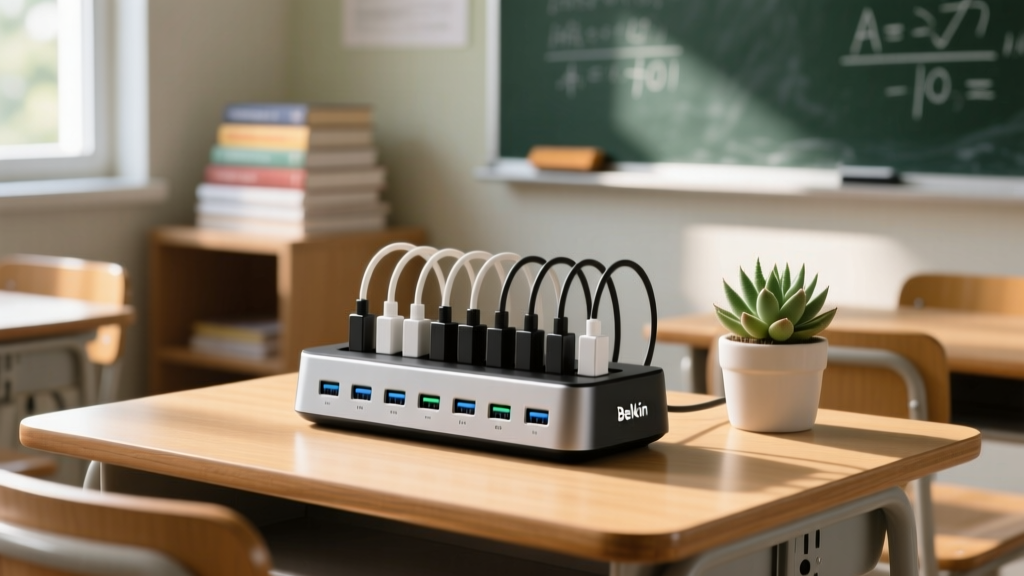
The Fix: Belkin Store and Charge 10-Device Station
The Belkin Universal Charging Station (Retail: $115 for the 10-port model) is a compact, heavy-duty hub that provides a centralized, safe charging depot. It features a rugged steel chassis and an integrated cable management system that prevents cords from tangling or being yanked out by accident.
Expert Edge Case & Solution: A critical misunderstanding among teachers is the wattage output of multi-port hubs. The Belkin 10-port station outputs roughly 68W total, meaning it distributes about 6.8W per port. Modern Chromebooks require 45W to charge while actively in use. Therefore, this gadget is strictly an overnight or storage charging solution, not a 'charge-while-you-work' station. Train your students to plug in their devices at the end of the day or during lunch. For active in-class charging, you must rely on high-wattage GaN wall adapters.
Quick-Reference Teacher Gadget Matrix
For a quick overview of the problem-solving gear mentioned above, refer to this decision matrix before submitting your next classroom supply requisition form.
| Gadget | Primary Problem Solved | Key Spec to Watch | Approx. Cost |
|---|---|---|---|
| Logitech Spotlight | Tethering to the front board | Use 2.4GHz dongle in dense BLE zones | $119 |
| IPEVO V4K Camera | Whiteboard blindspots & tactile writing | Set anti-flicker to 60Hz for fluorescents | $129 |
| Winbridge S92 Pro | Vocal strain and audio fatigue | Angle speaker away from mic to stop feedback | $65 |
| Belkin 10-Port Hub | Floor cables and dead student devices | 6.8W/port means overnight use only | $115 |
Final Thoughts on Building a Resilient Tech Stack
Ultimately, the best technology in an educational setting is the technology you forget is there. When evaluating any new teacher gadget, run it through a simple stress test: Does this reduce friction, or does it add a new layer of troubleshooting? By focusing on practical, problem-solving hardware like digital presentation remotes, high-framerate document cameras, and centralized charging hubs, you protect your instructional time and create a smoother, more engaging learning environment. For more insights on managing digital workflows, Common Sense Education offers excellent frameworks for integrating these tools without overwhelming your students. Invest in the right utilities, and let your teaching—not your tech support skills—take center stage.
Written by
Nina PetrovaNina Petrova holds a Master's degree in Child Development from the Erikson Institute and a B.S. in Nursing from the University of Illinois at Chicago. She worked as a pediatric nurse for 6 years before transitioning to family technology consulting, bringing clinical rigor to her evaluations of kid-friendly gadgets, educational toys, and parental control software. Nina has reviewed over 400 children's tech products, testing each for safety compliance (CPSC and ASTM standards), developmental appropriateness across age groups, screen-time impact, and data privacy practices. She serves on the Children's Technology Review advisory board and has testified before the FTC on children's data protection in connected toys. Her reviews are trusted by parents and educators alike for their evidence-based approach to balancing technology benefits with child safety.